Create a New Pipeline Stage in Moxie
1. Navigate to https://create.withmoxie.com/home
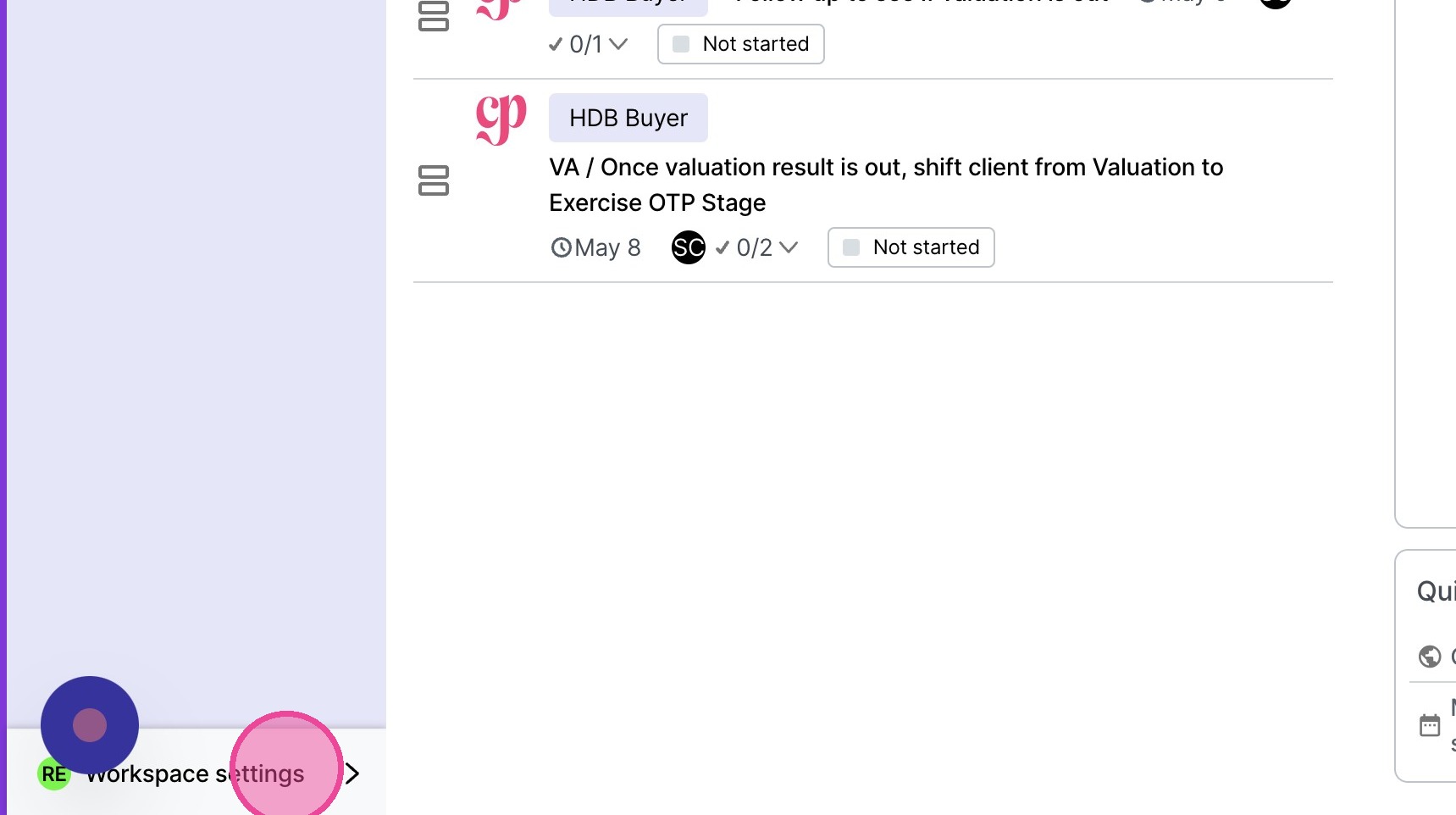
2. Click "Workspace settings"
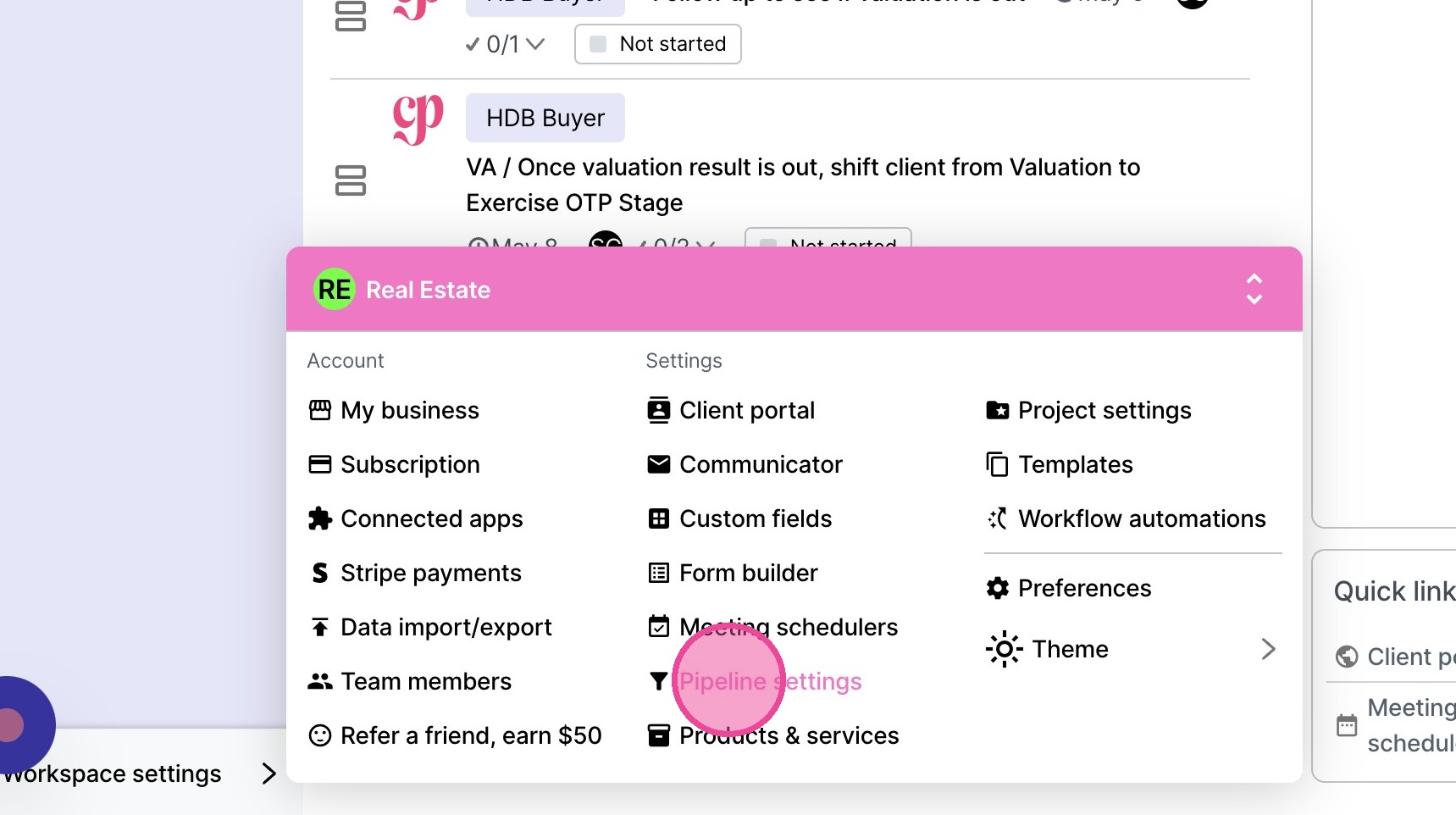
3. Click "Pipeline settings"
4. Click this icon.
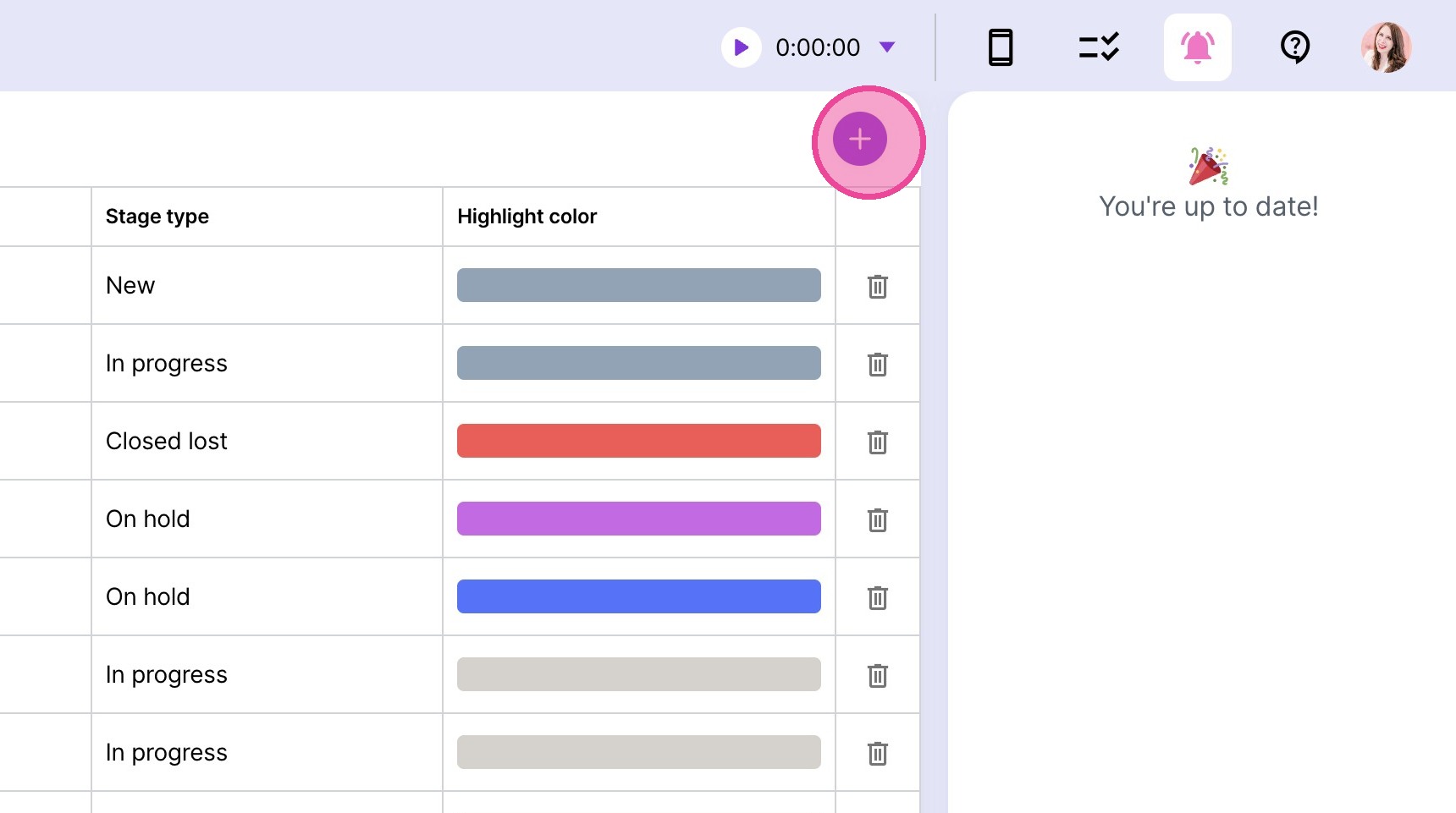
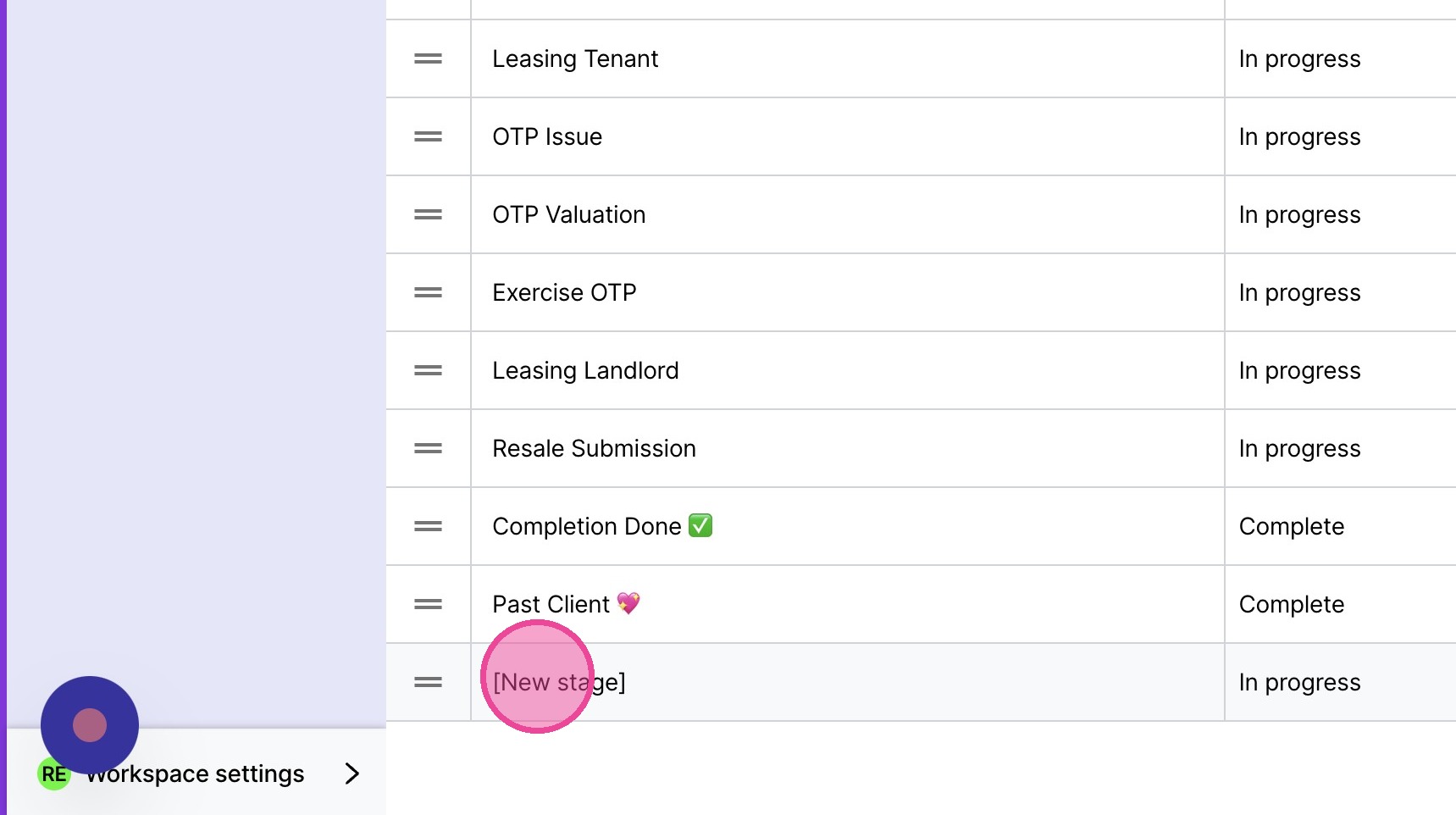
5. A new stage will be added to the bottom of the list. Double-click "[New stage]" & type the correct title.
6. Select what type of stage it is.
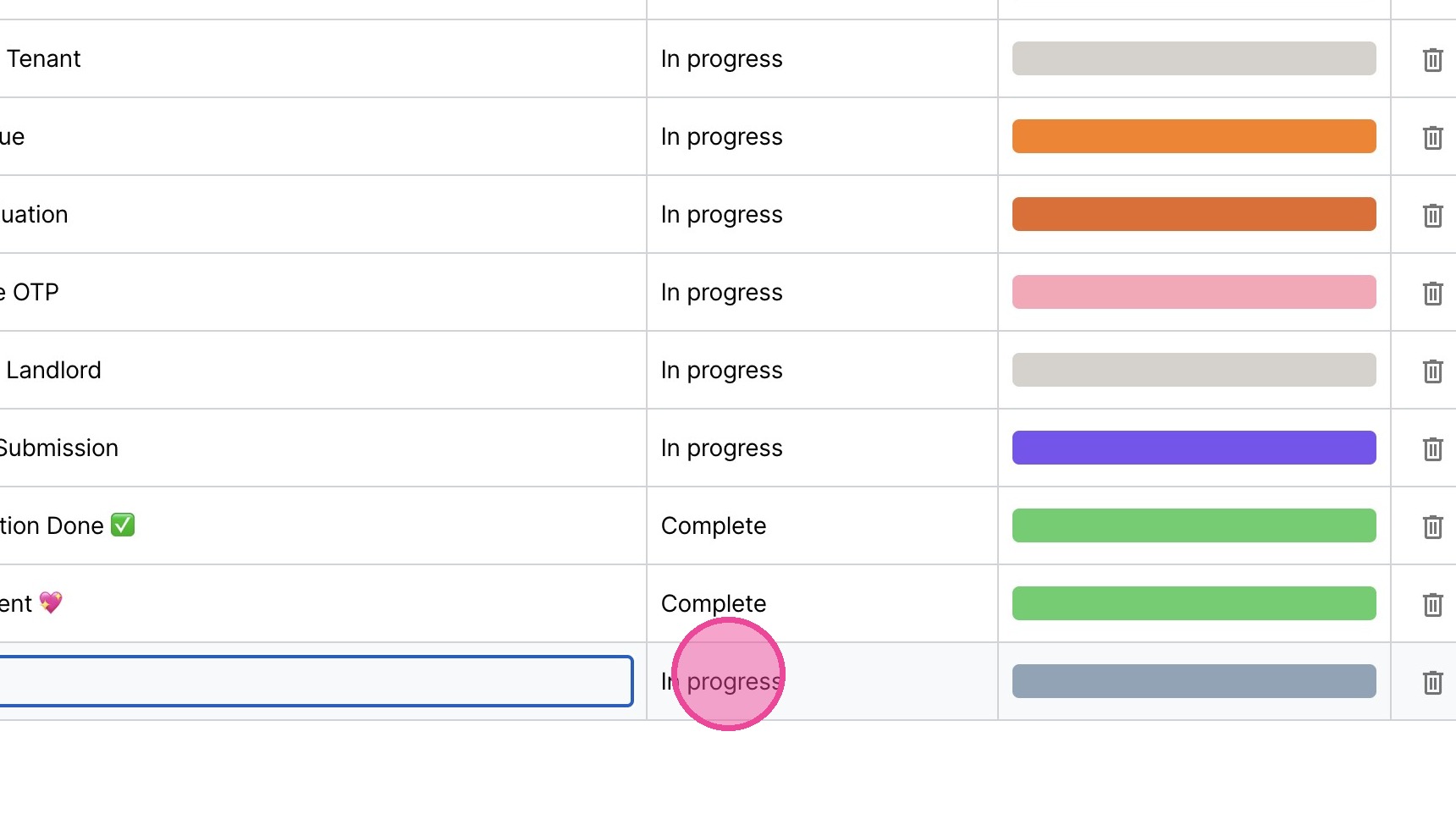
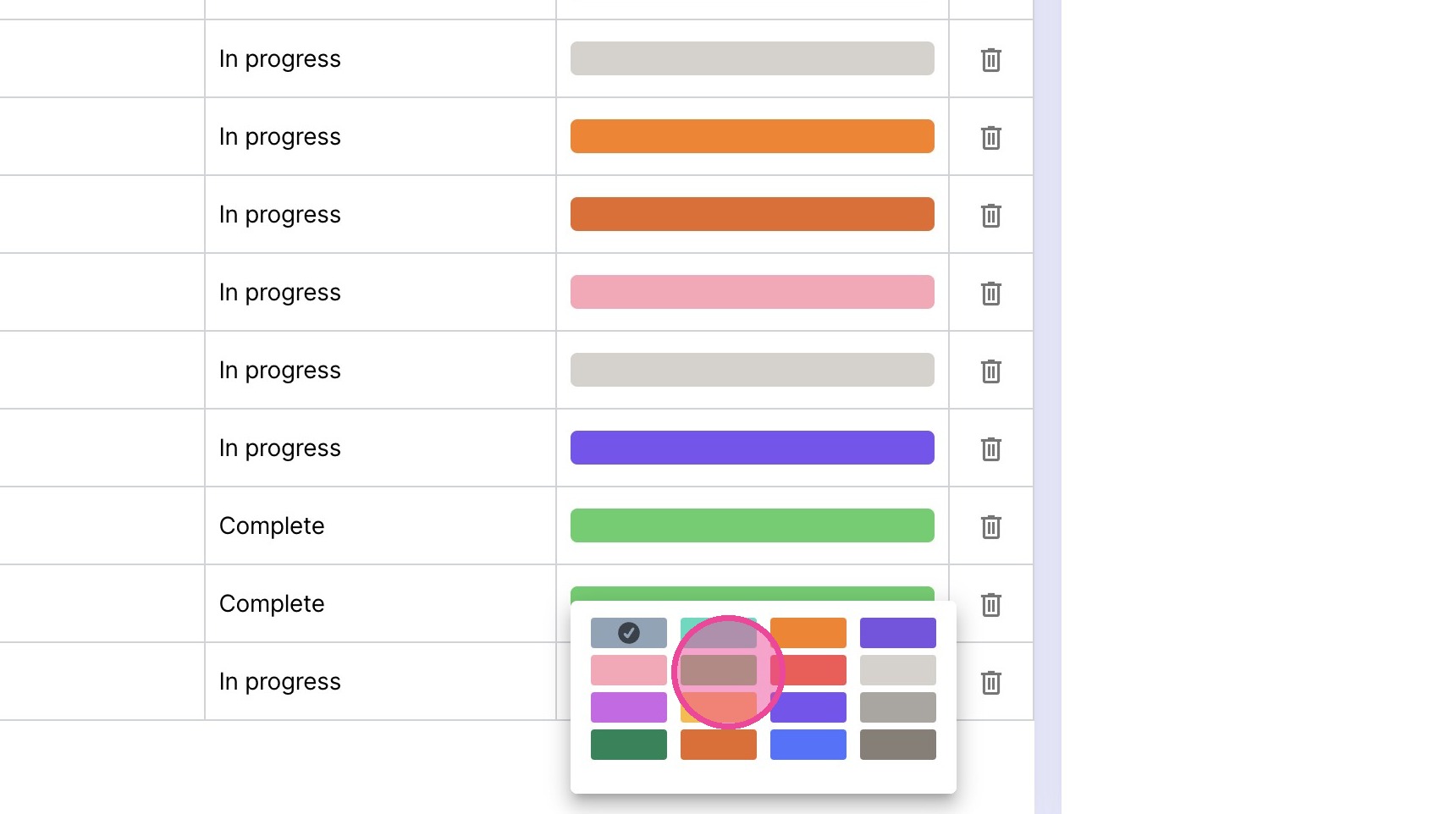
7. Update the color as desired.