Update Business Information
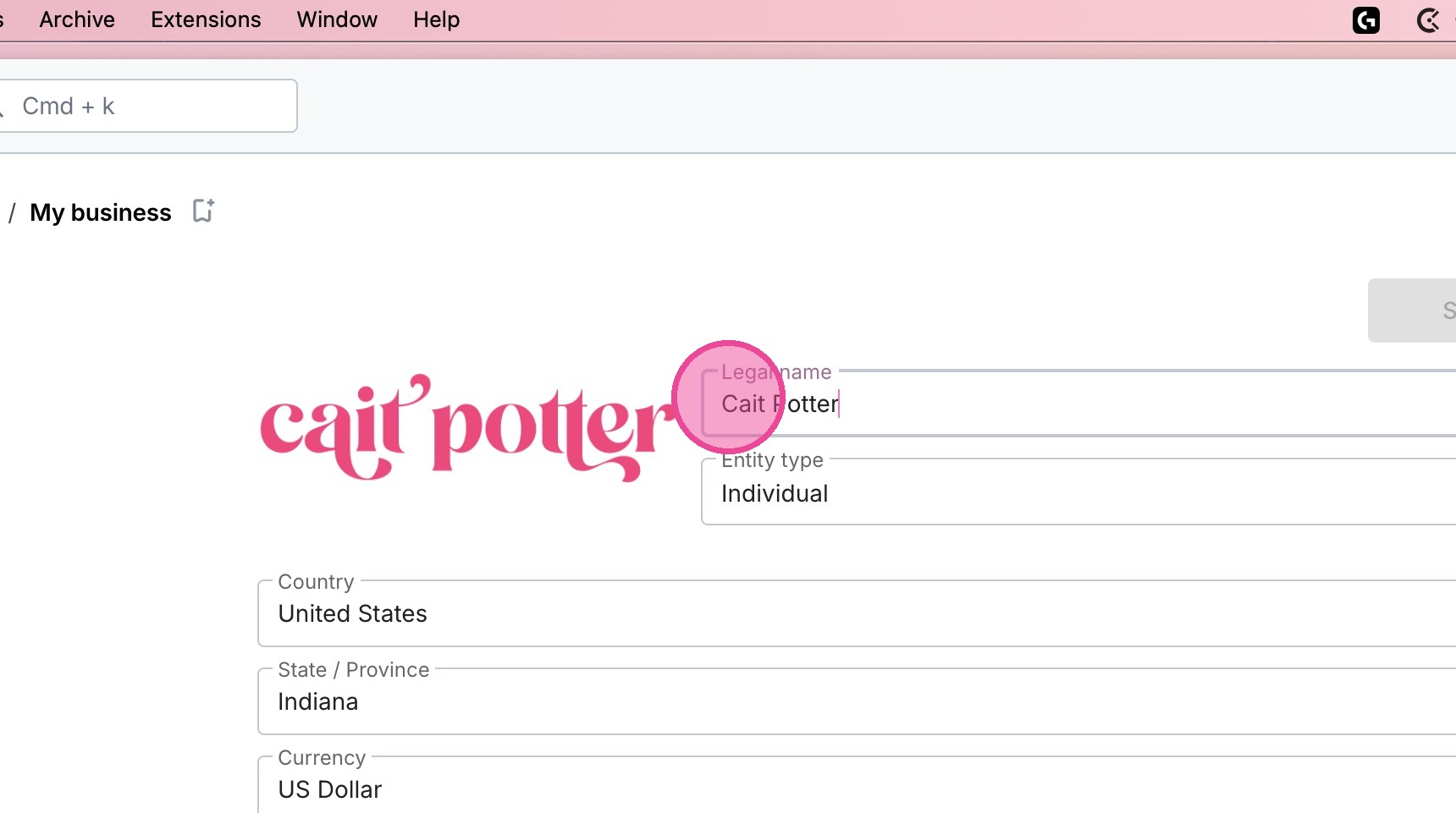
This guide will show you how to update things like your business name, your phone number, address, and other basic information fields in Moxie.
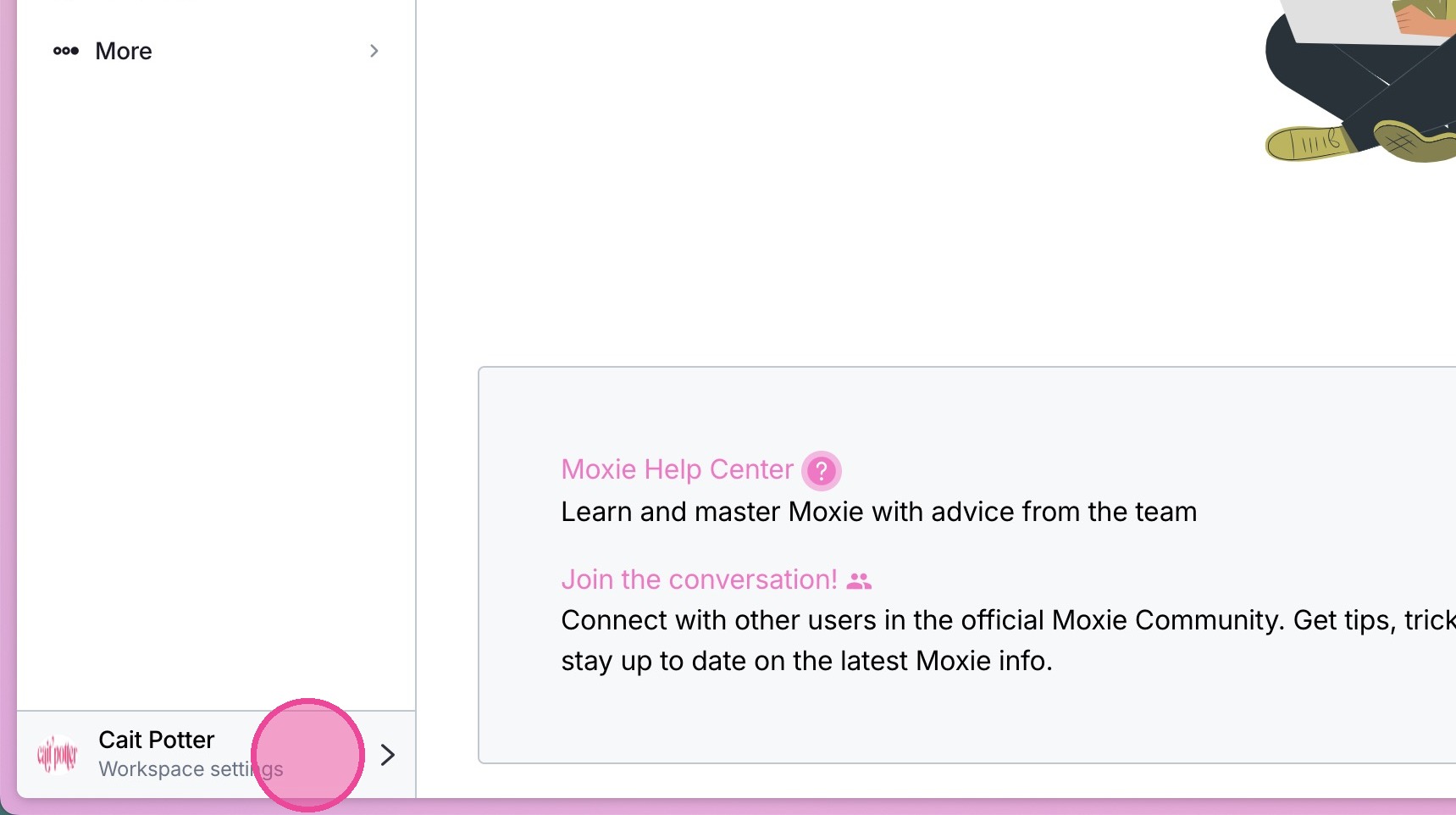
1. Click your workspace settings in the bottom left.
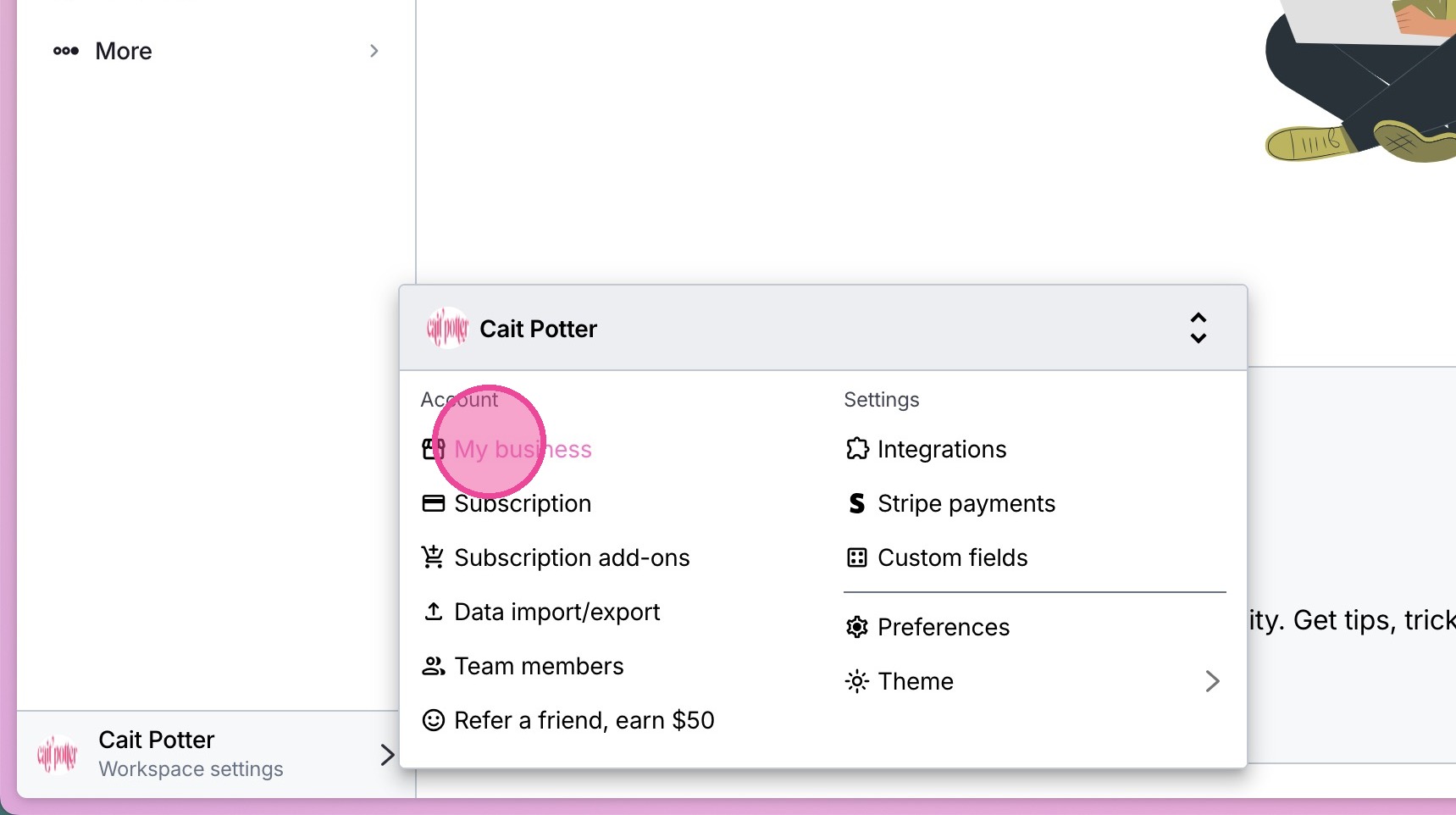
2. Click "My business"
3. Update your Information. Don't forget to hit save!