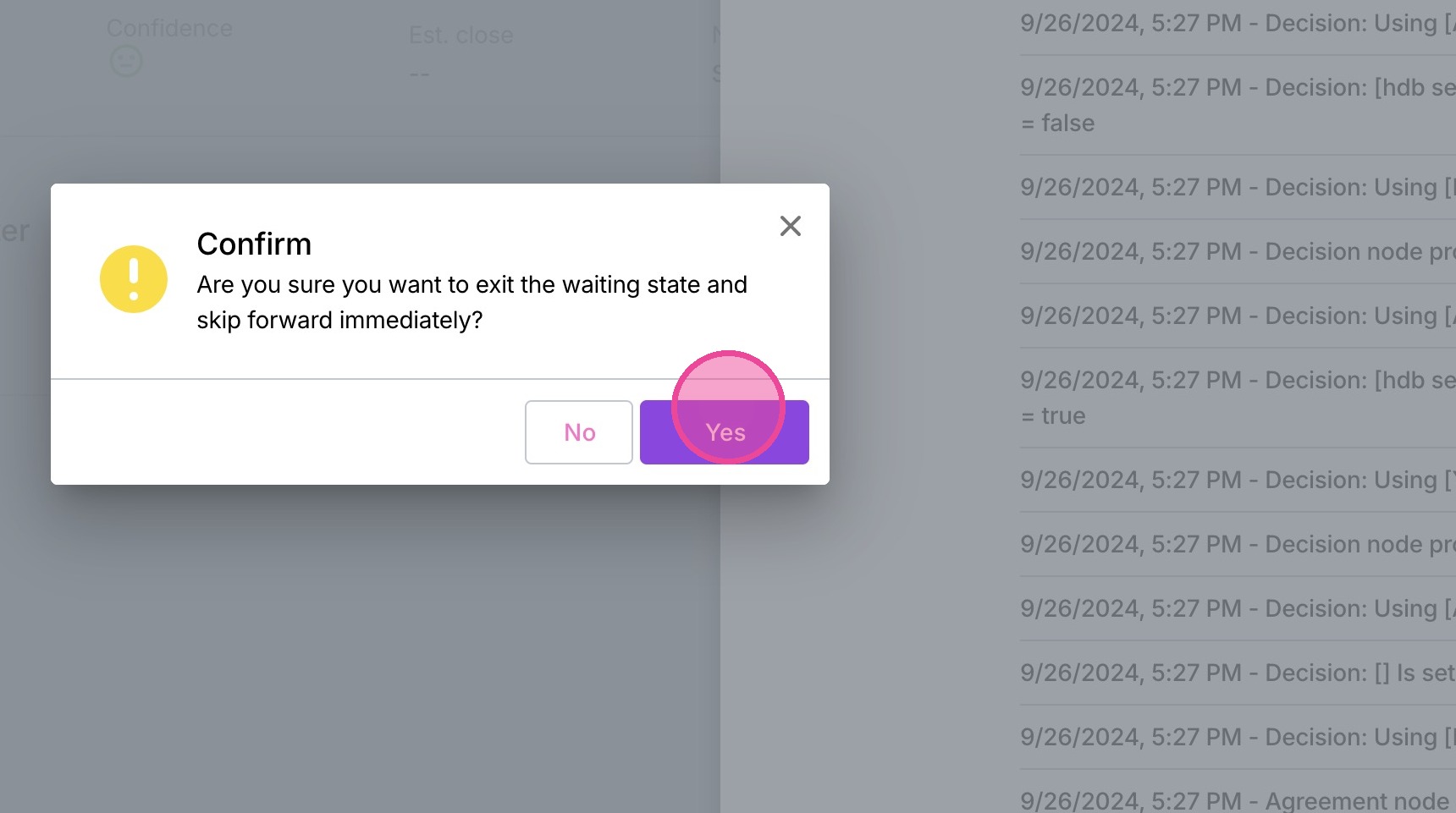
Skip Forward in Moxie Automation Testing
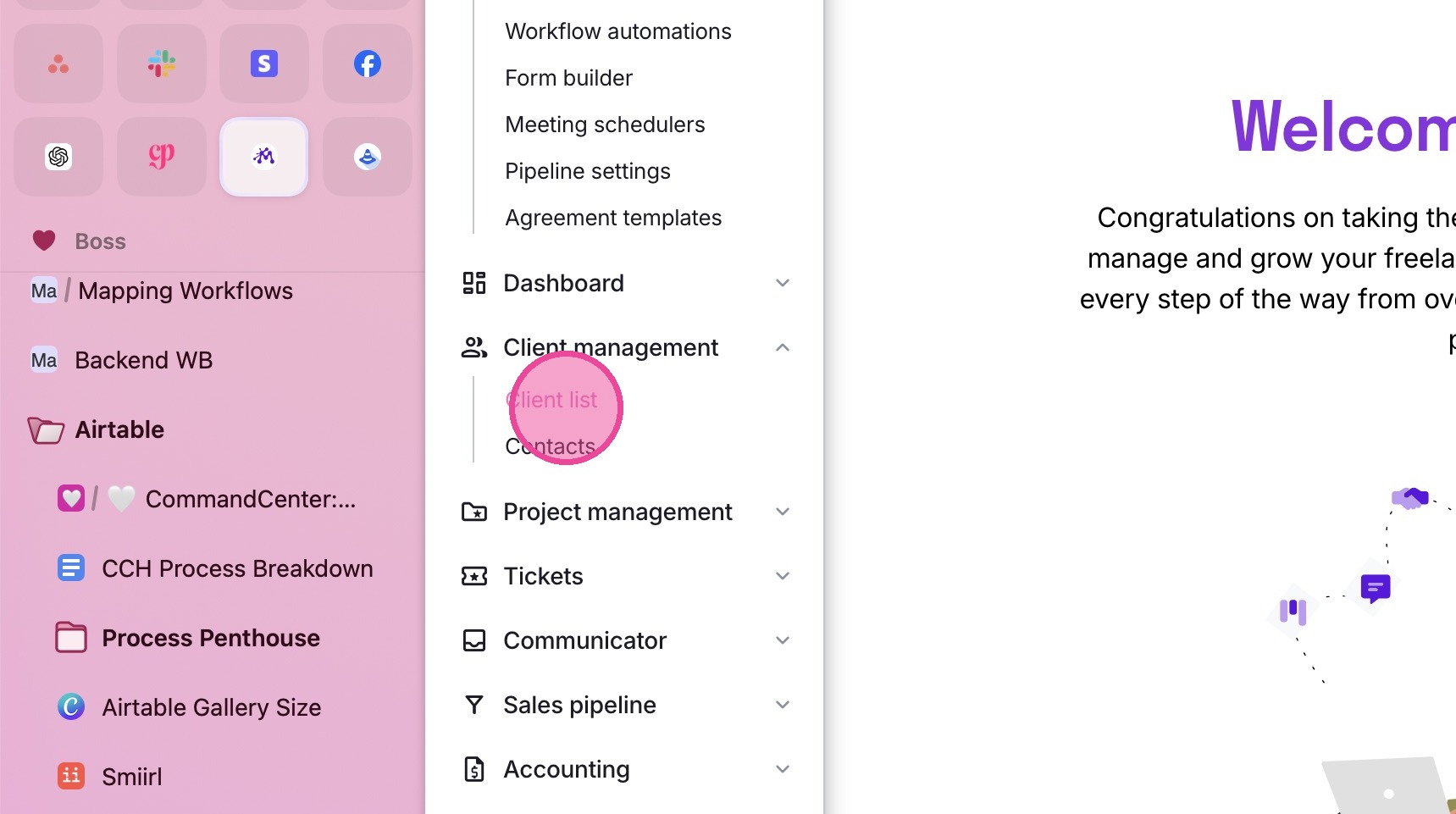
1. Click "Client List"
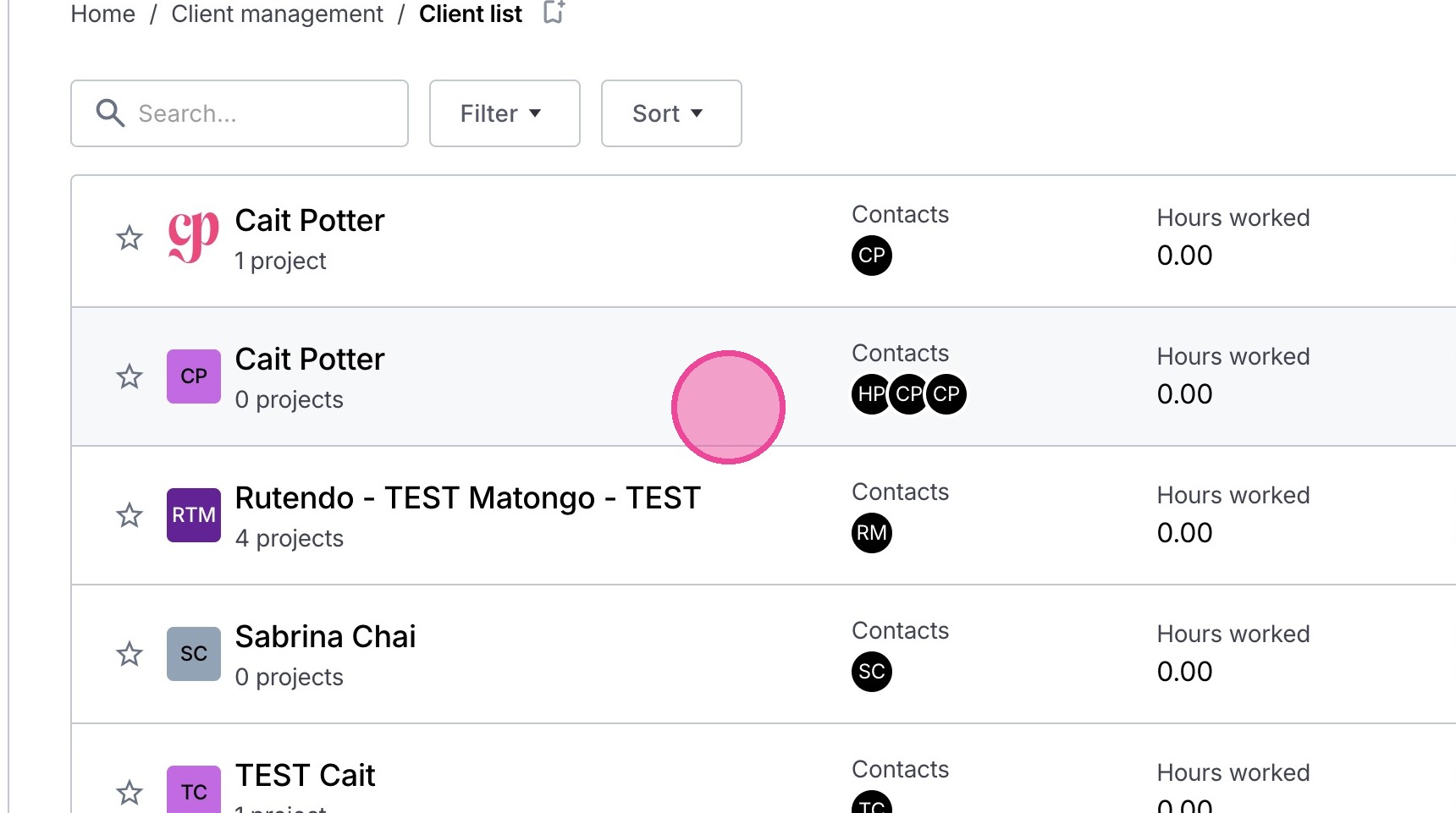
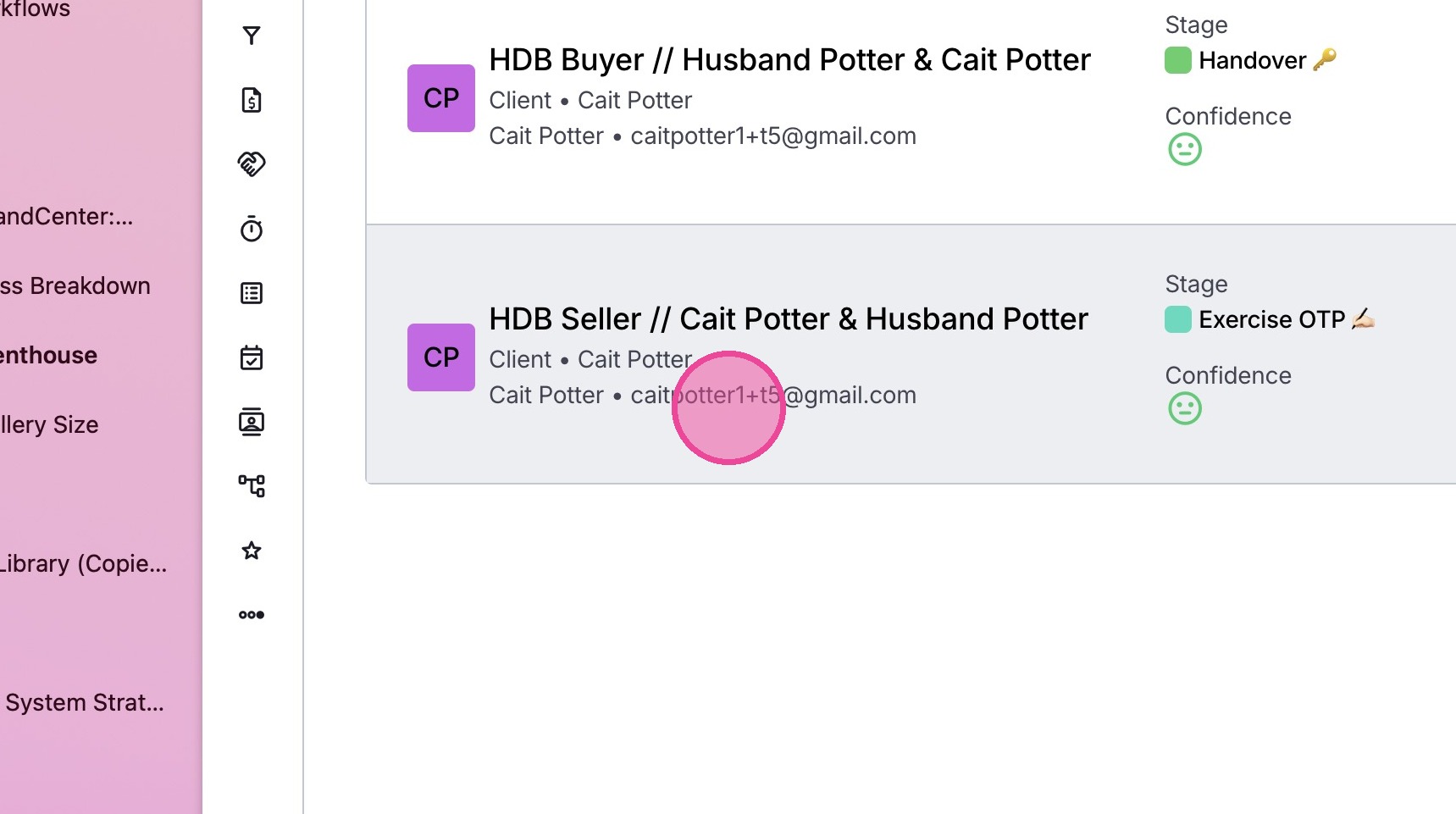
2. Select the relevant client.
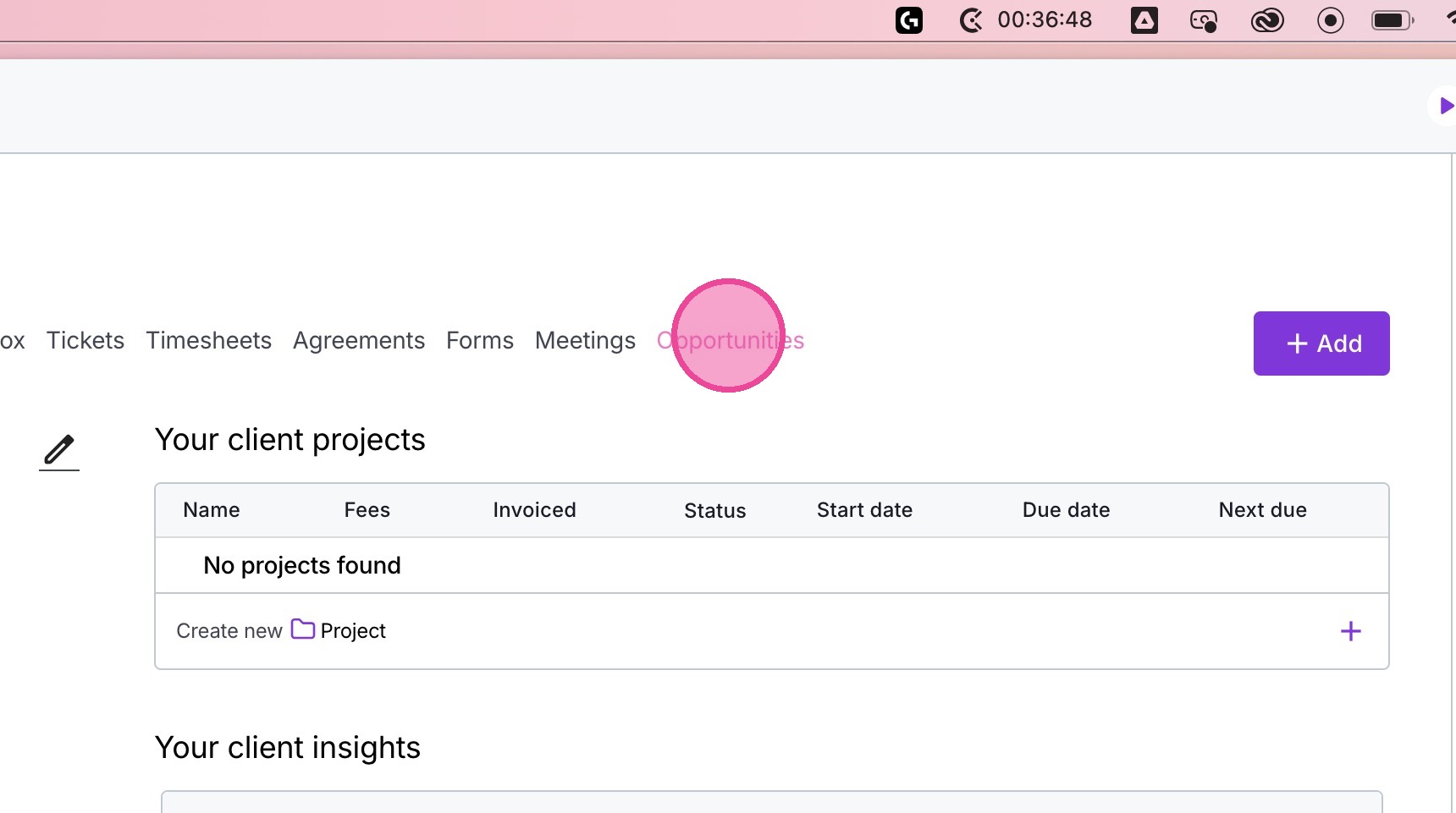
3. Click the Opportunities tab.
4. Select the relevant opportunity.
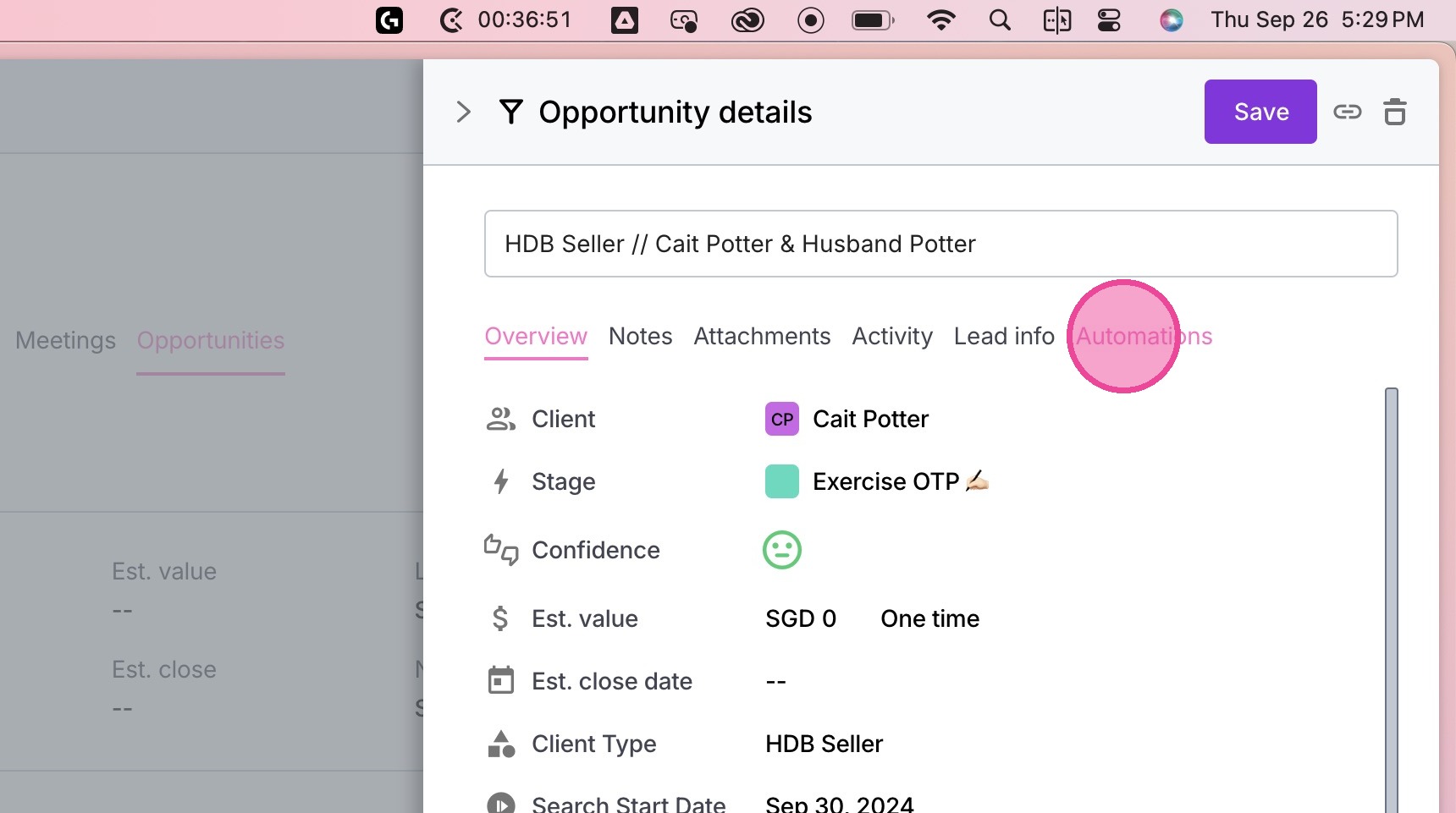
5. Go to the Automations tab.
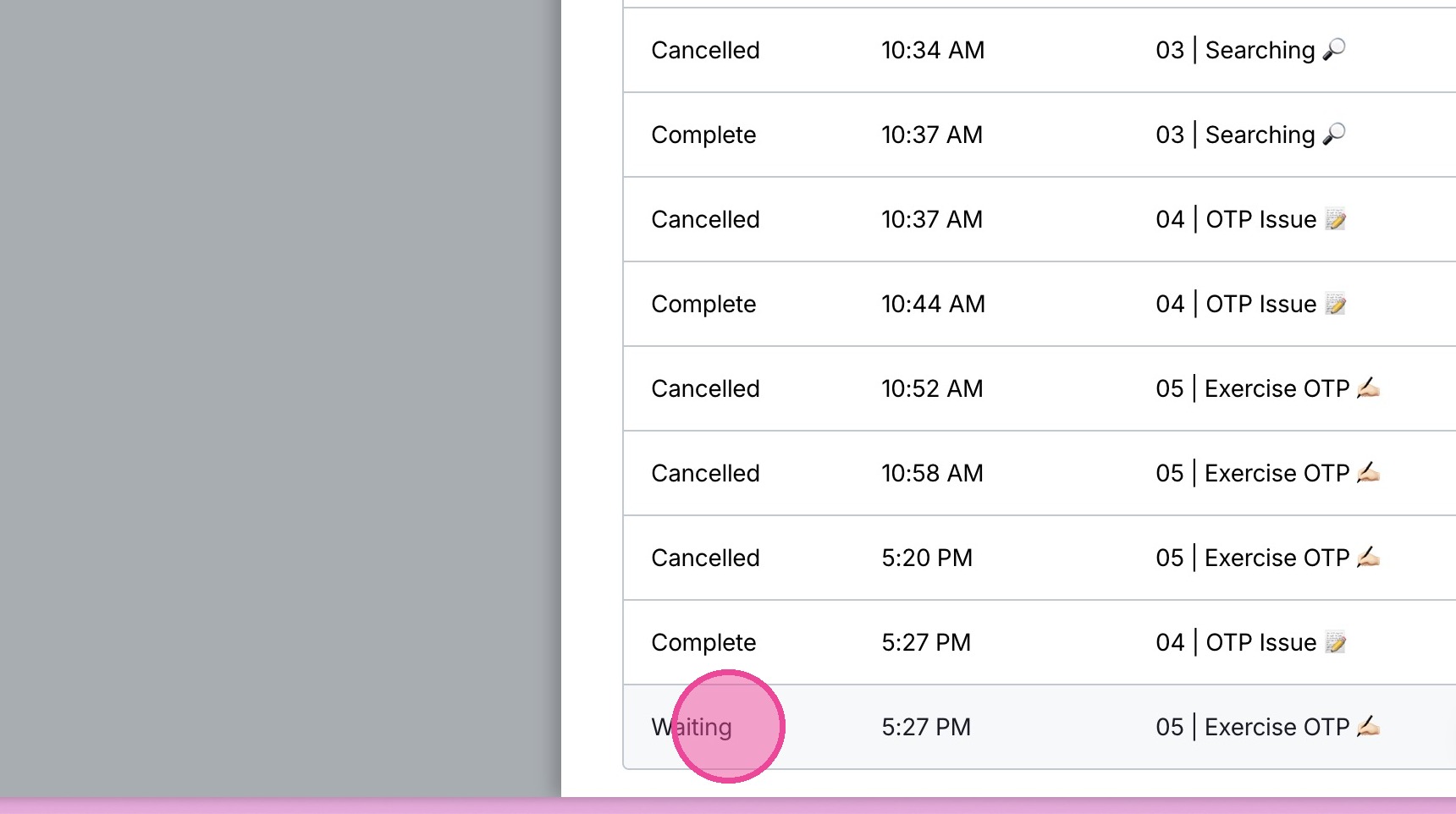
6. Locate the relevant workflow & click it.
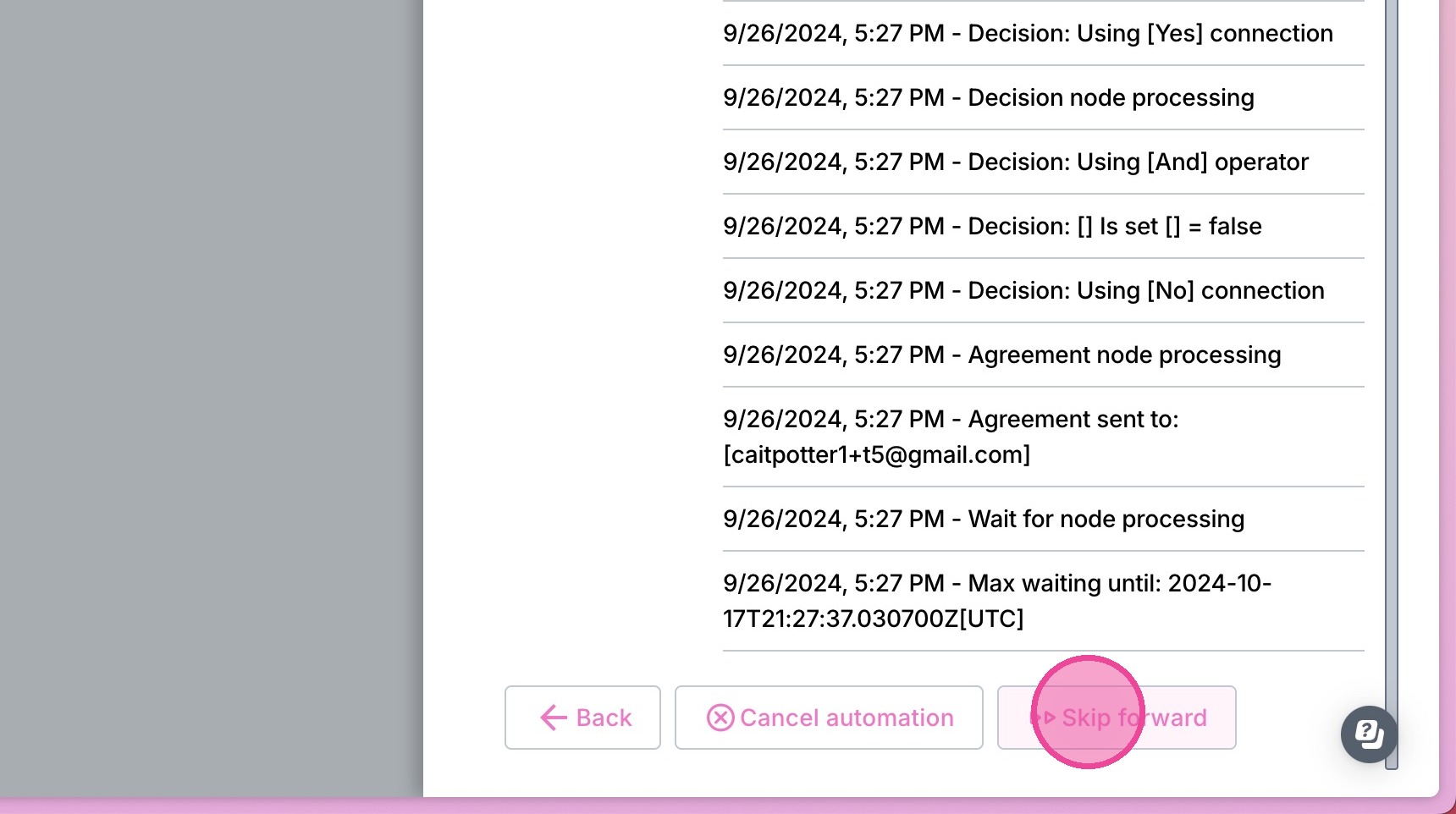
7. Click "Skip forward"
8. Click "Yes"