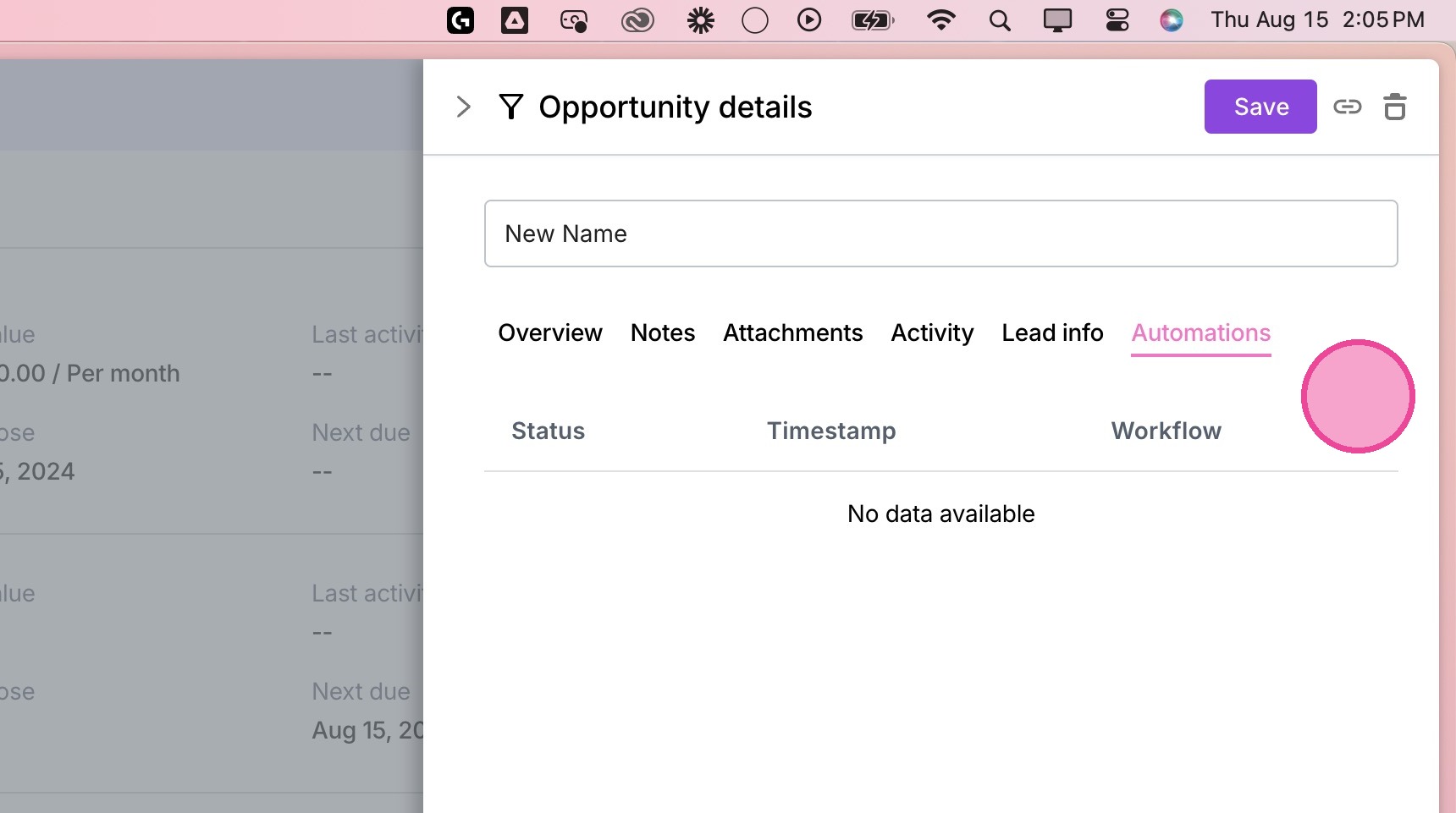
Review or Update Opportunity fields
1. Navigate to the relevant client
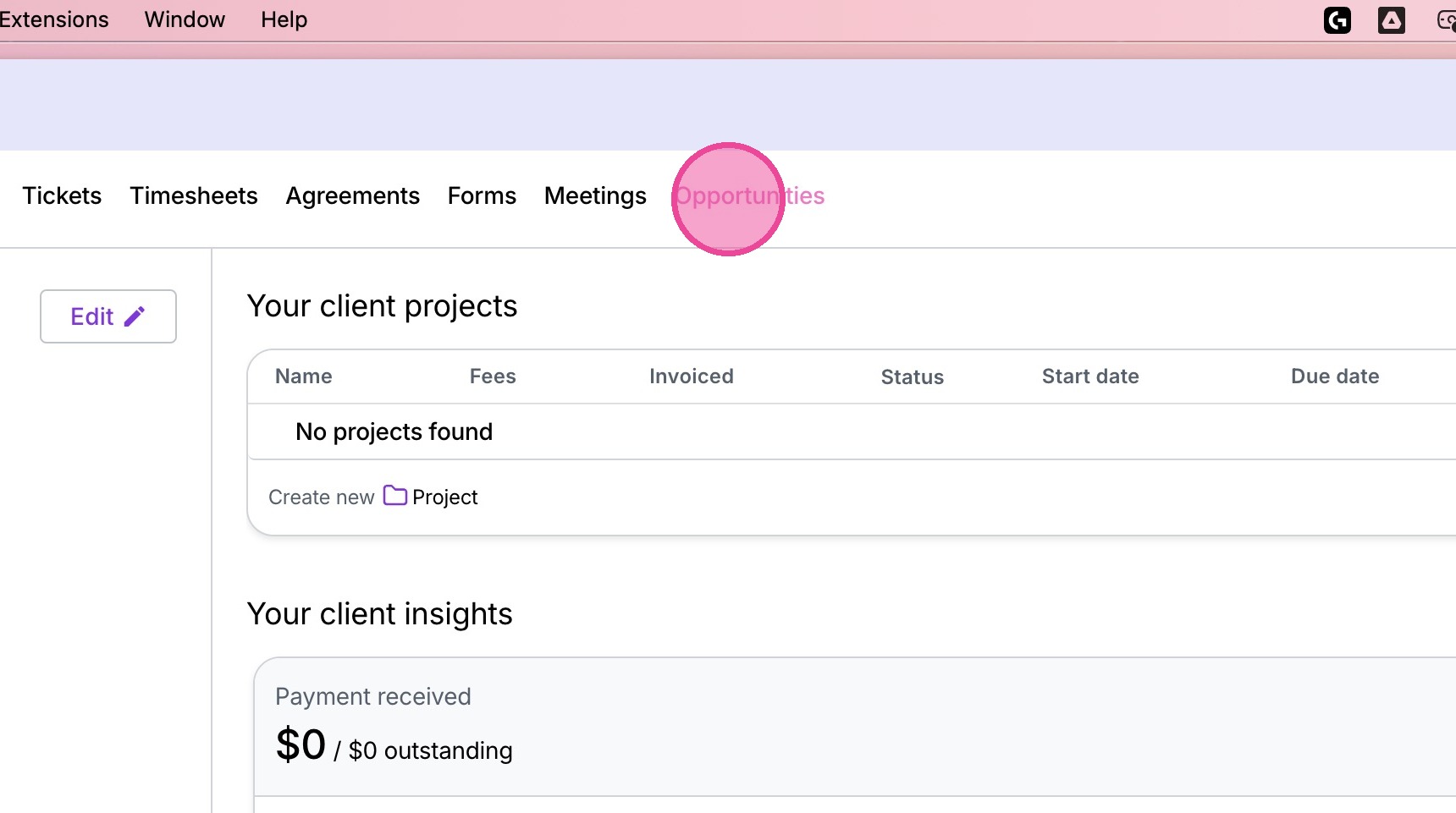
2. Click "Opportunities"
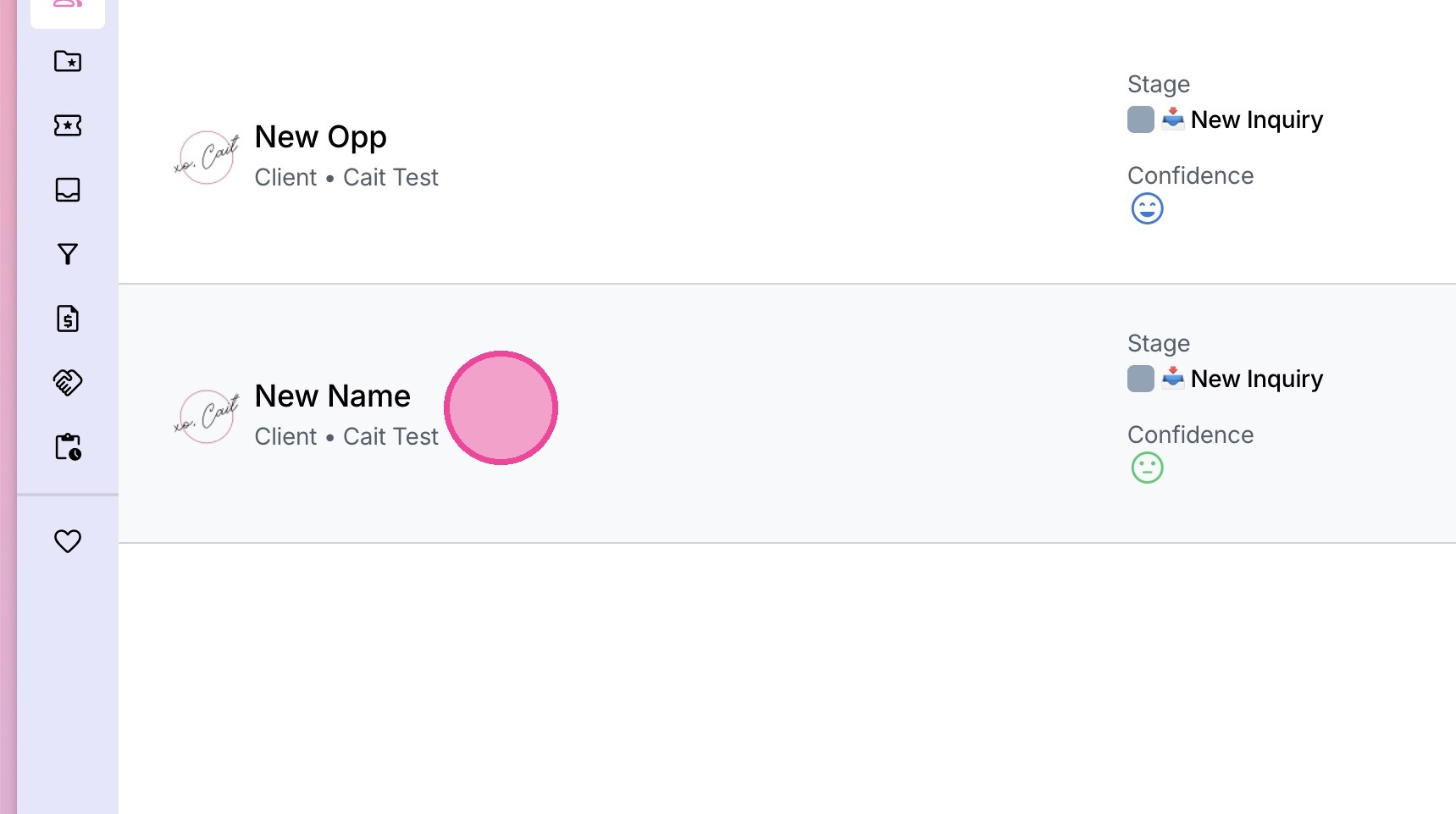
3. Select the relevant Opportunity
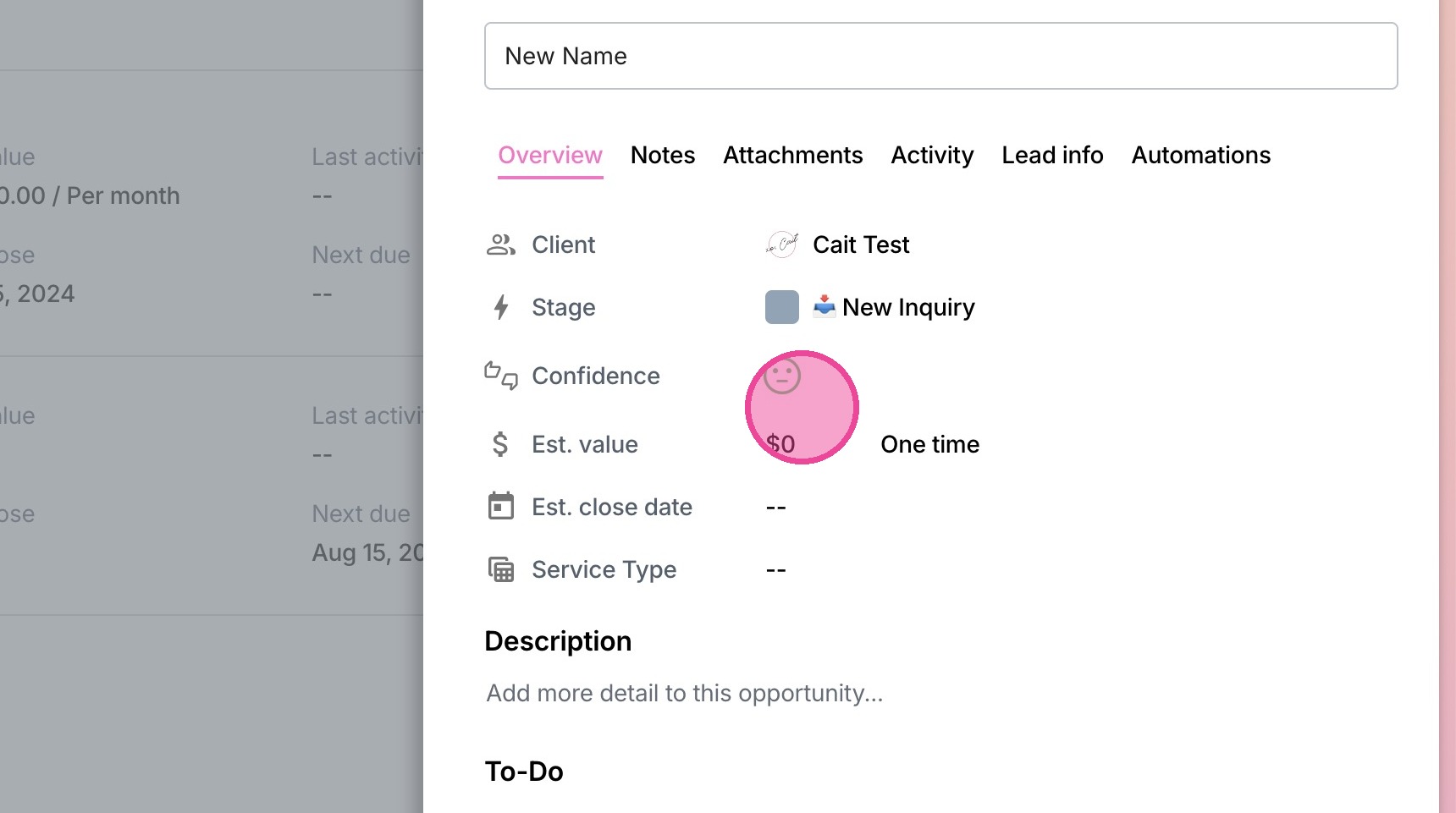
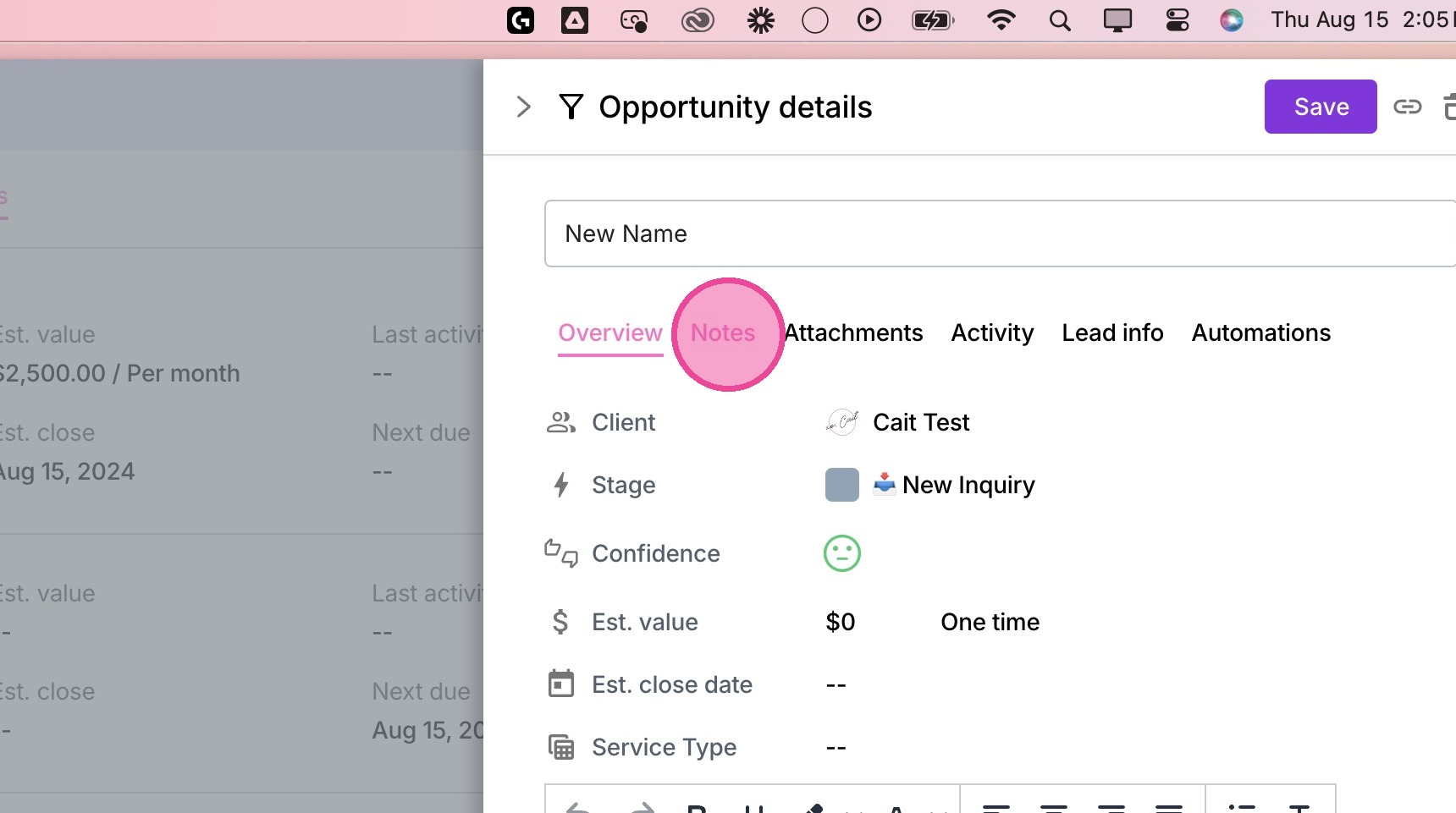
Overview
4. Review & update any fields as needed.
Notes
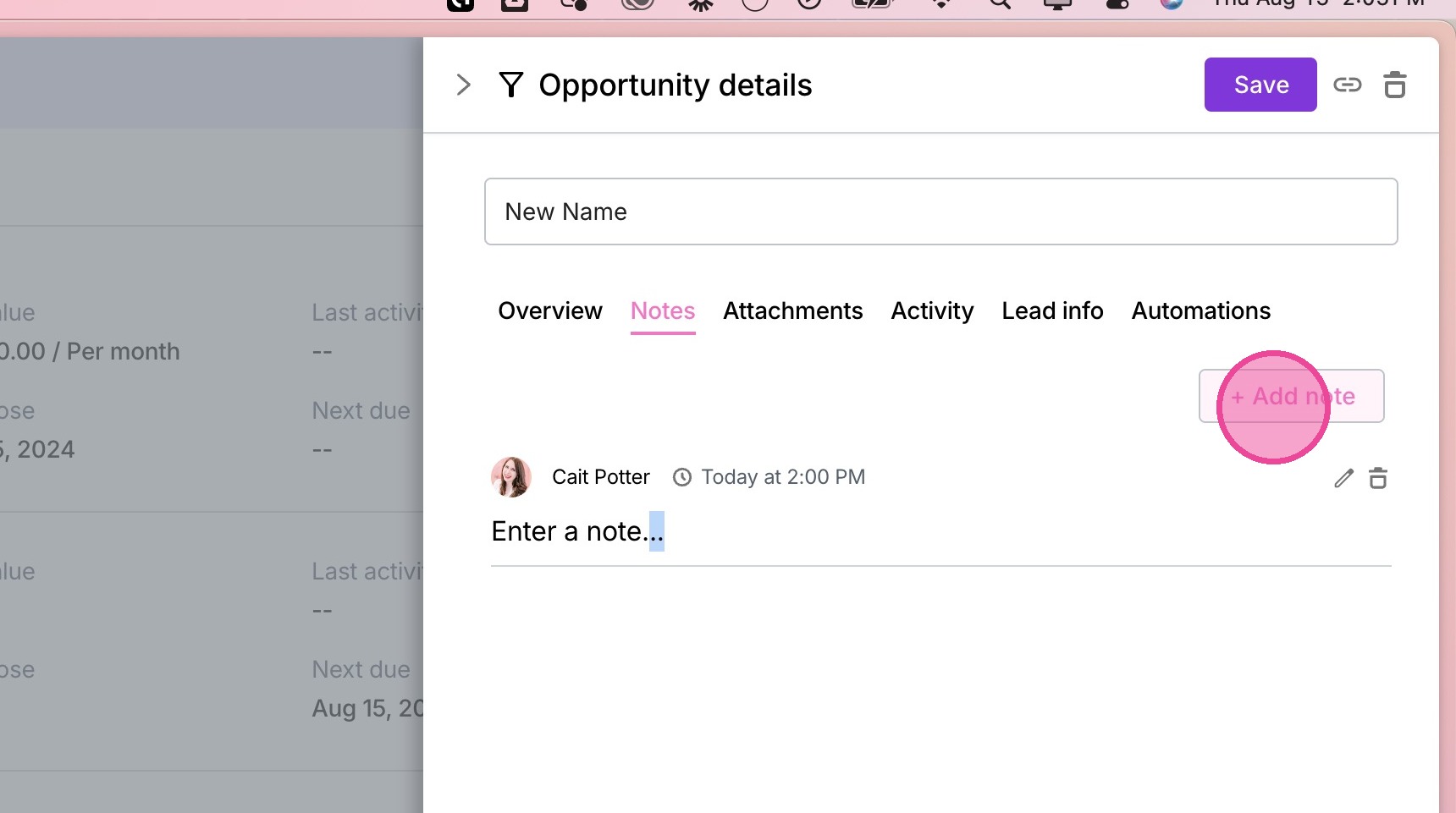
5. Navigate to the Notes tab.
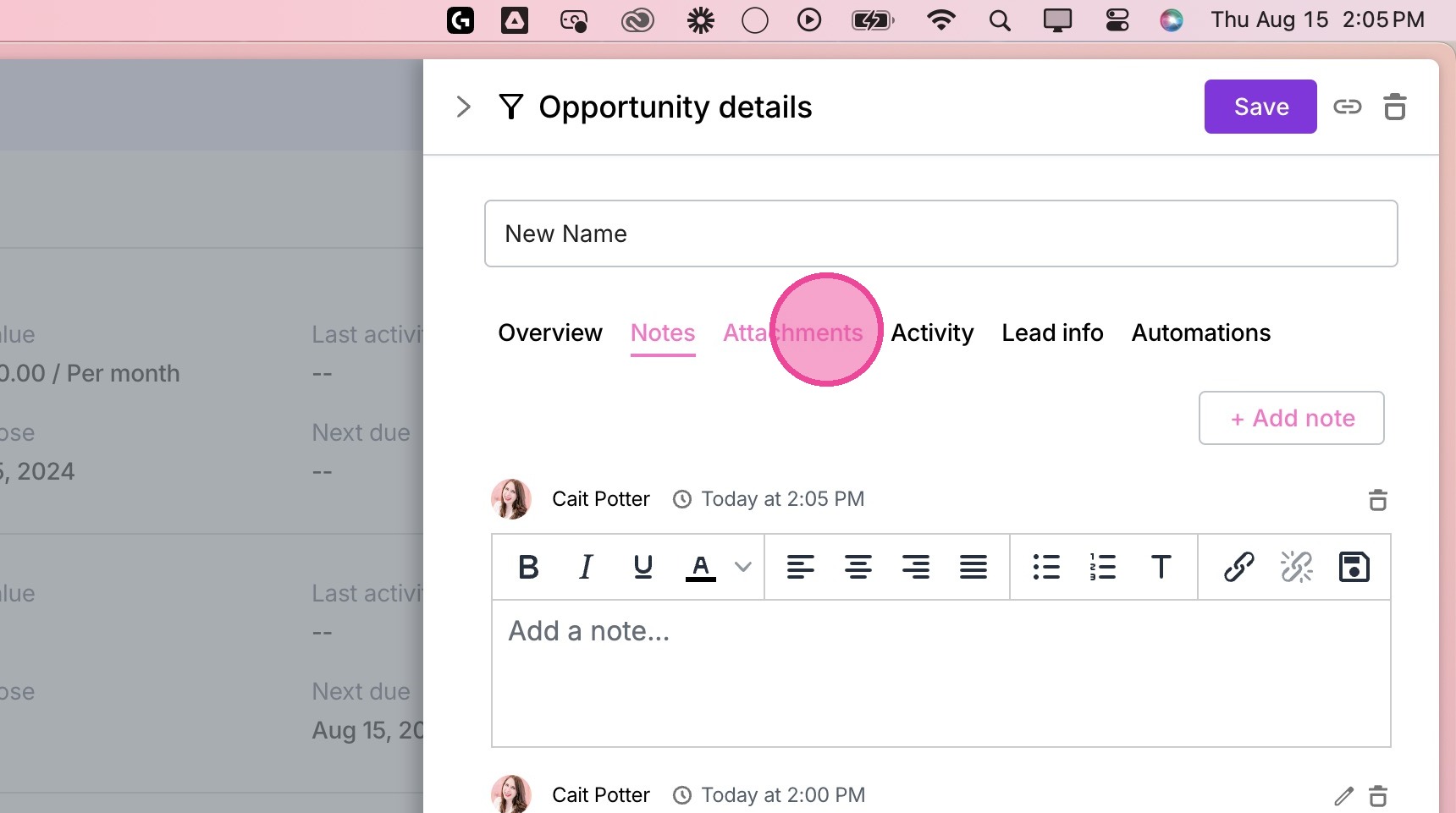
6. Add any desired internal notes.
Attachments
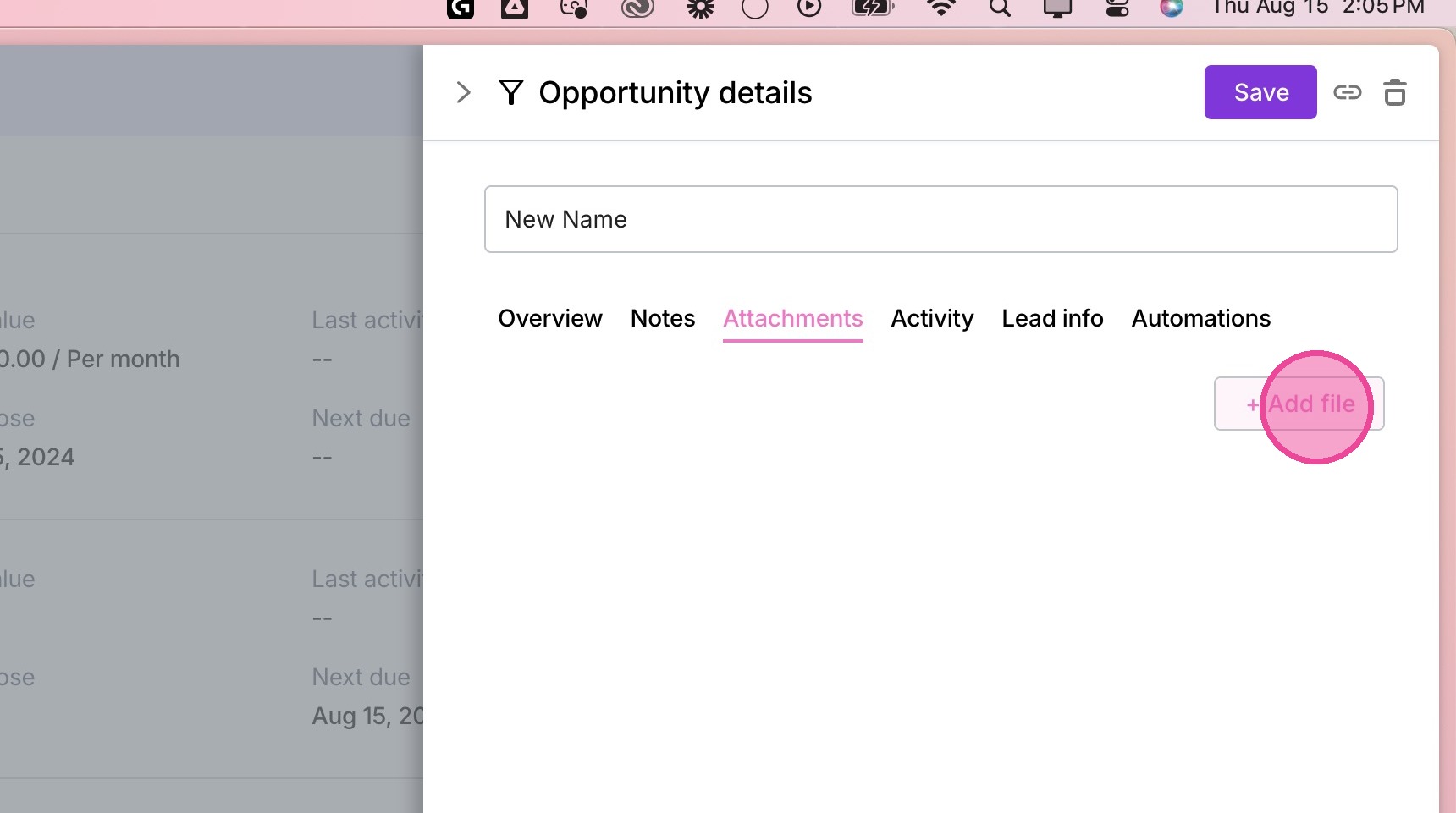
7. Navigate to the Attachments tab.
8. Attach any desired files.
Activity Info
9. Click "Activity".
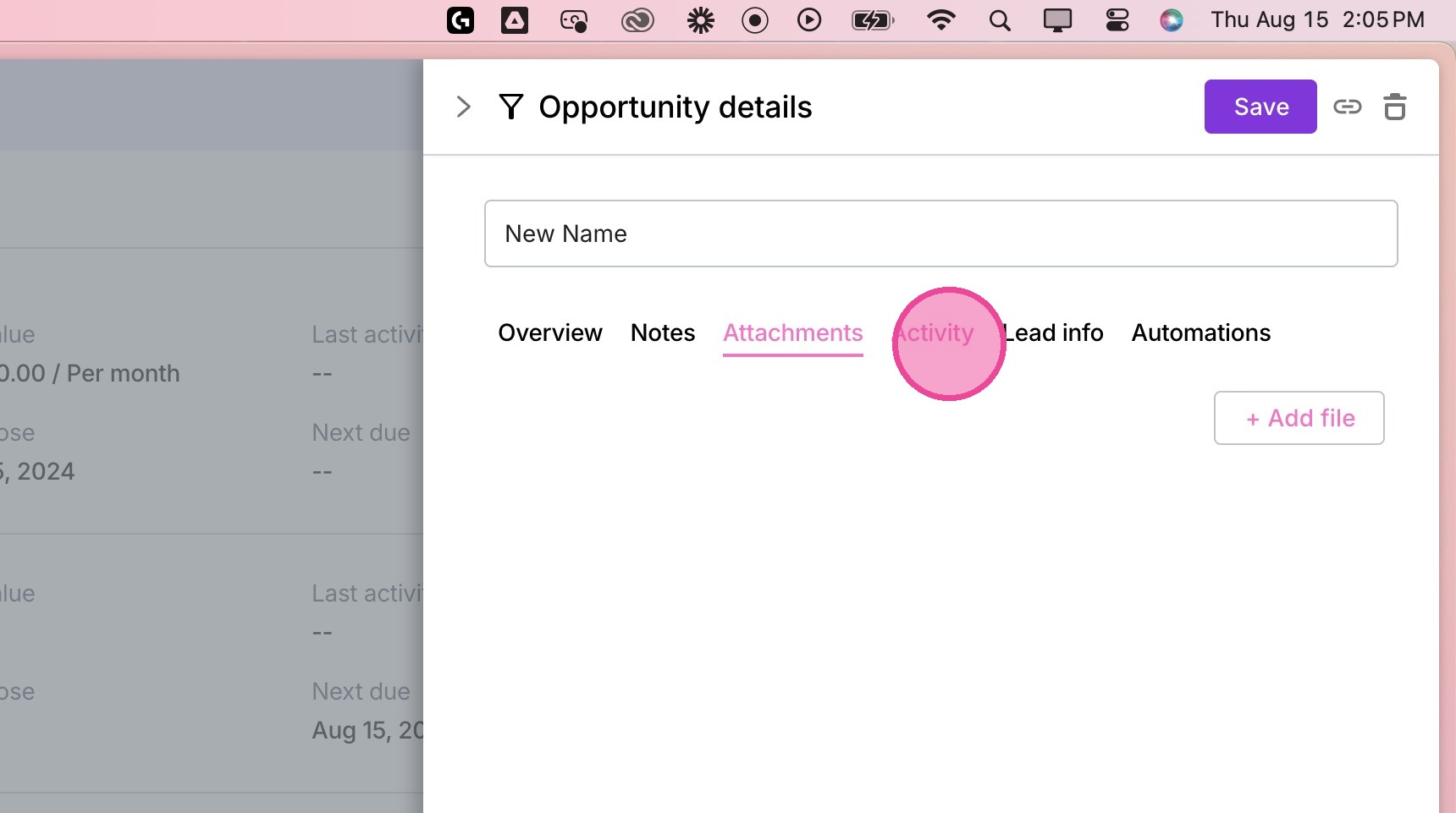
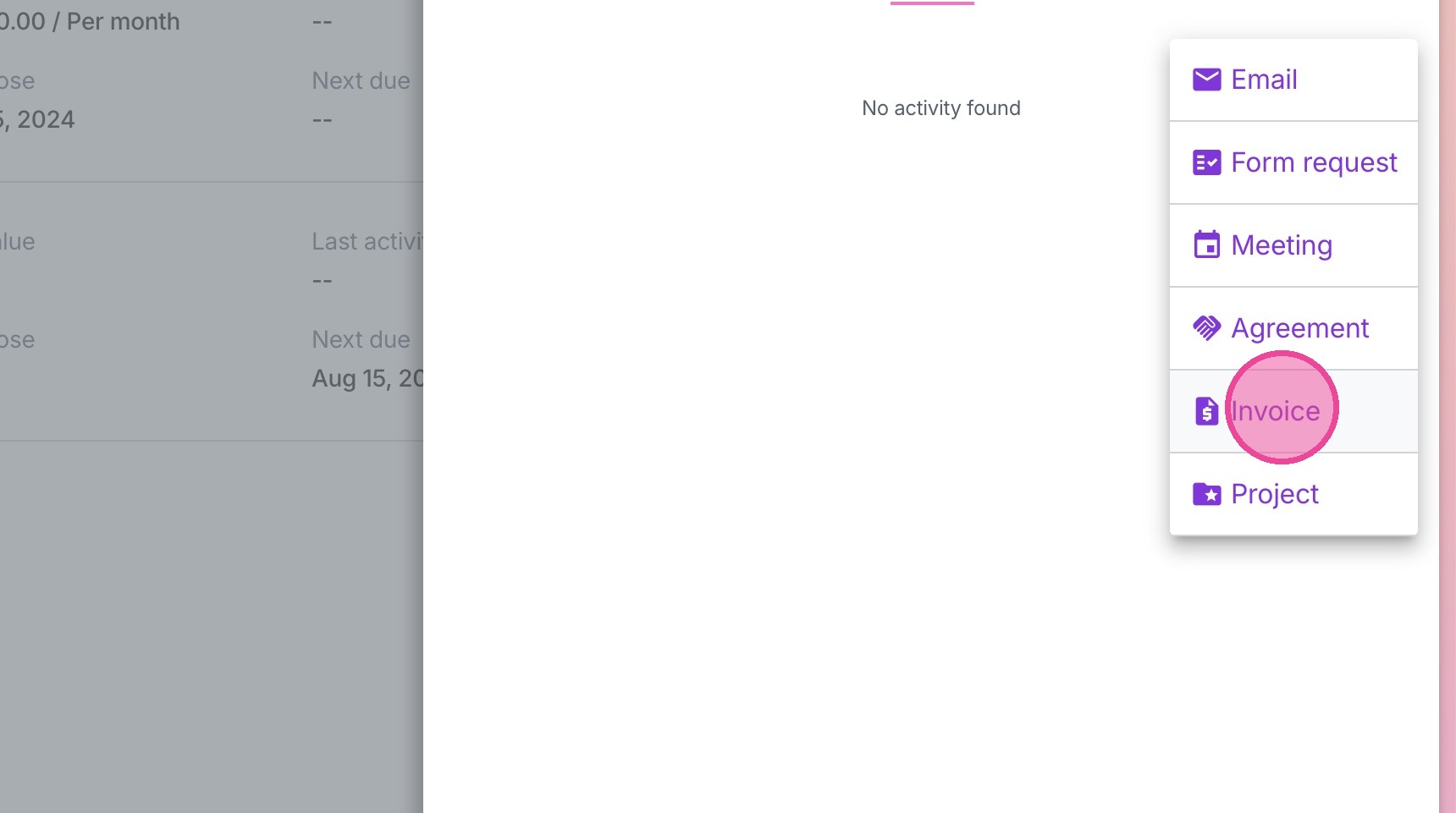
10. Add in any activities that have not been pulled in. Most likely, you won't need to enter anything here.
Lead Info
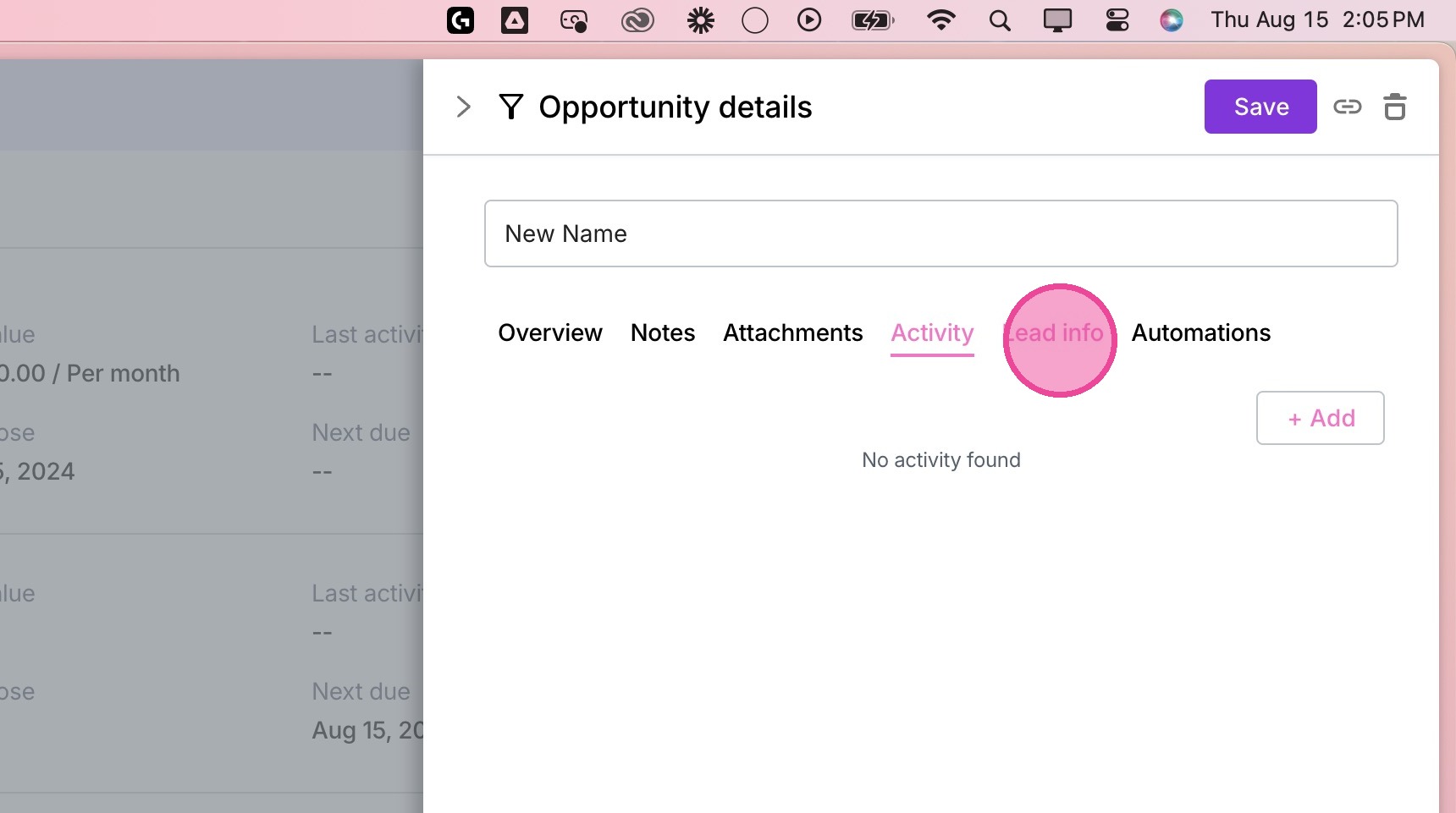
11. Click "Lead Info".
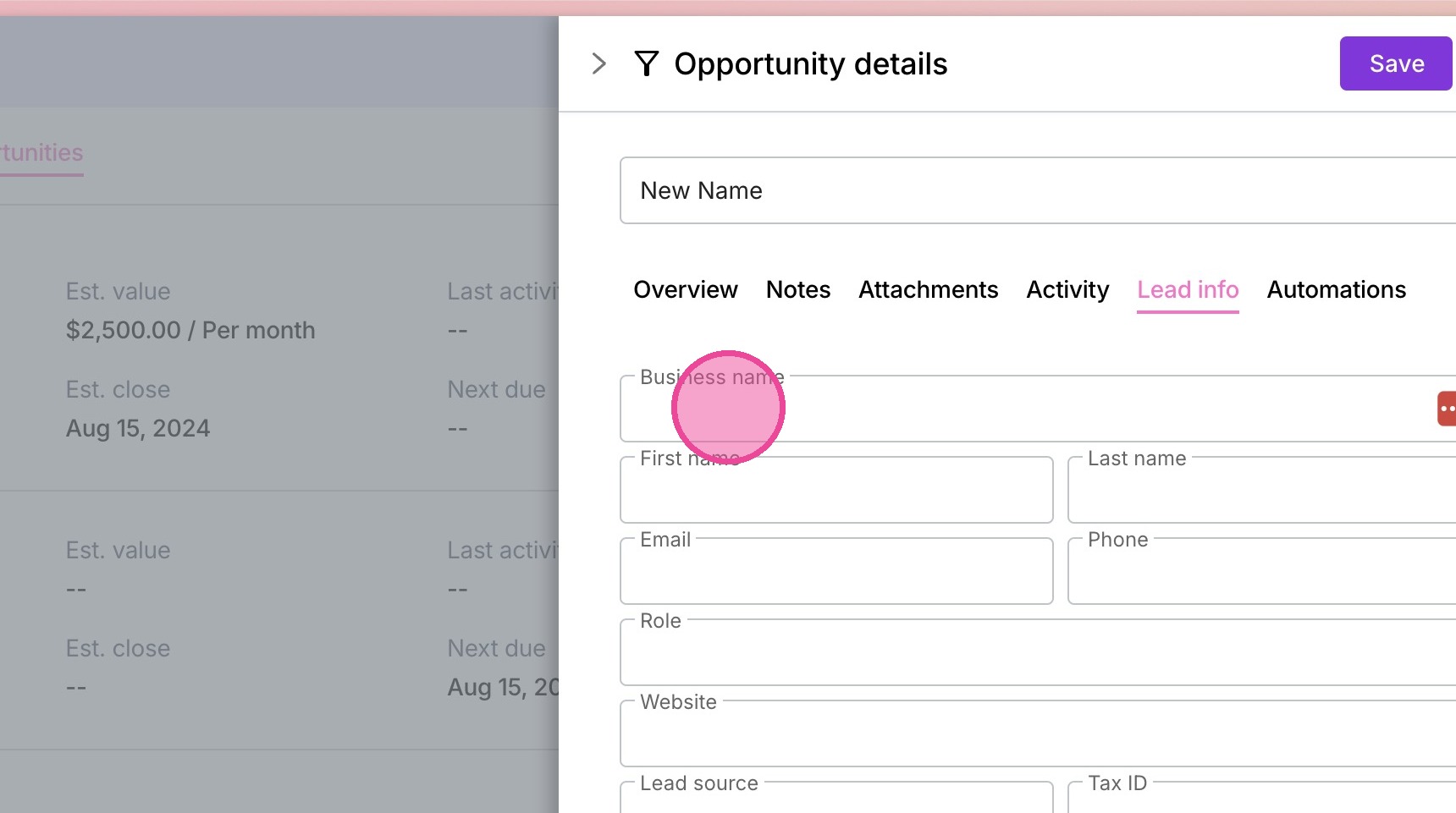
12. Update the information of the connected contact.
Automations
13. Click "Automations"
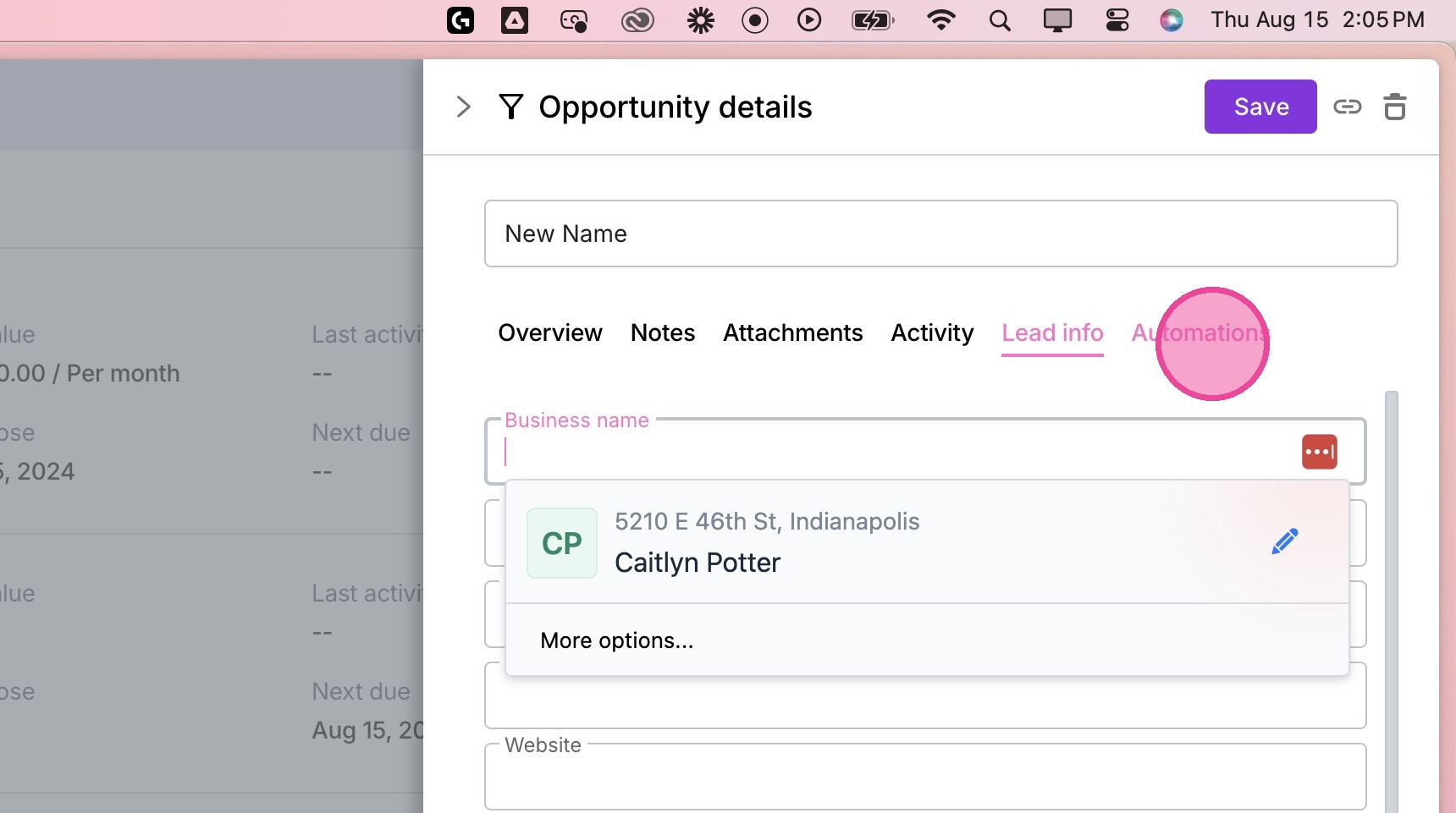
14. Review any automations that have been completed, are currently in progress, or may have errored.