Check off Default To Do
1. Navigate to the relevant Client.
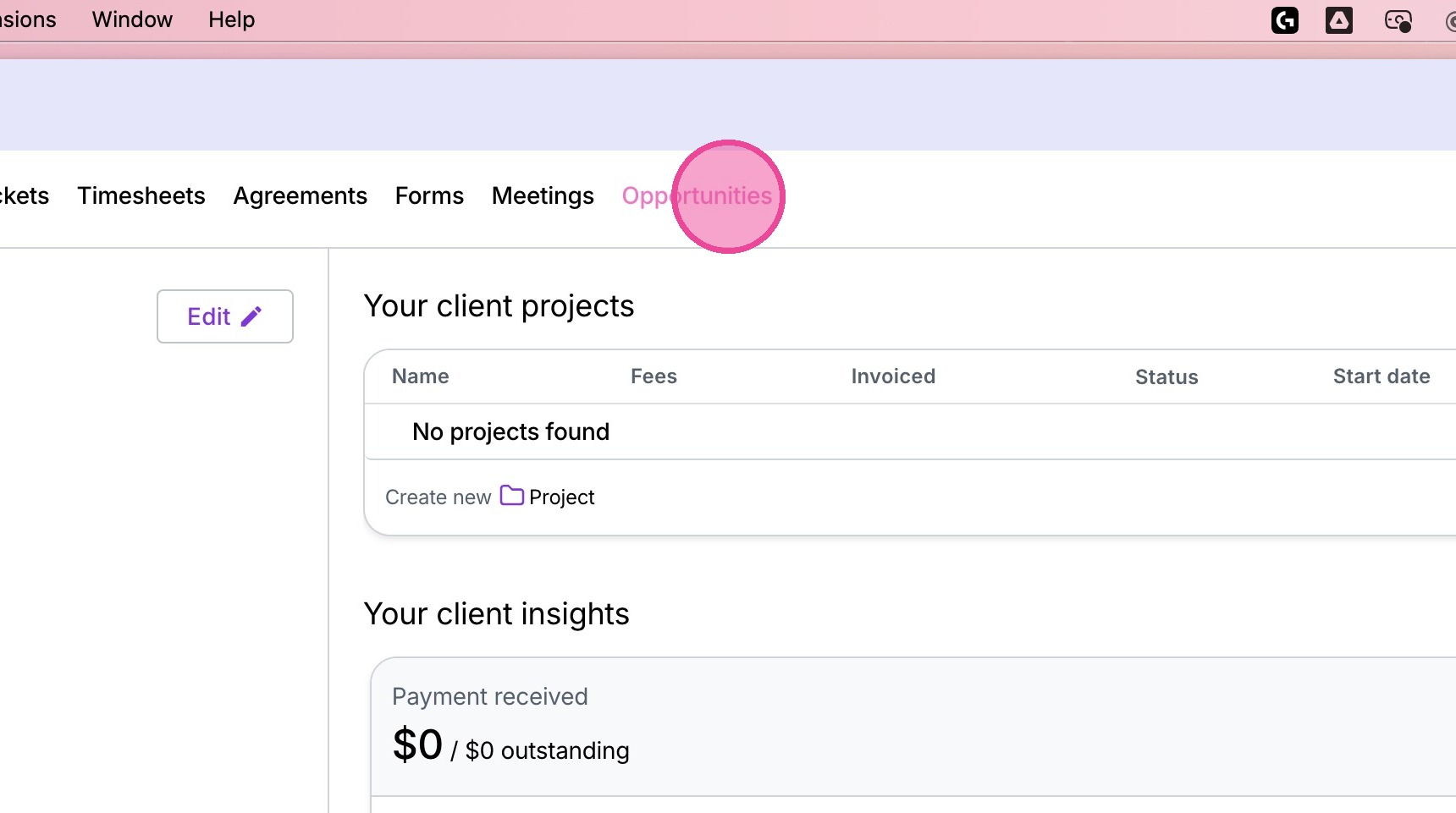
2. Click "Opportunities"
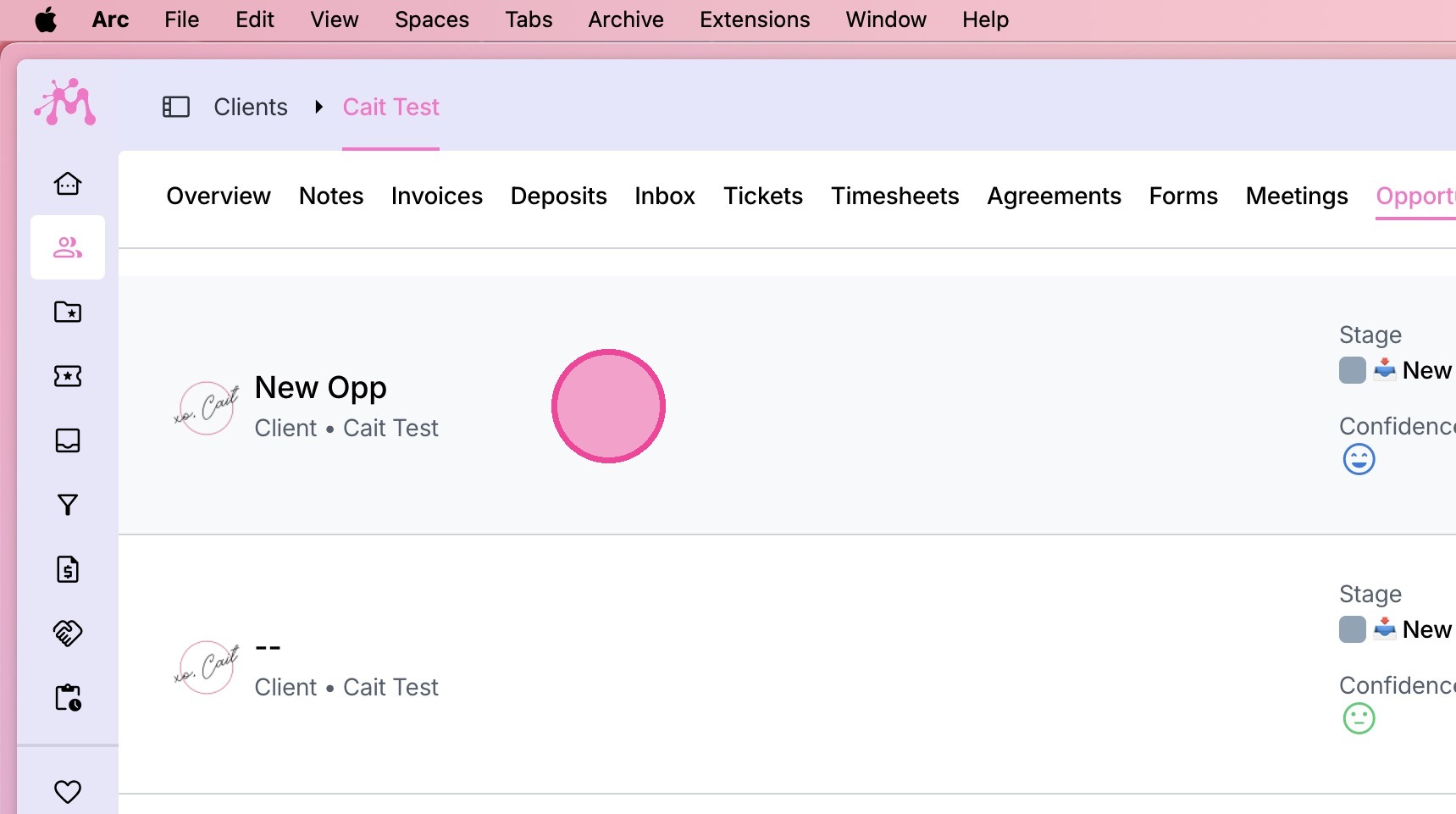
3. Select the relevant Opportunity.
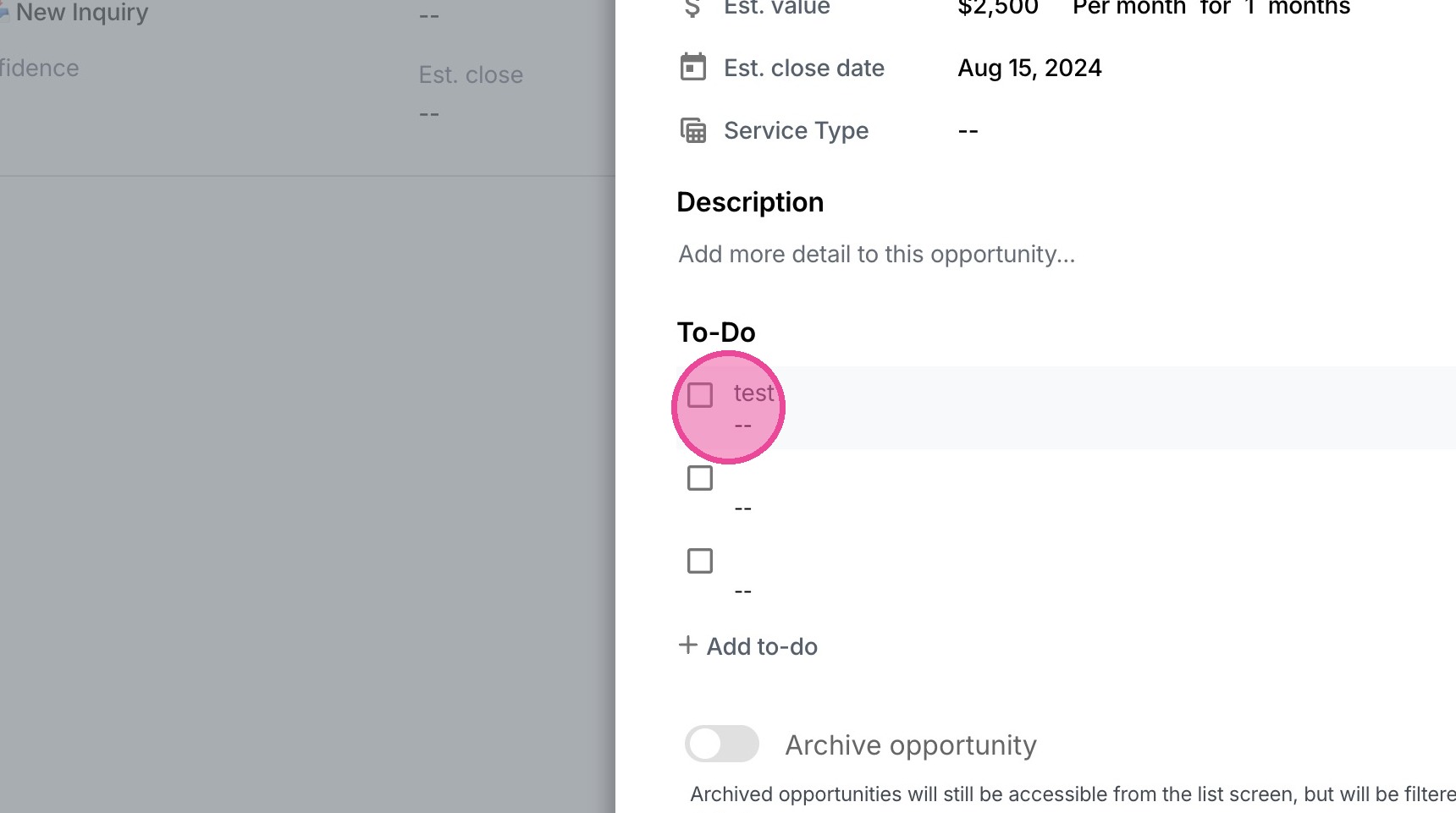
4. Scroll down to the "To-Do" section and check off the relevant tasks you've completed.

1. Navigate to the relevant Client.
2. Click "Opportunities"
3. Select the relevant Opportunity.
4. Scroll down to the "To-Do" section and check off the relevant tasks you've completed.