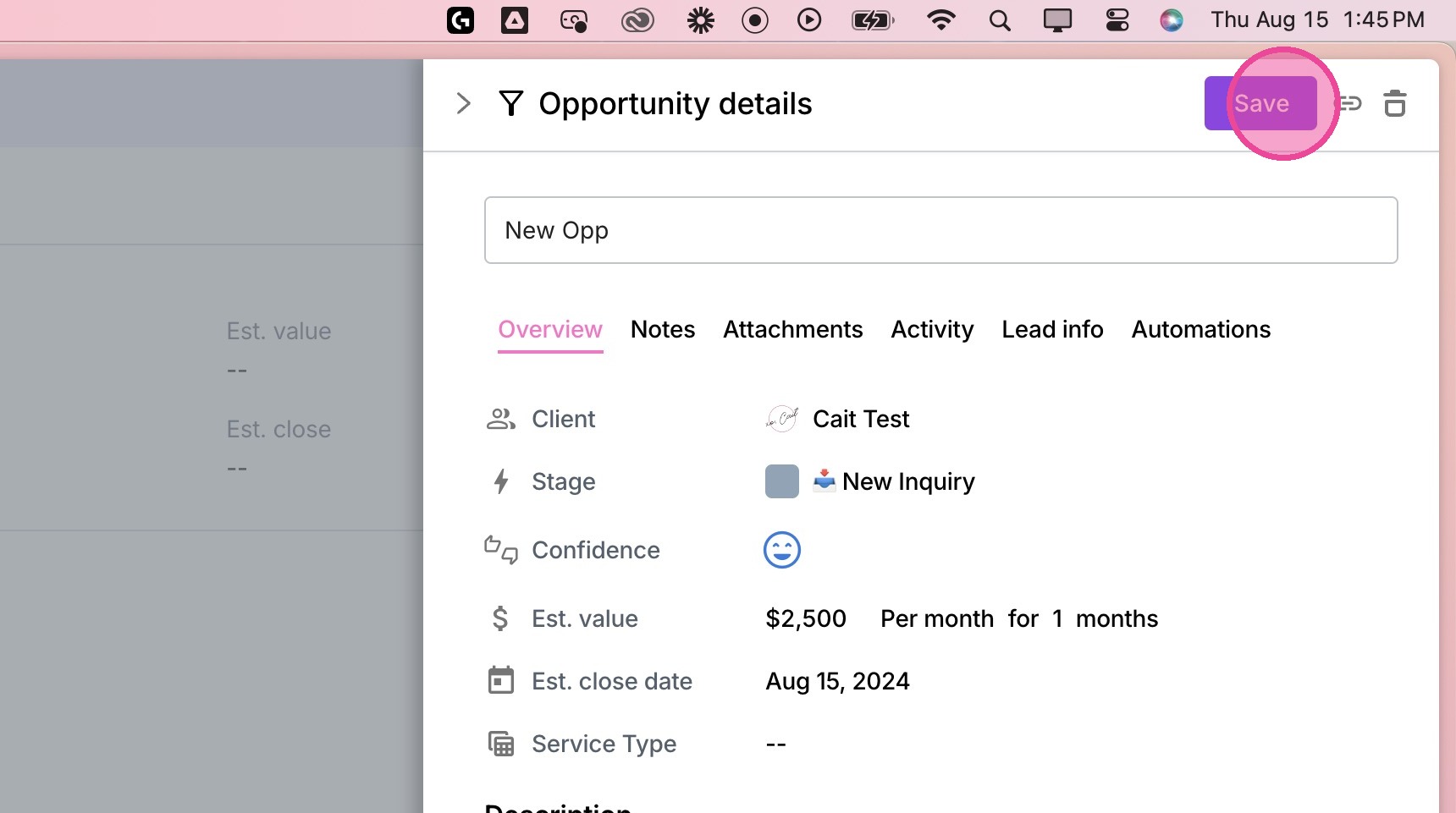
Create New Opportunity
1. Navigate to the appropriate client.
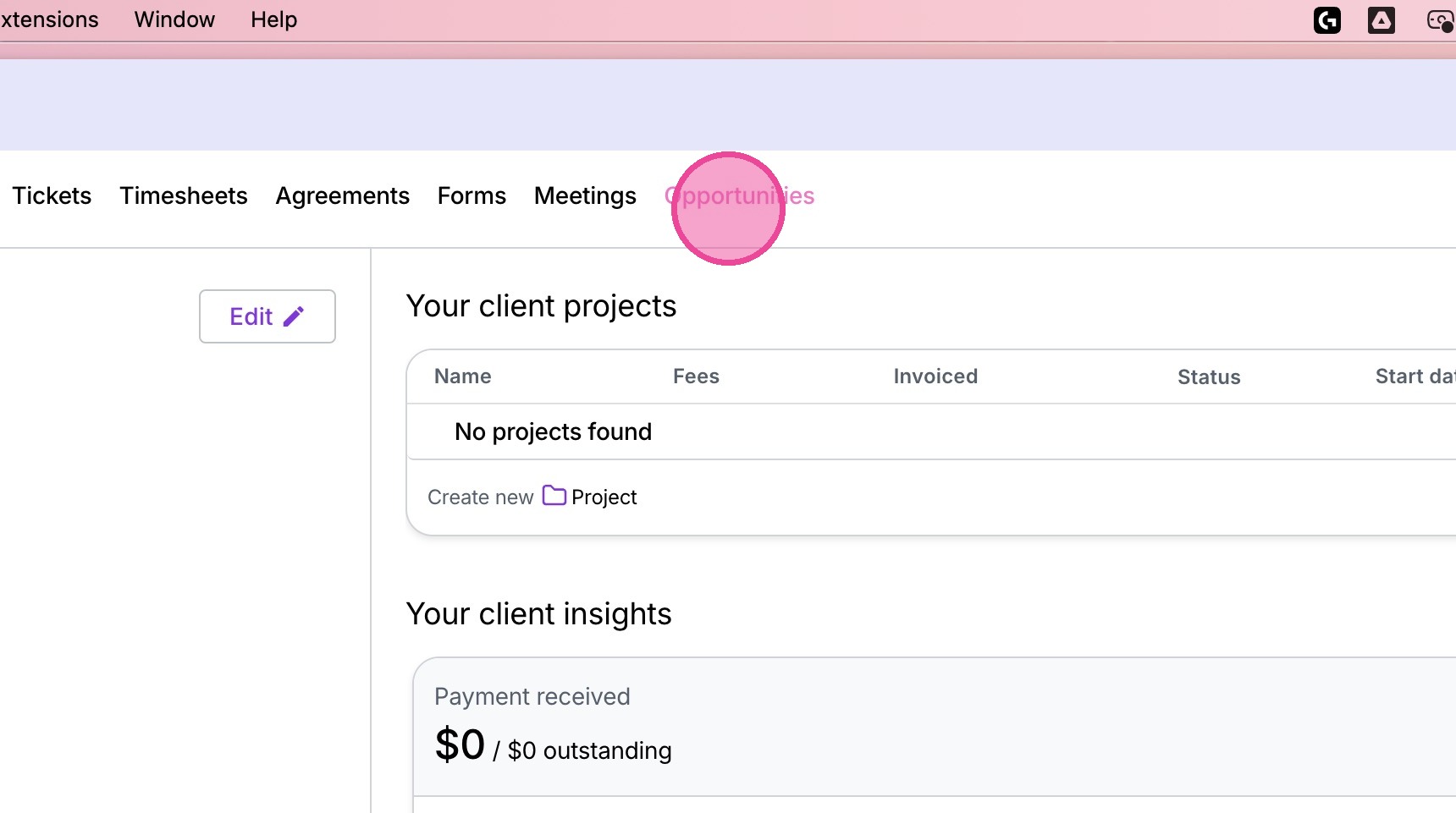
2. Click "Opportunities"
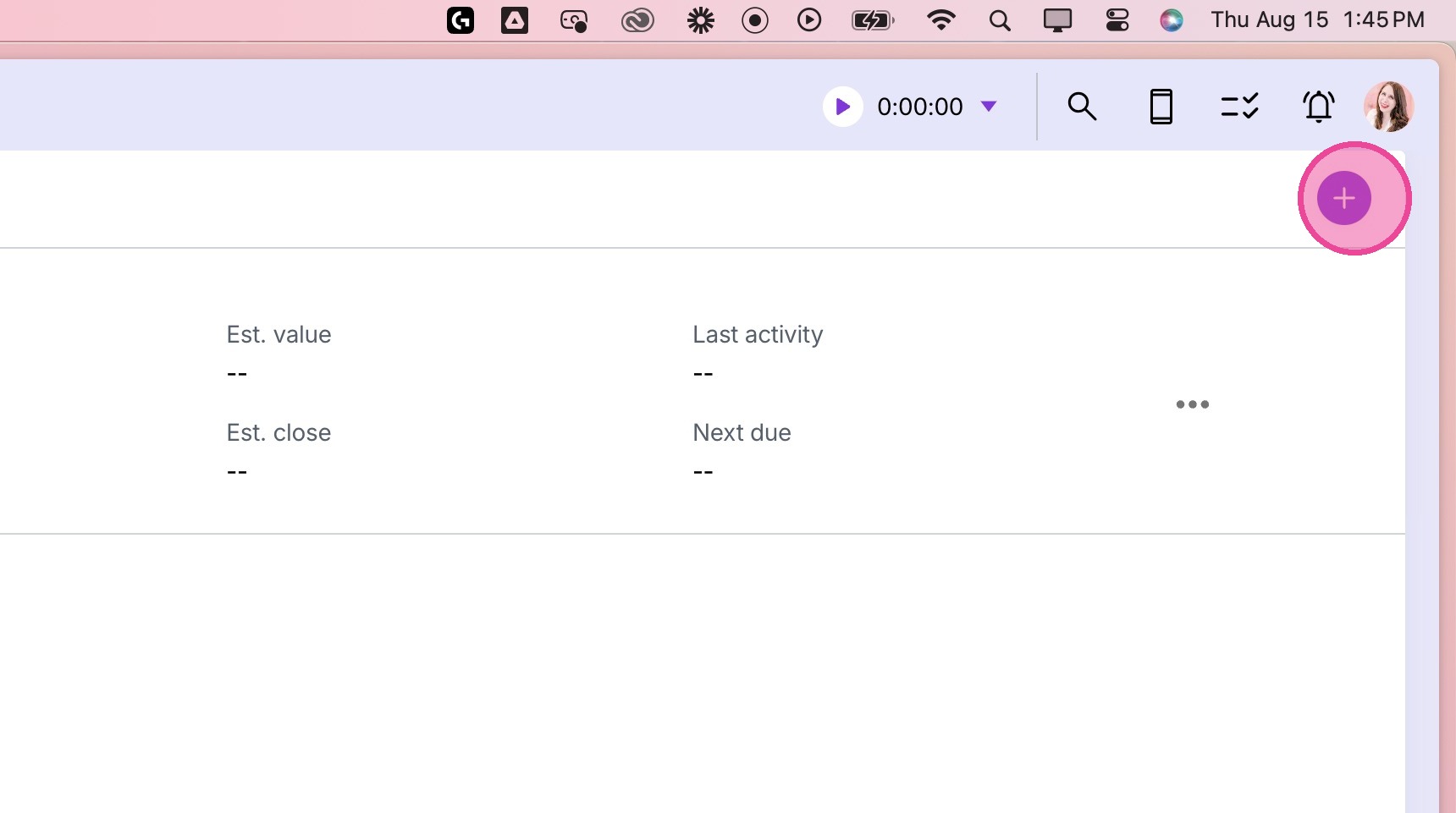
3. Click "+"
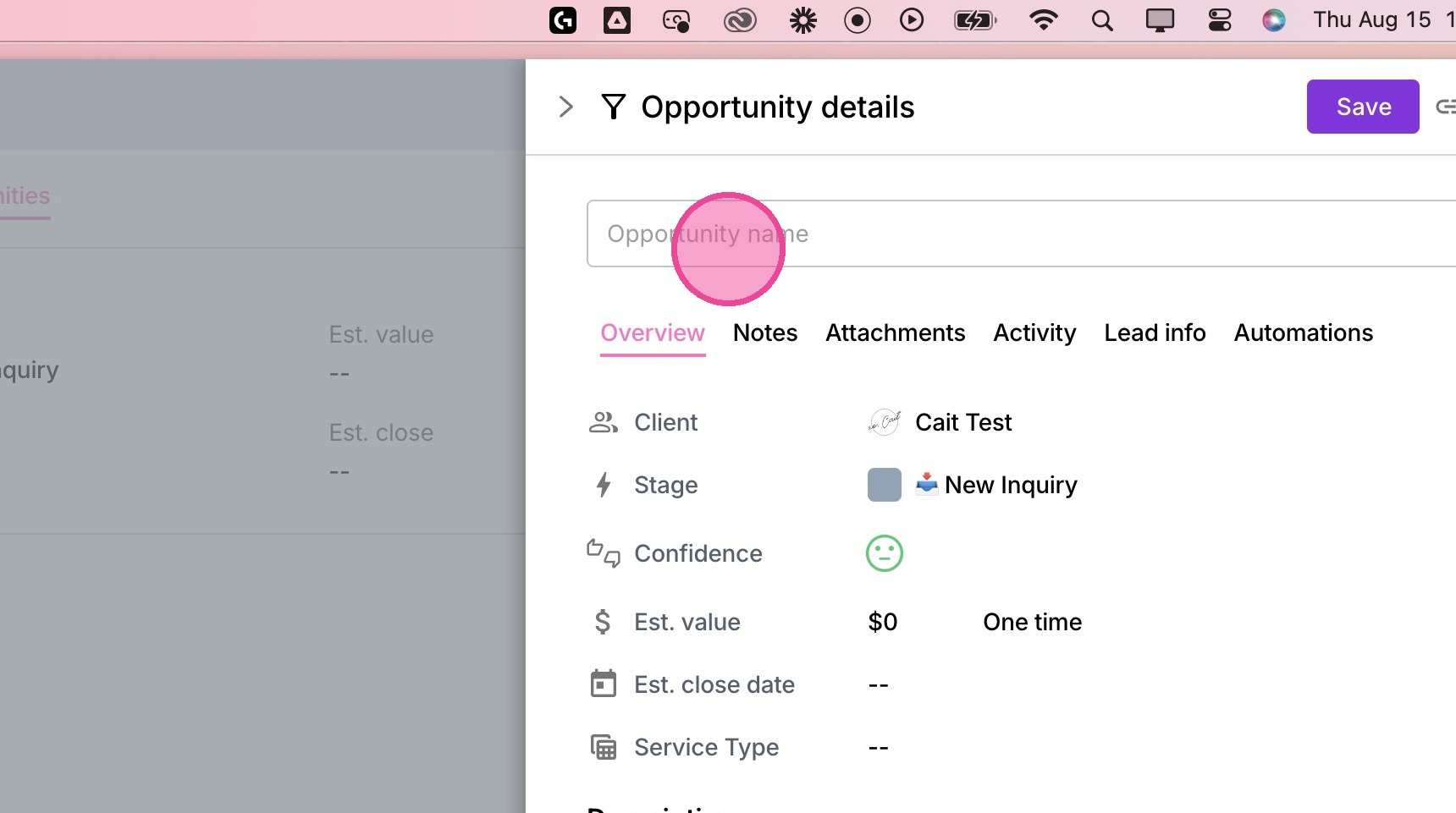
4. Fill in the Opportunity Name
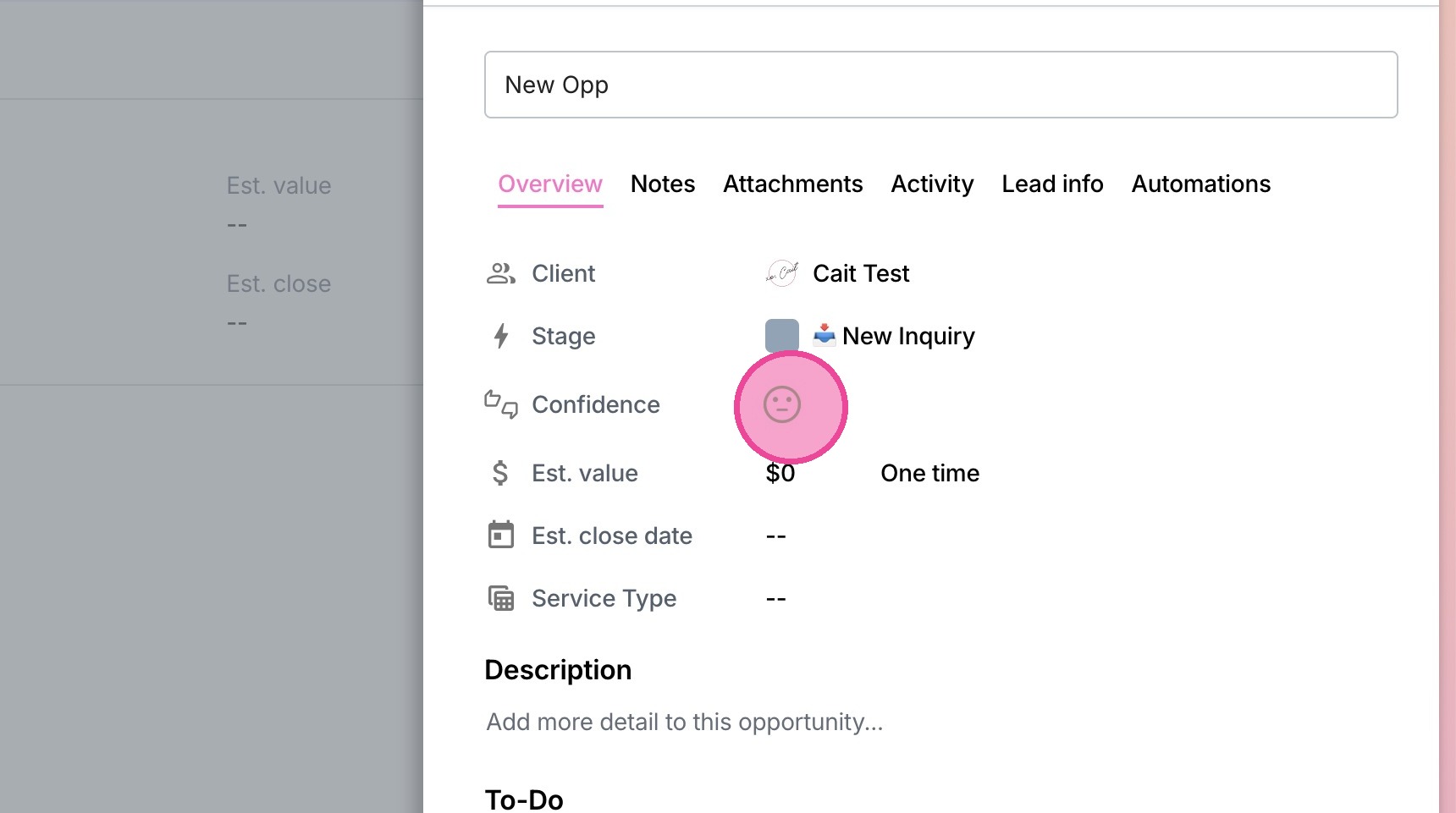
5. Update relevant settings including Stage, Confidence, Value, Close Date, and any custom fields.
(Keep in mind that the stage you select could kick off a workflow, so be careful!)
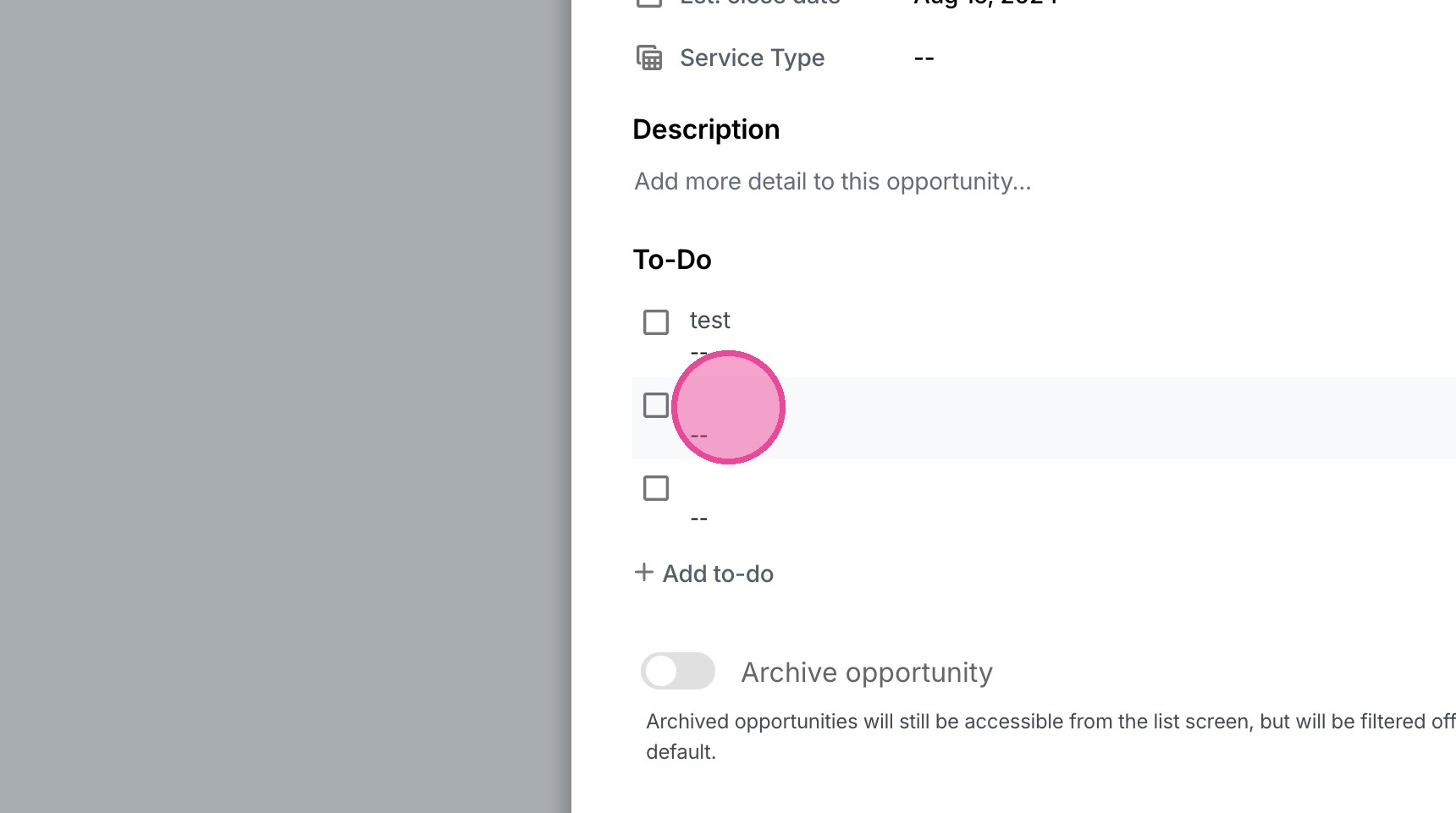
6. Complete any default to-dos created, or create your own custom to-dos.
7. Click "Save"