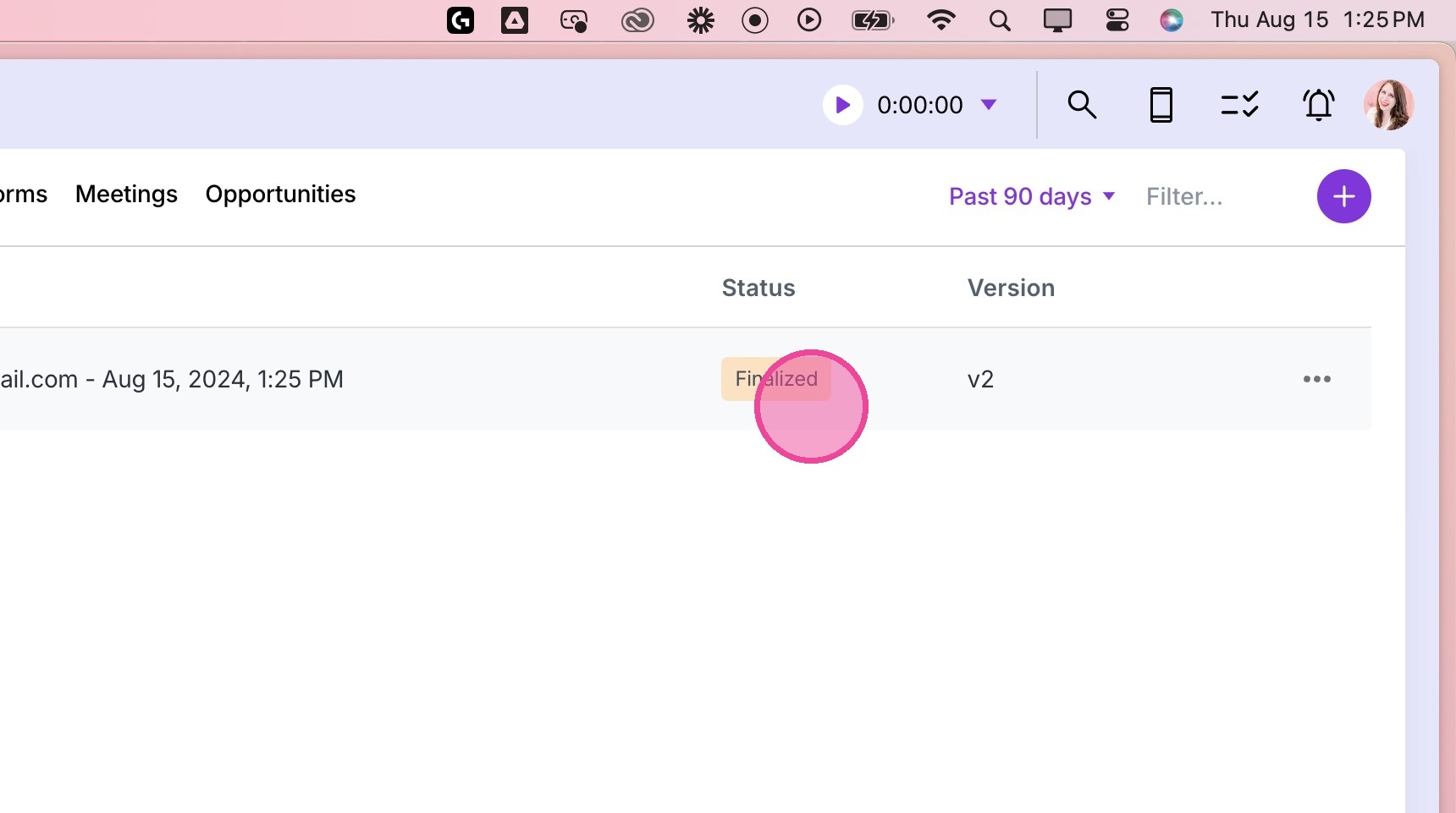
Manually Send Agreement
1. Go to Clients
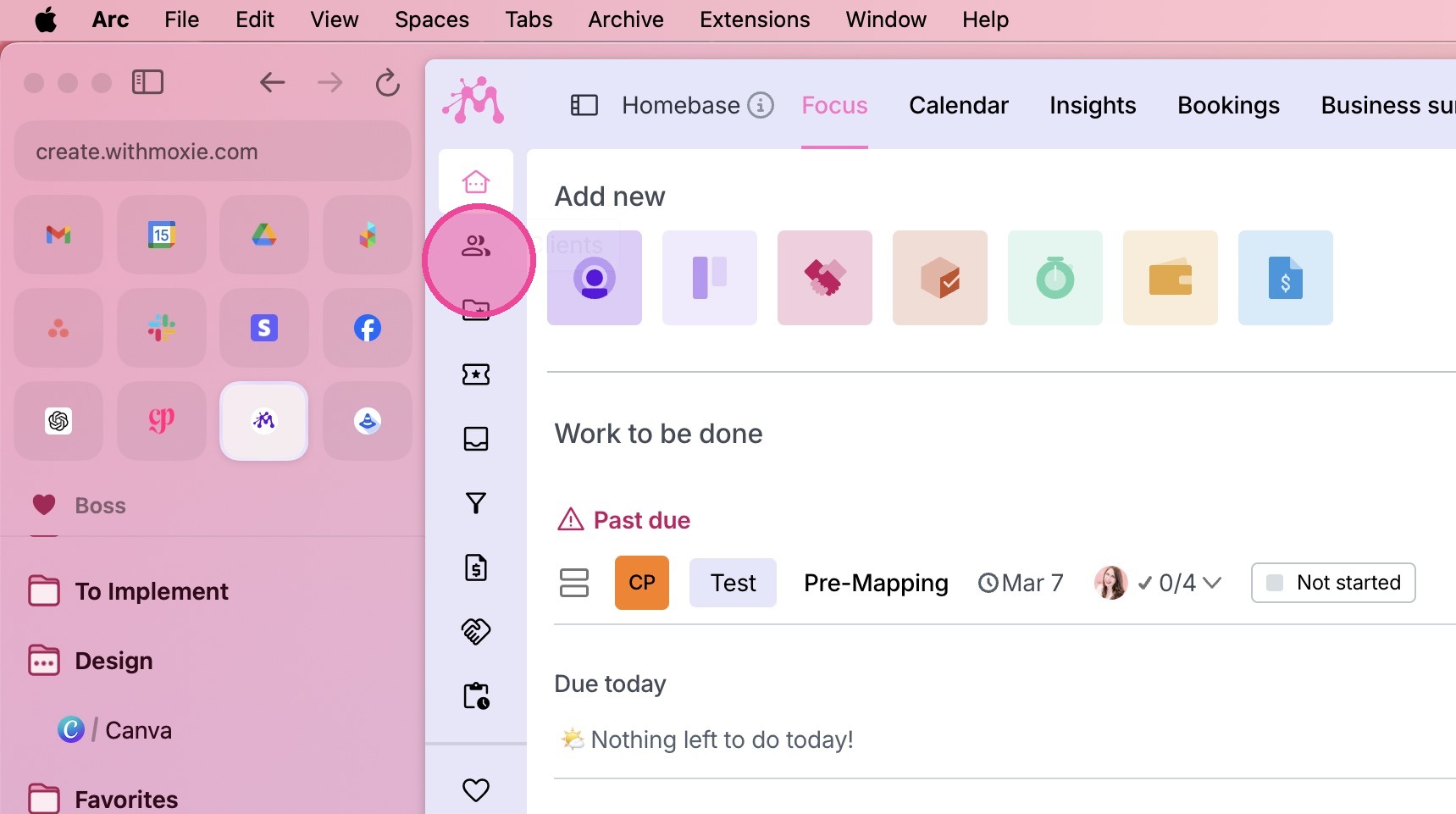
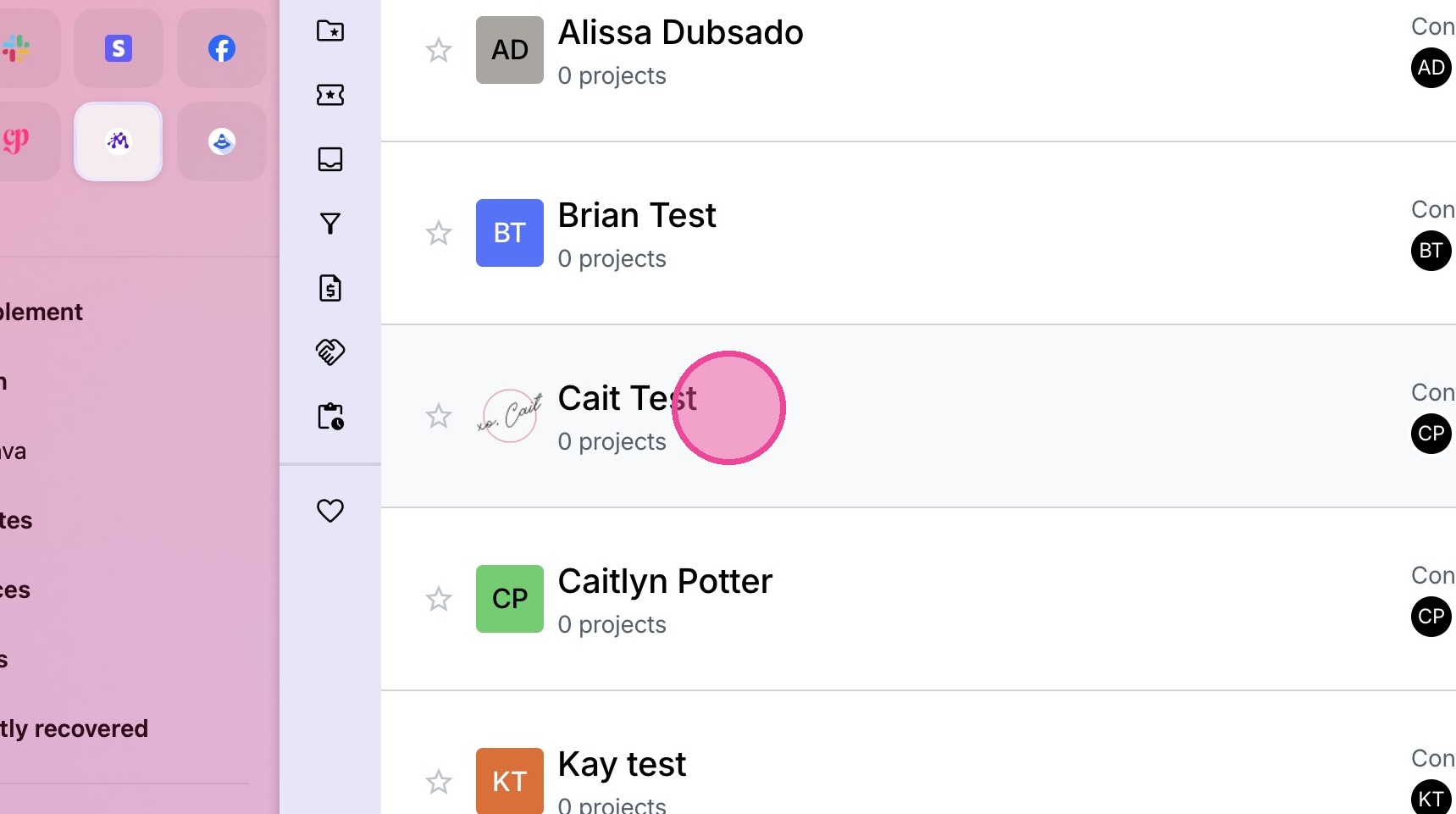
2. Navigate to the relevant client.
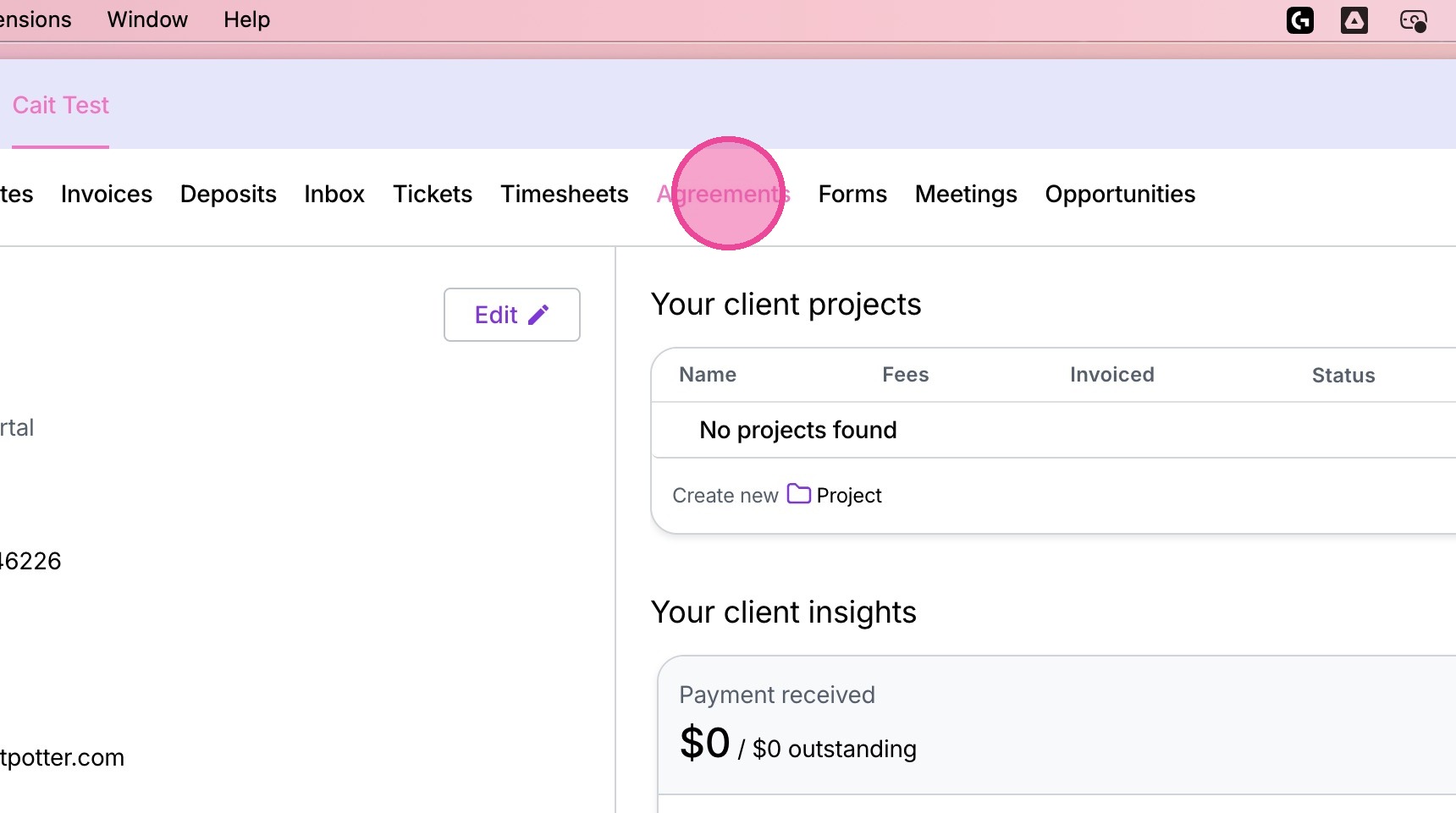
3. Click the "Agreements" tab.
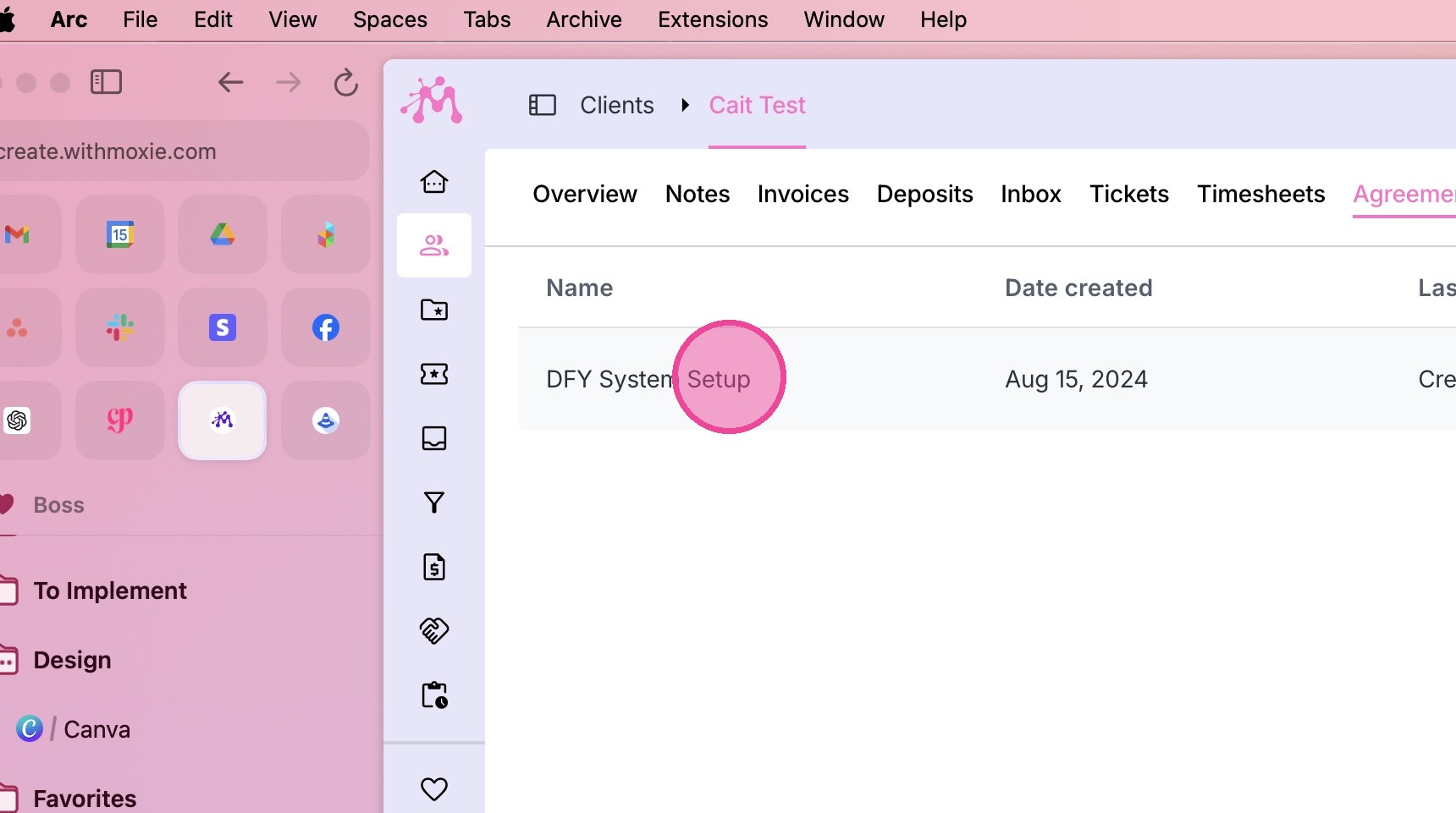
4. Locate the relevant agreement and click it.
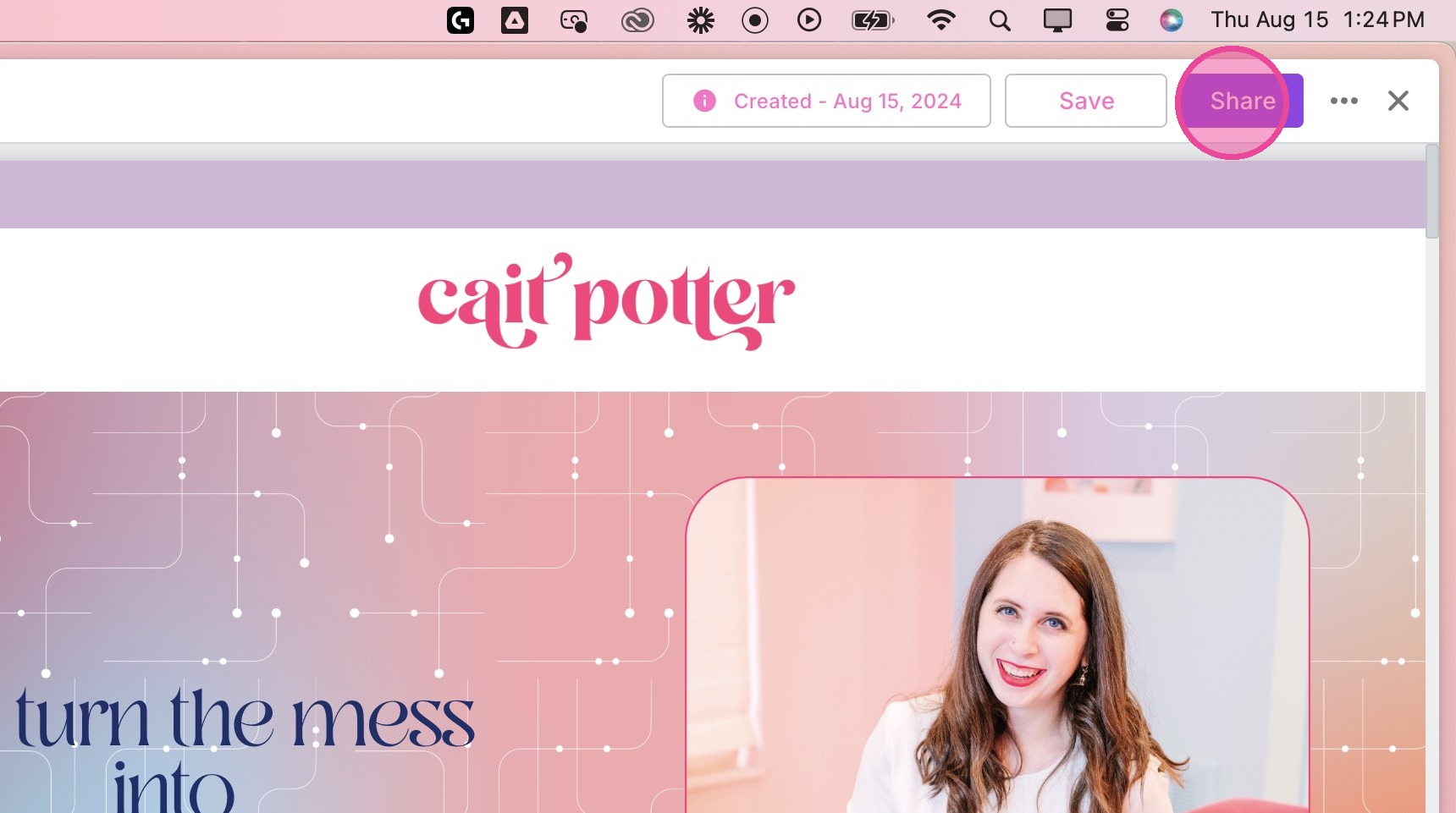
5. Click "Share" in the top right corner.
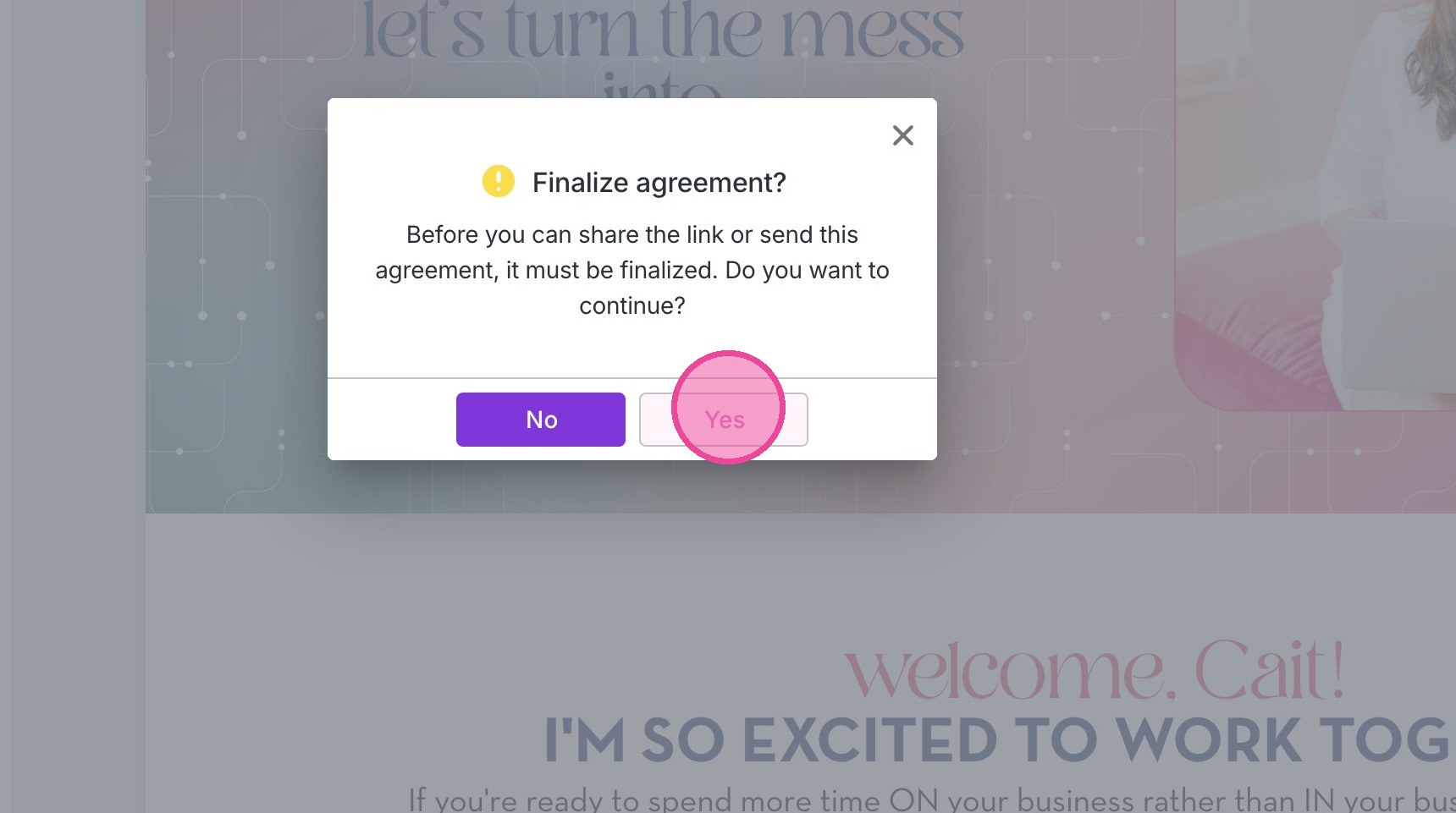
6. Click "Yes"
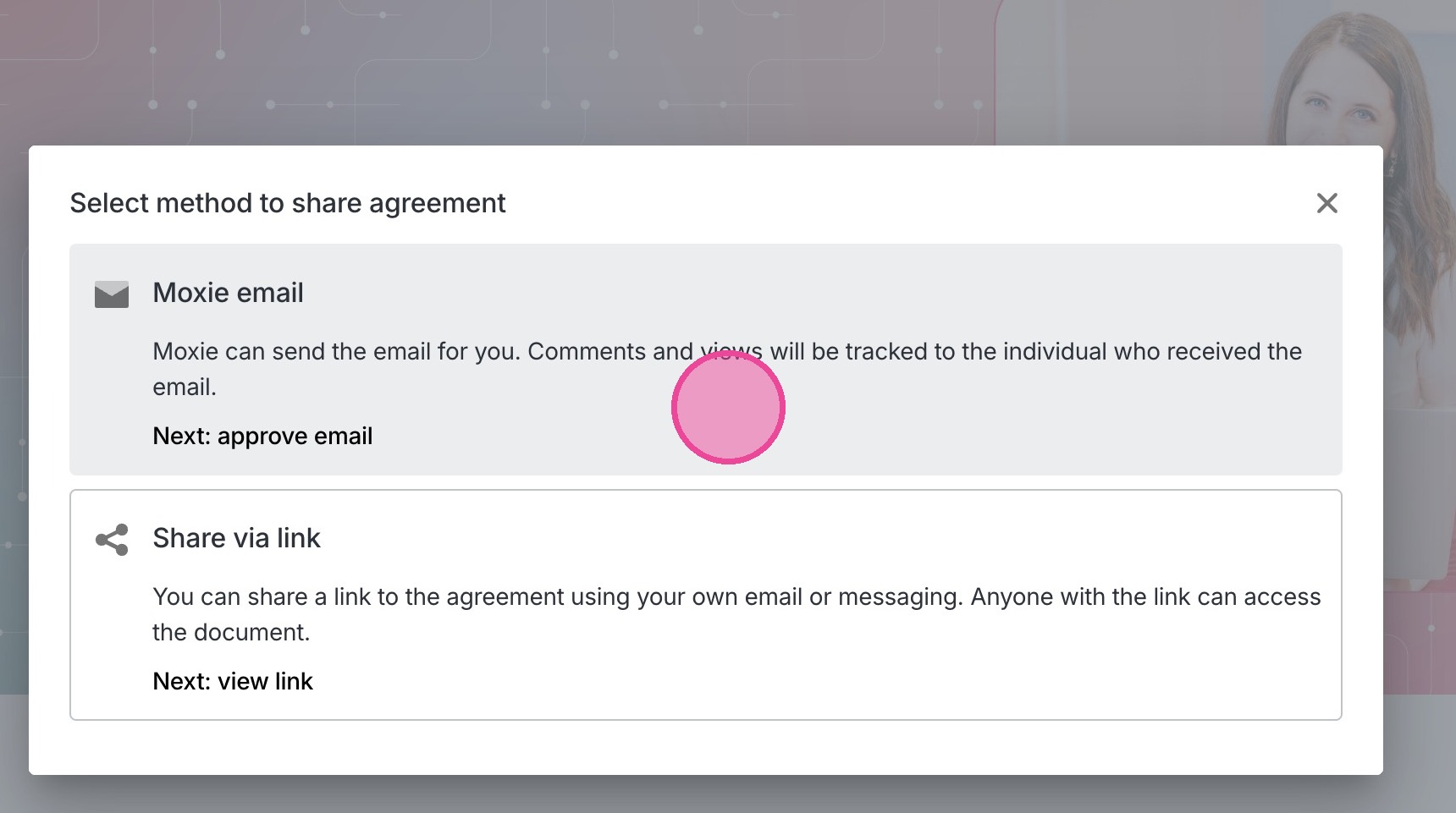
7. Click "Moxie email"
8. Click "Insert template" to select an existing email template.
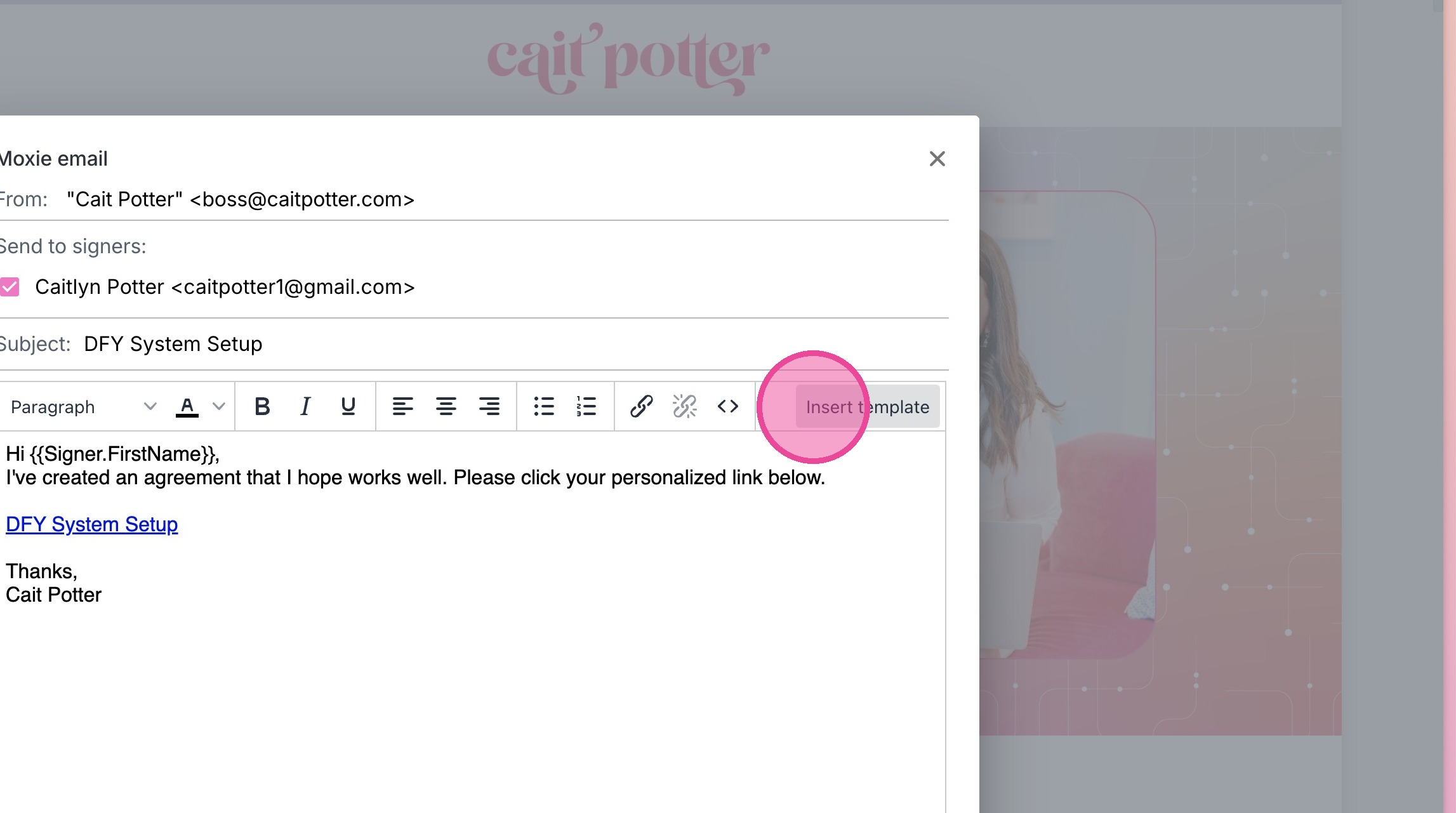
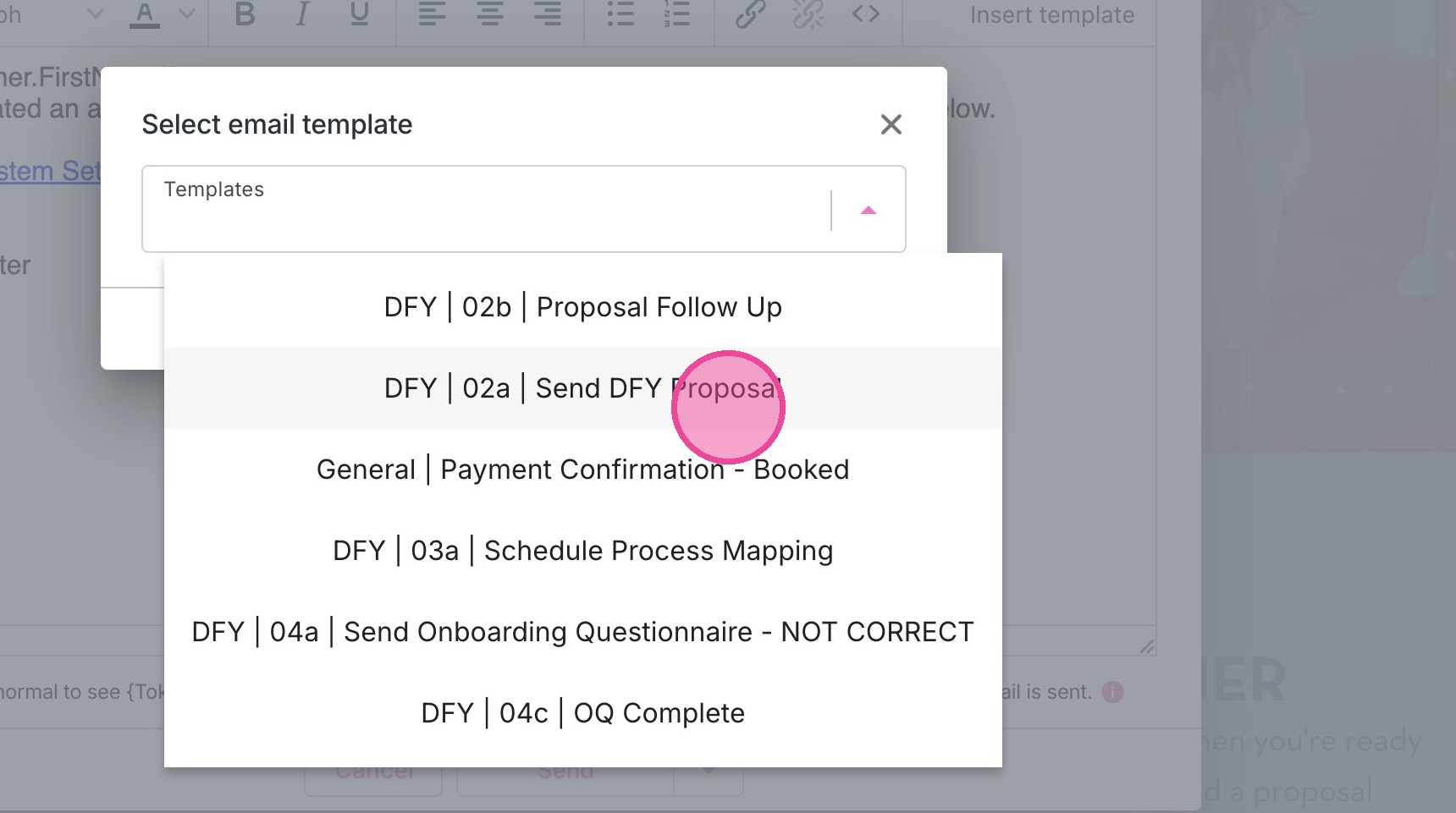
9. Locate the relevant template.
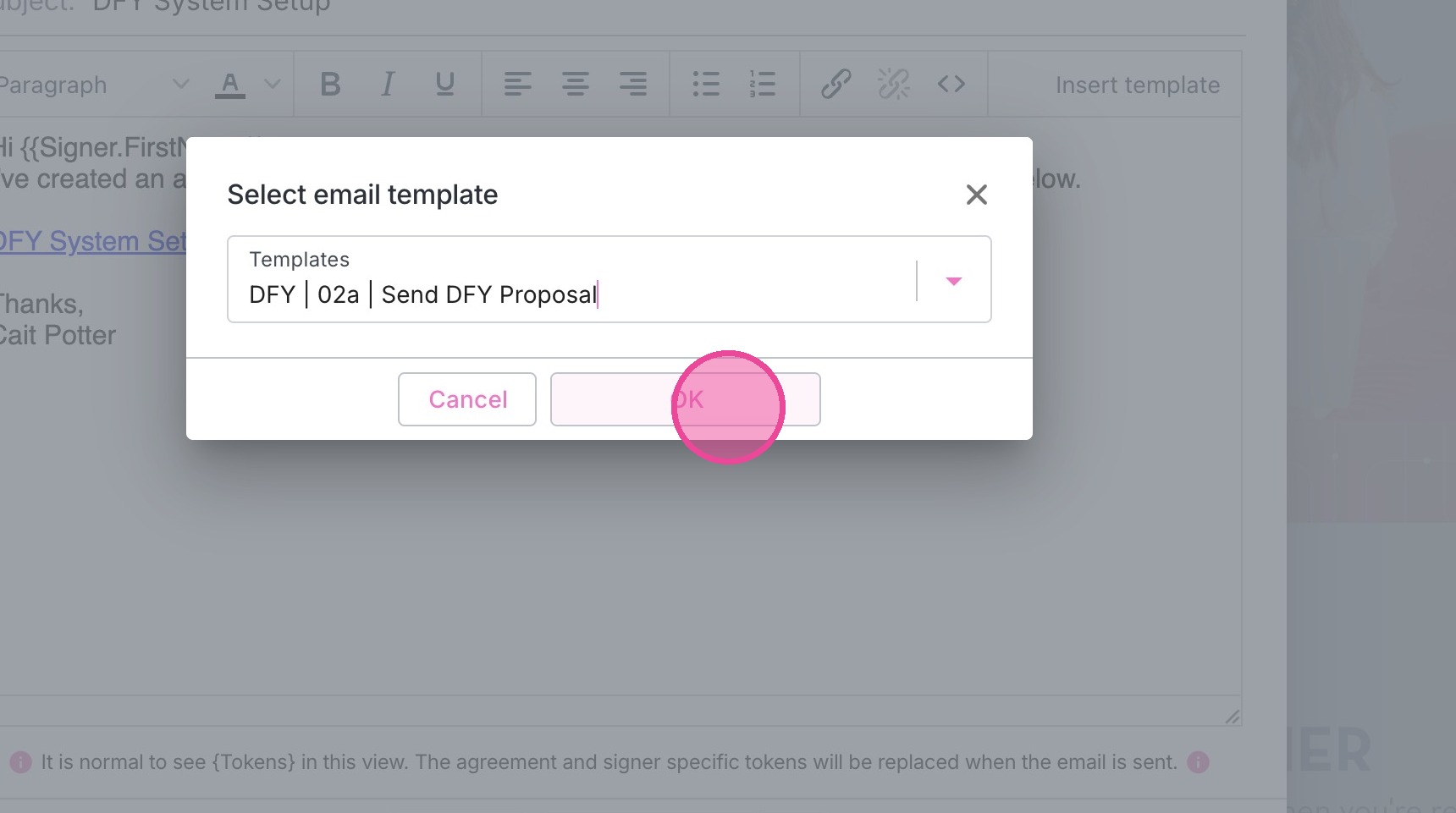
10. Click "OK"
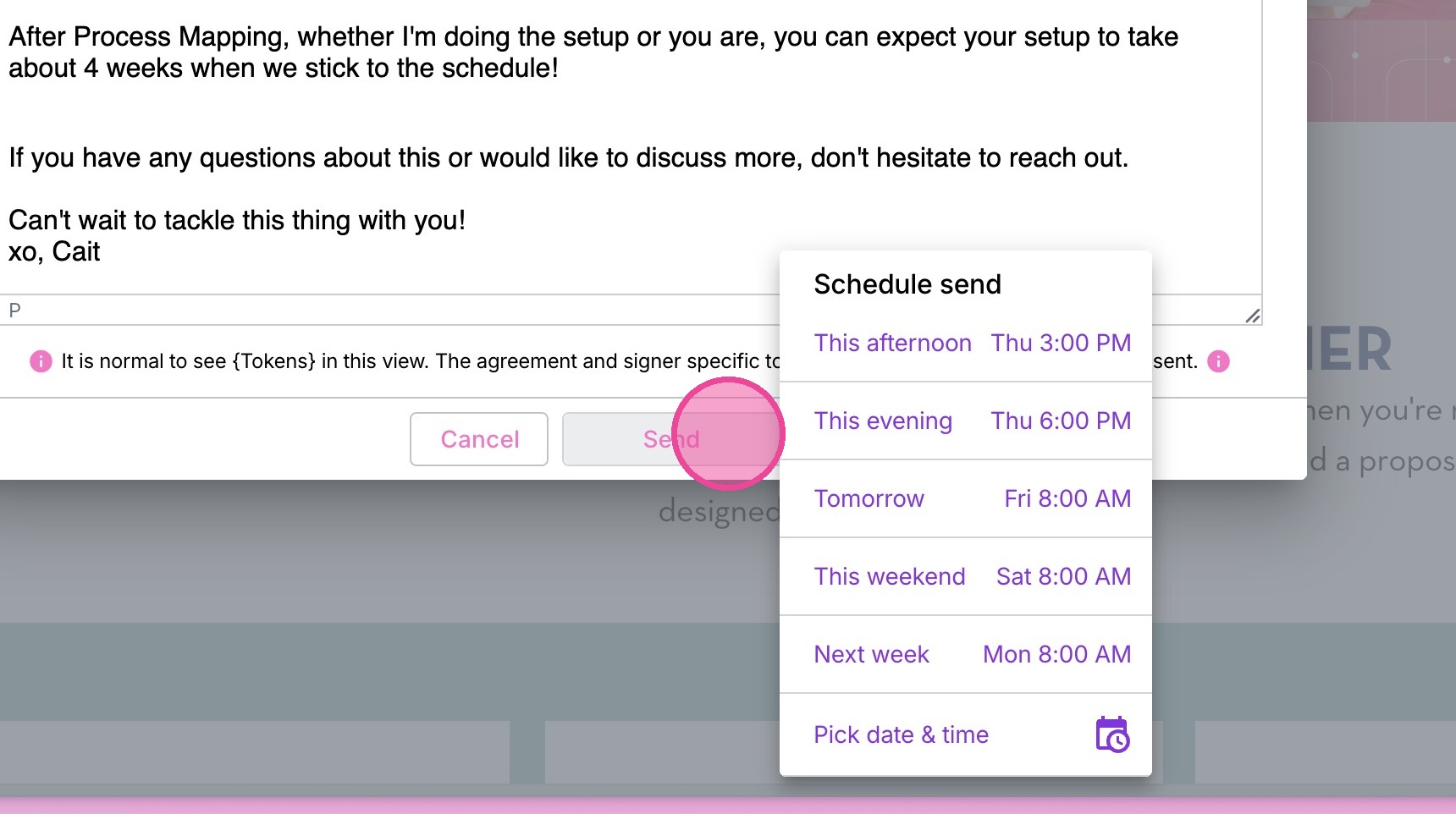
11. You may either click the arrow to schedule send...
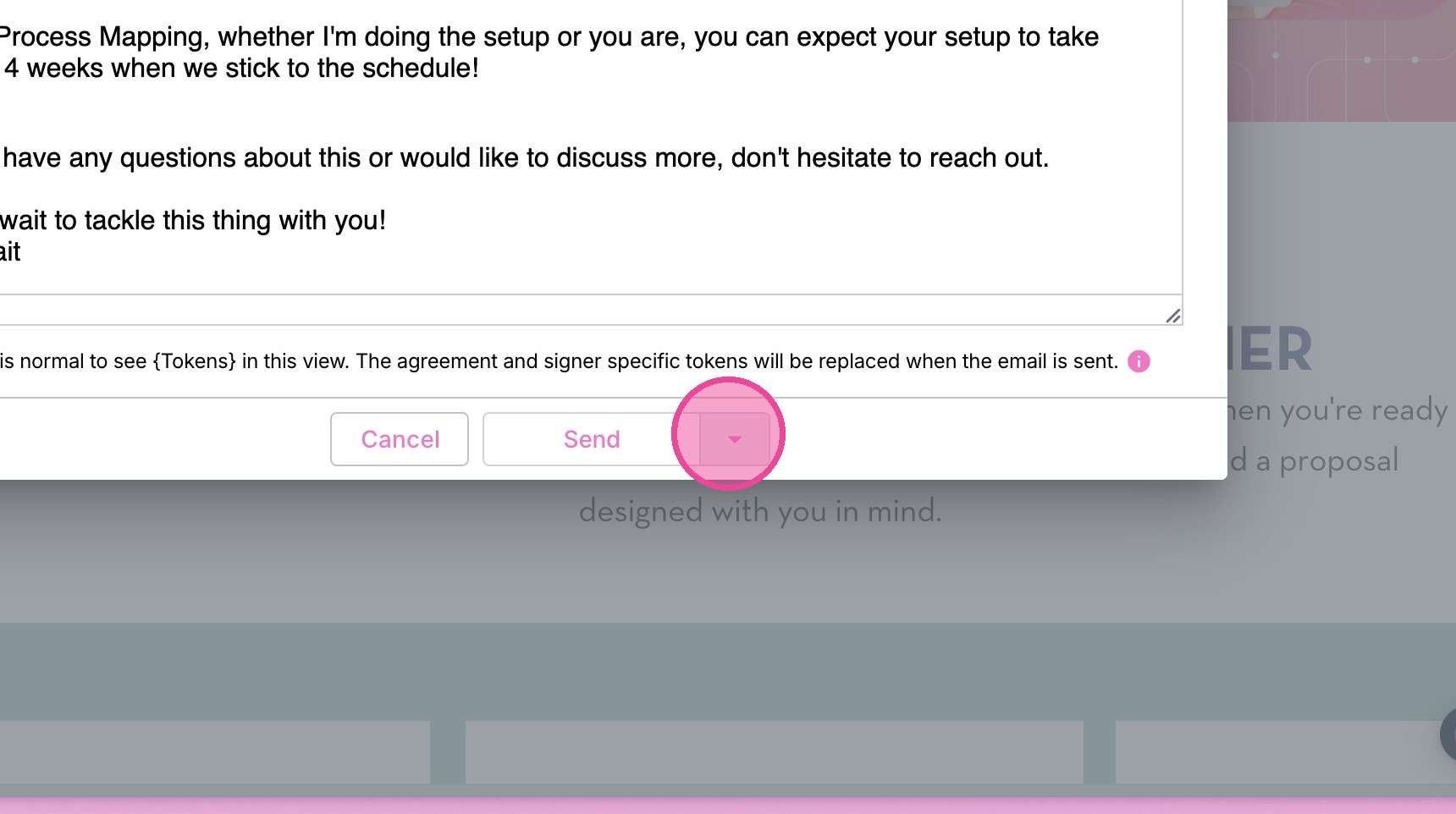
12. Or click "Send" to send now.
13. Click "x" to exit
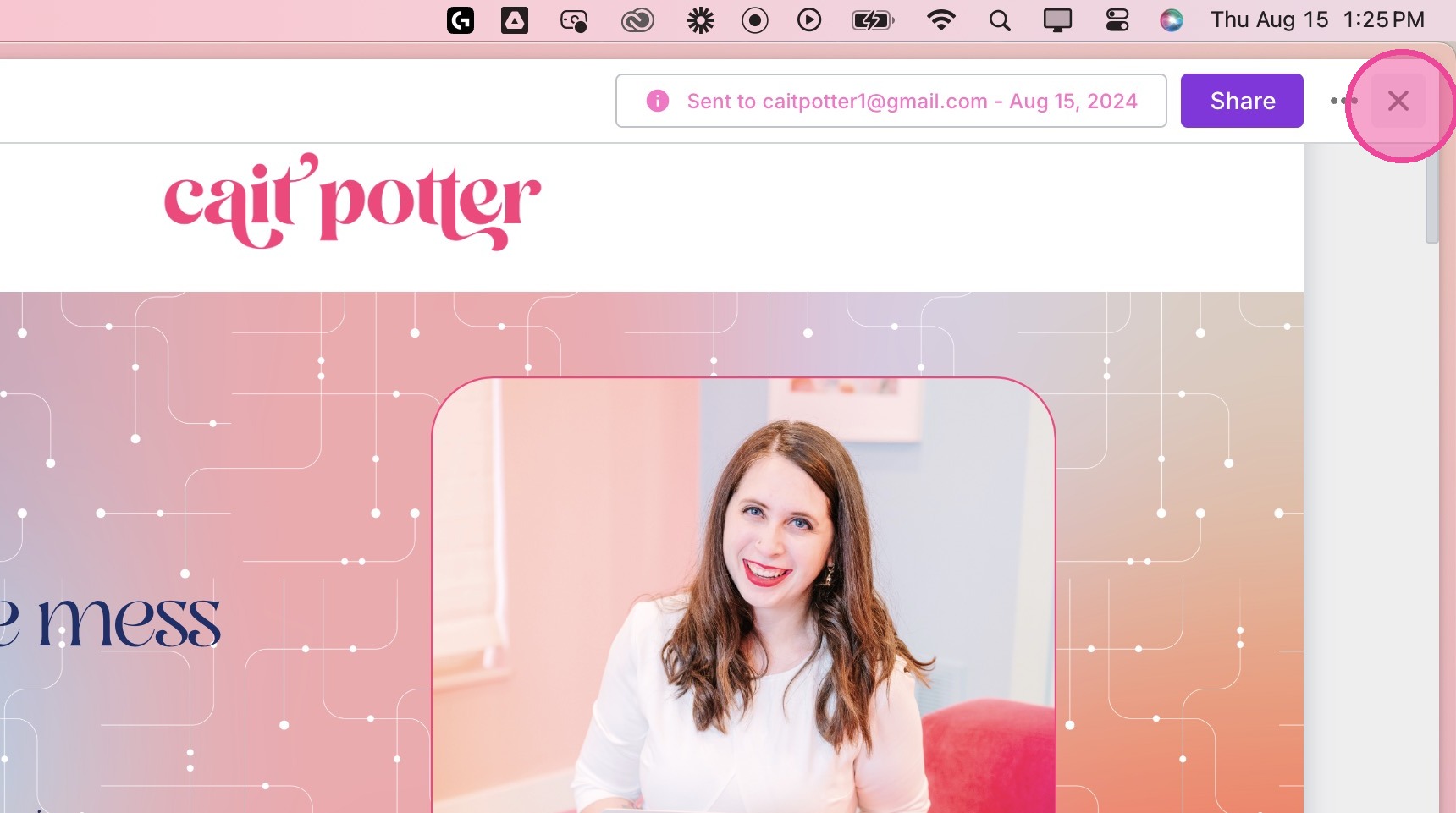
14. On the agreements page, you will now see that your agreement is "Finalized".