Add Agreement Signee
Add Agreement
Alert: Skip this section if you've already customized an agreement for the client!
1. Go to the client's area.
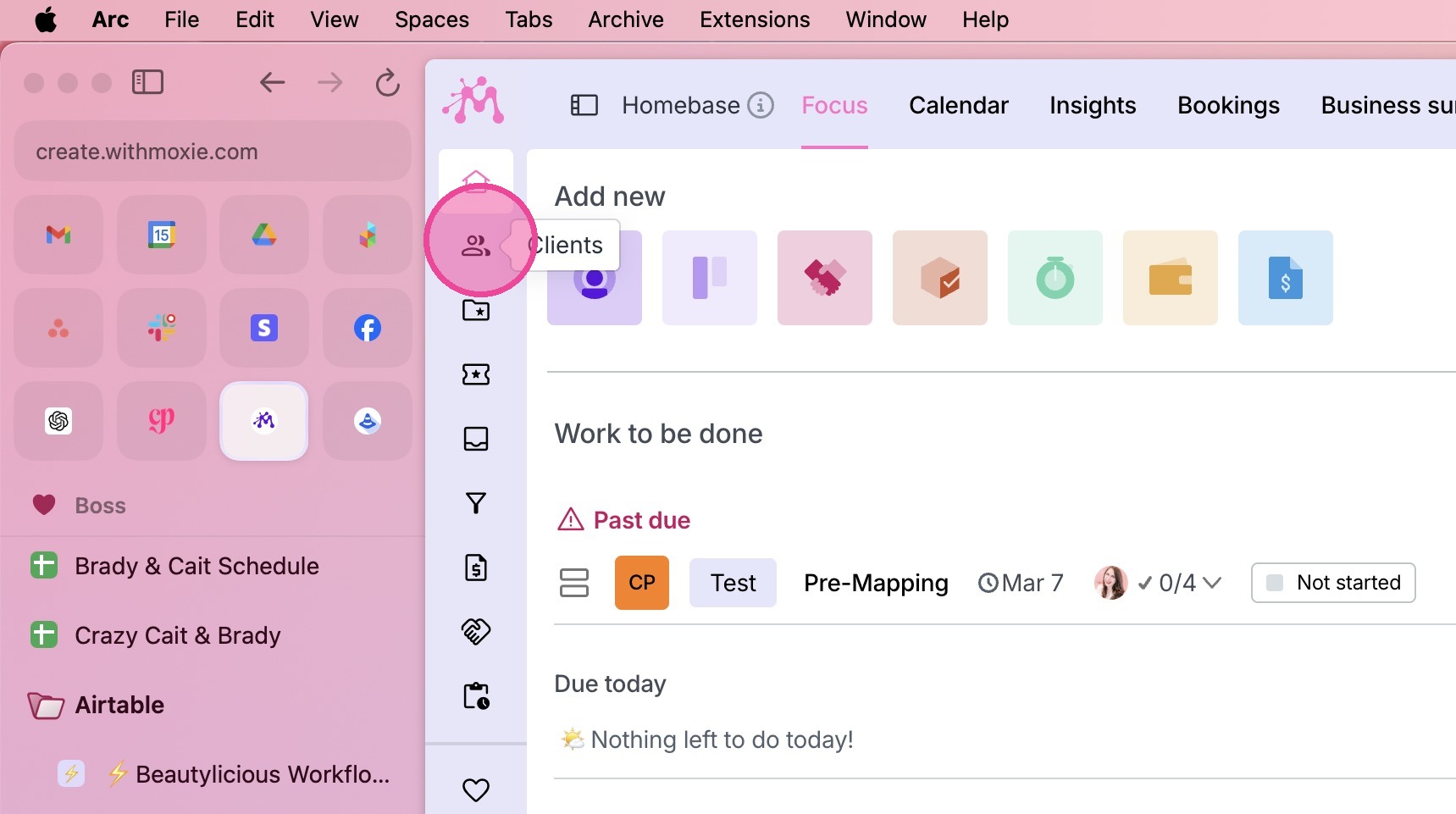
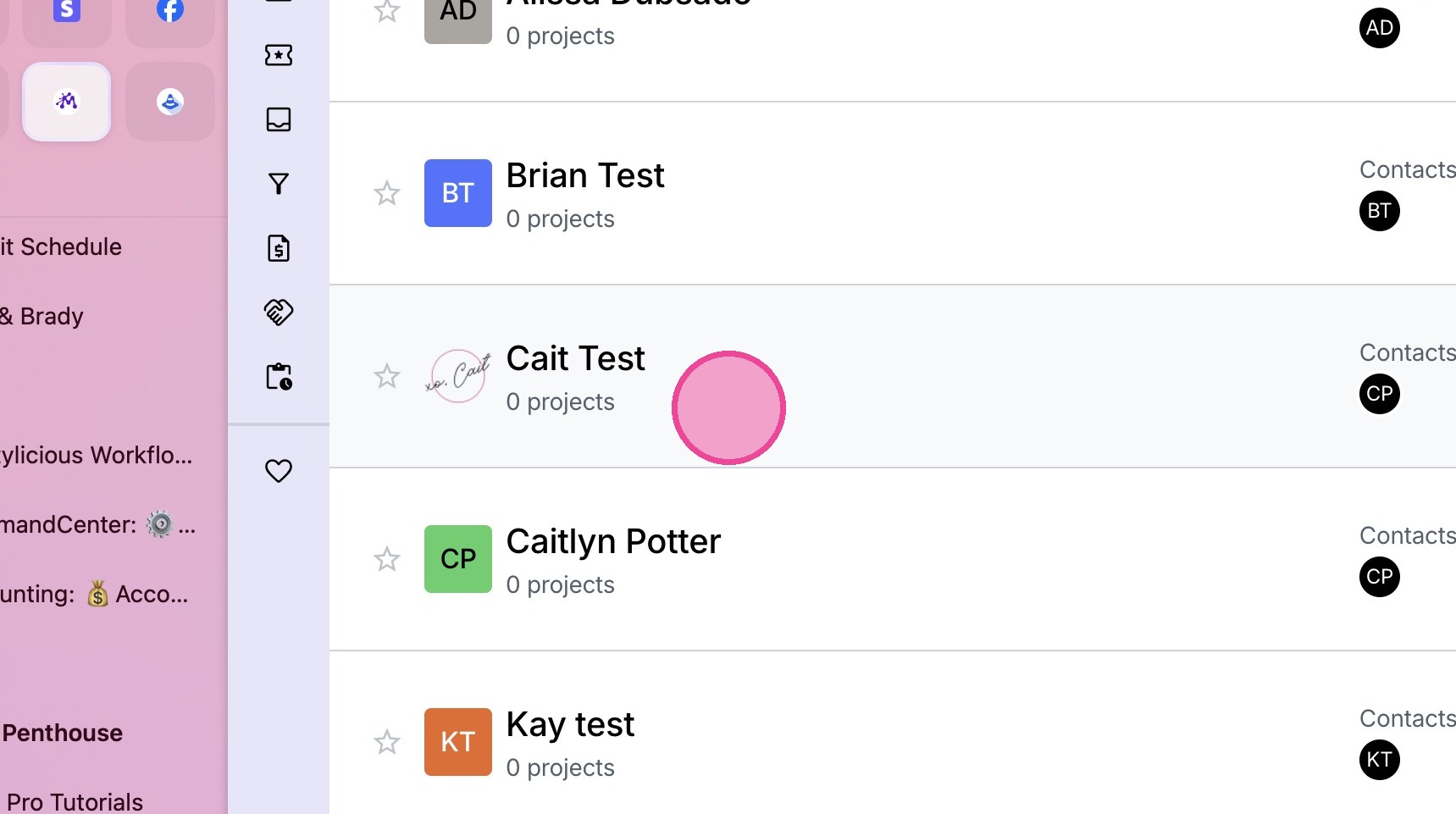
2. Locate the relevant client.
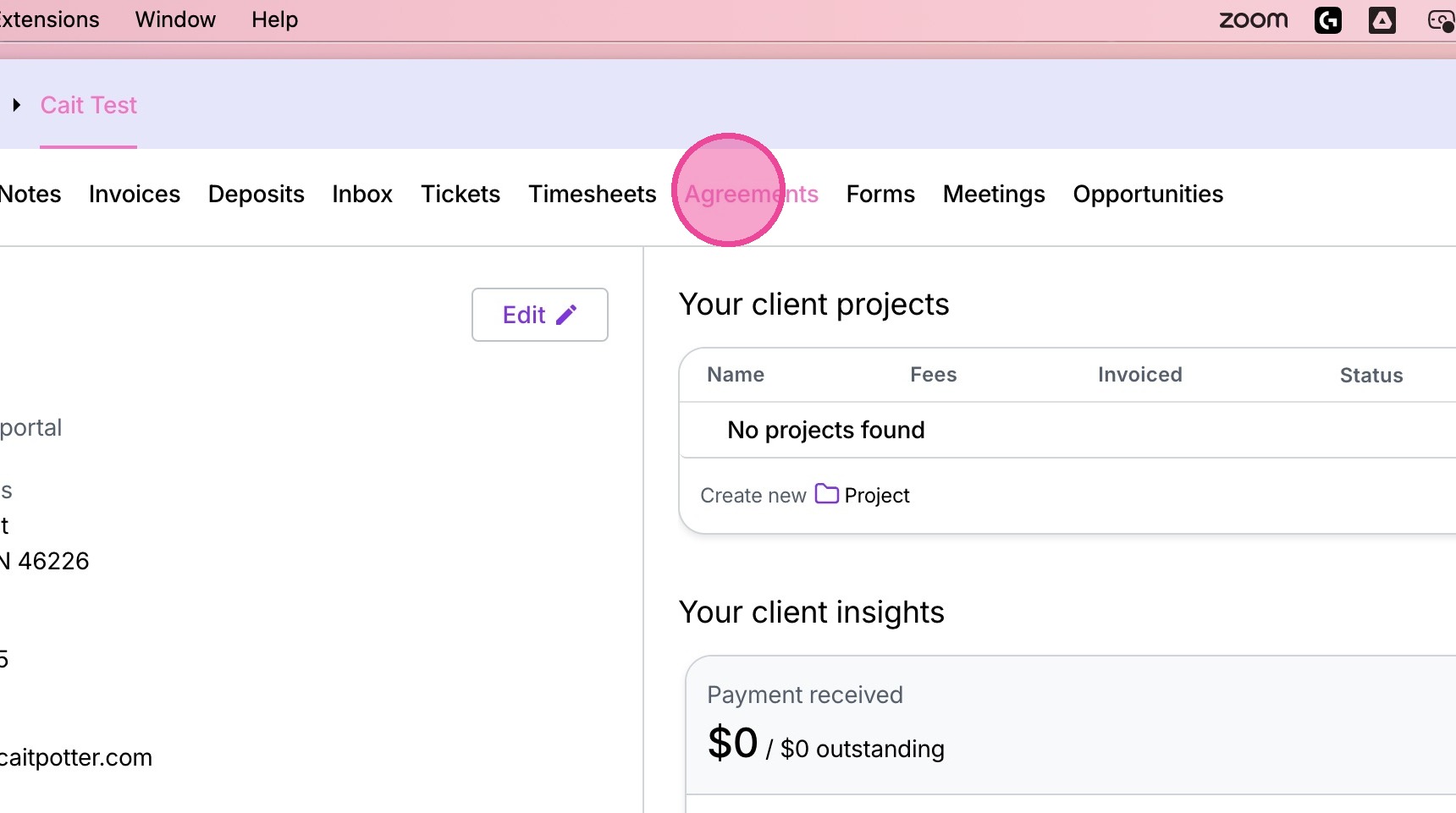
3. Go to the agreements tab.
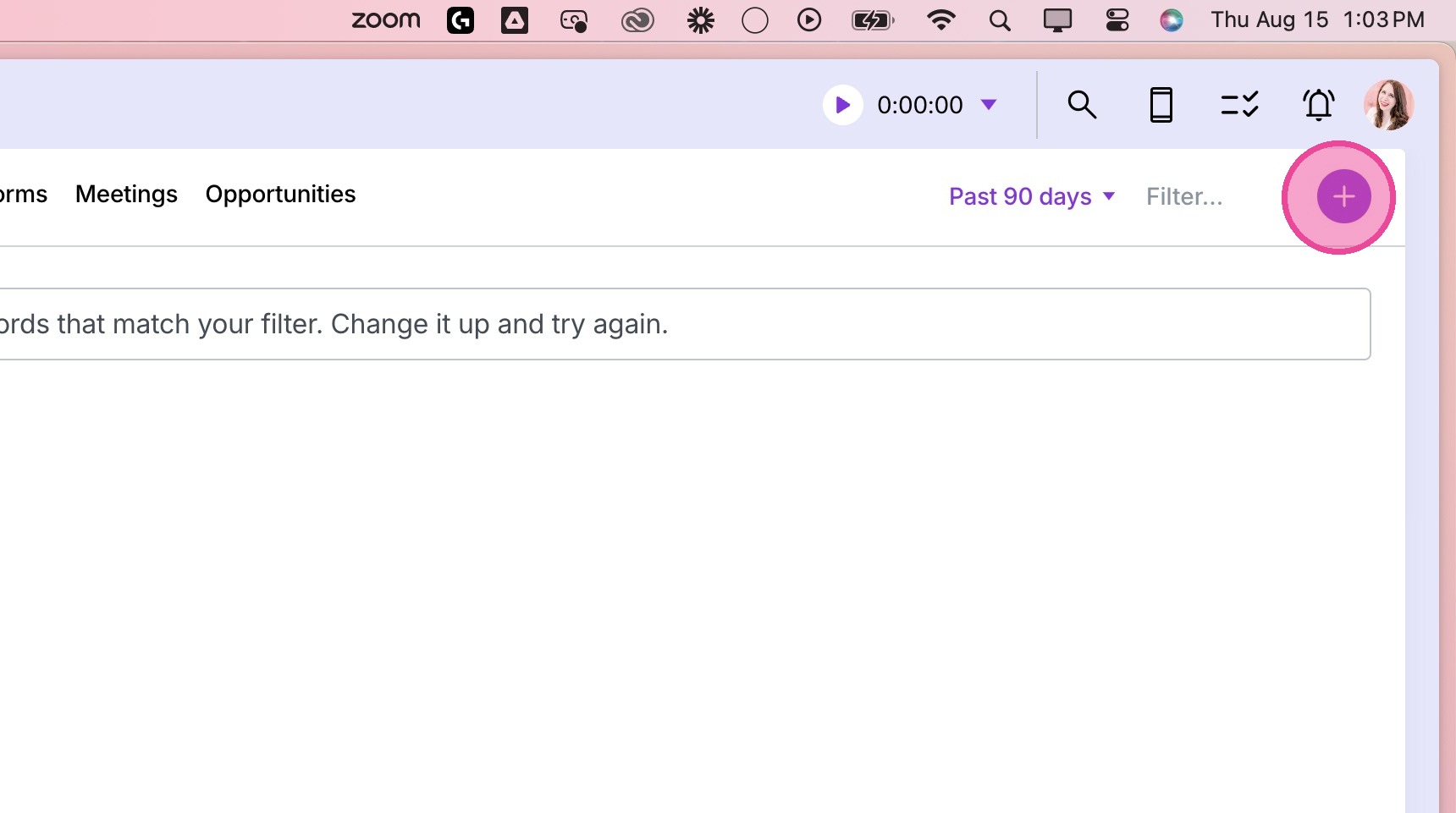
4. Click the plus button in the top right corner.
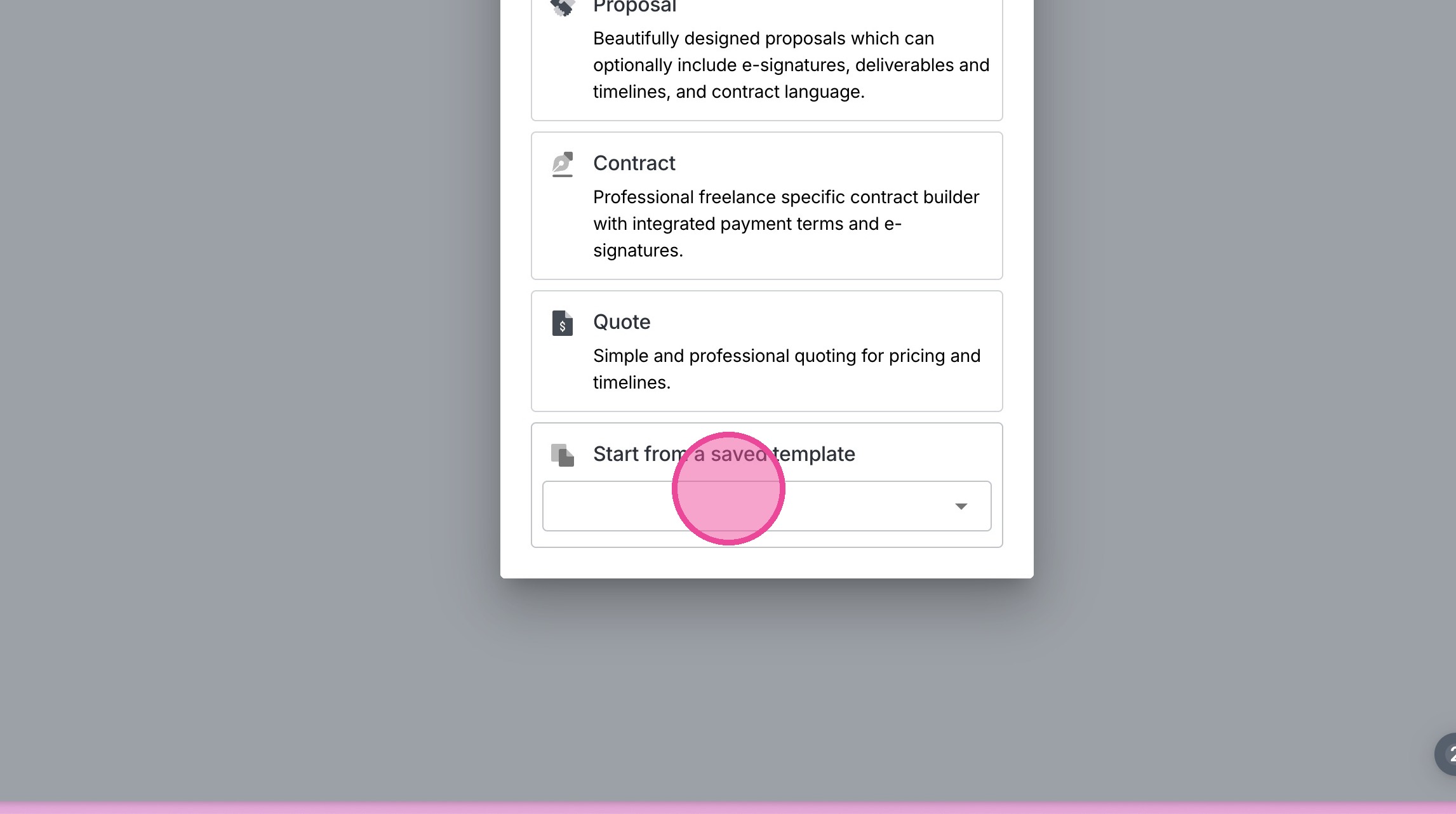
5. Select the option at the bottom to start from a saved template.
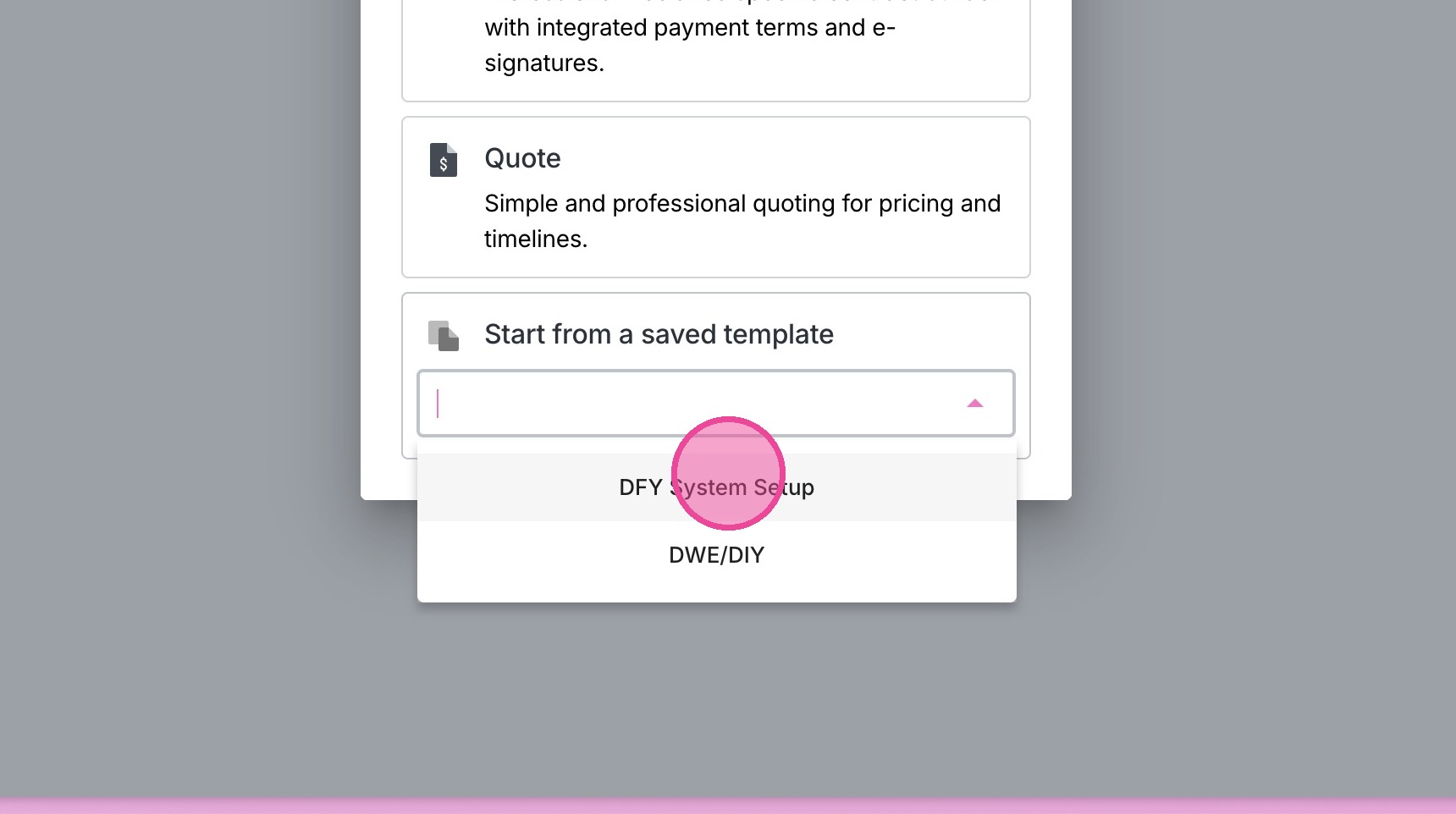
6. Select the relevant template.
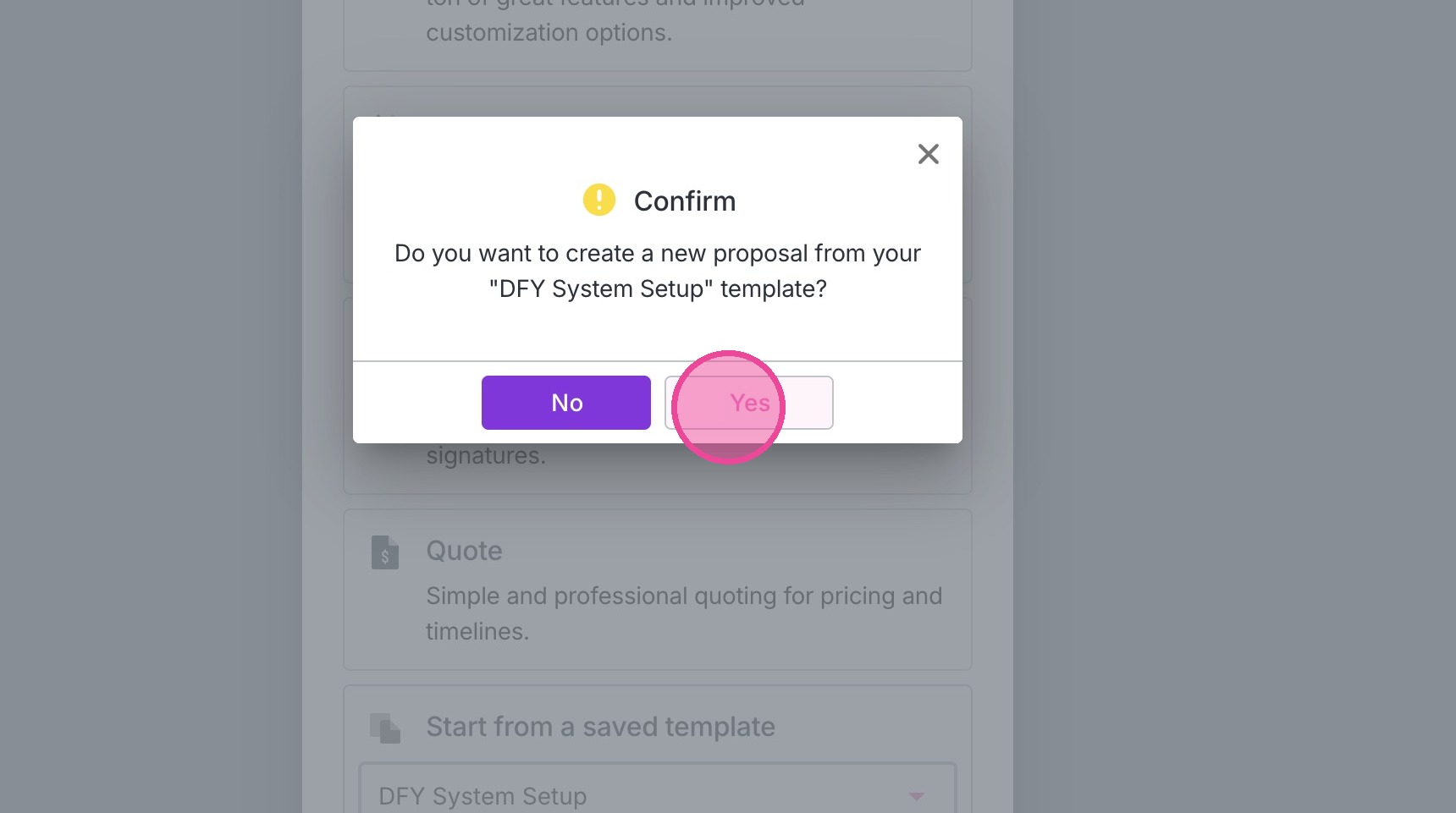
7. Click "yes".
Add Client Signer(s)
Tip: Tip! When sending an agreement manually, you must always assign the signer!
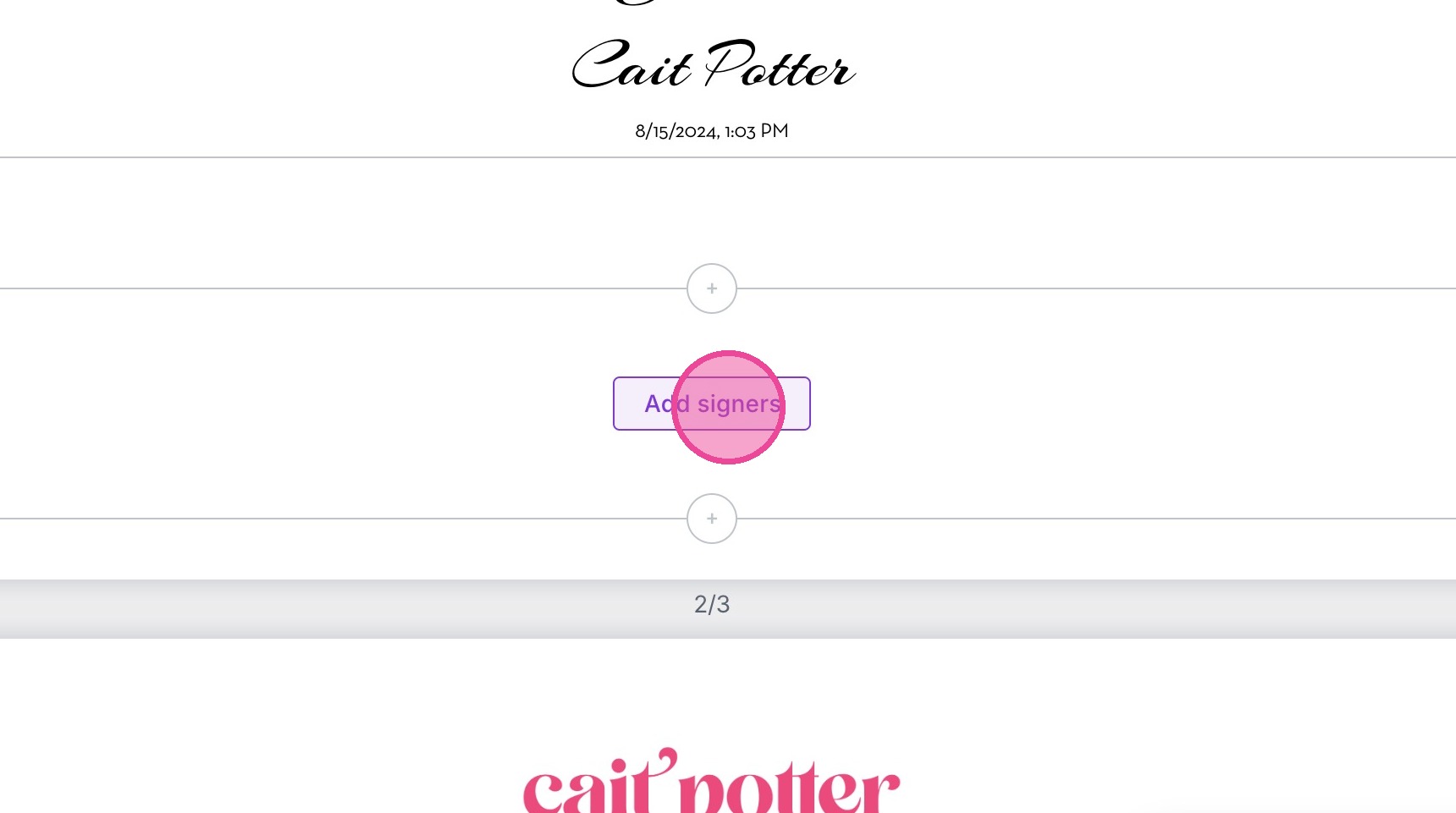
8. Locate the signatures section of the agreement. Click "Add Signers".
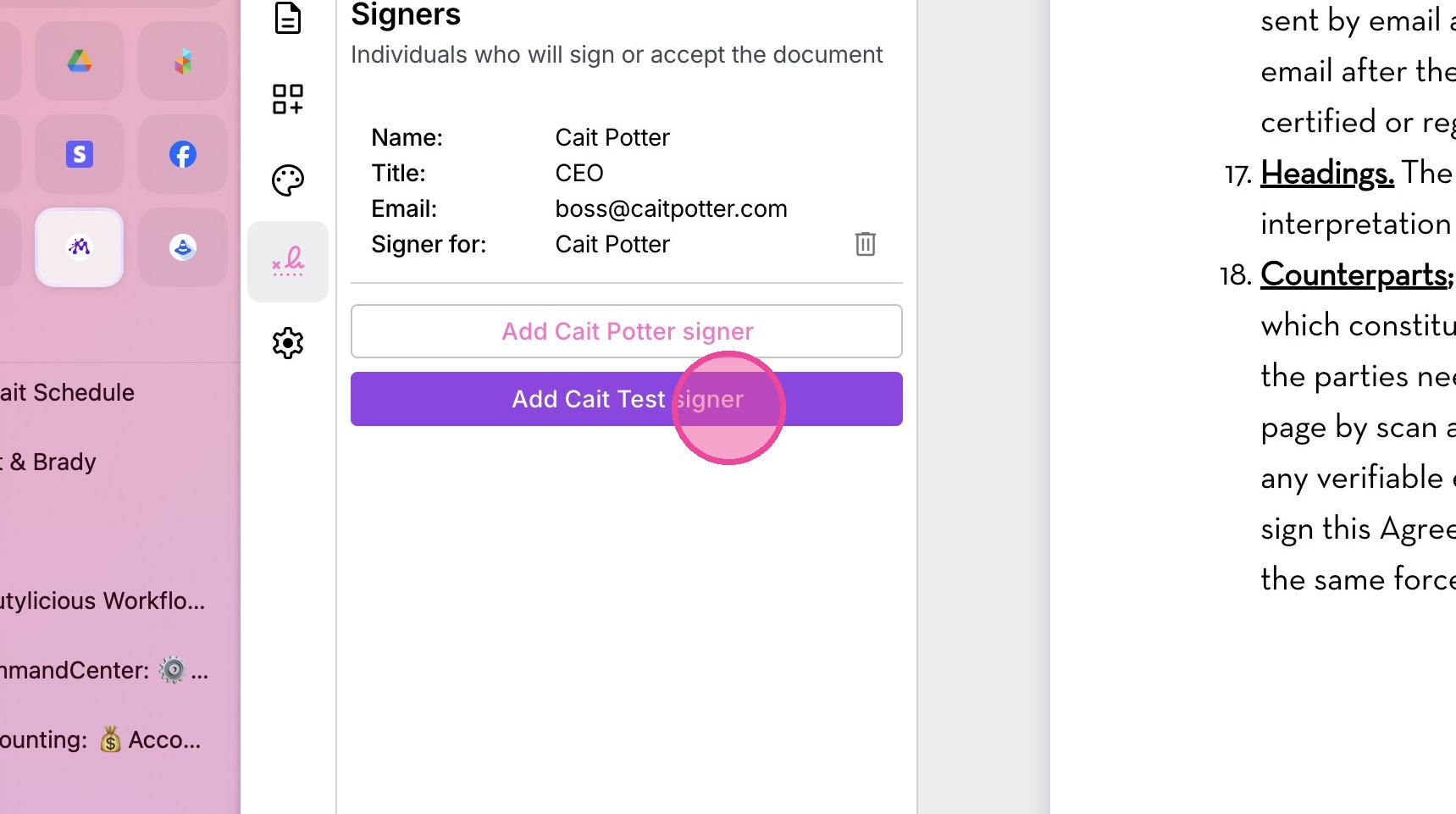
9. Add the client signer.
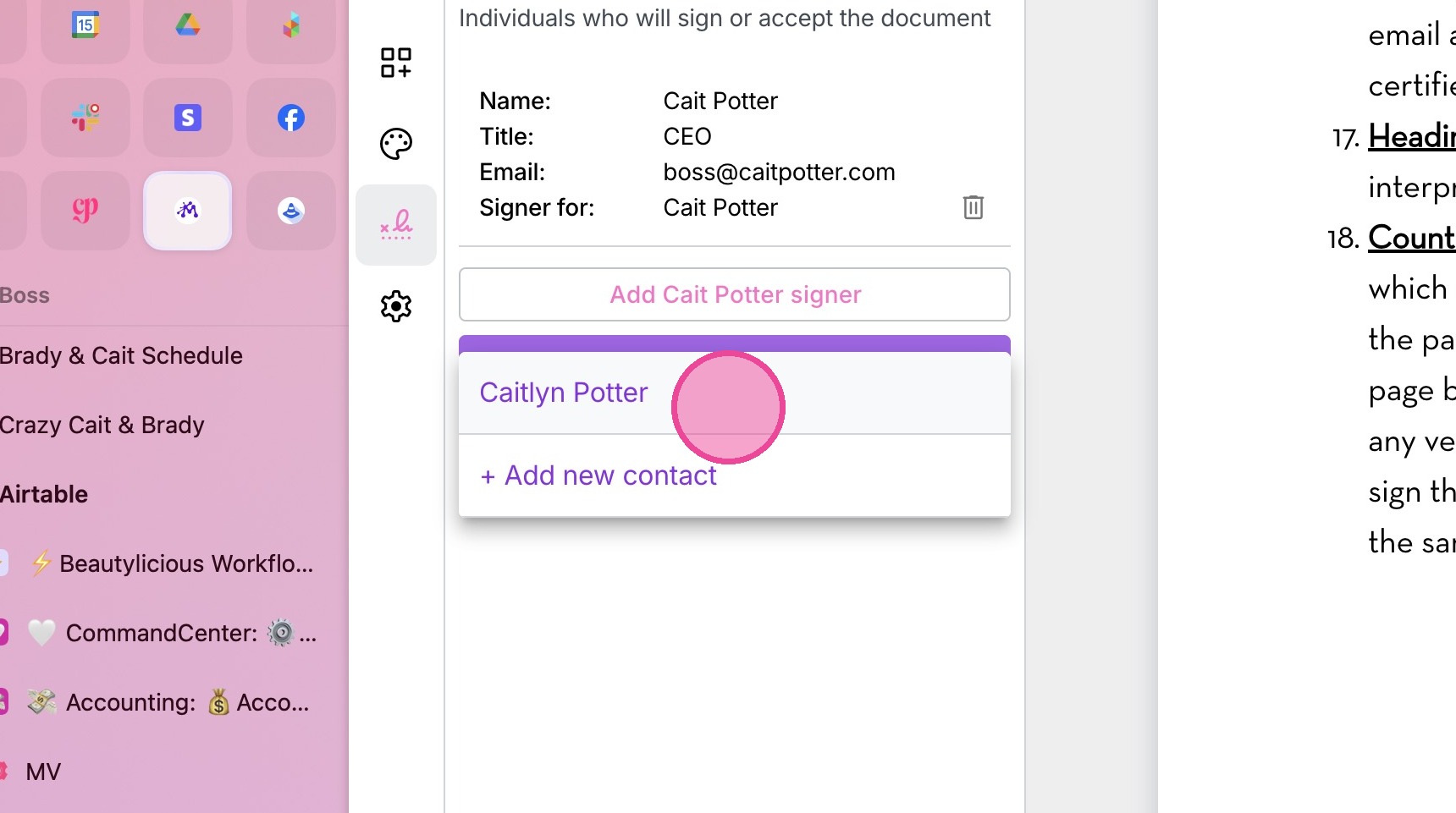
10. Select the relevant contact.
Save Agreement Updates
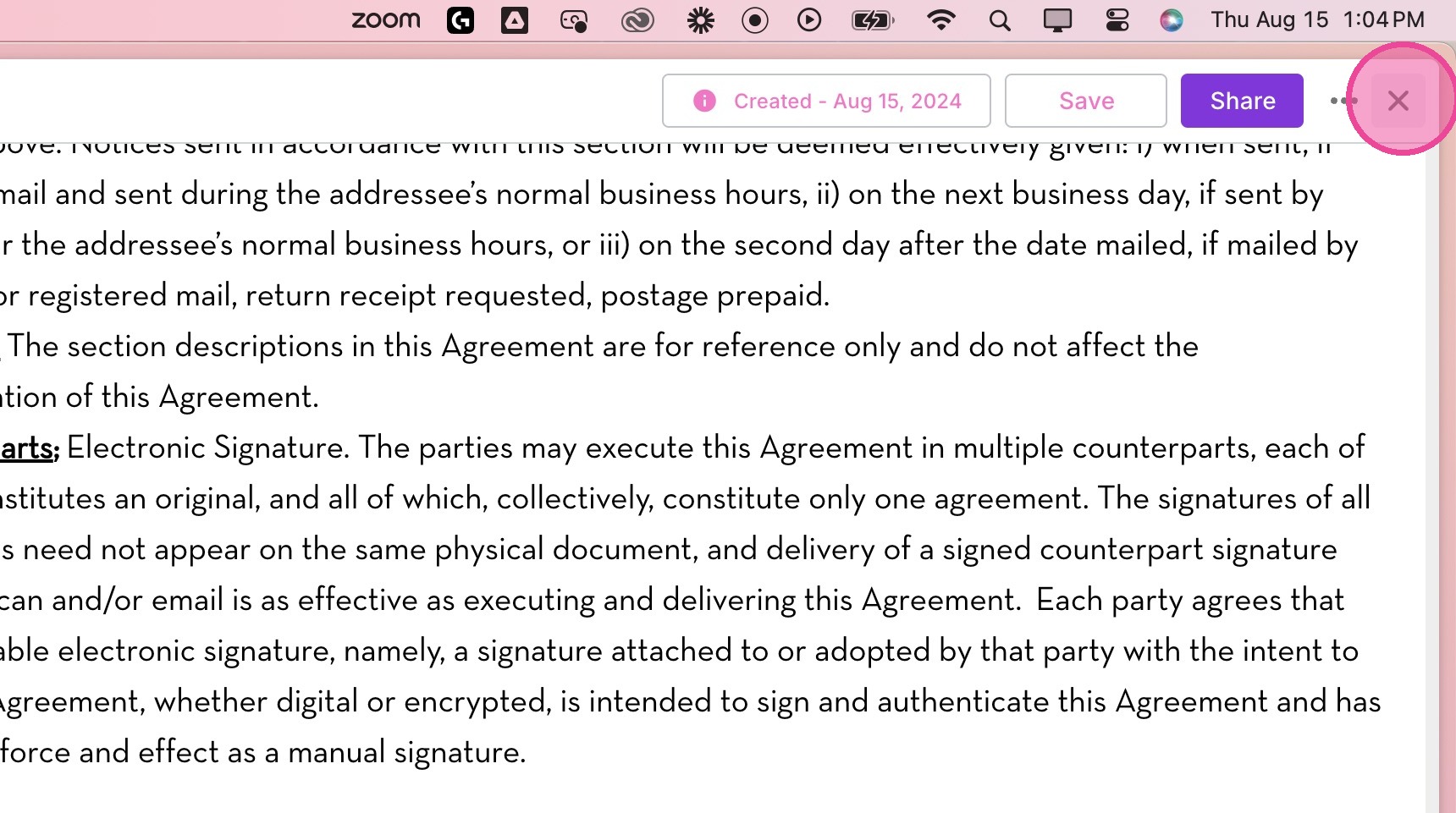
11. Click "Save" in the top right corner to save all changes to form.
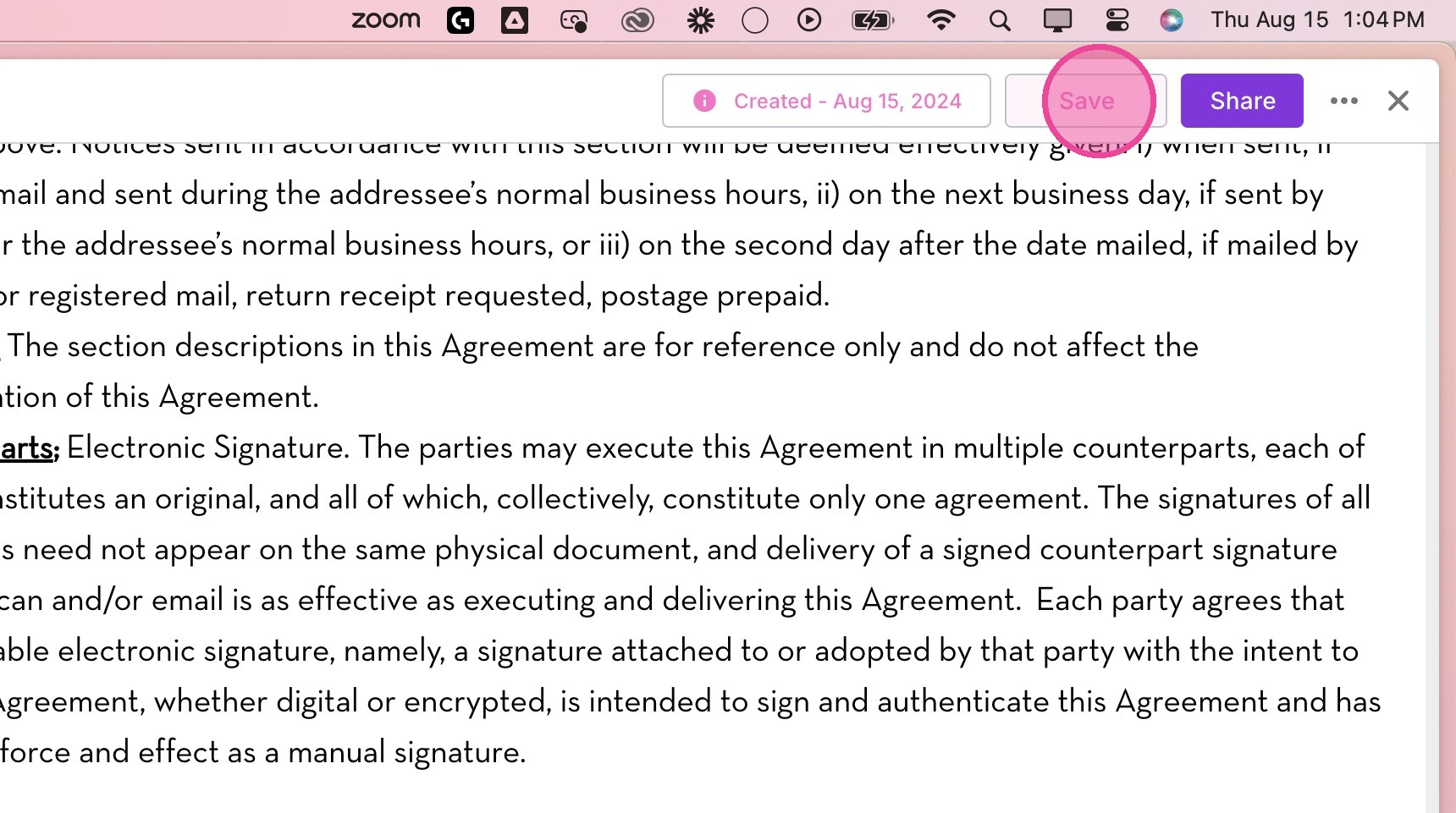
12. Click "x" to exit.