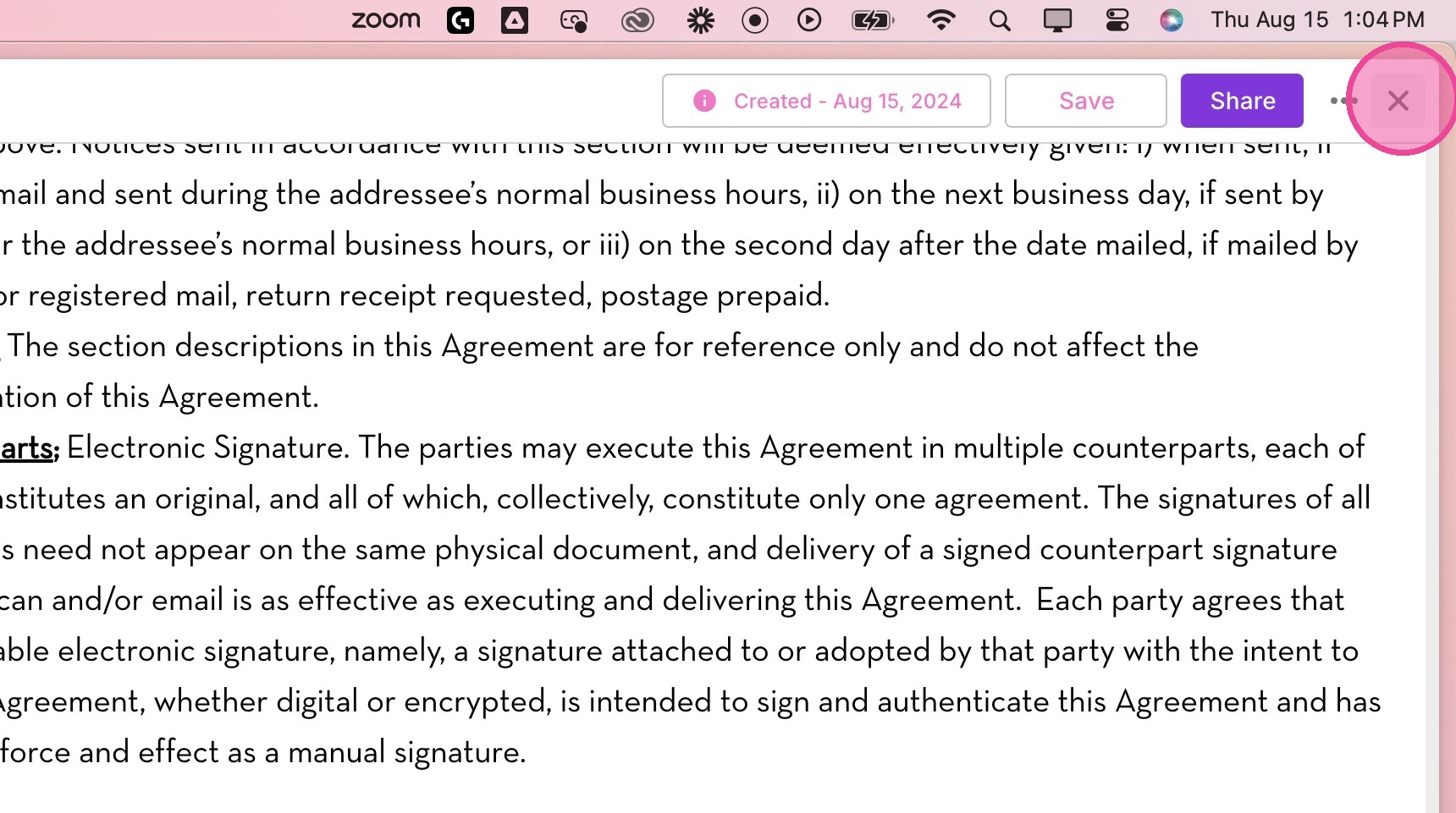
Customize Agreement
Add Agreement
1. Go to the client's area.
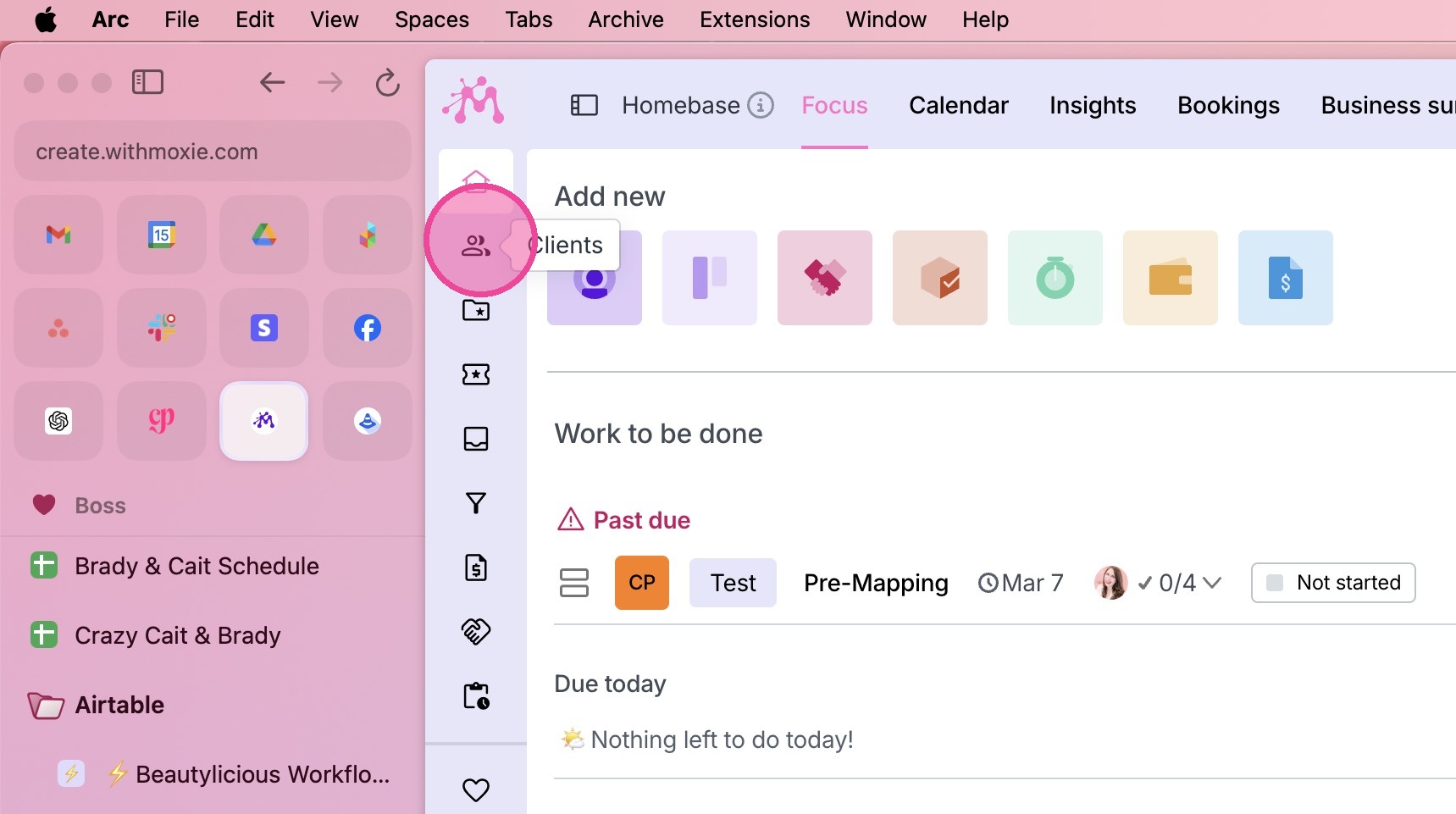
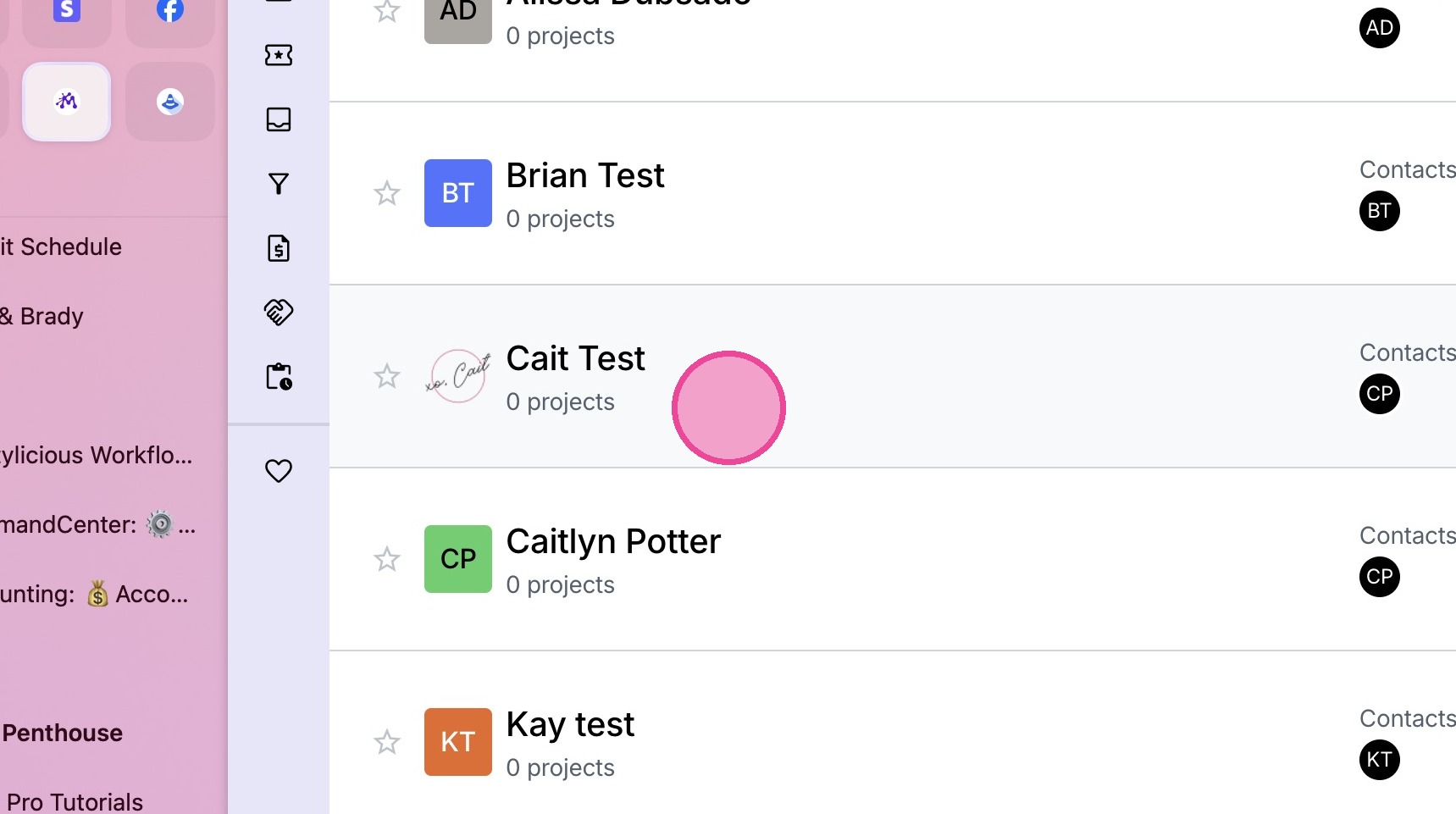
2. Locate the relevant client.
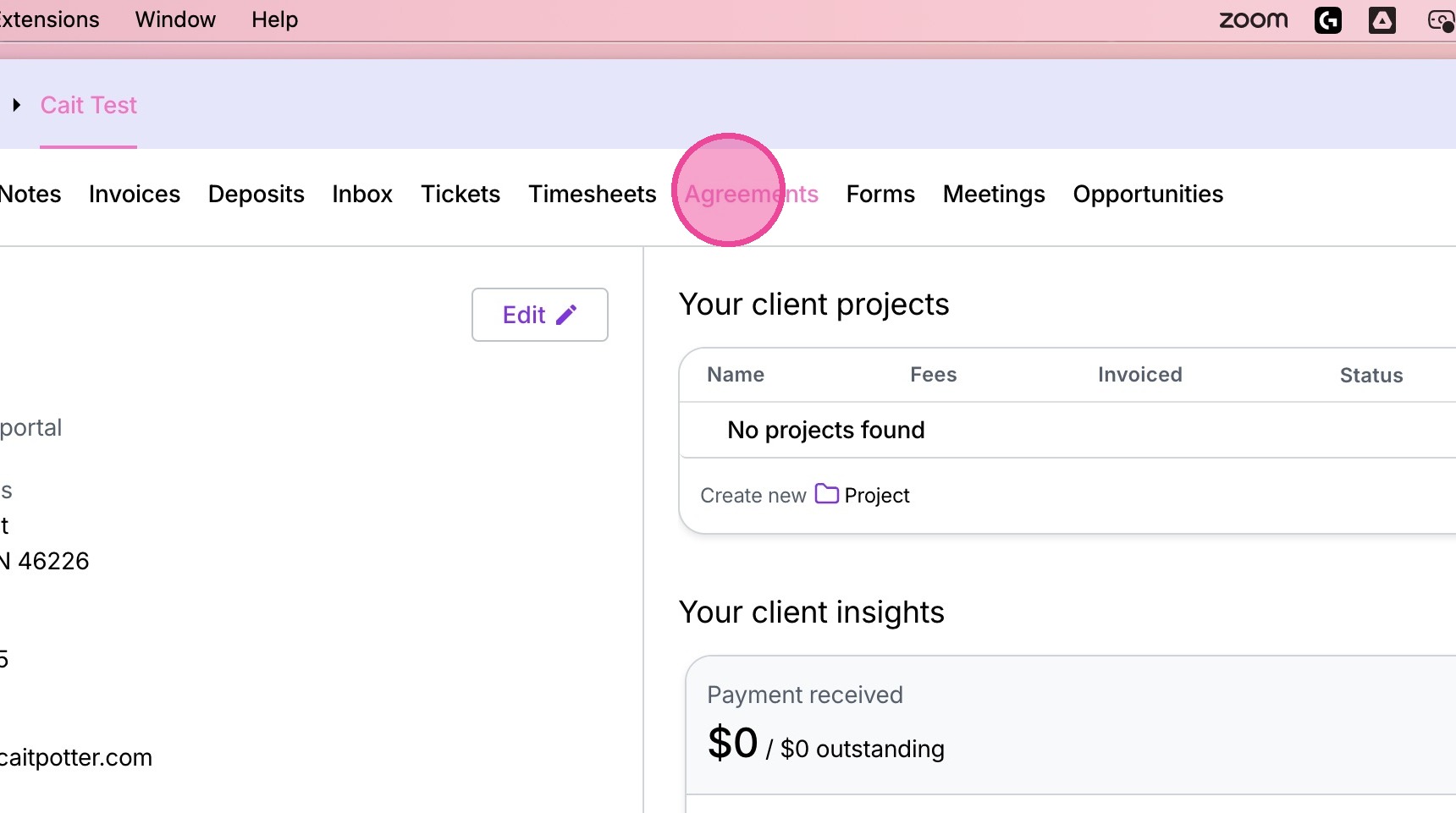
3. Go to the agreements tab.
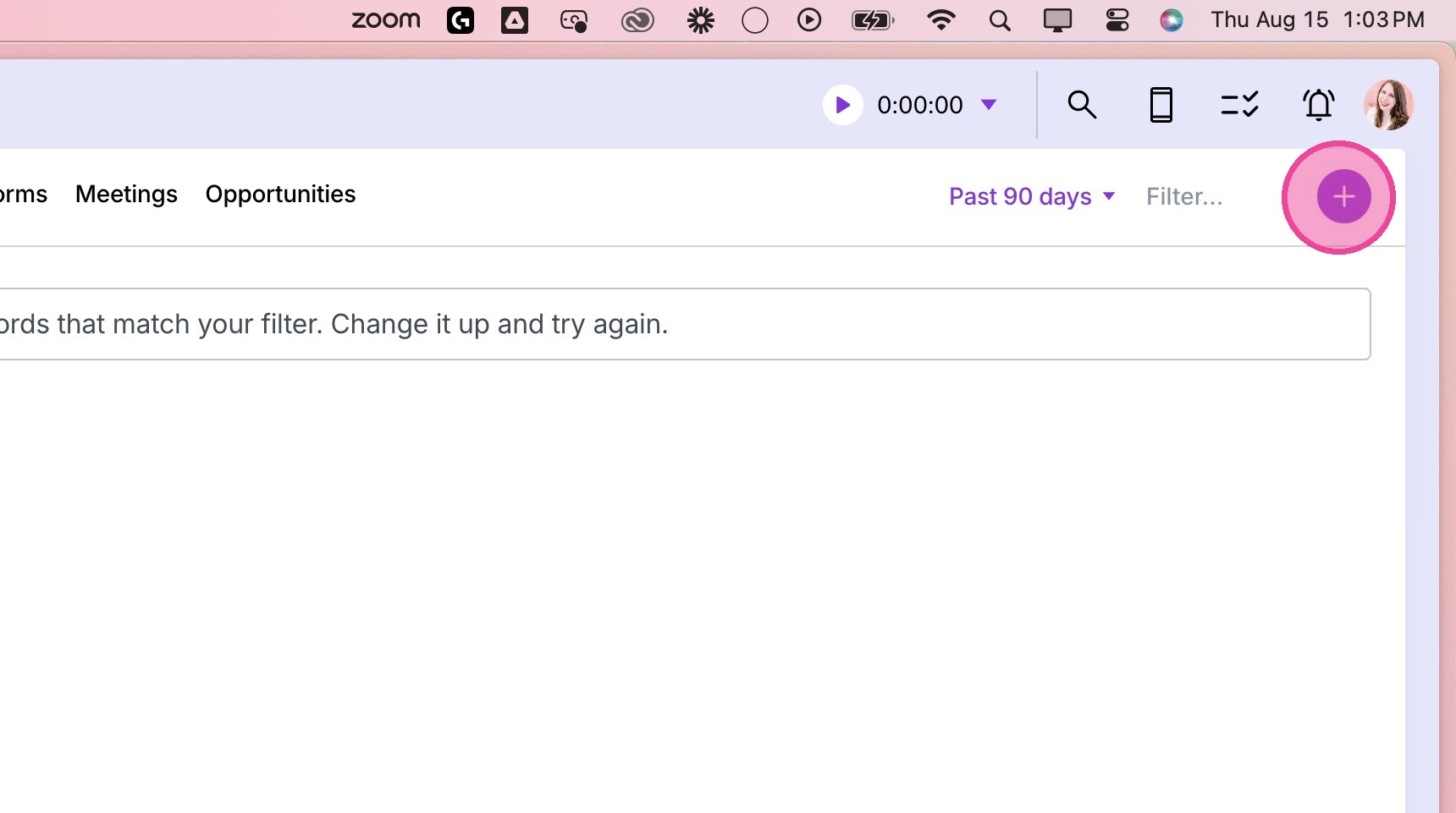
4. Click the plus button in the top right corner.
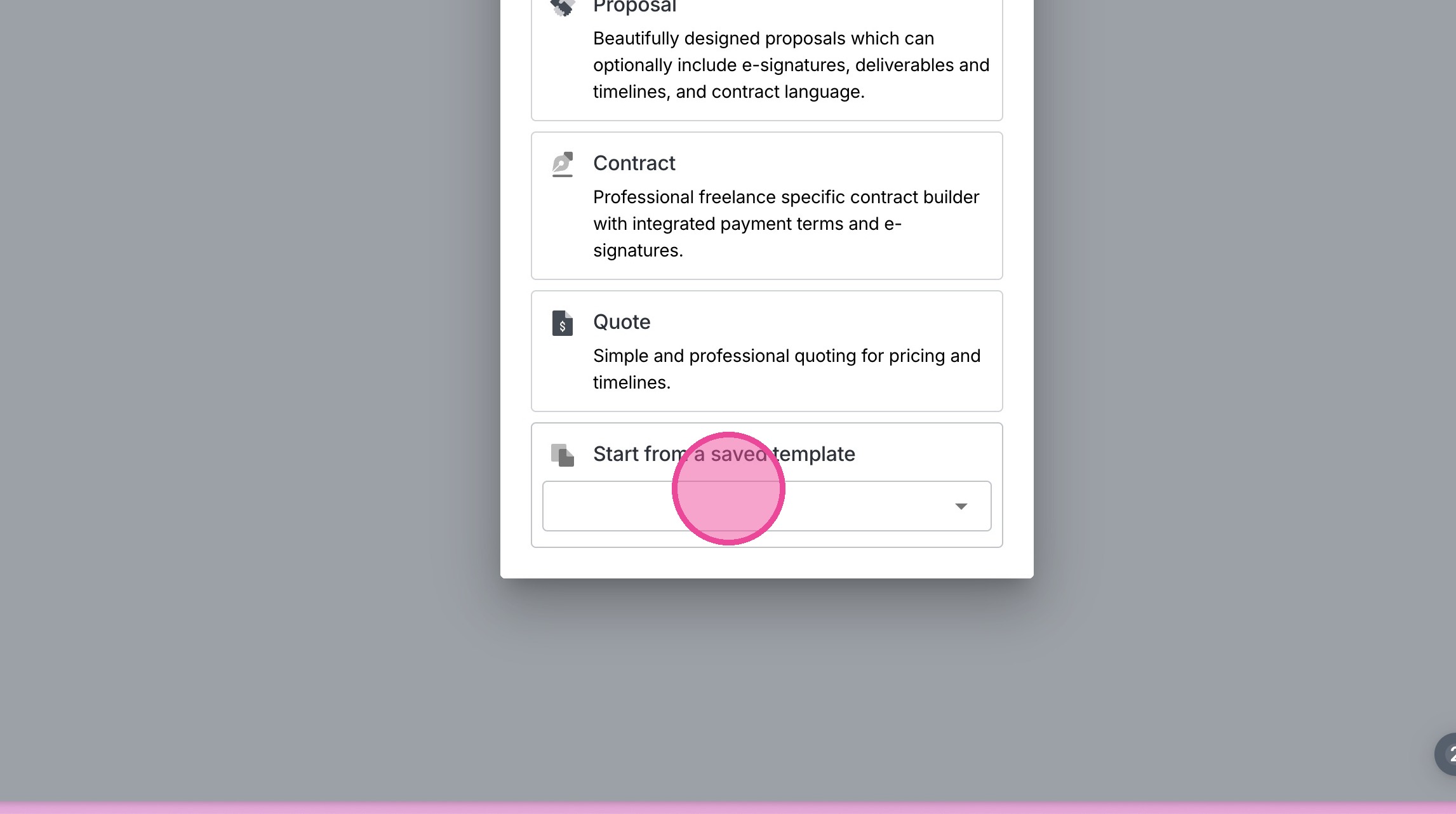
5. Select the option at the bottom to start from a saved template.
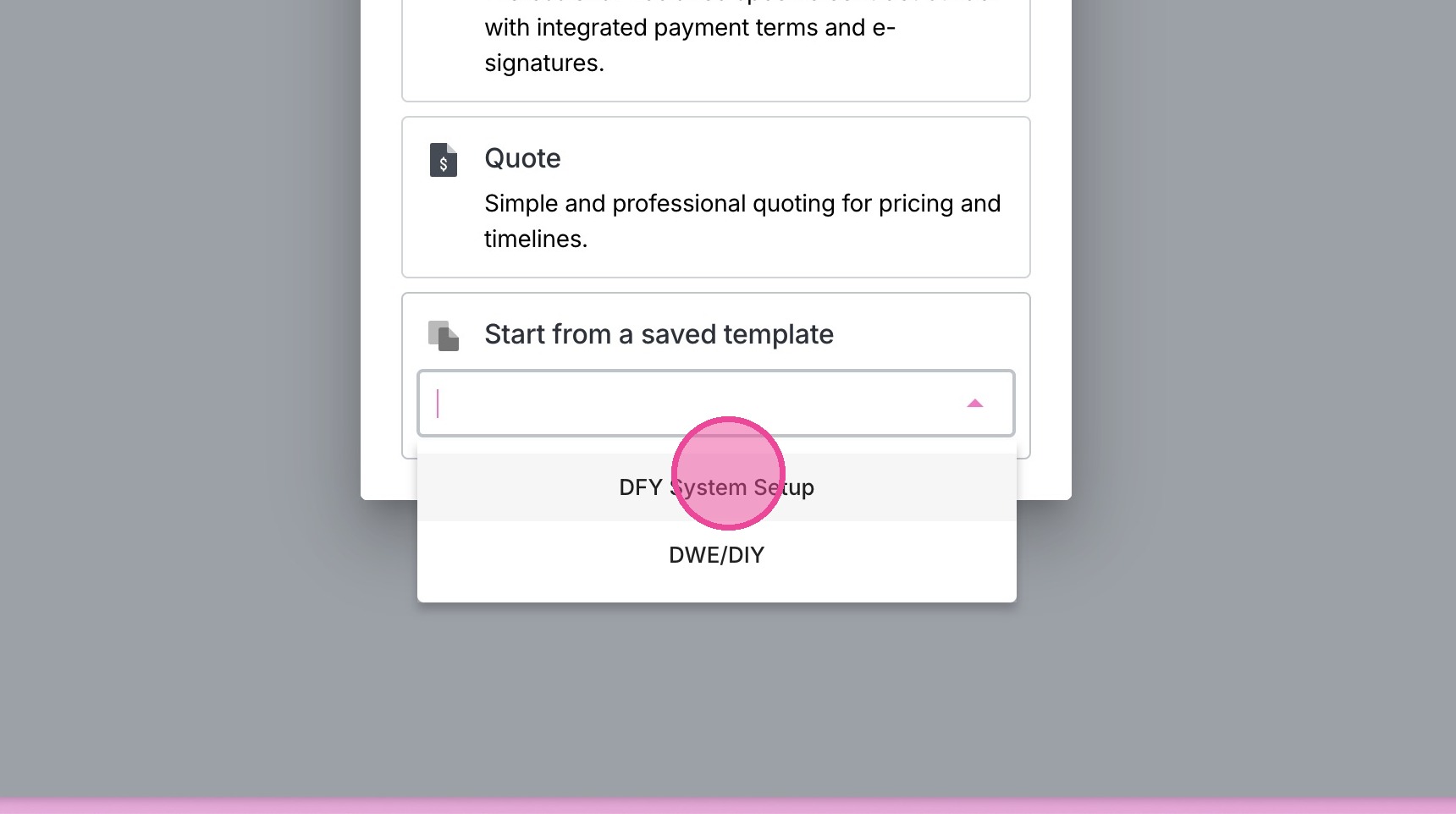
6. Select the relevant template.
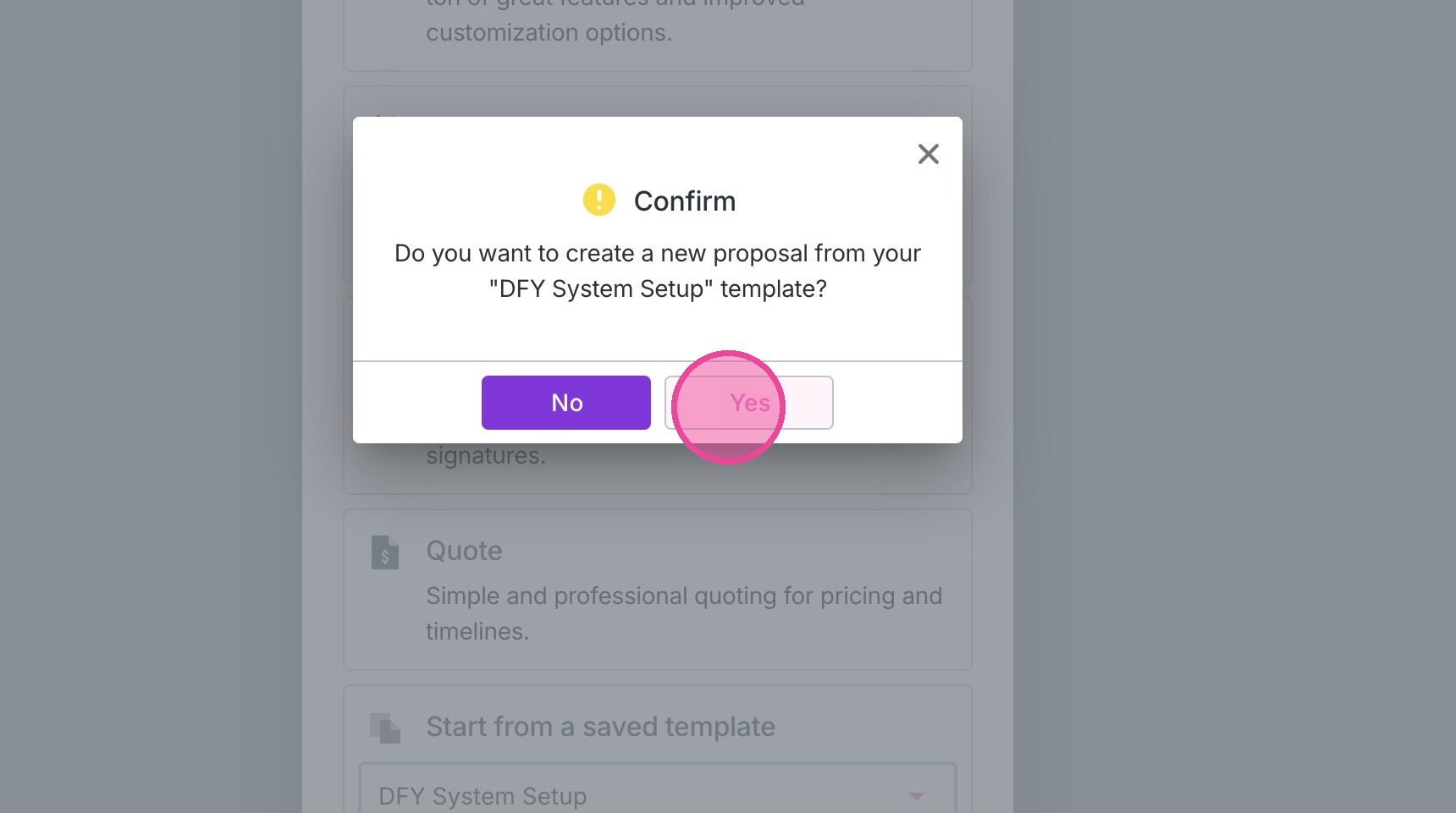
7. Click "yes".
Update the Price
8. Locate the package in the agreement
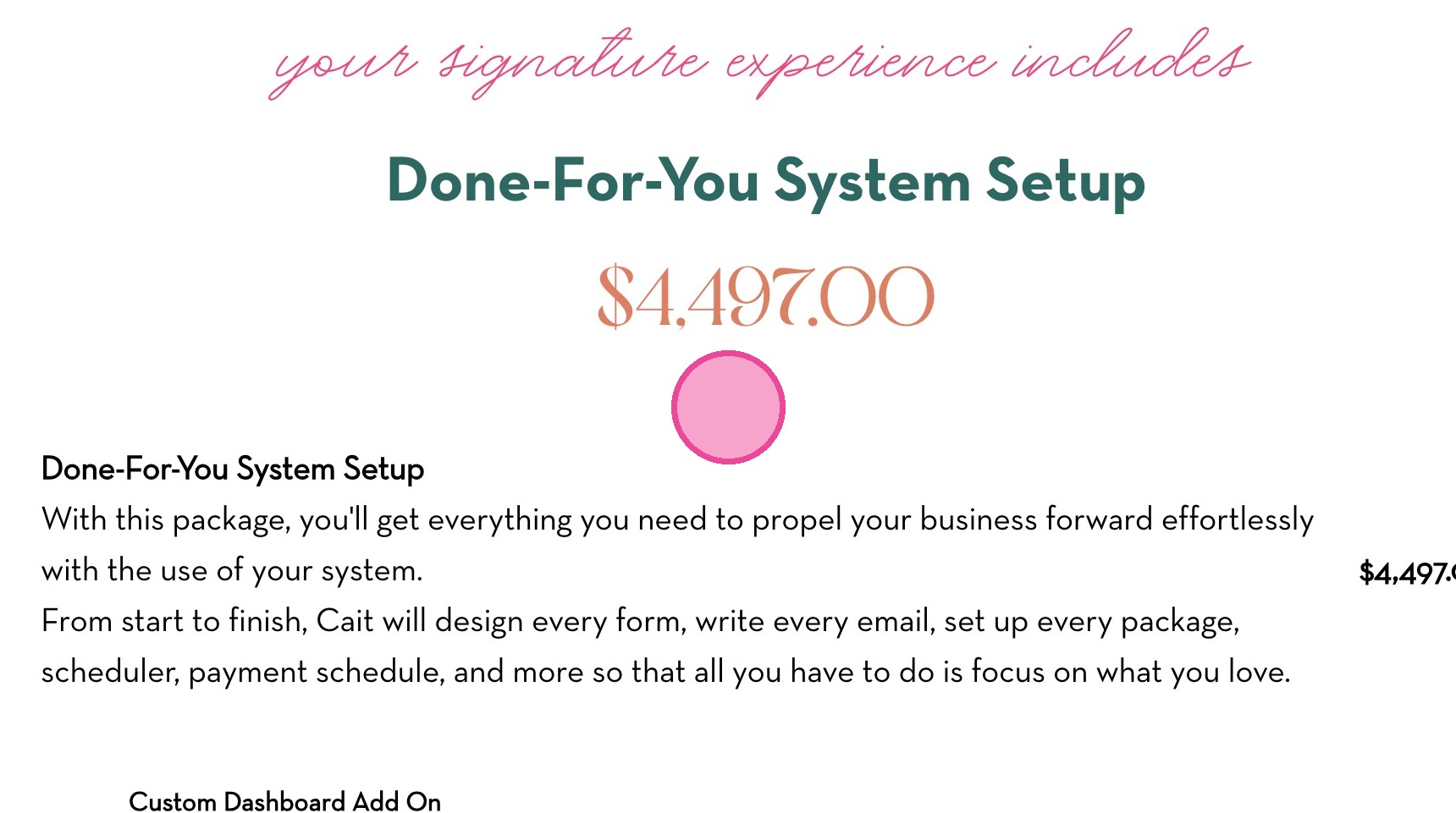
9. Click here to edit.
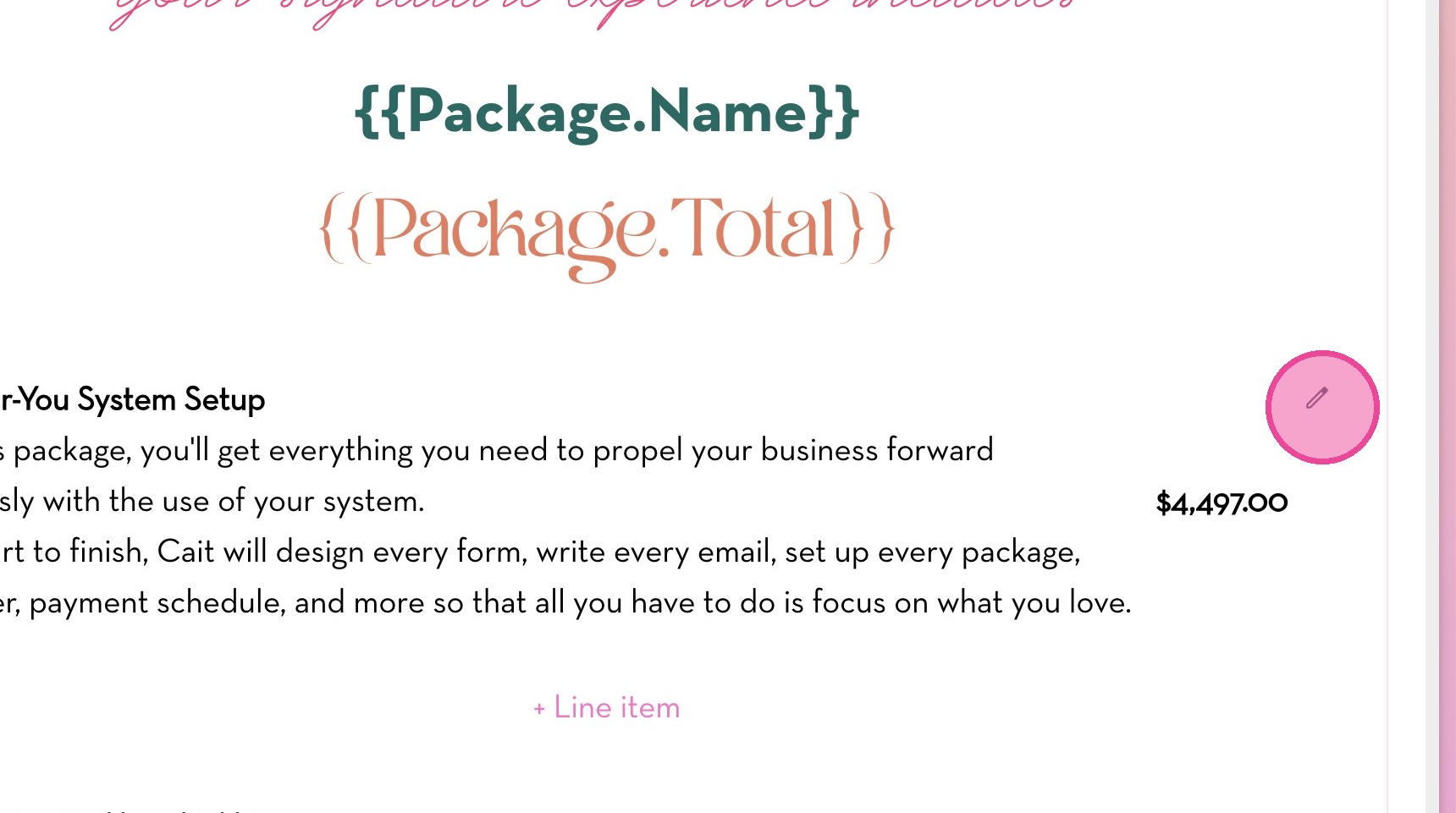
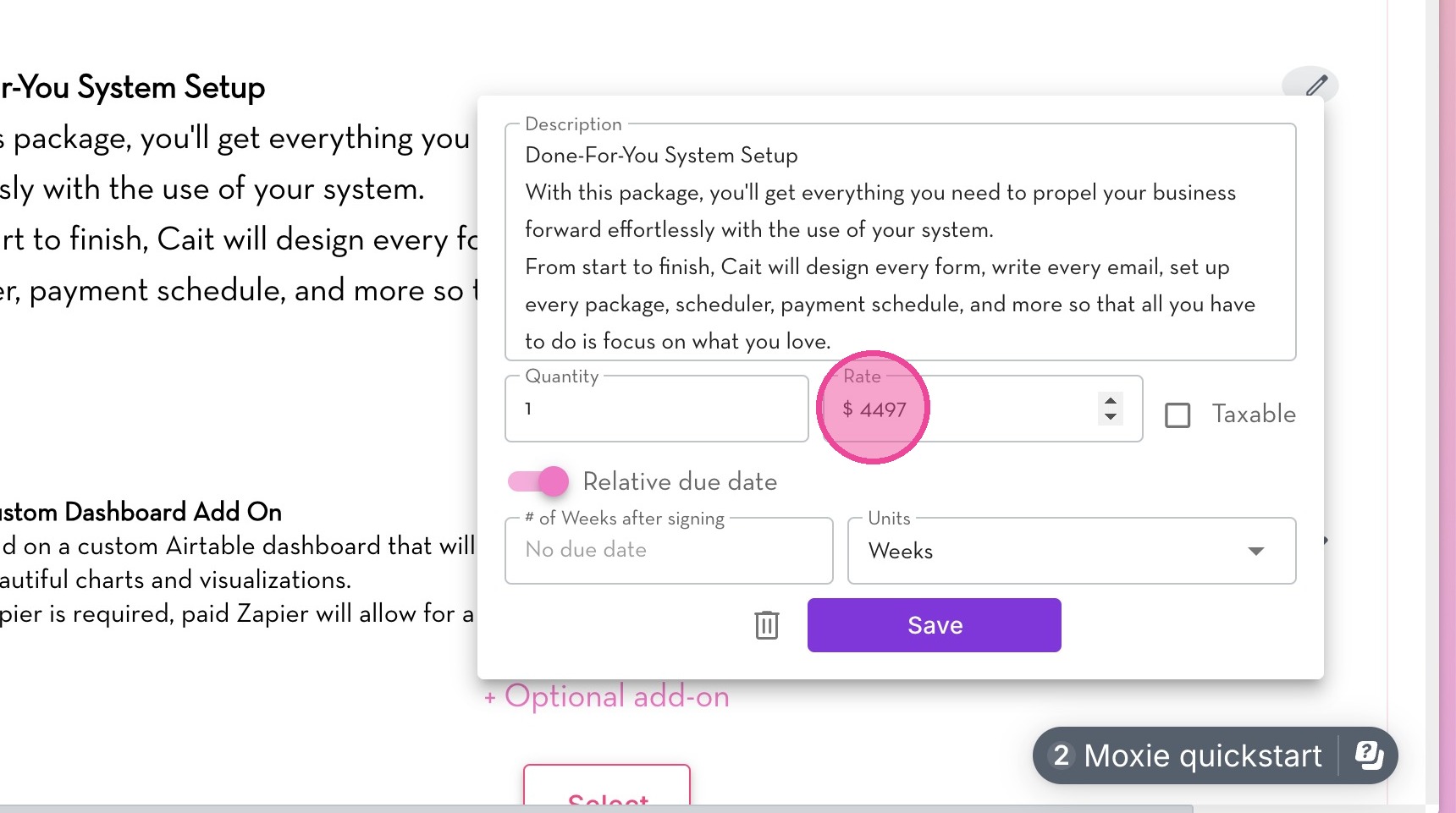
10. Change the pricing and inclusions as necessary.
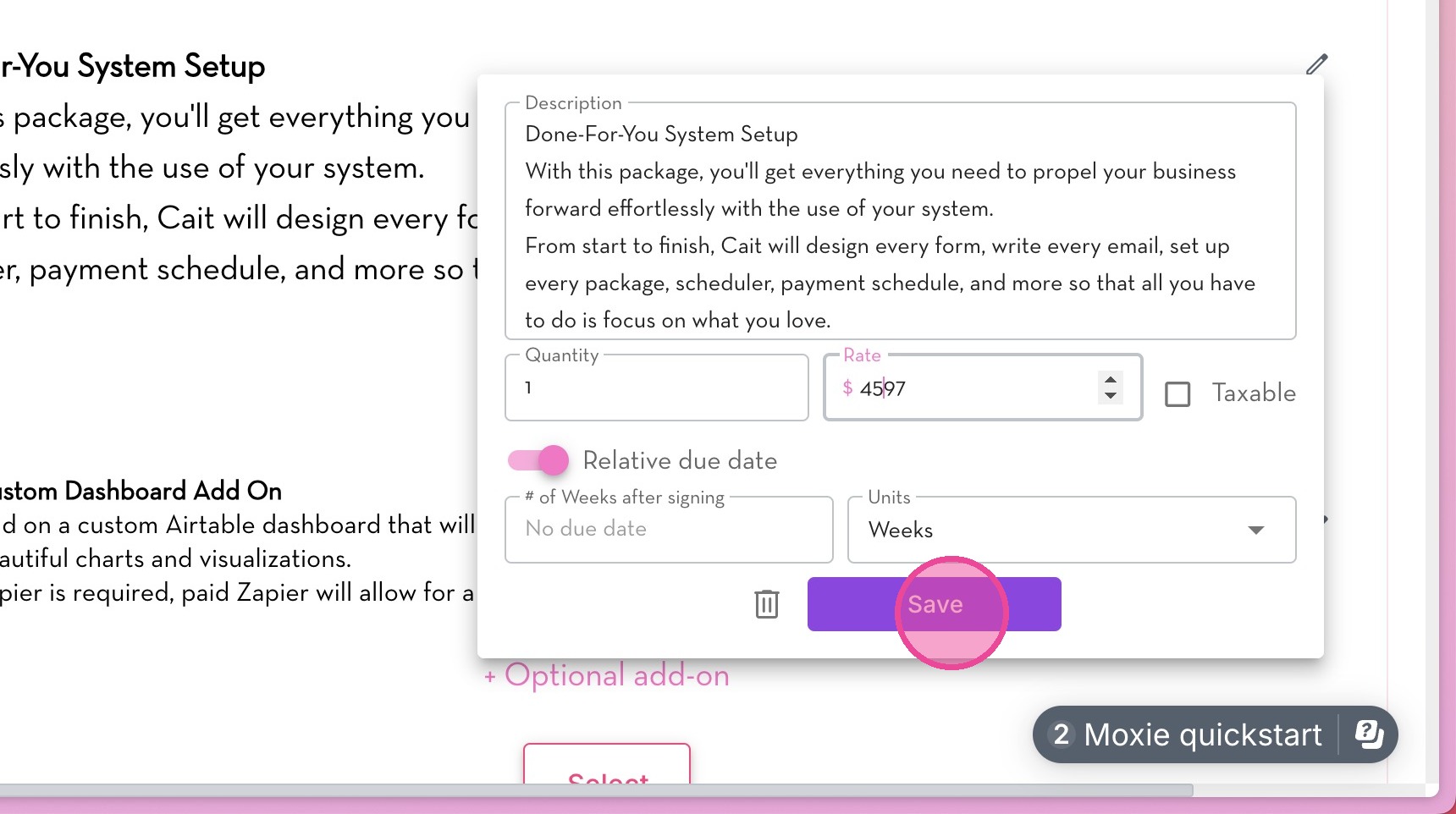
11. Click "Save".
Update Payment Schedule
12. Locate the payment schedule.
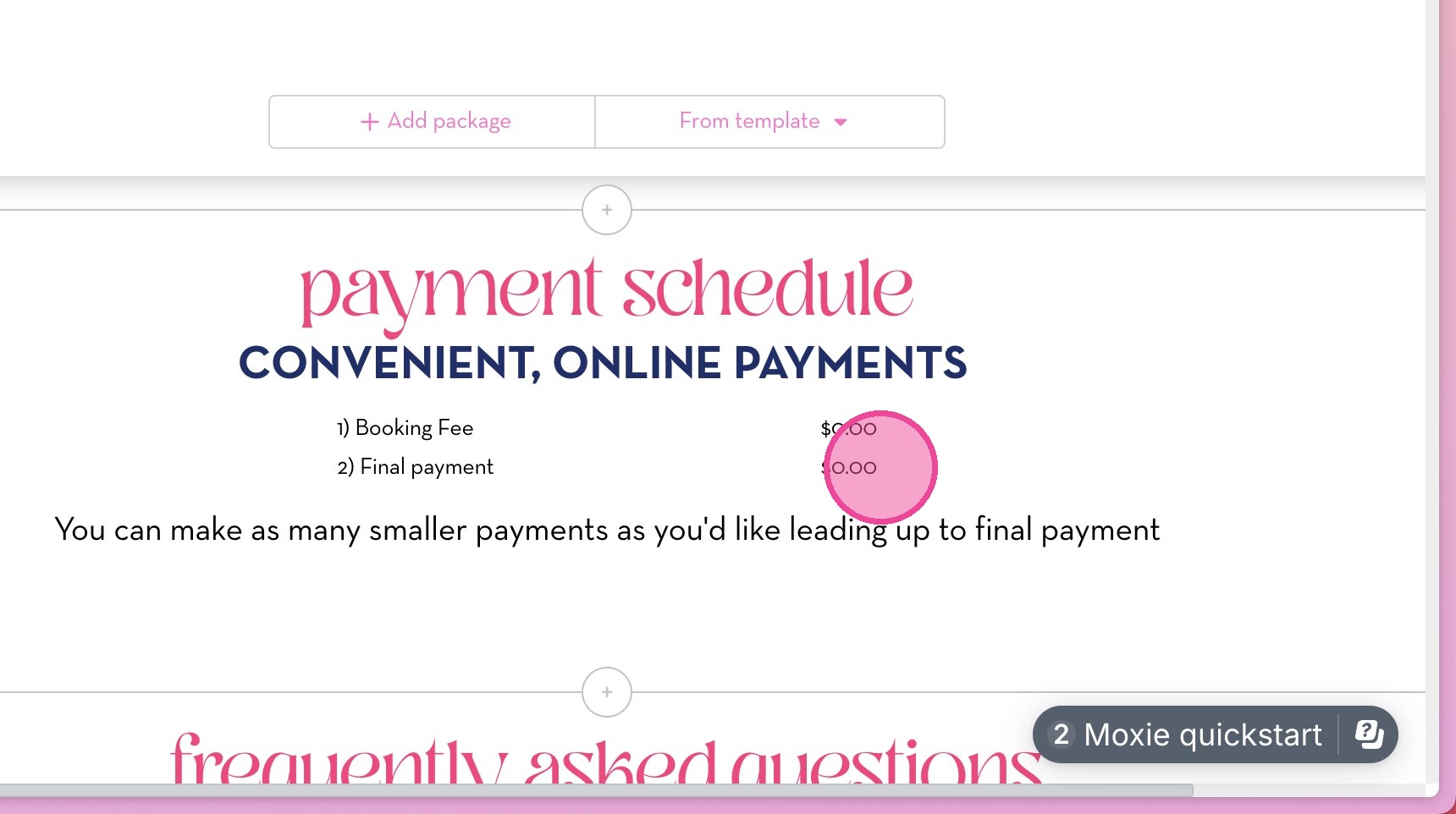
13. Click on the payments to open the sidebar.
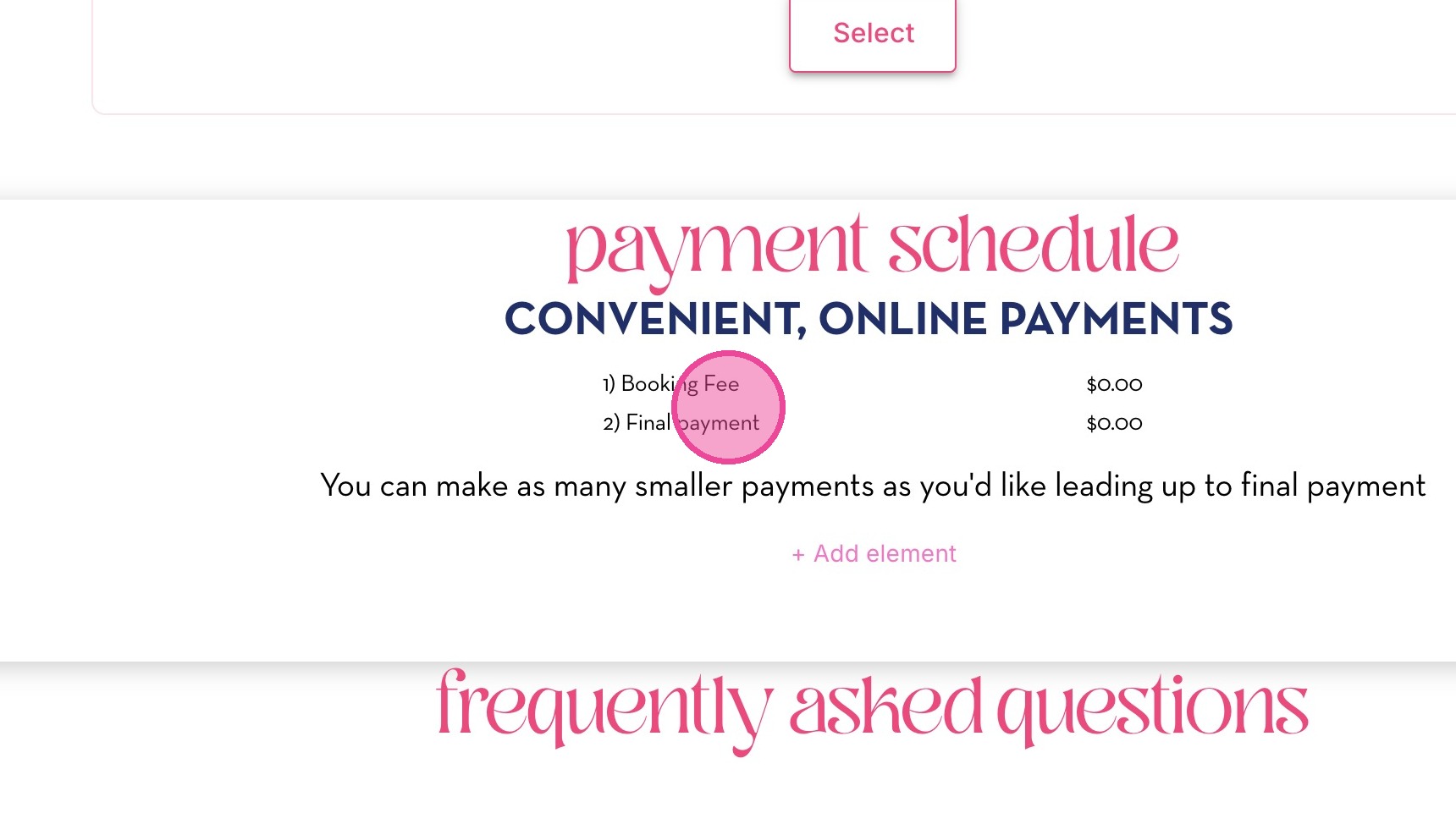
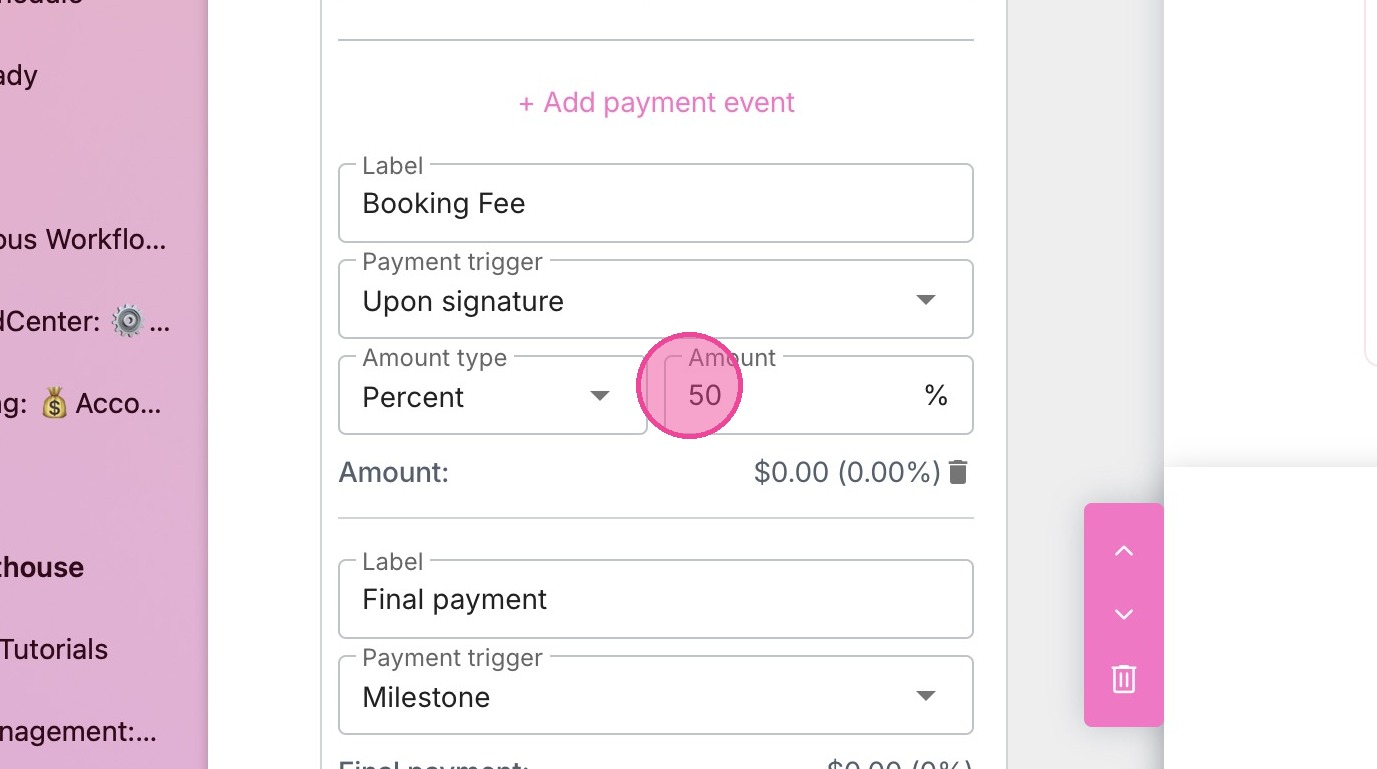
14. Update the relevant payments as needed.
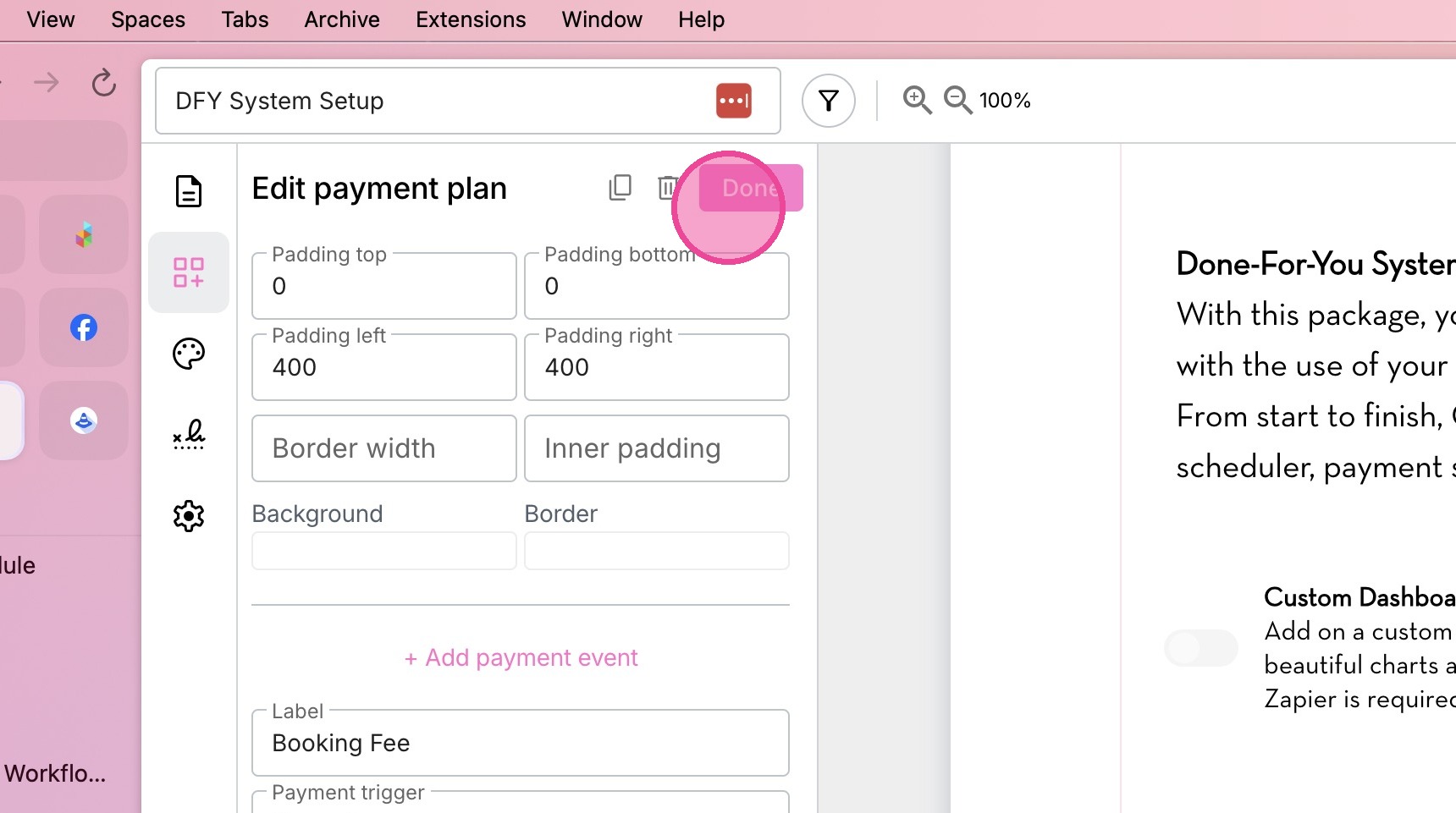
15. Click "Done" to save.
Save Agreement Updates
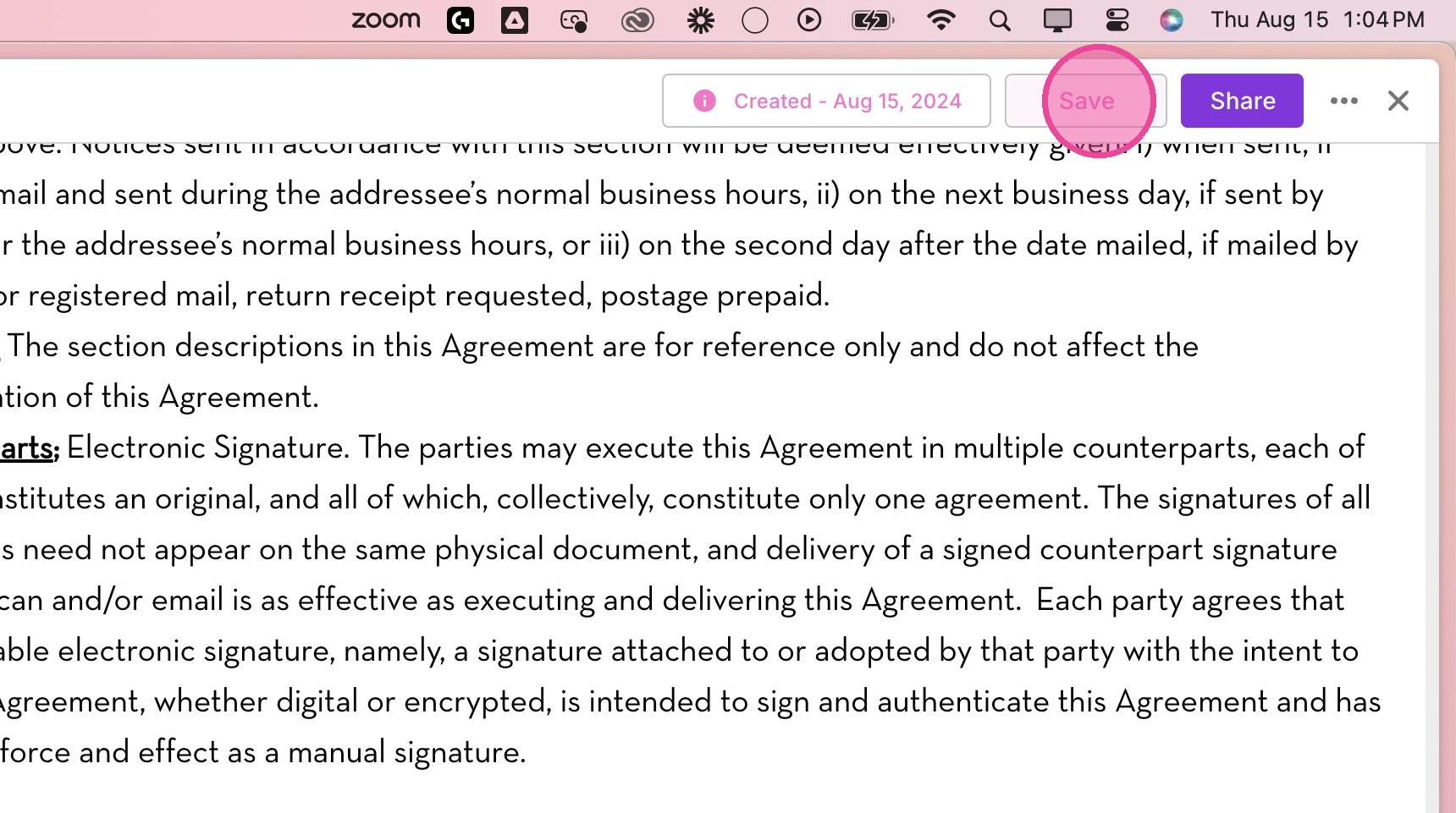
16. Click "Save" in the top right corner to save all changes to form.
17. Click "x" to exit.