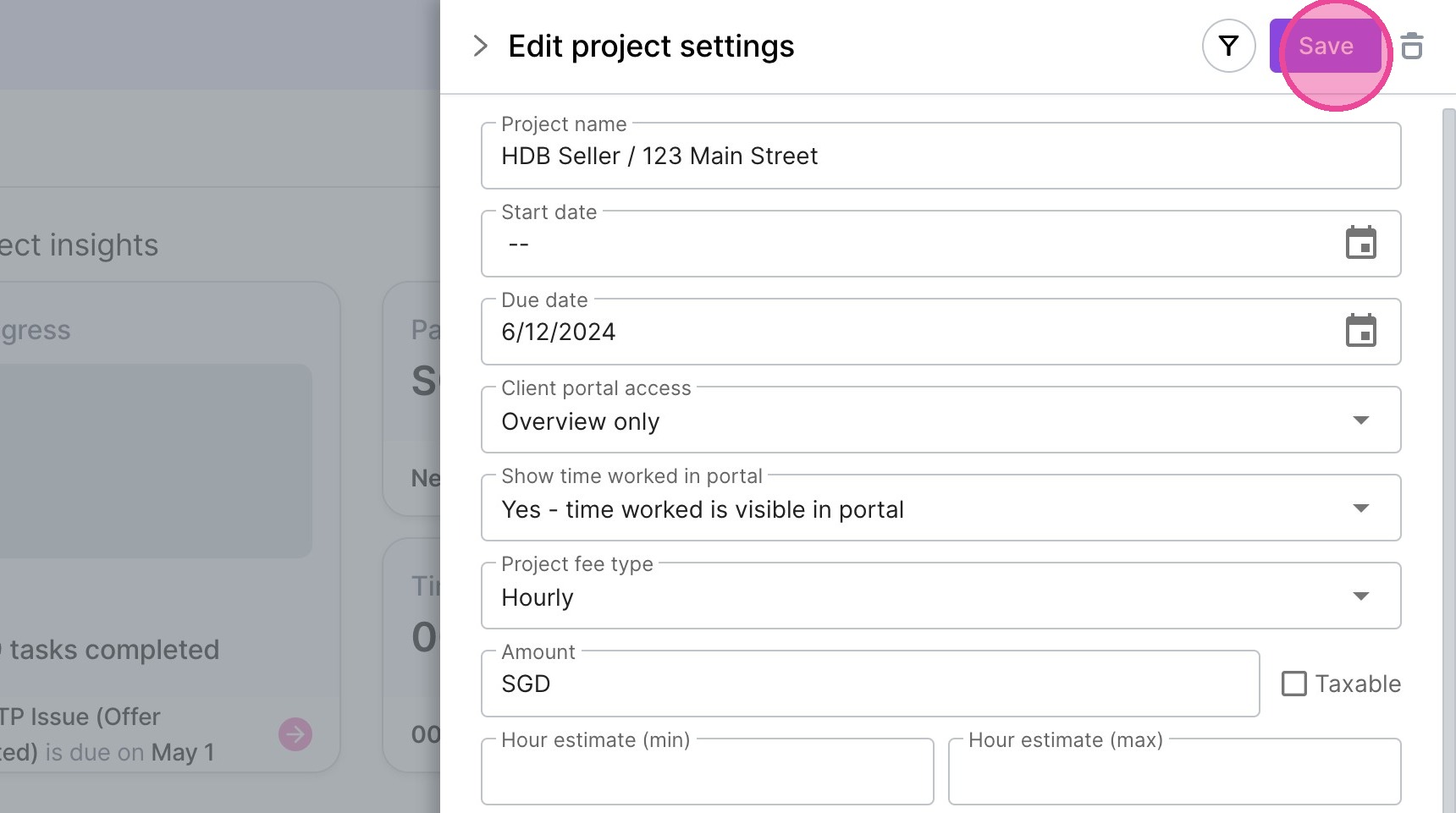
Add Project Custom Field Information
1. Navigate to https://create.withmoxie.com/home
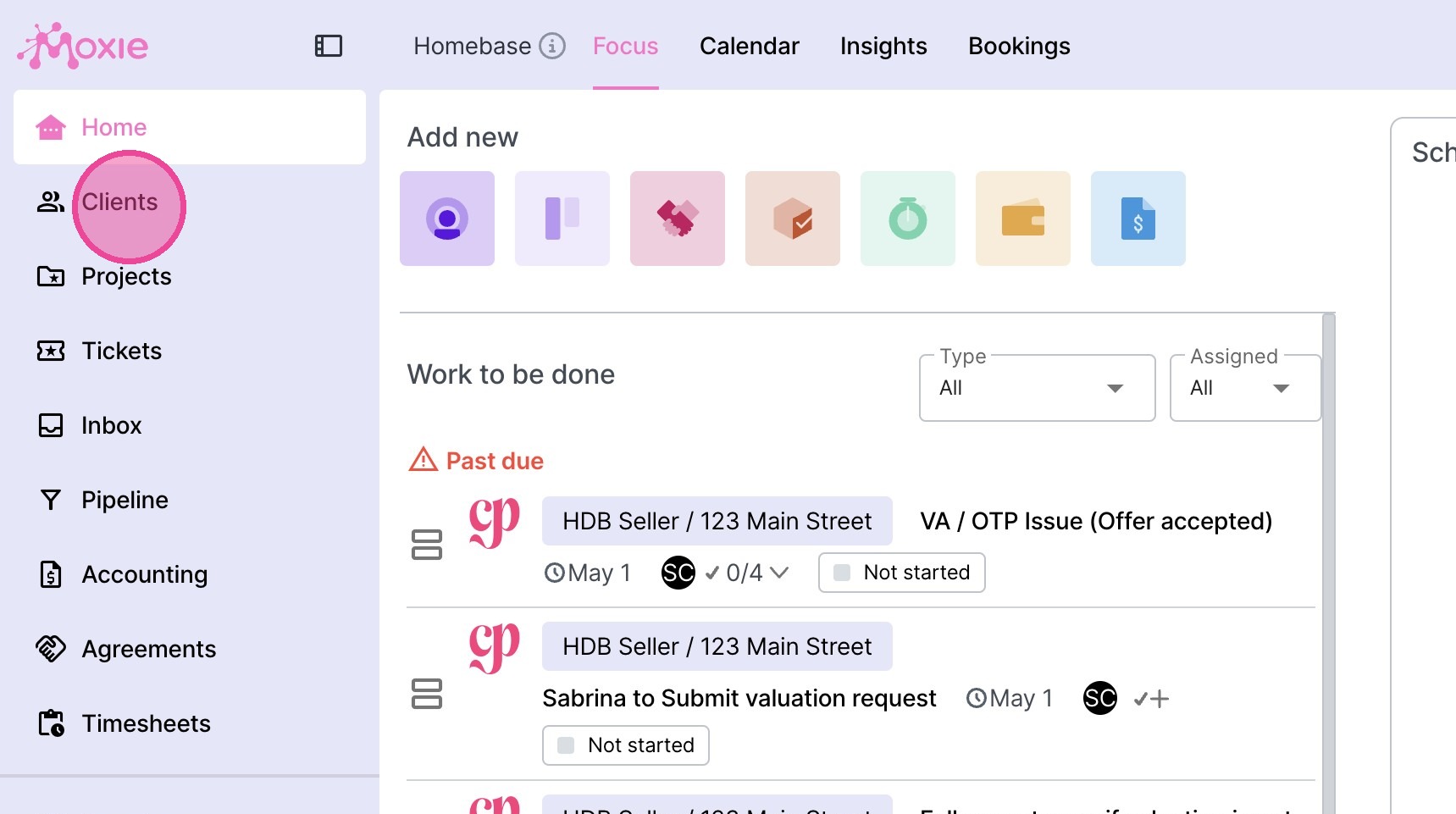
2. Click "Clients"
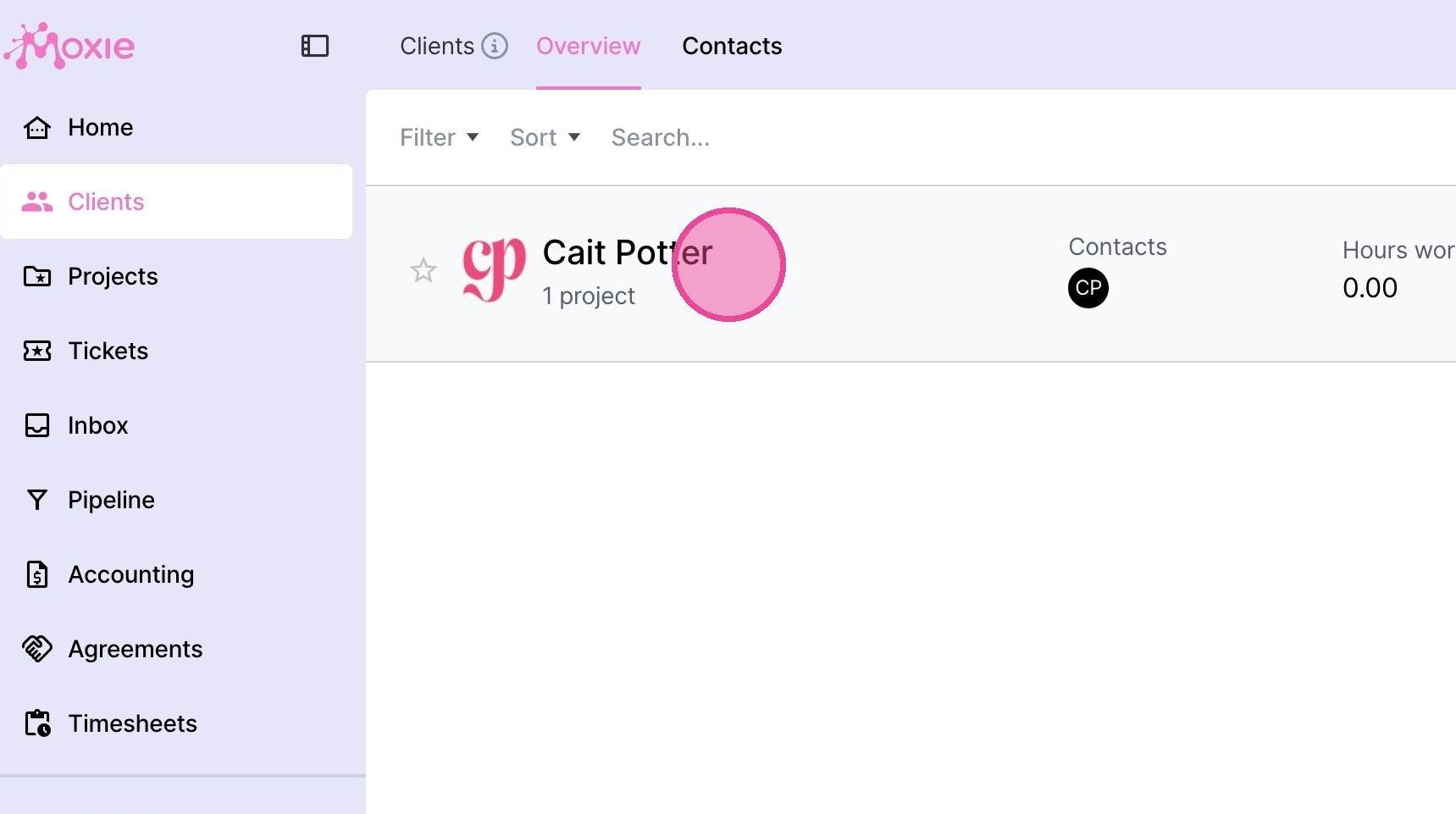
3. Click here.
4. Click the relevant project on the right side of the screen.
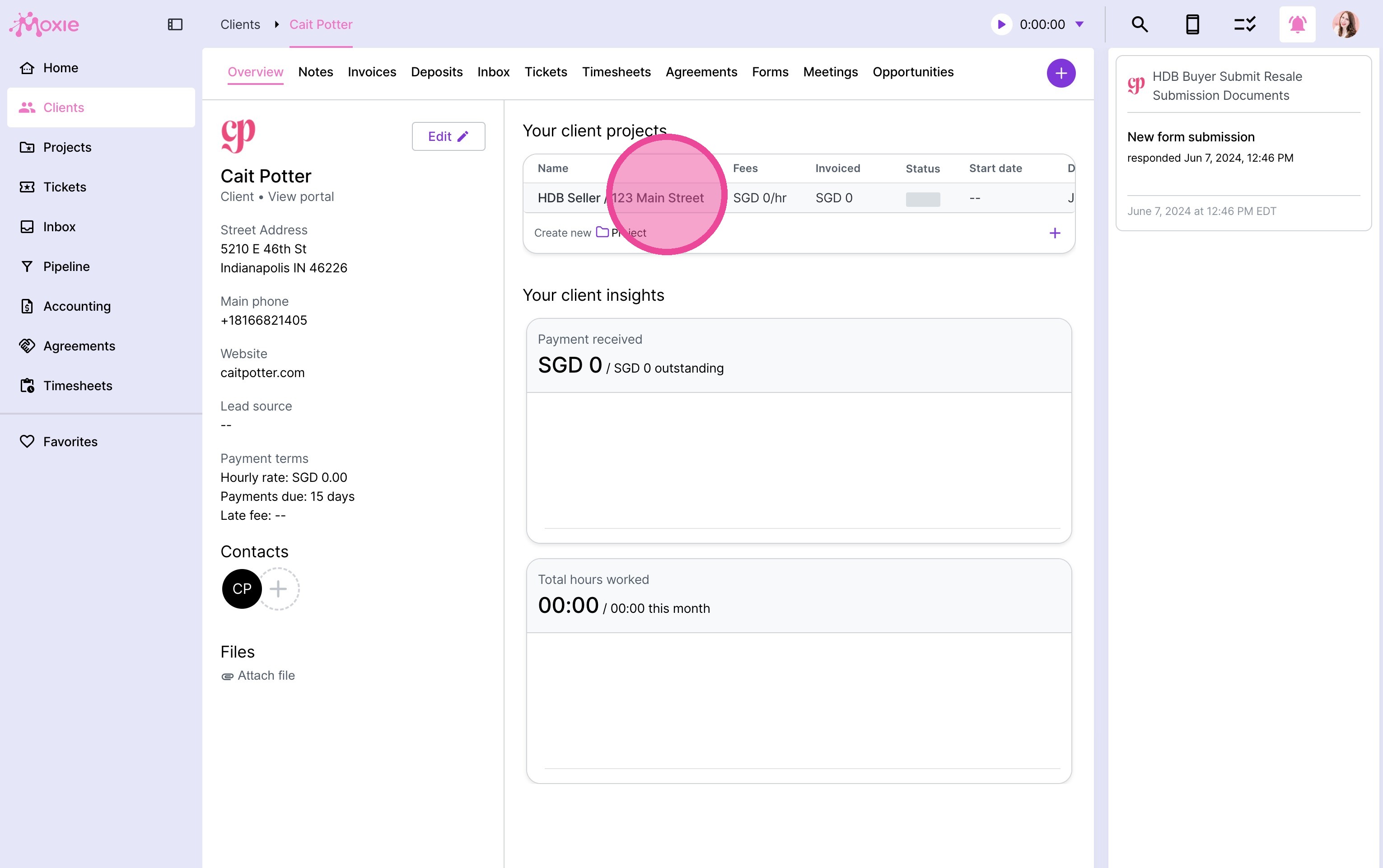
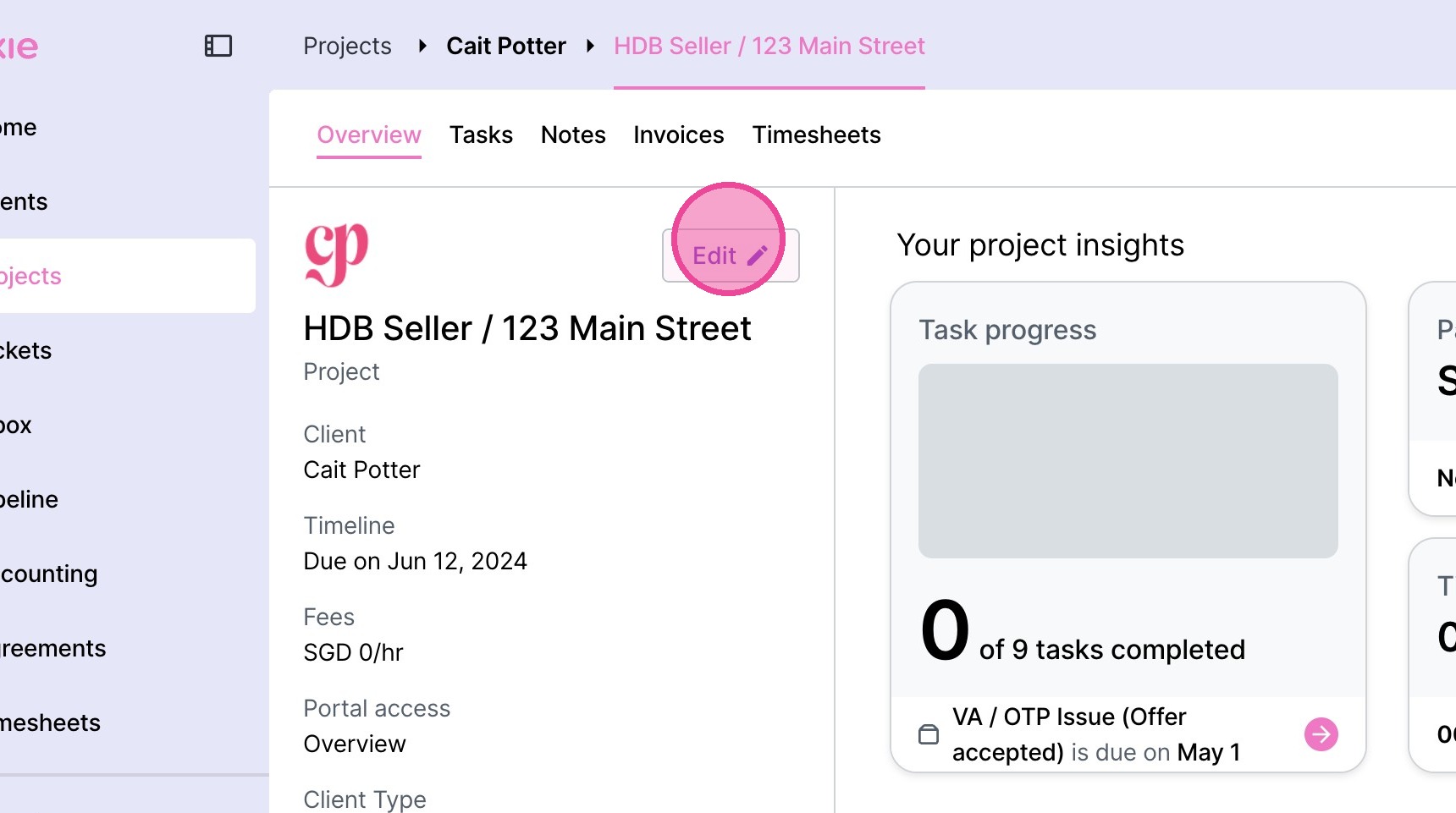
5. Click "Edit"
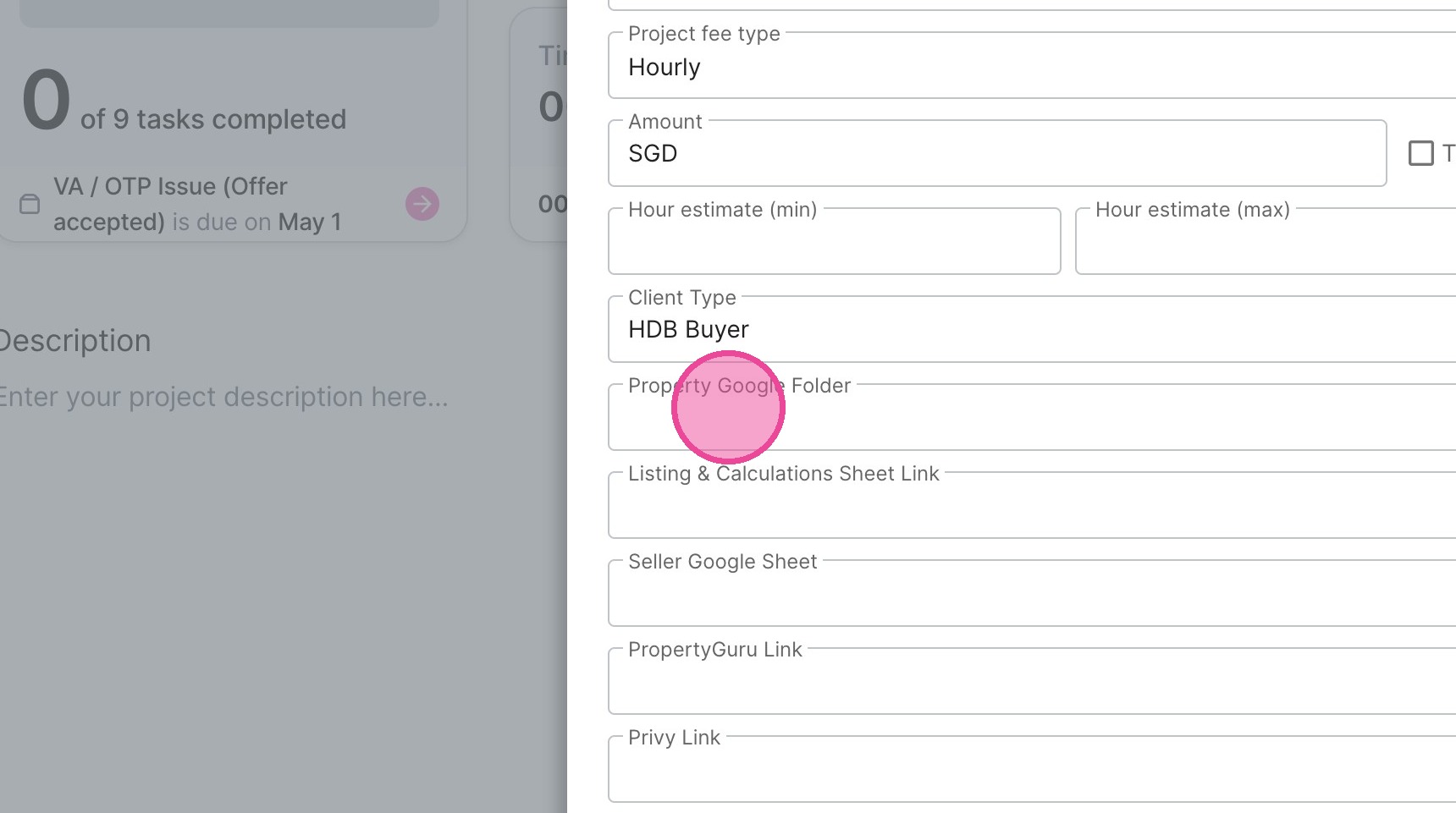
6. Fill in the relevant field information.
7. Click "Save"