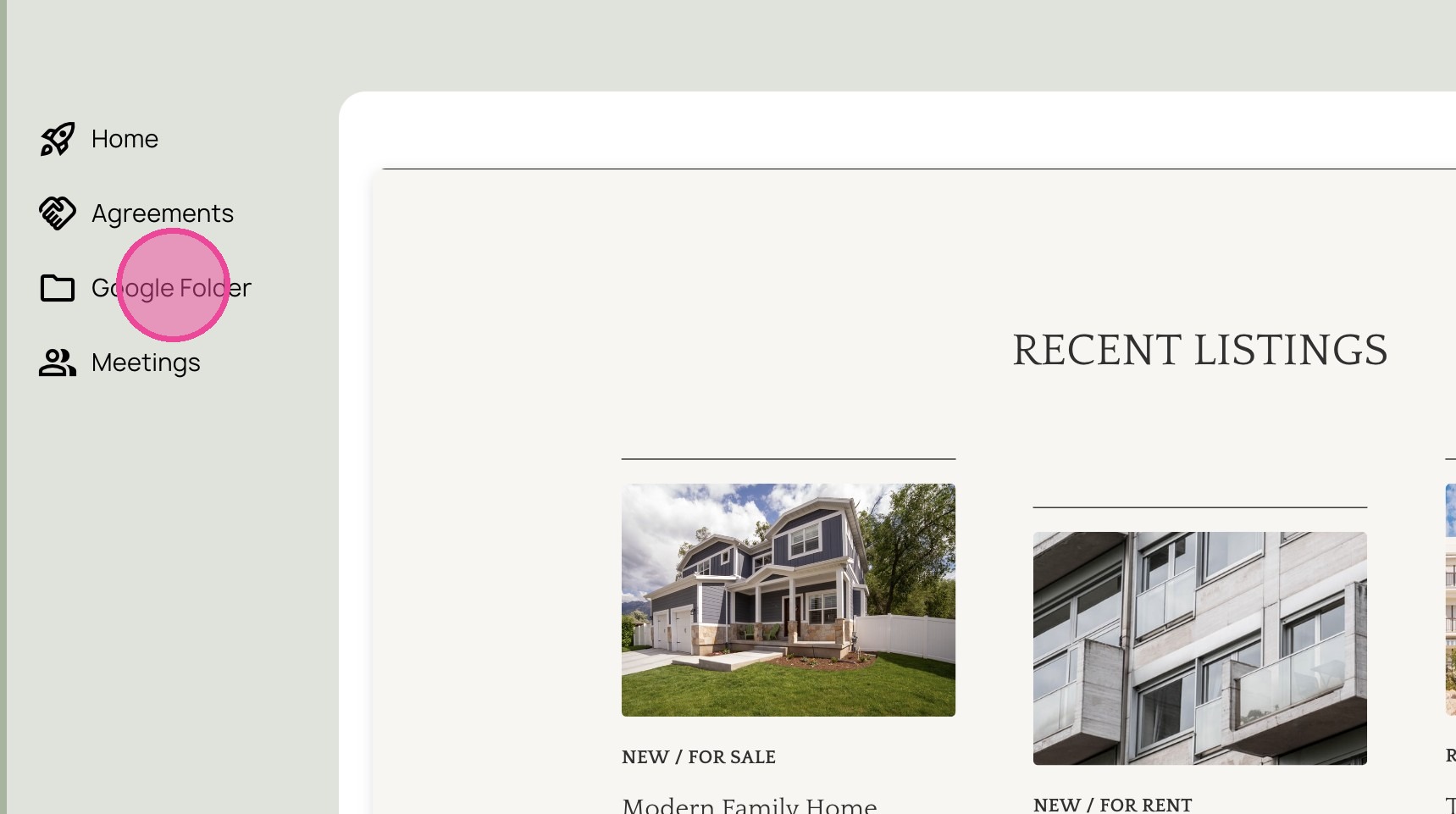
Add Custom Client Page to Client Portal in Moxie
1. Navigate to https://create.withmoxie.com/home
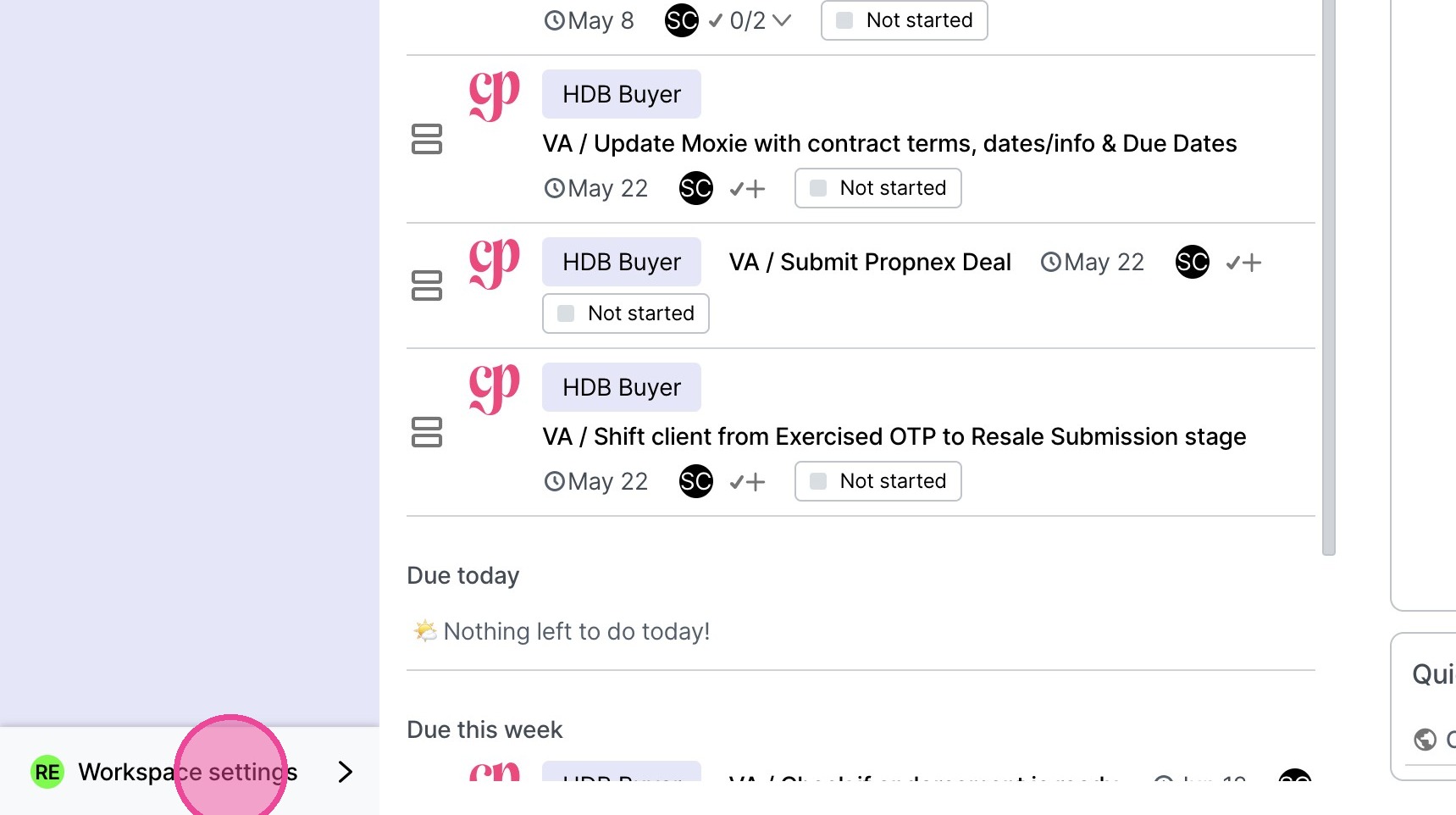
2. Click "Workspace settings"
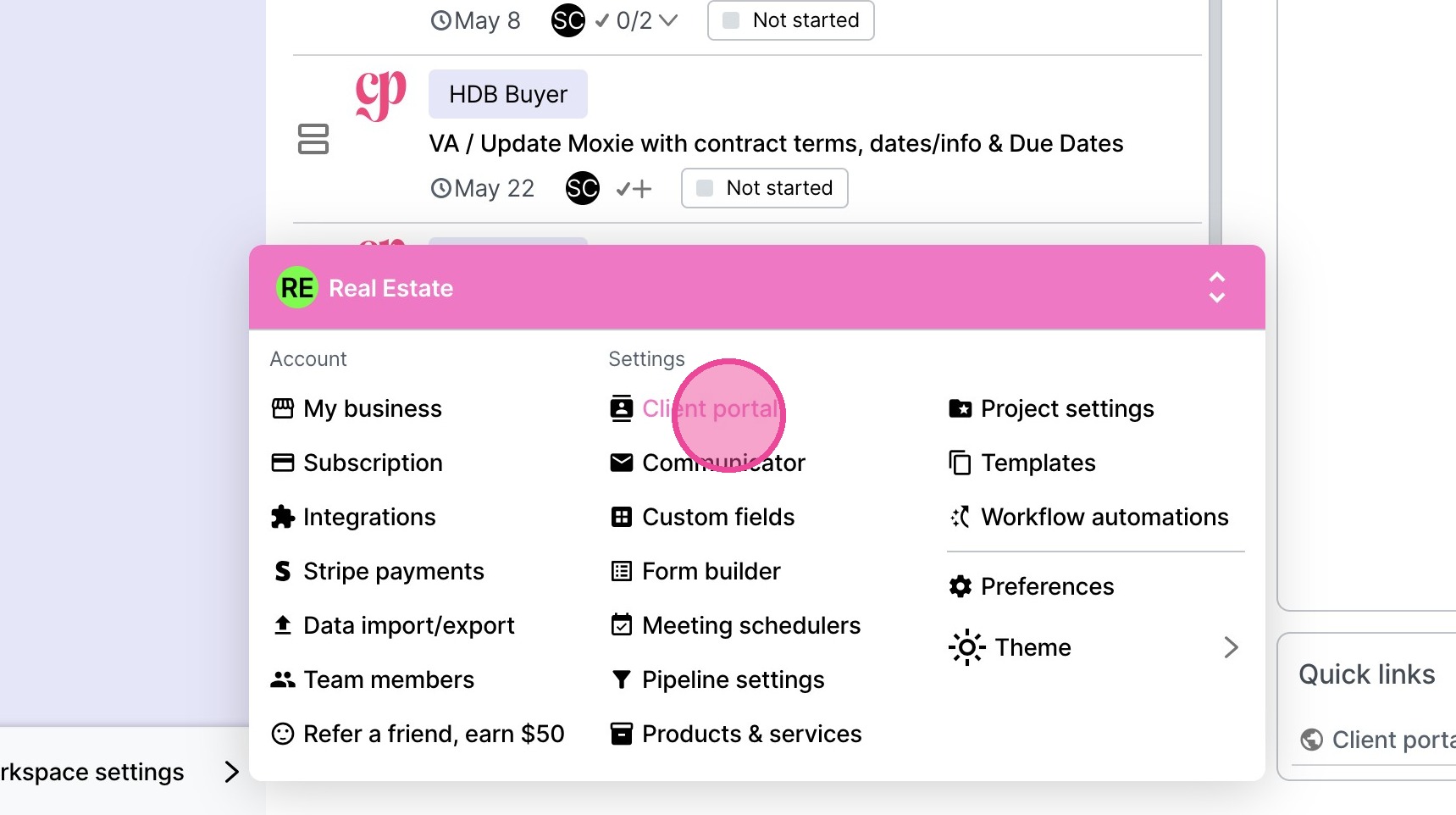
3. Click "Client portal"
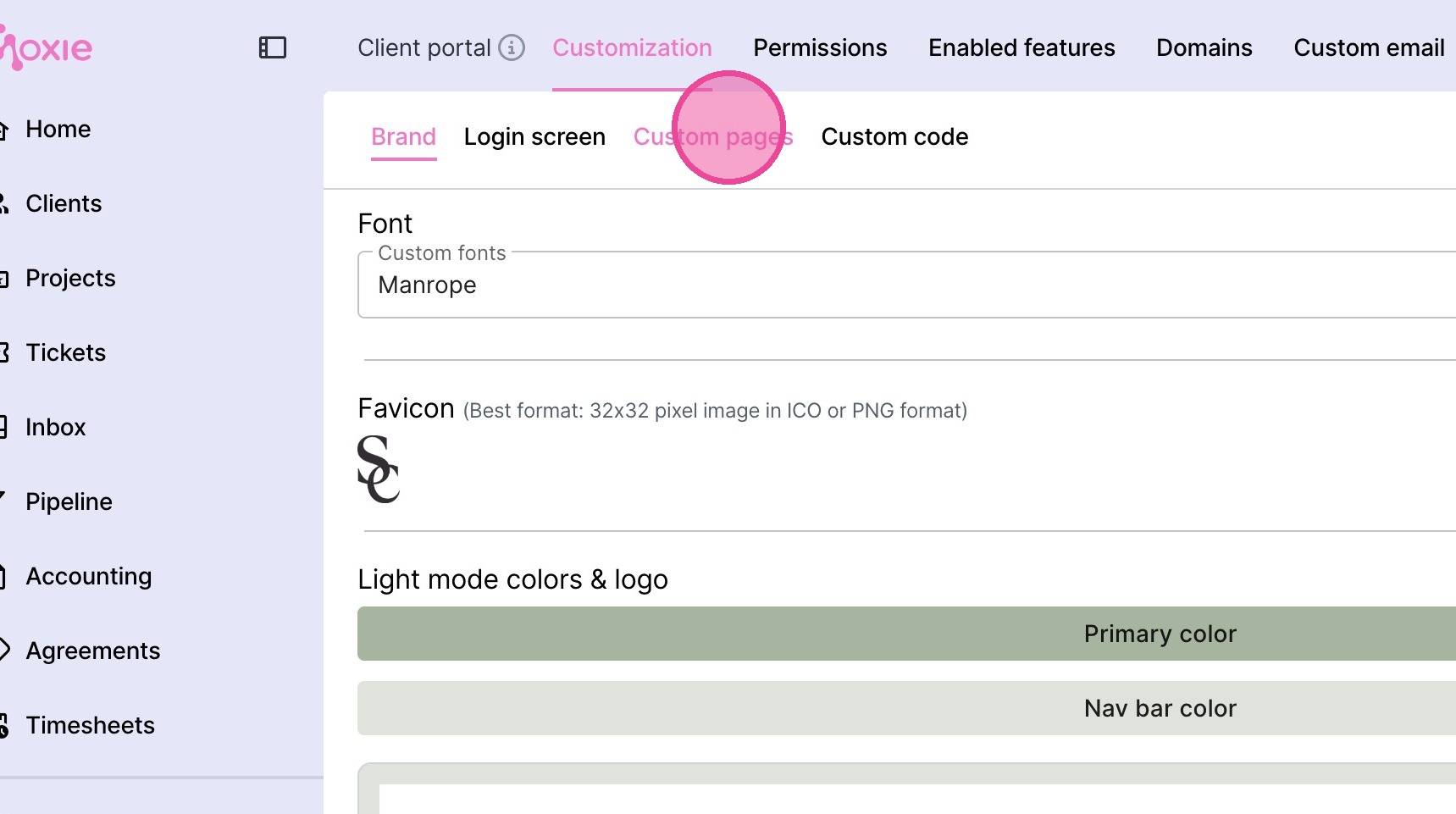
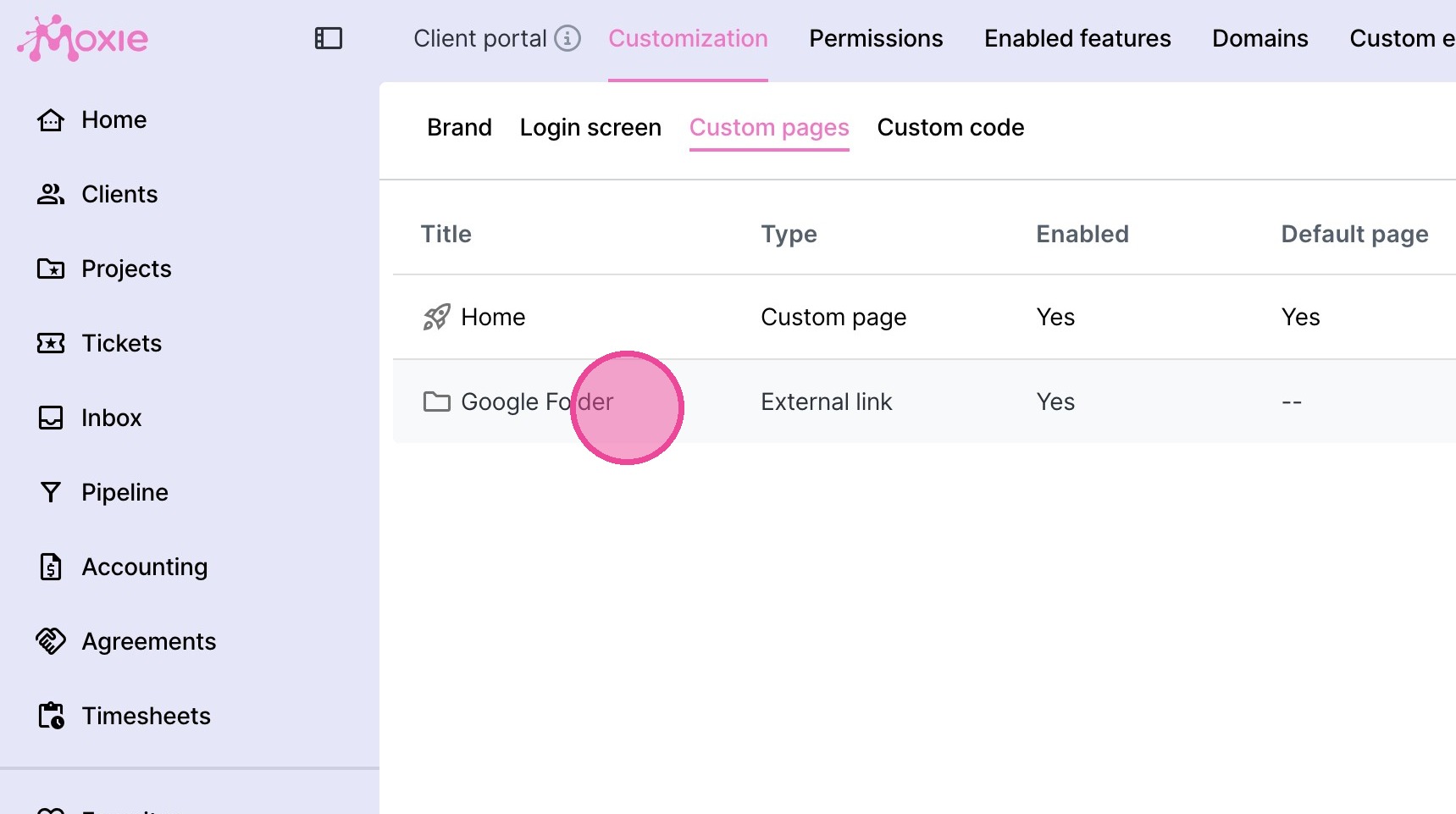
4. Click "Custom pages"
5. Select the relevant link you are adding for the client.
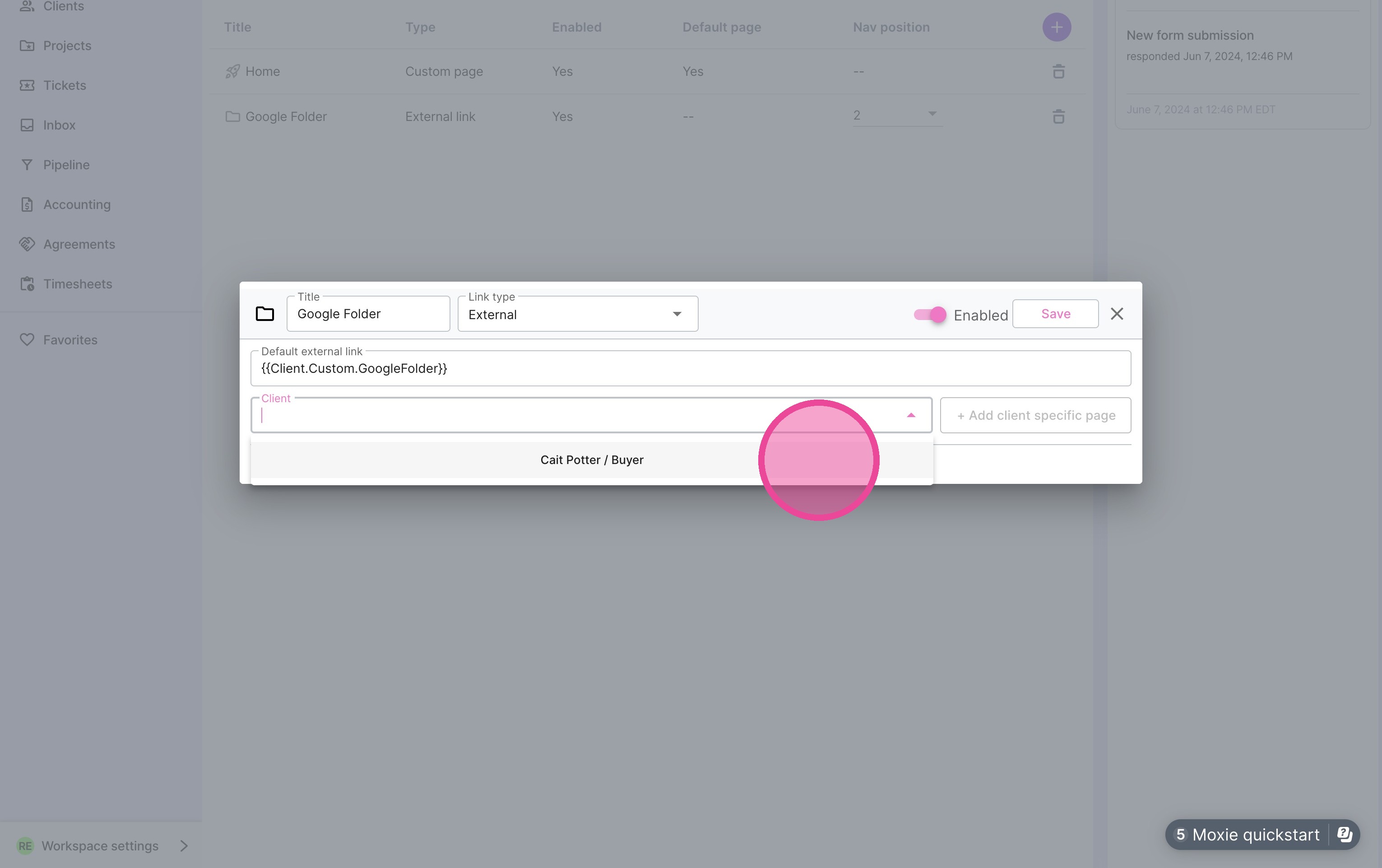
6. Select the relevant client from the dropdown.
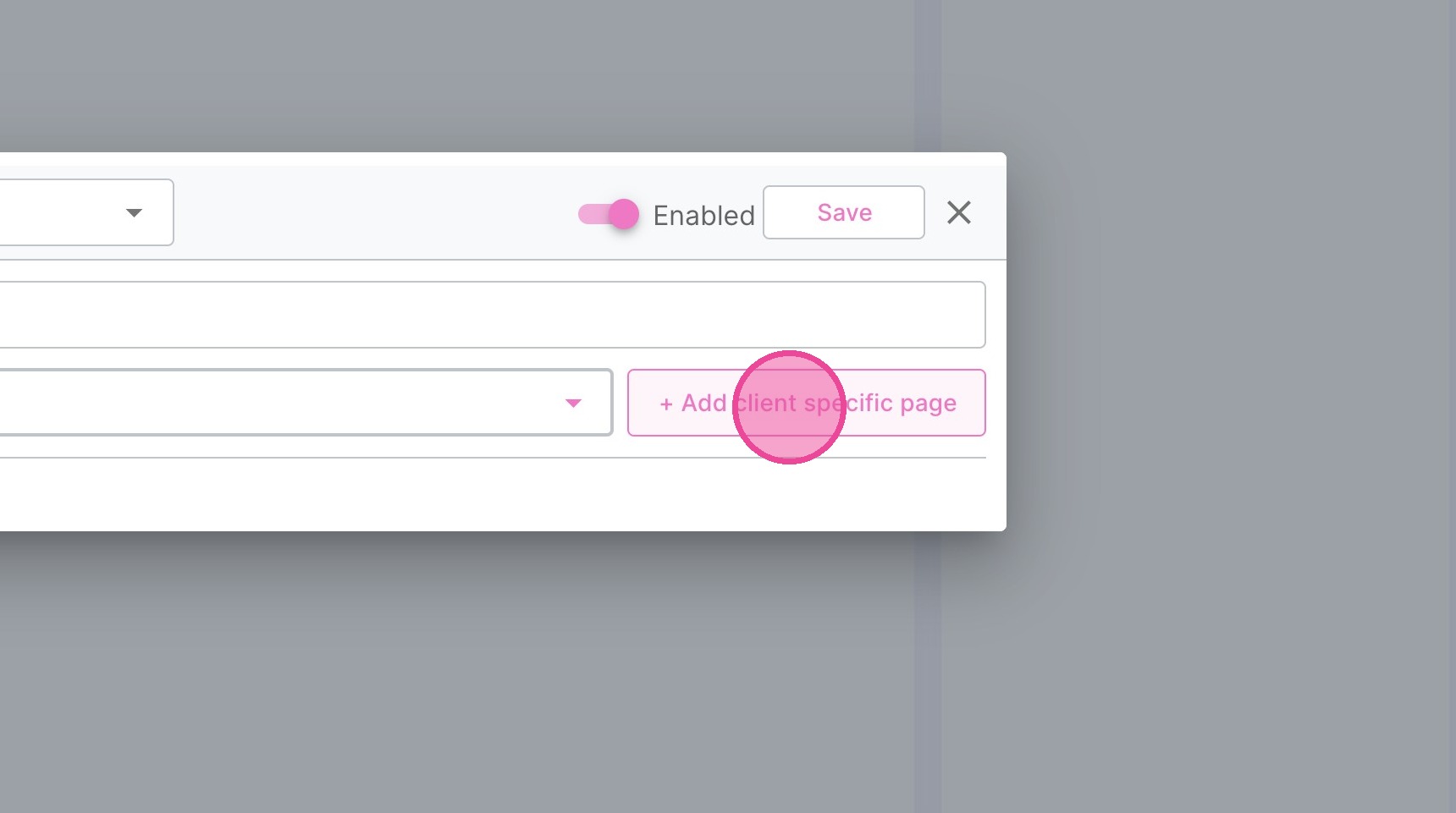
7. Click "+ Add client specific page"
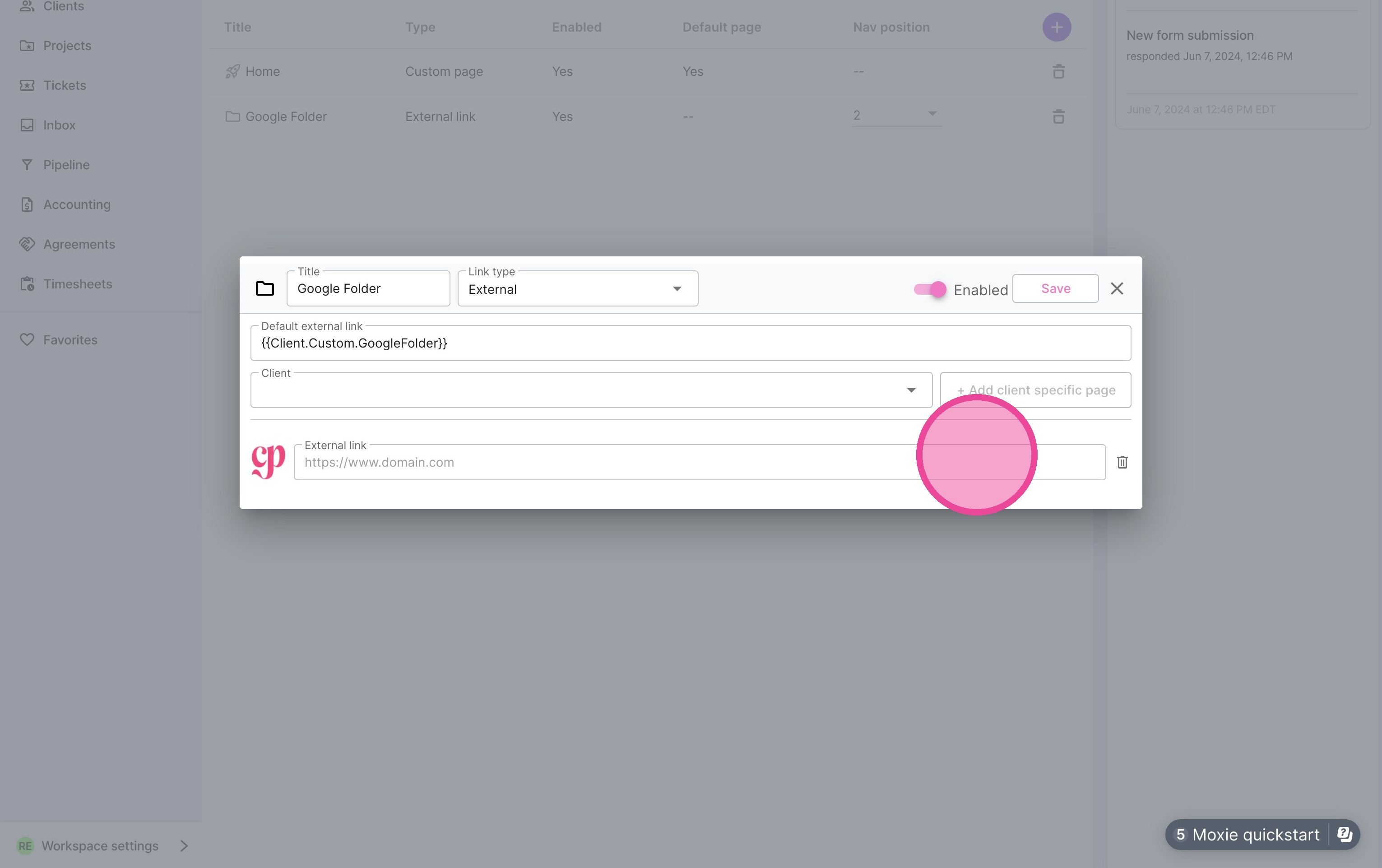
8. Paste the link into the new "External link" field.
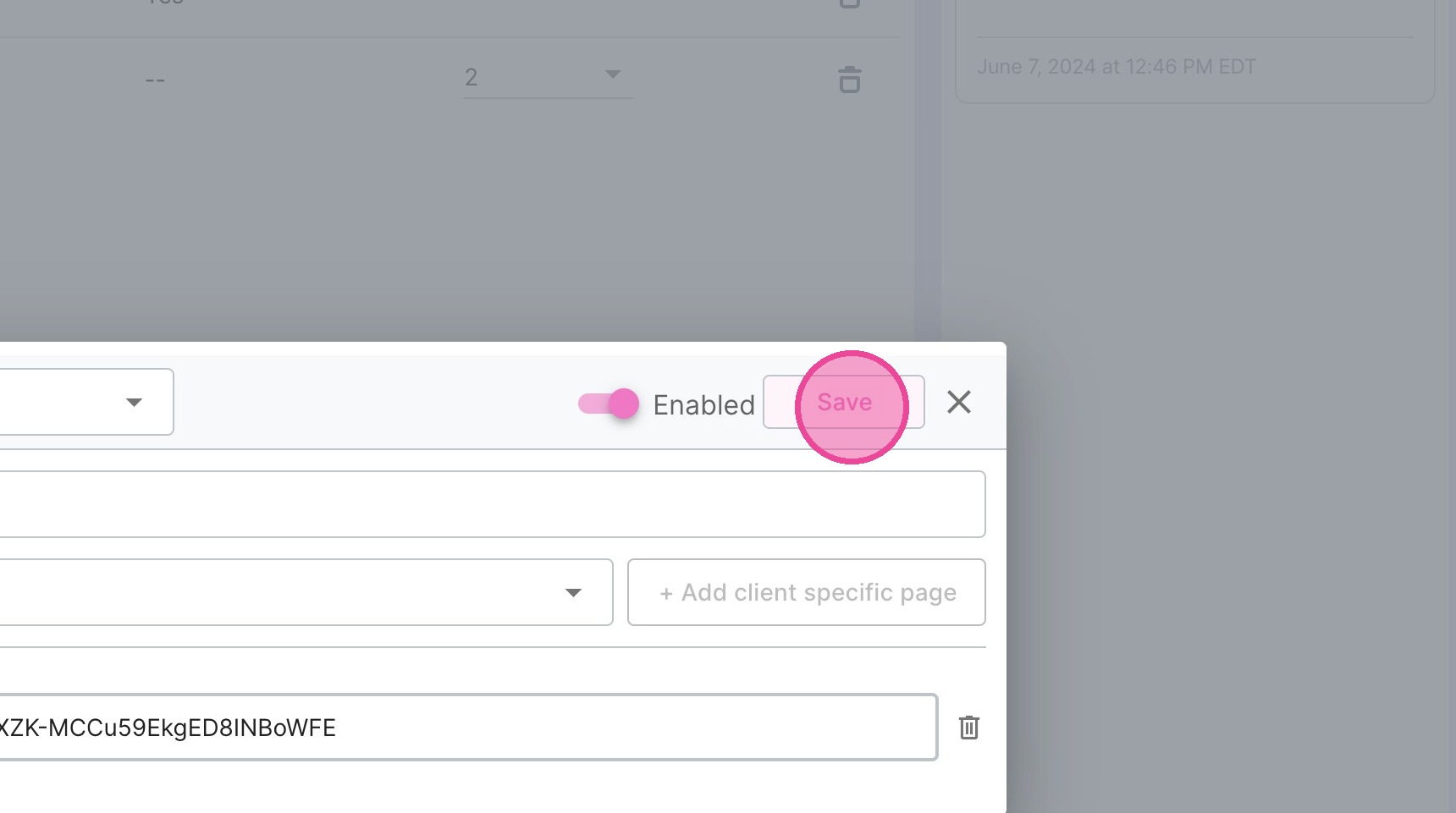
9. Click "Save"
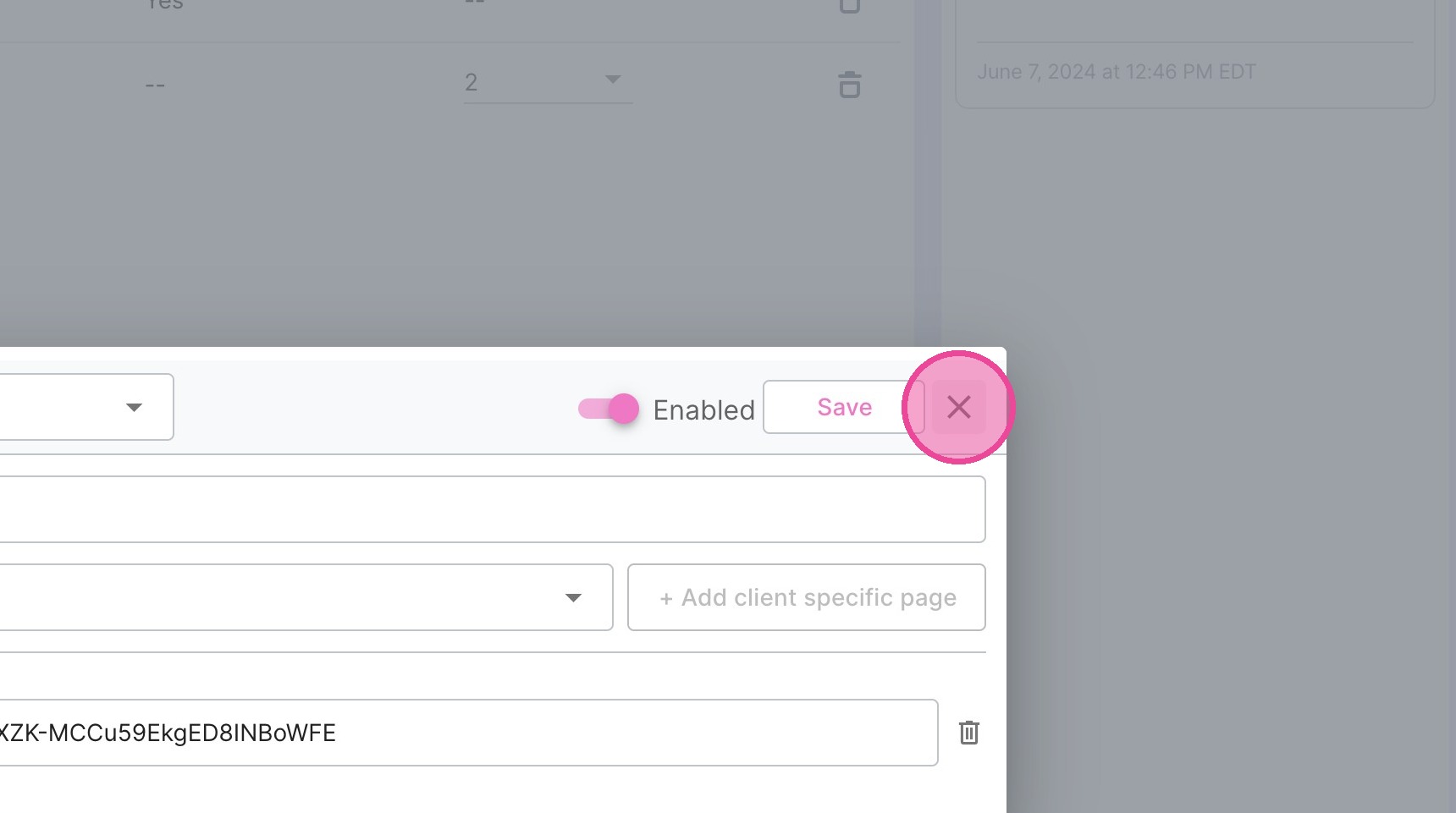
10. Click "close"
Test It / See It
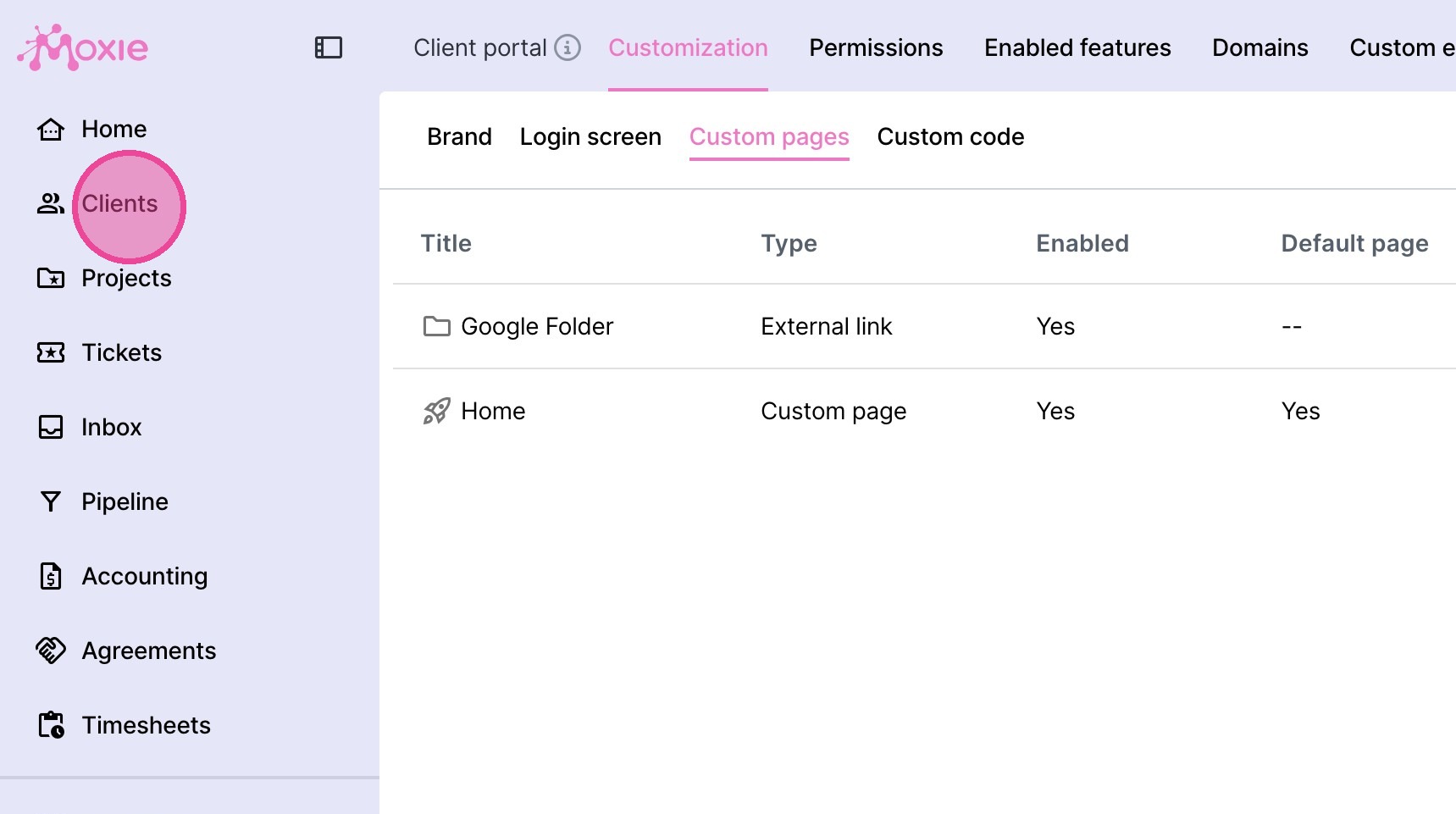
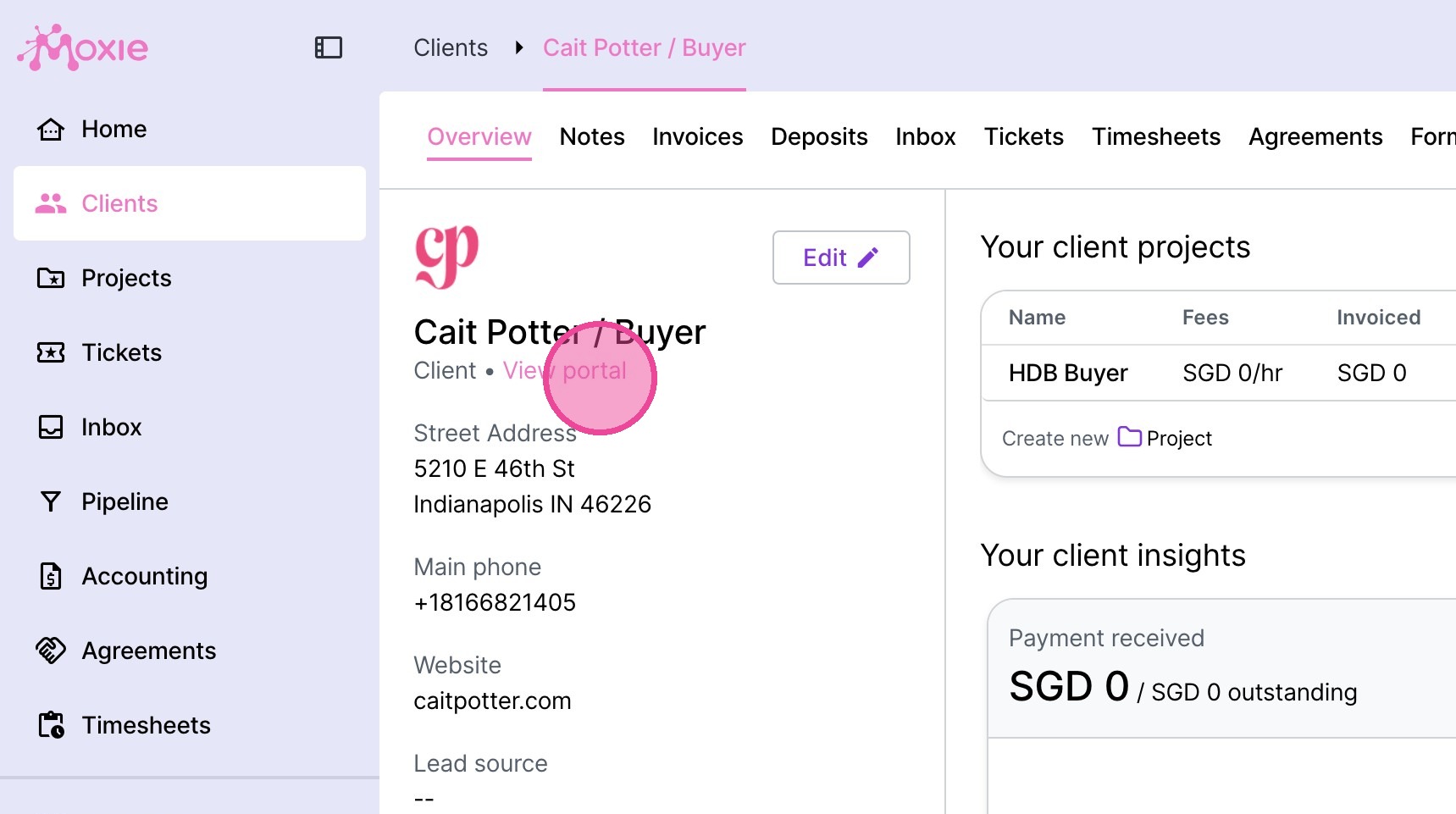
11. Click "Clients"
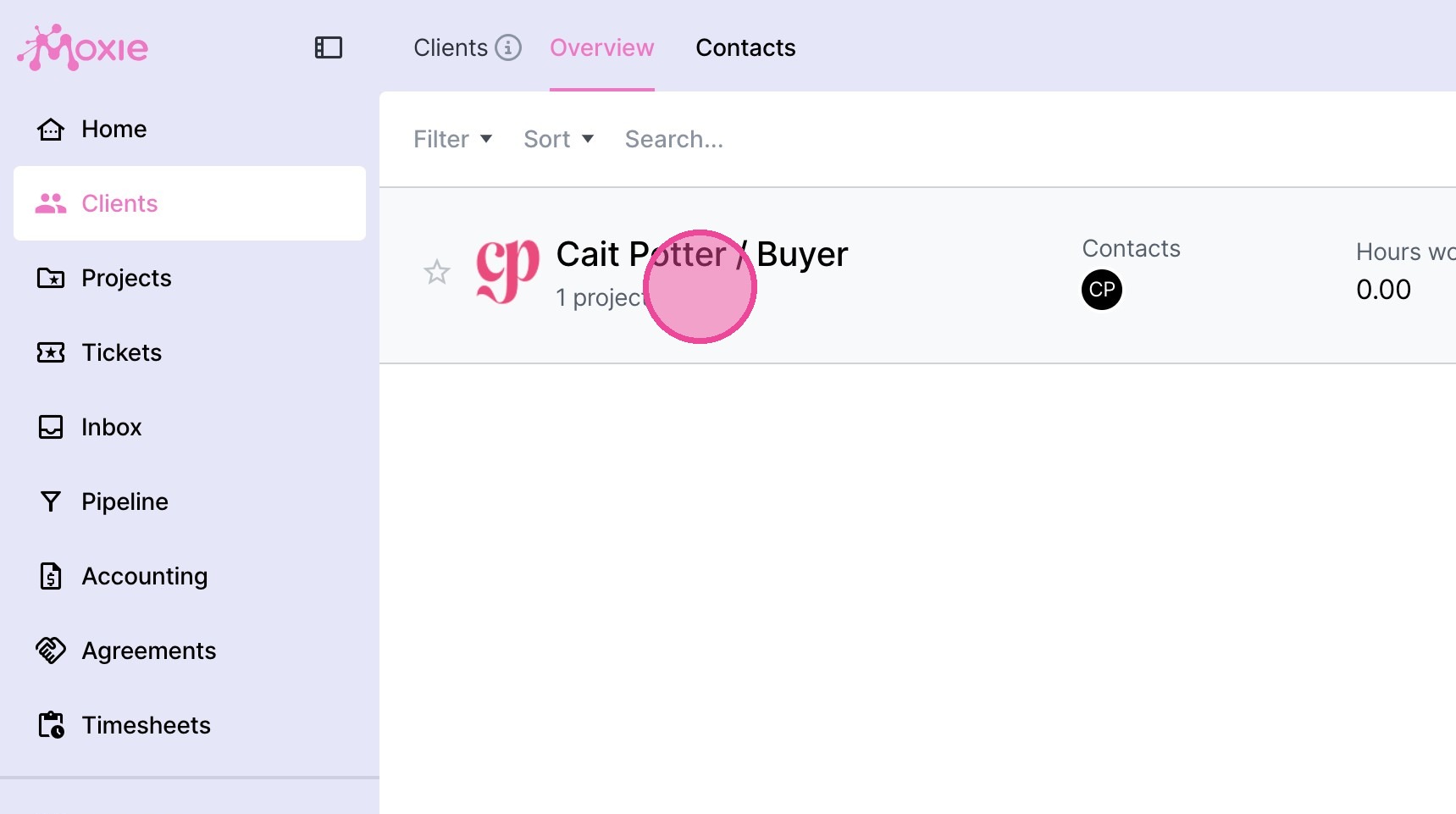
12. Go to the relevant client file.
13. Click "View portal"
14. Here you'll see their portal. Click the relevant external link on the menu and verify that it opens correctly.