Review a Submitted Form in Moxie
1. Navigate to https://create.withmoxie.com/home
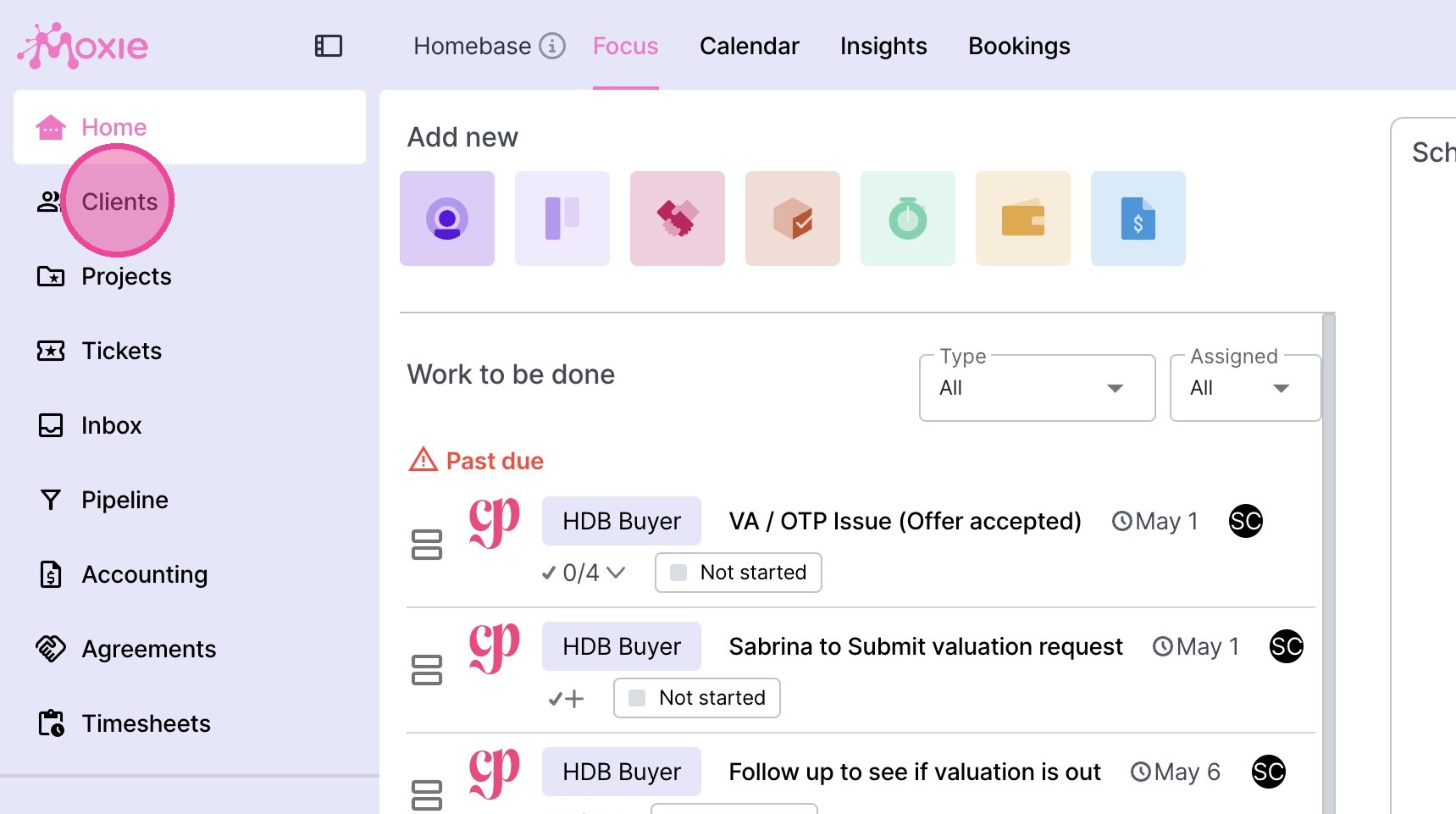
2. Click "Clients"
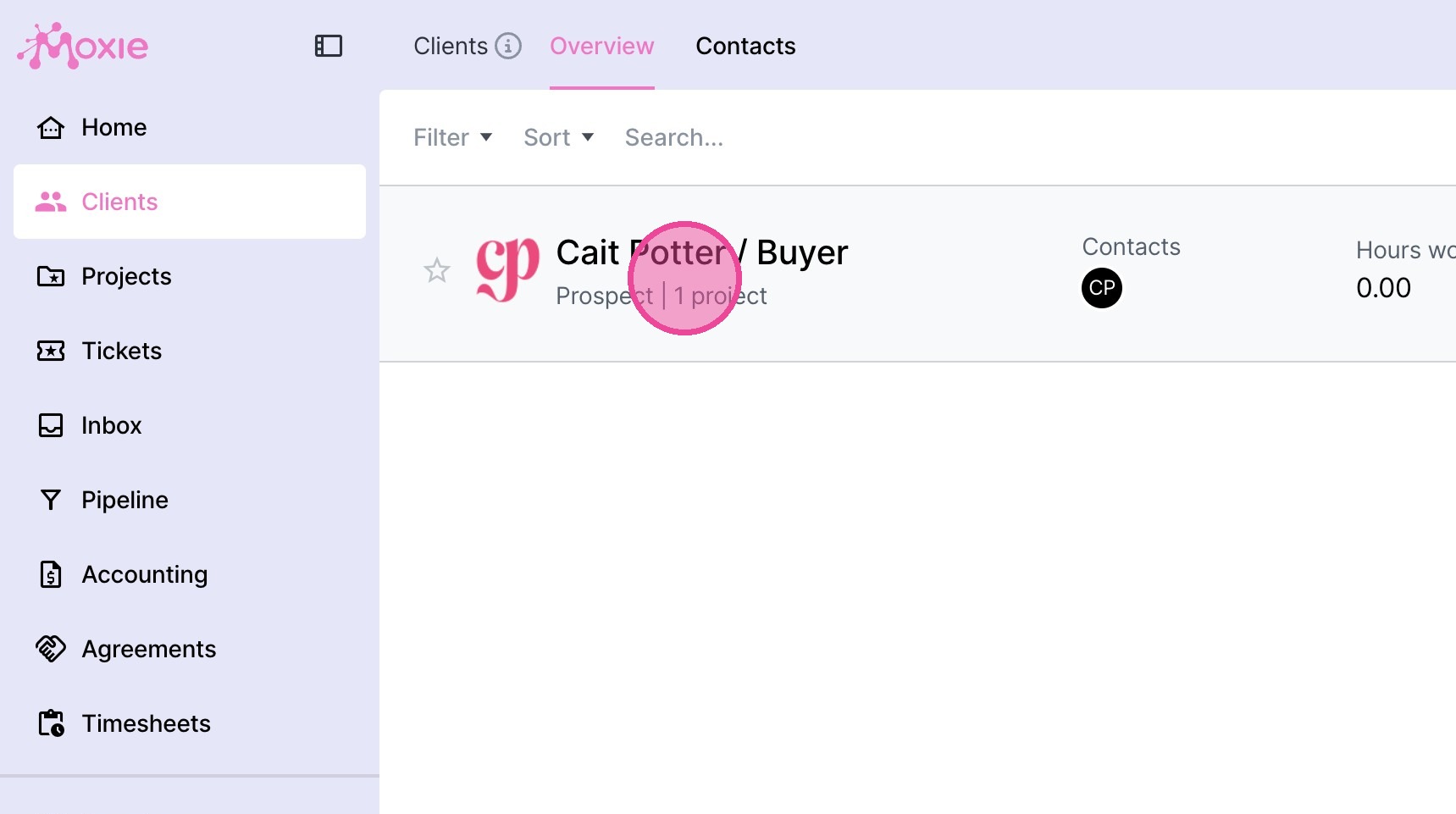
3. Navigate to the relevant client.
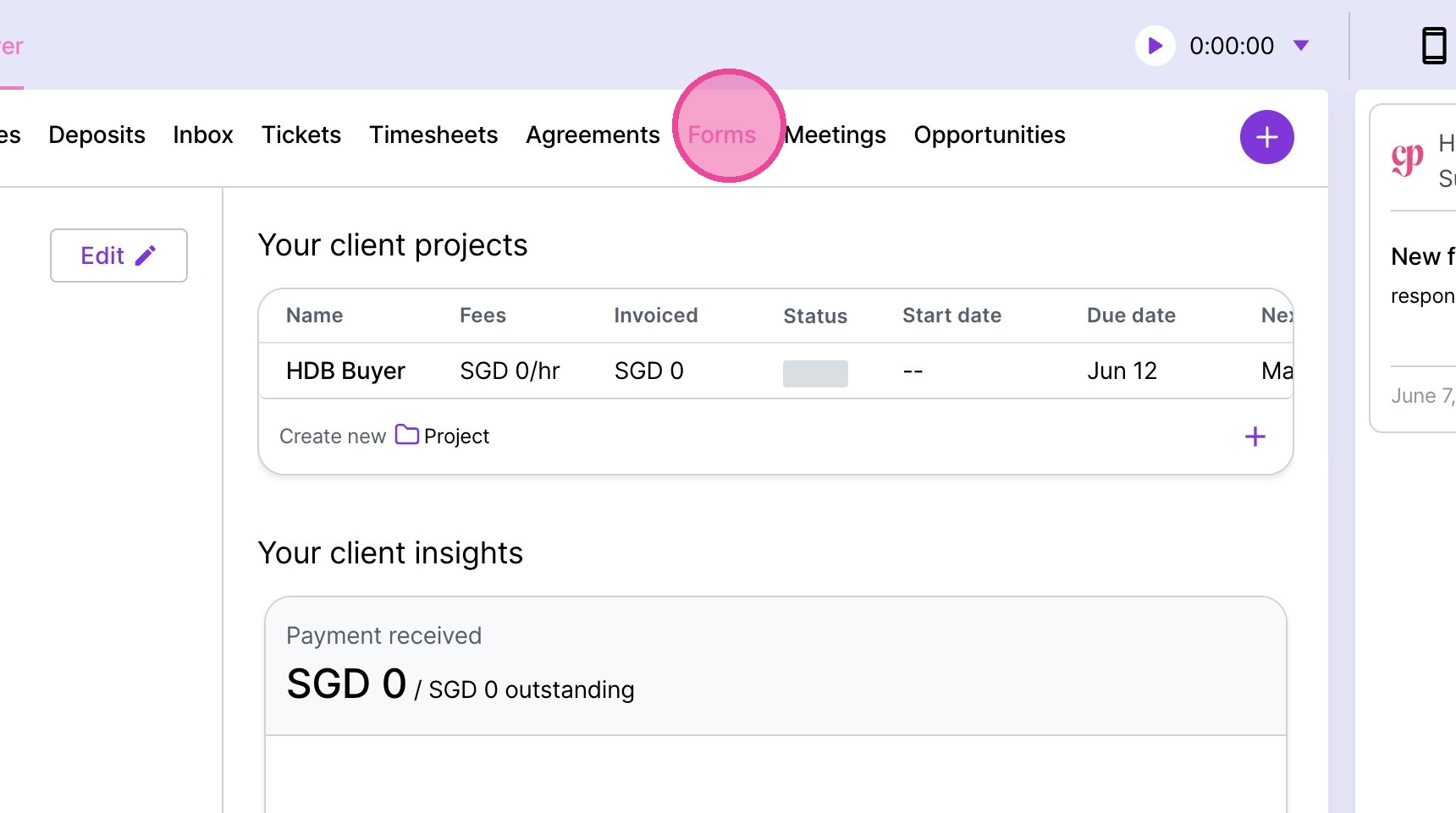
4. Click "Forms"
5. Locate the form you want to review.
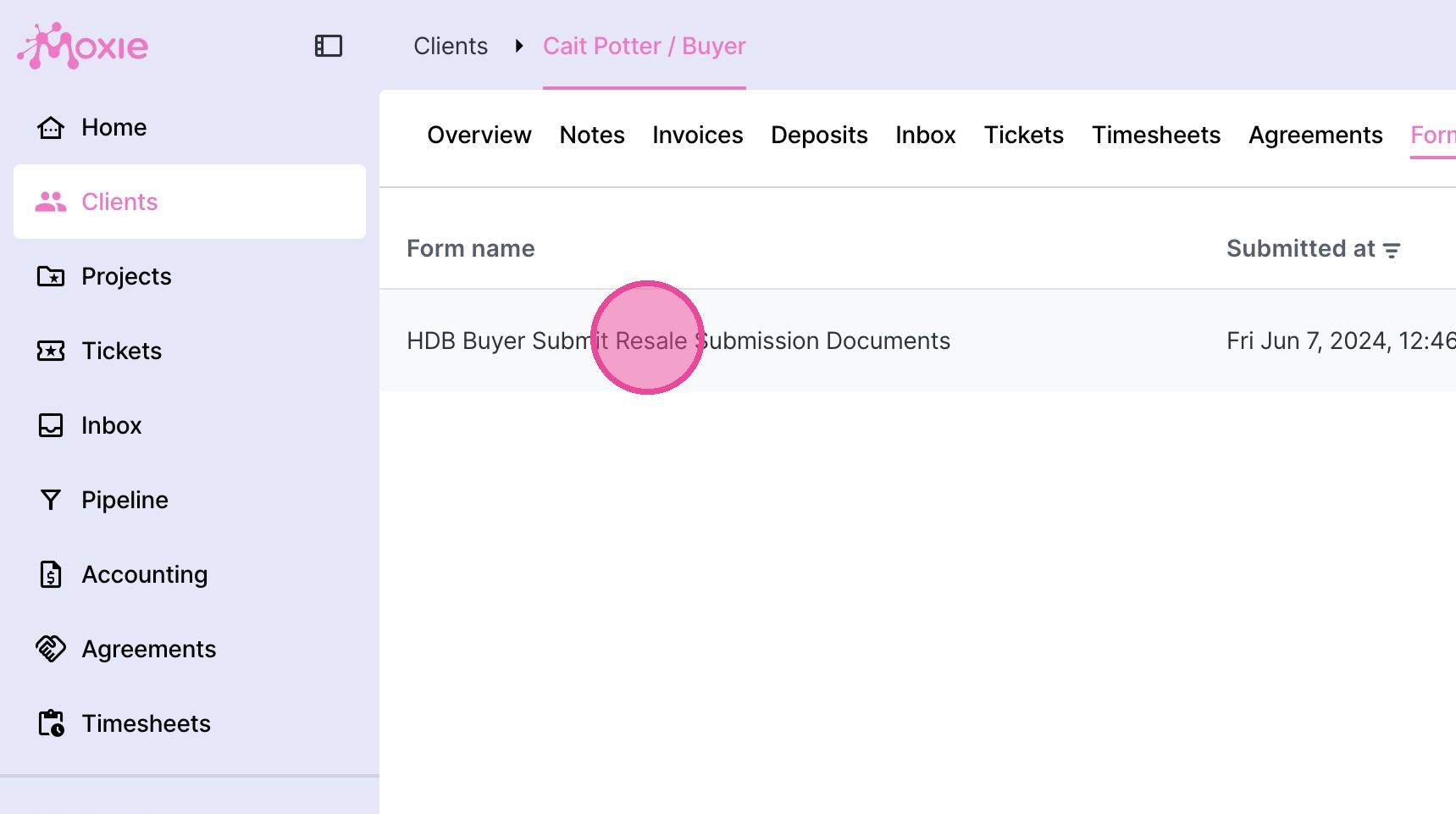
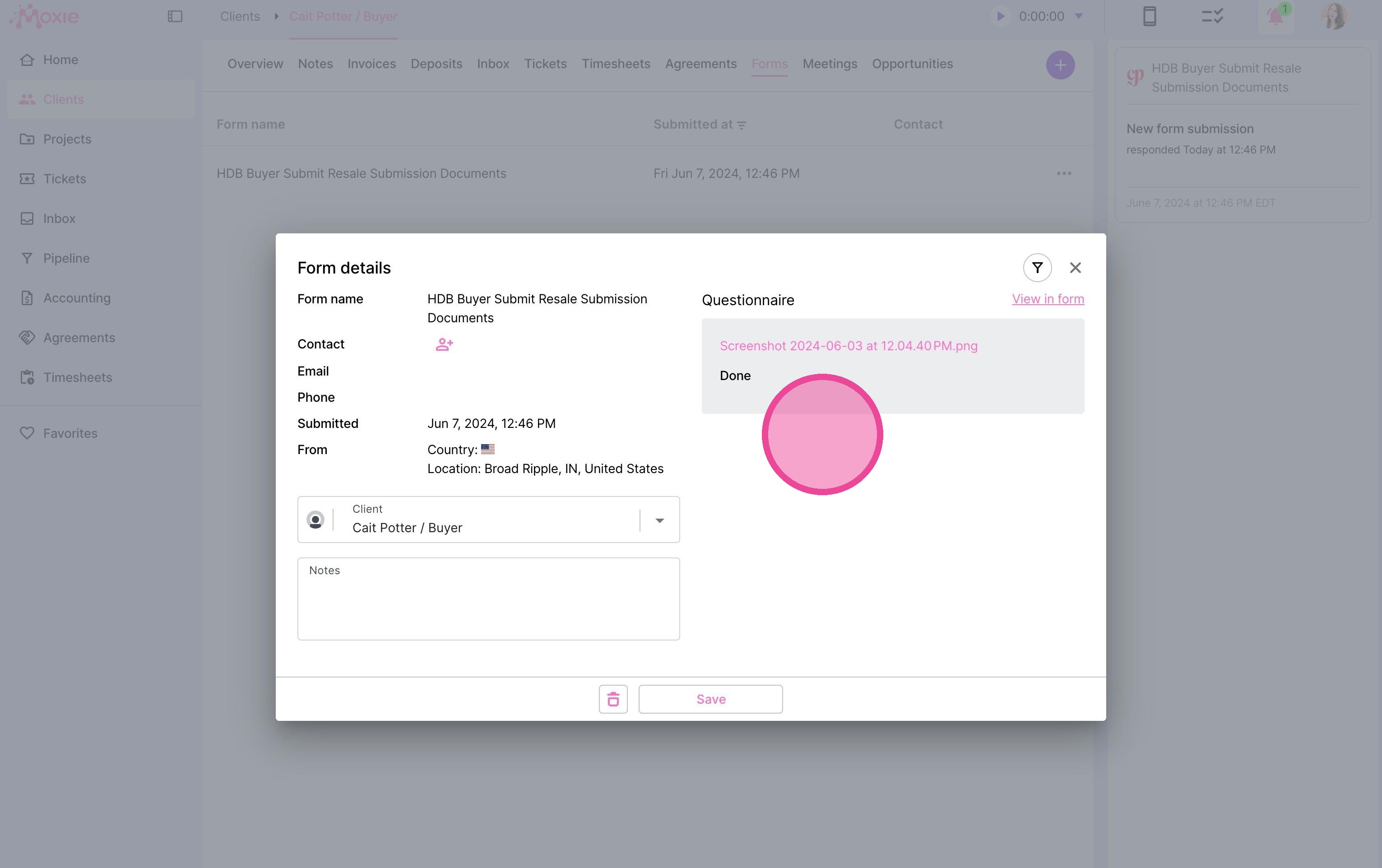
6. Review their responses in the popup window.
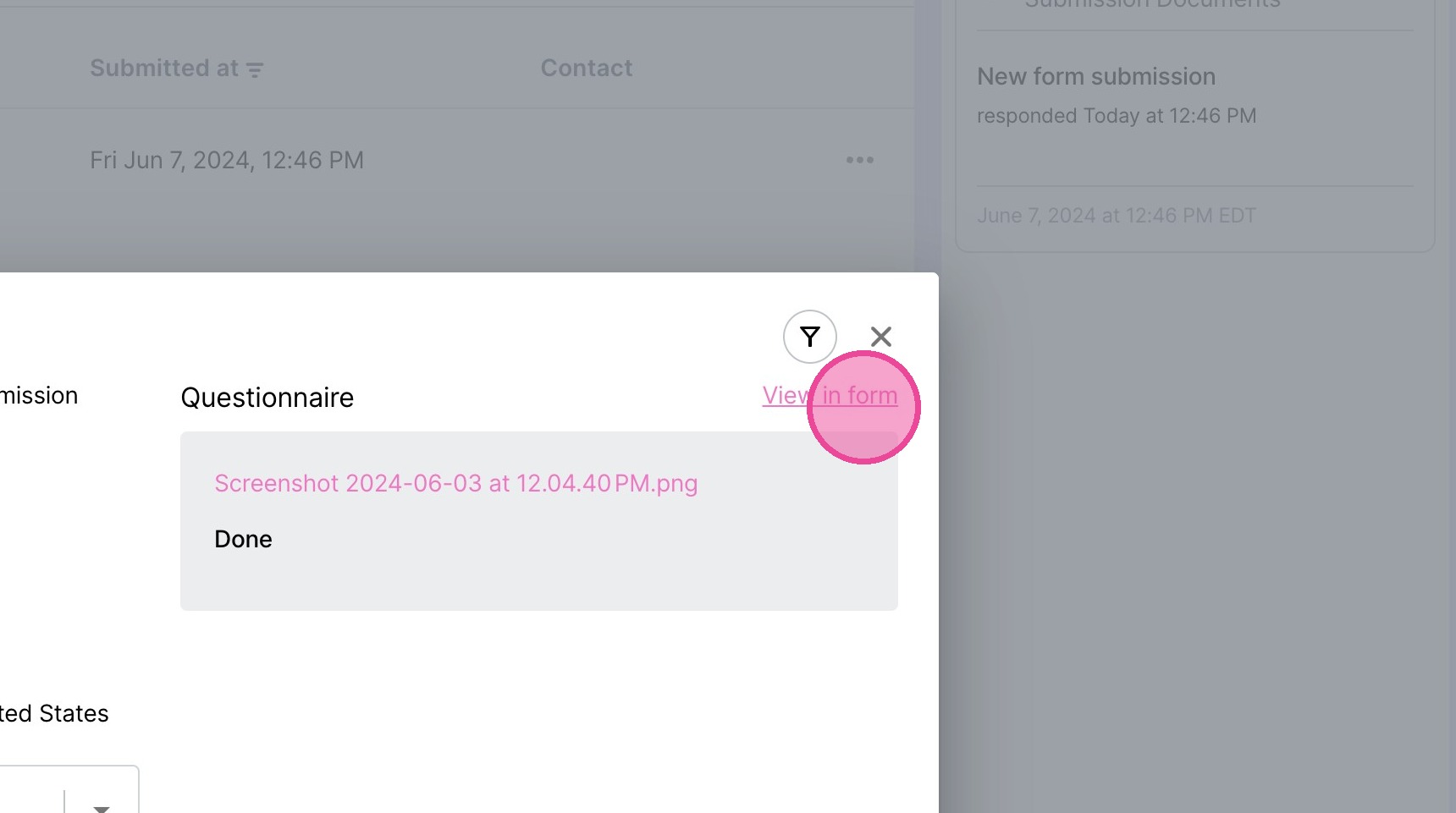
7. If you'd like, you can click "View in form" to view the responses in the formatting of the form itself.
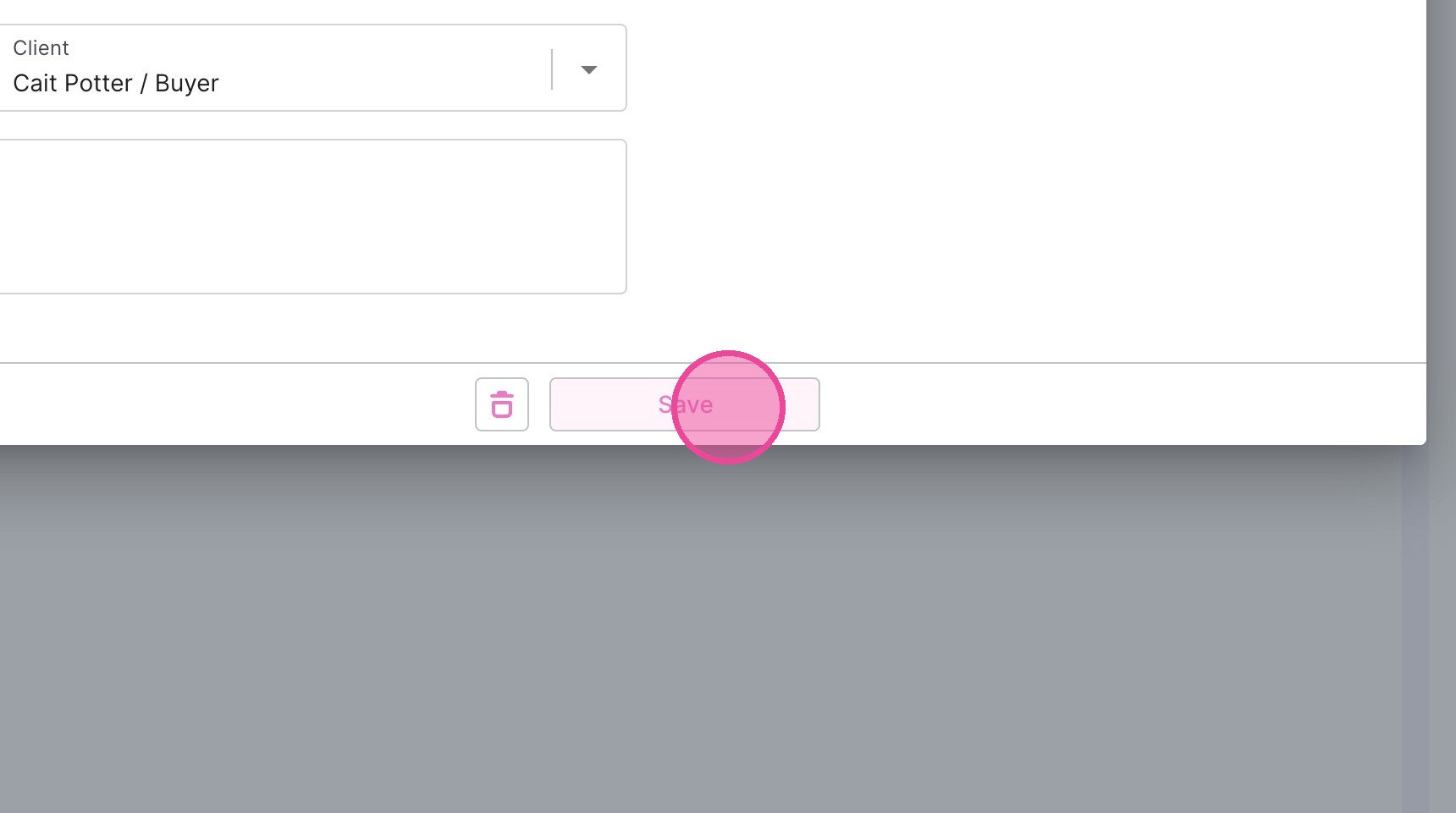
8. Click "Save" to close the popup.