
Manually update stage in Moxie
1. Navigate to https://create.withmoxie.com/home
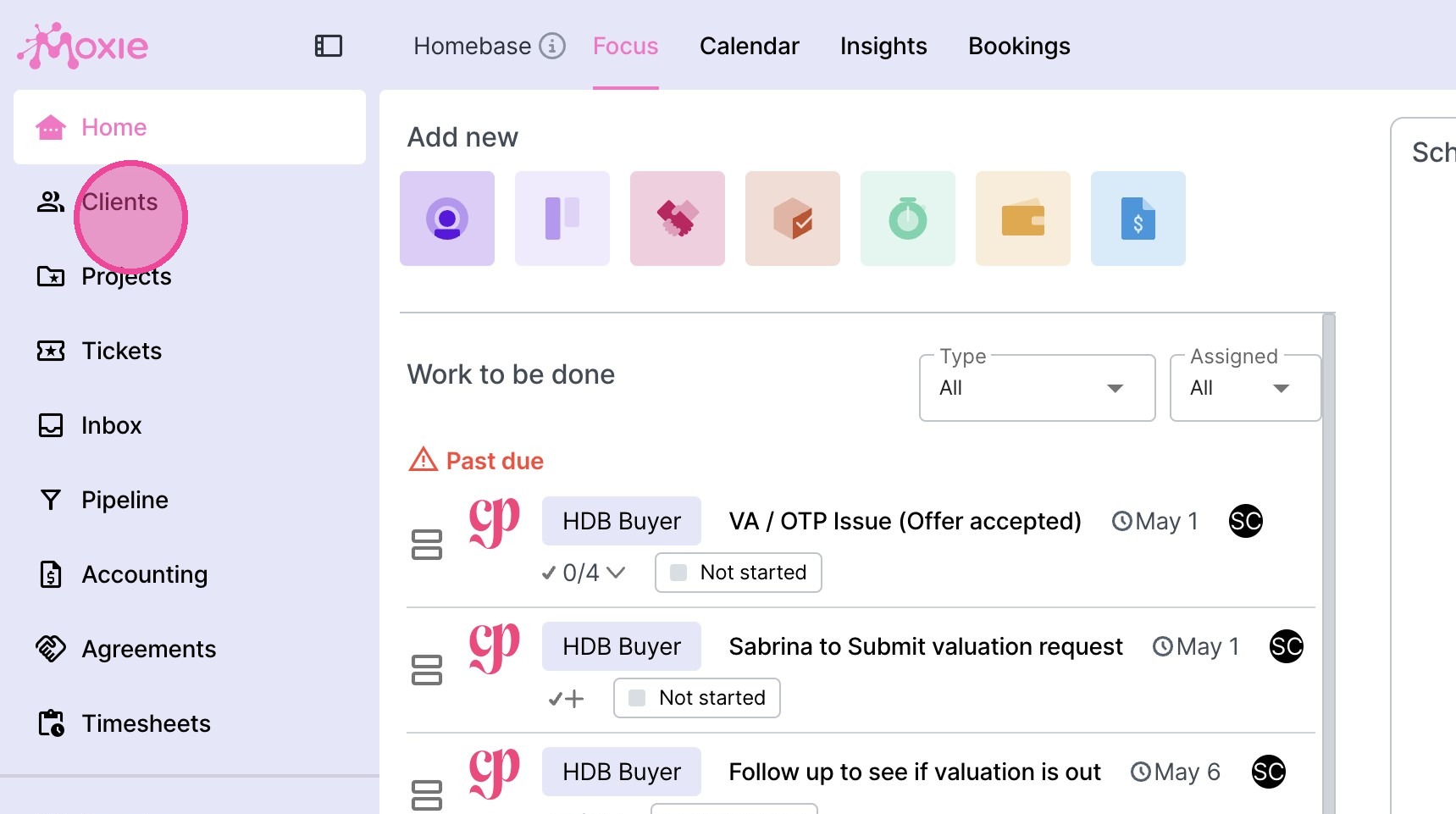
2. Click "Clients".
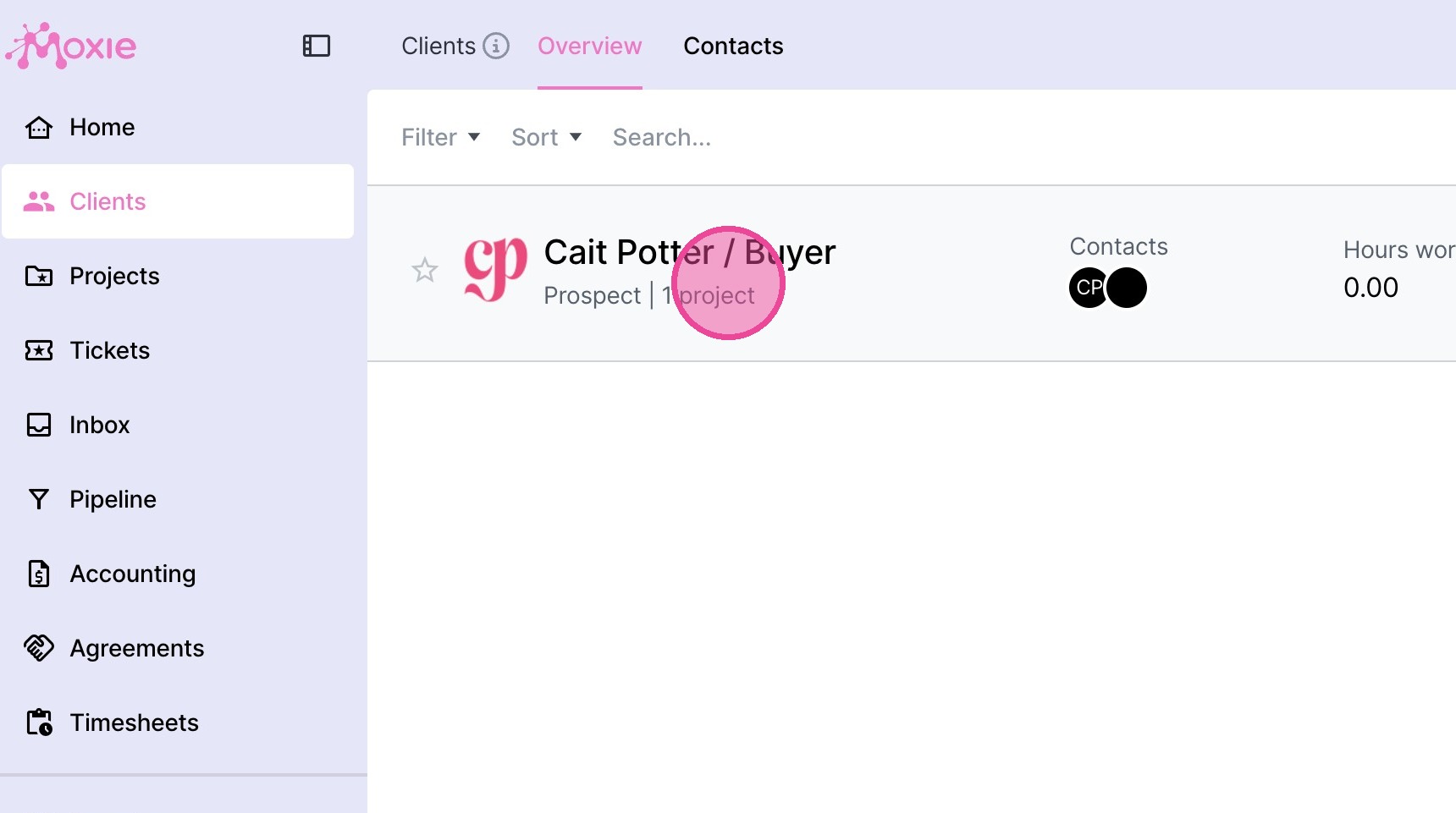
3. Select the relevant client.
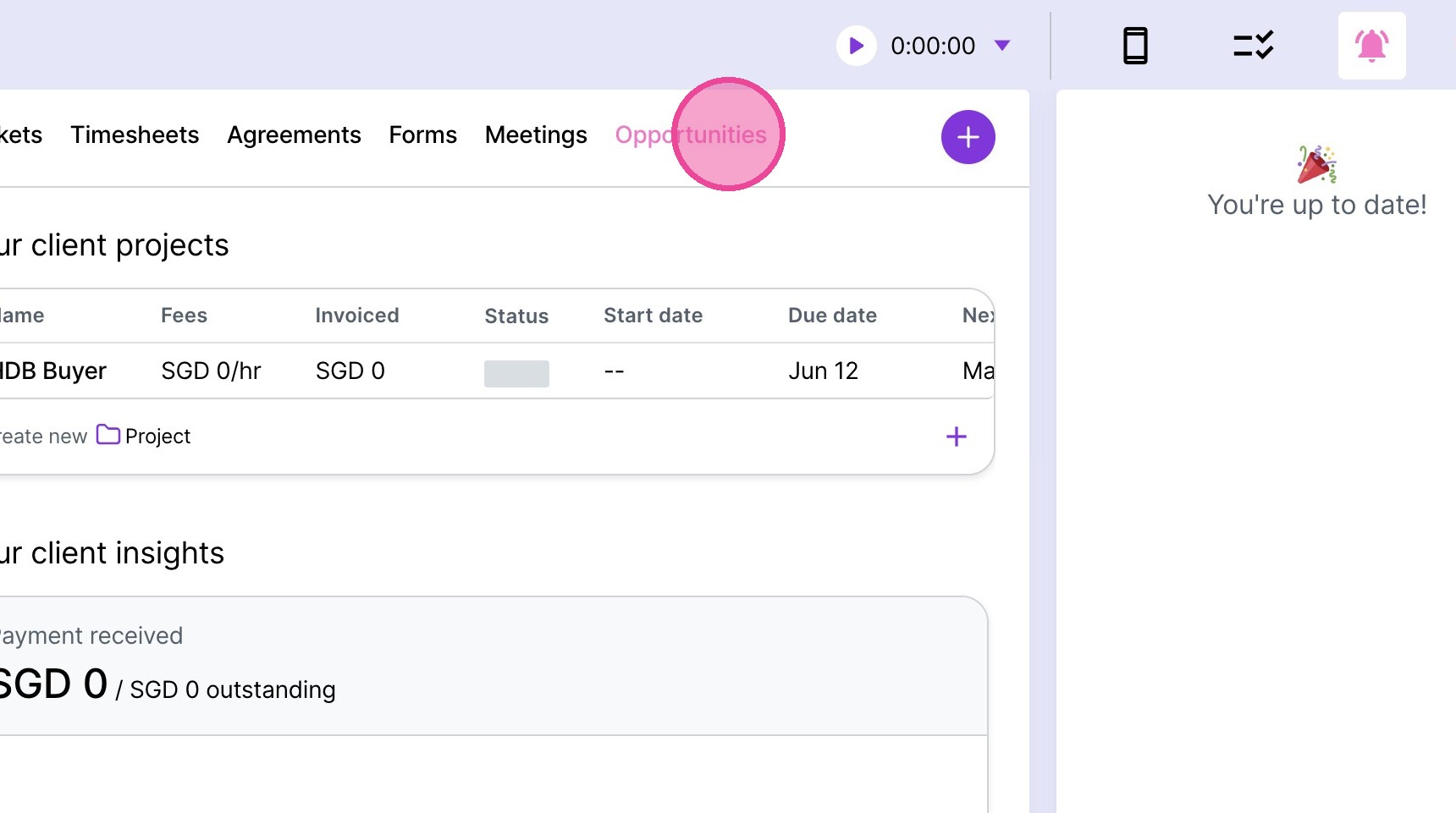
4. Click "Opportunities"
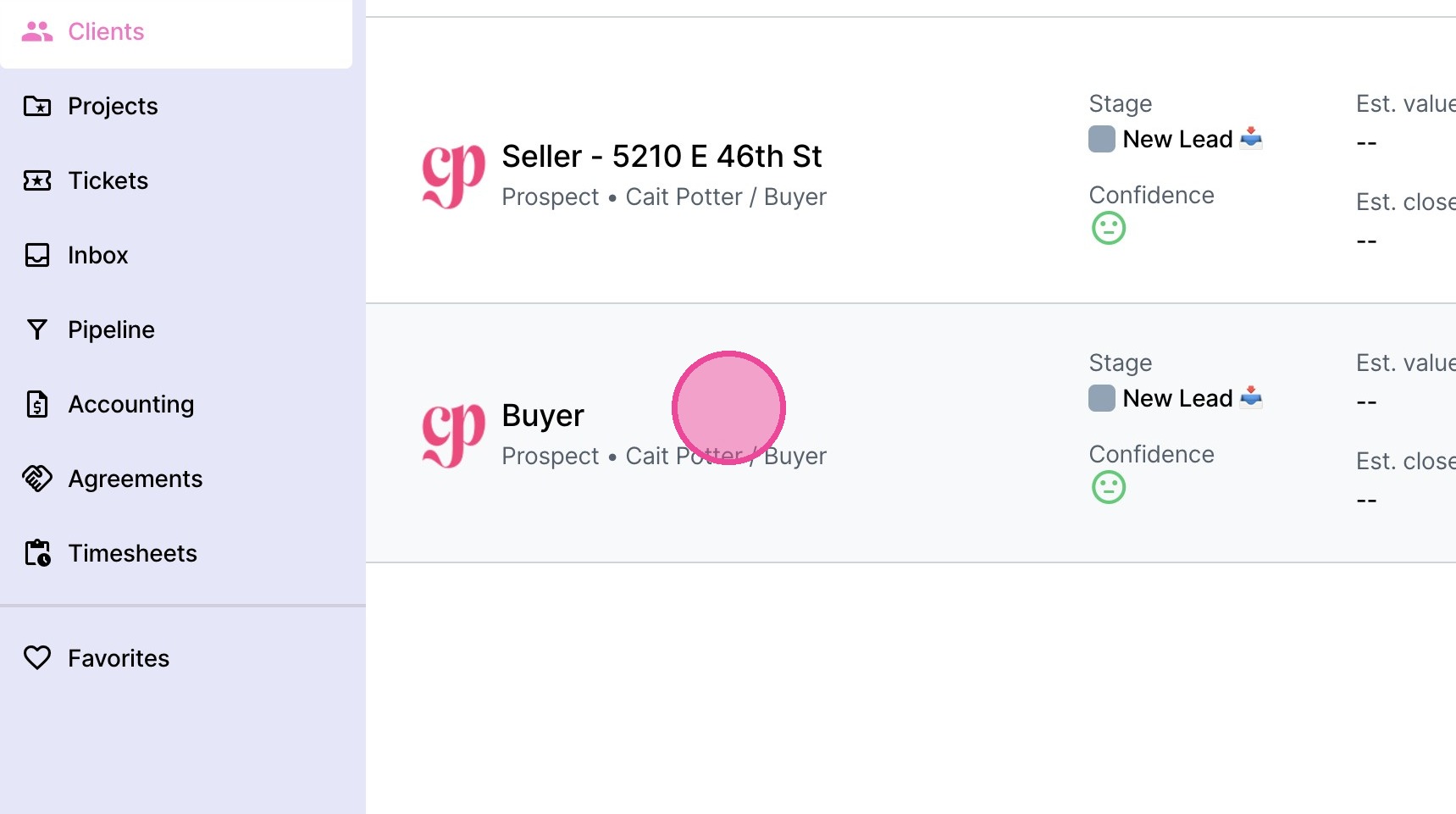
5. Select the relevant project for the client.
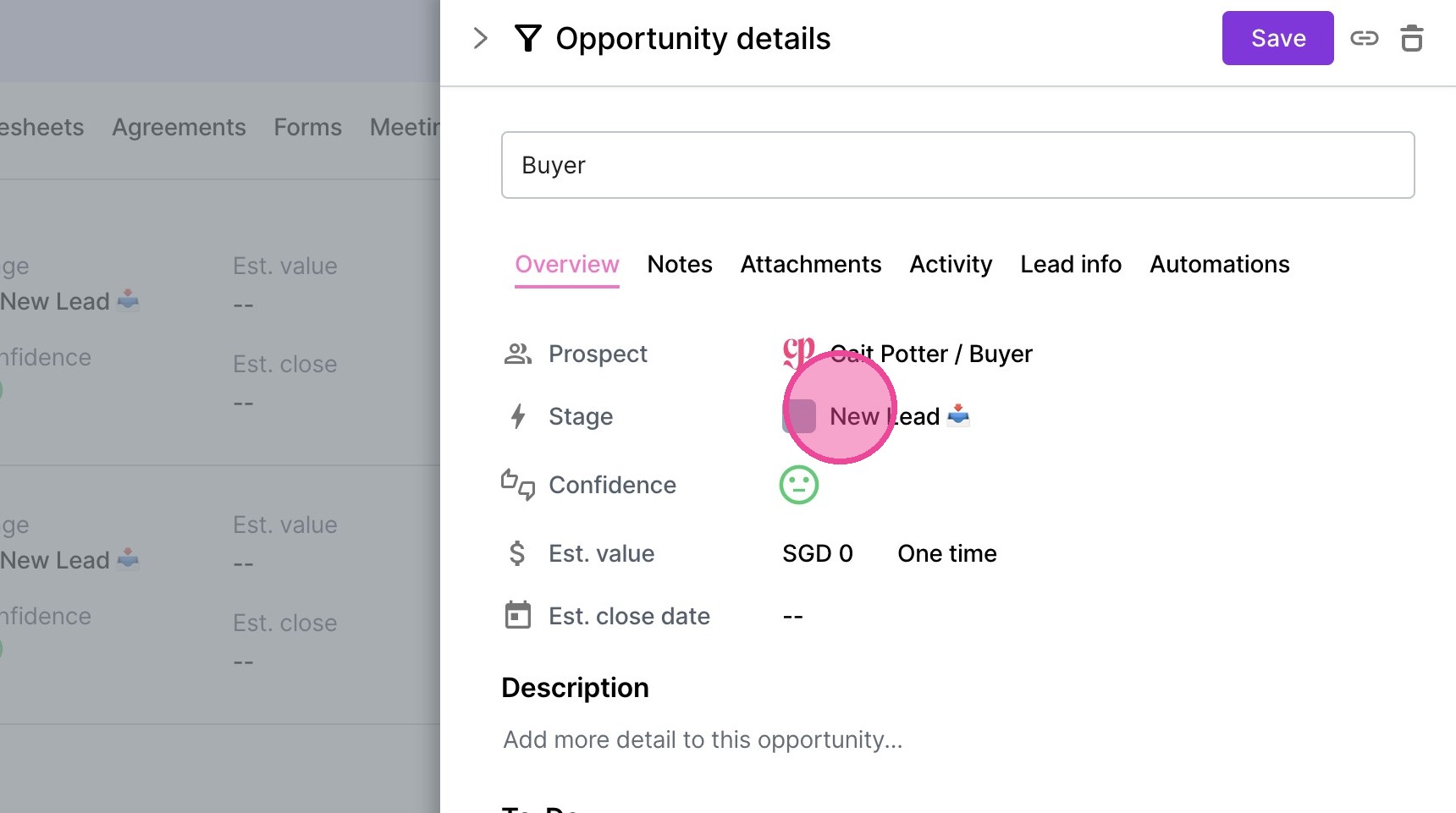
6. Click the current stage.
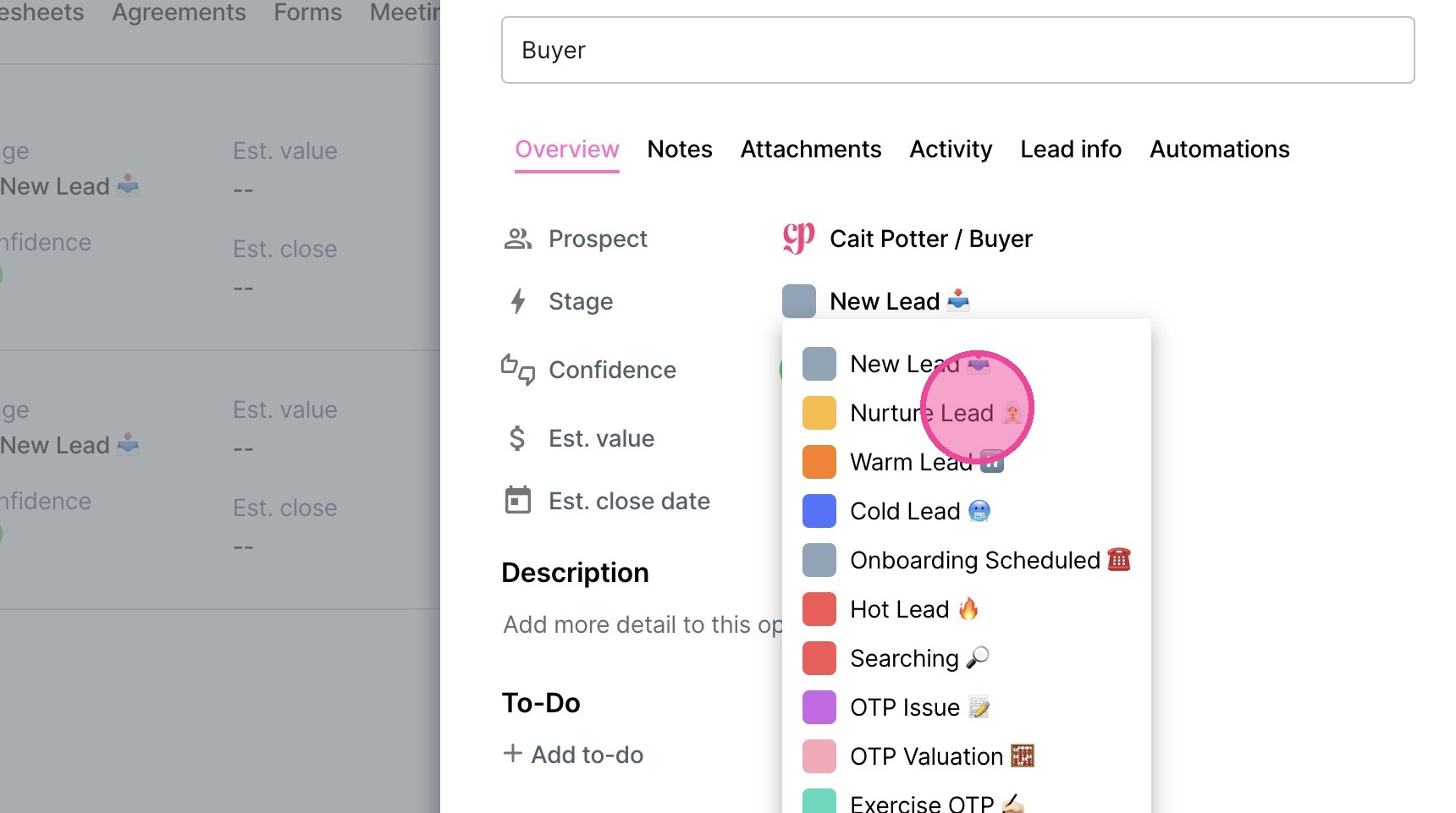
7. Select the new stage.
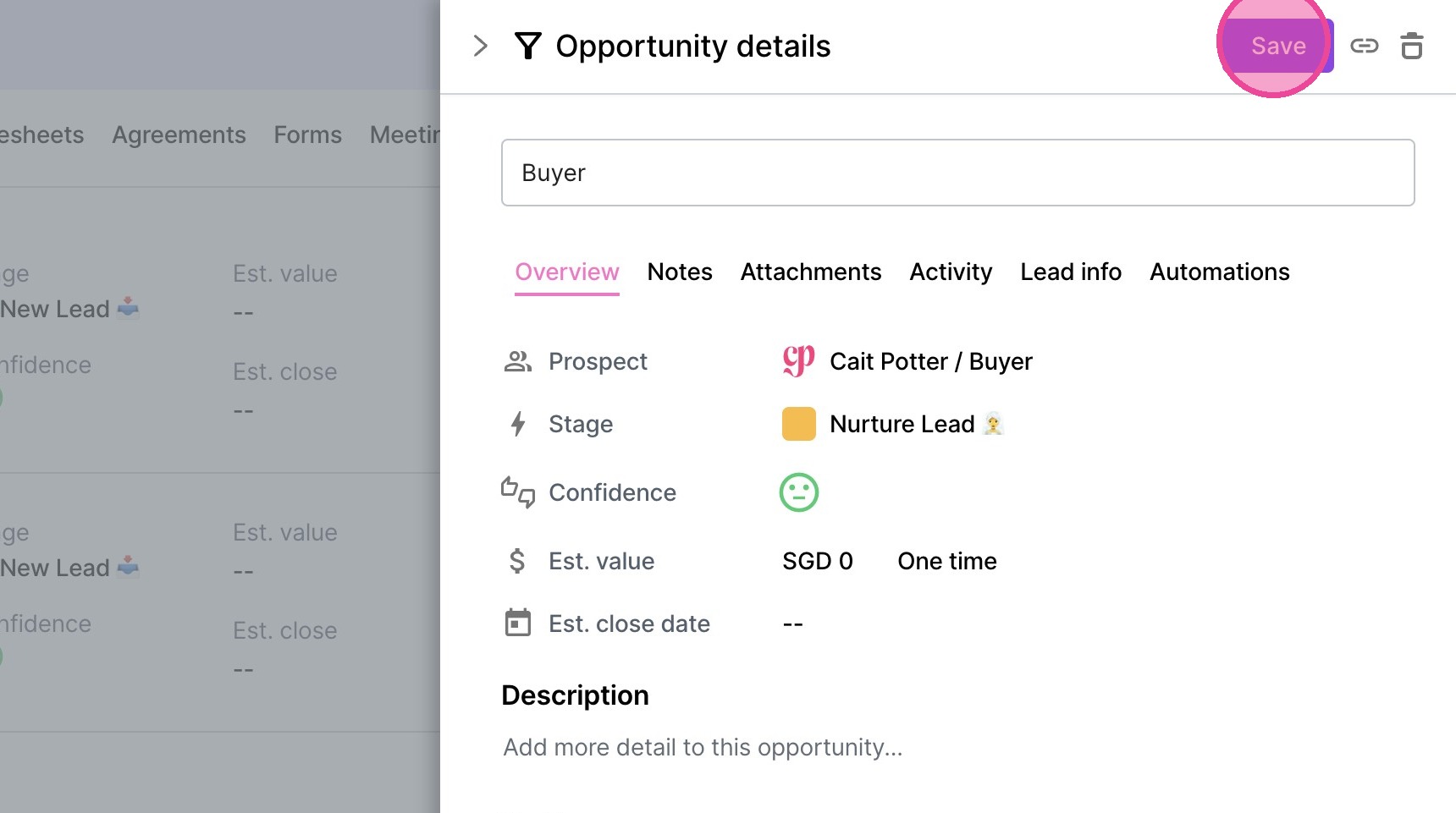
8. Click "Save"
Manually update stage in Moxie