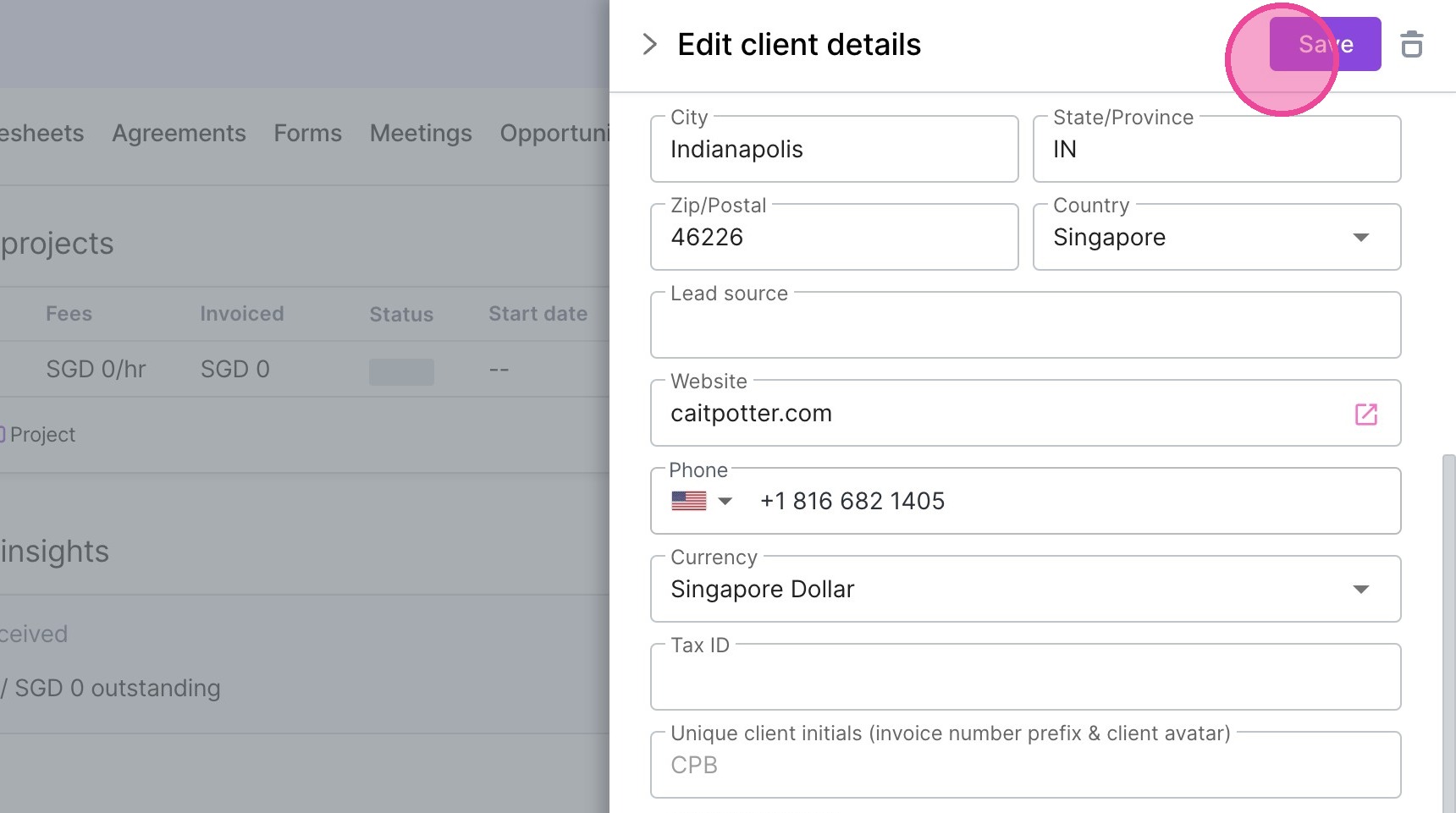
Edit Client Fields (Including Custom Fields)
1. Navigate to https://create.withmoxie.com/home
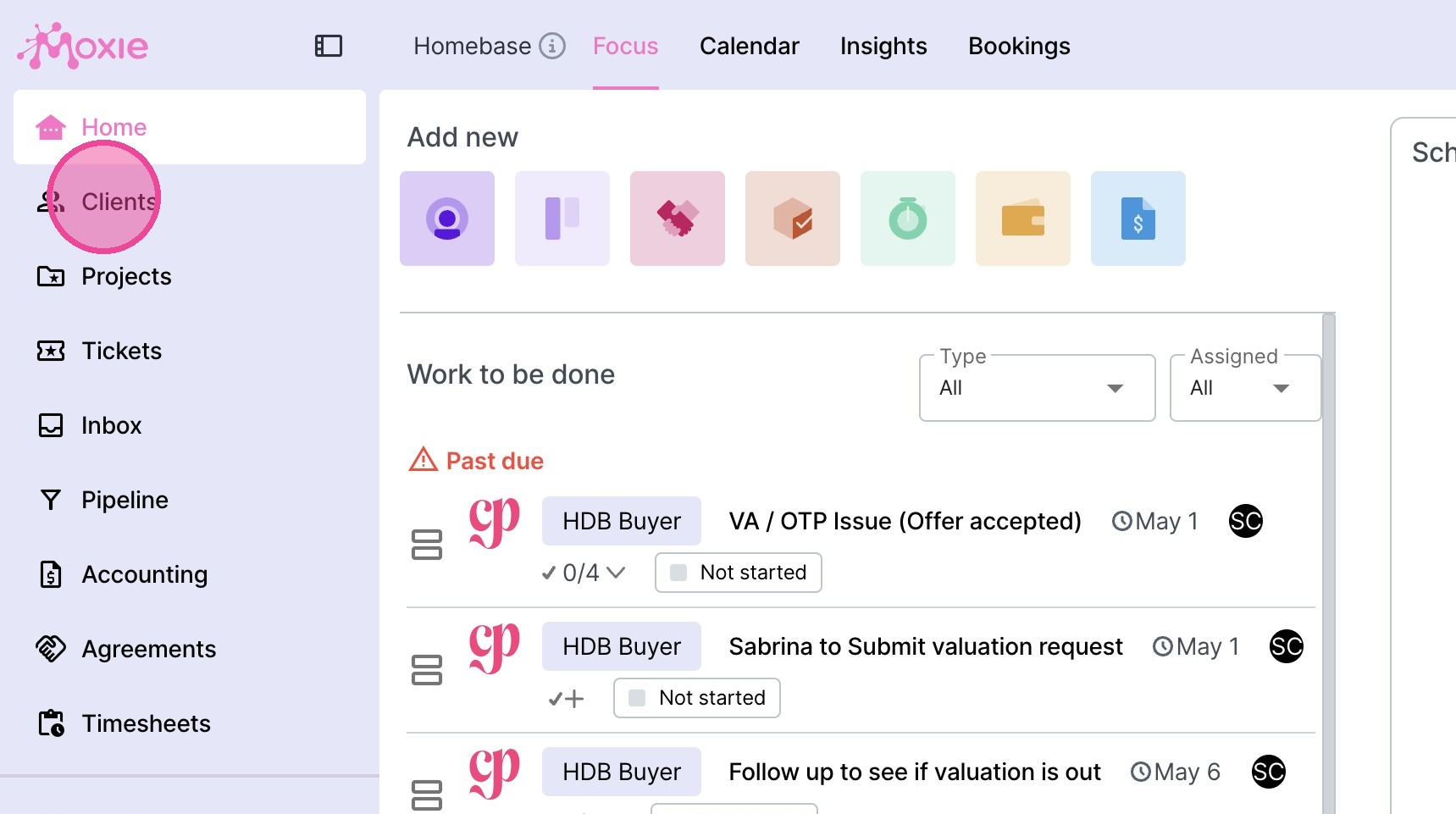
2. Click "Clients"
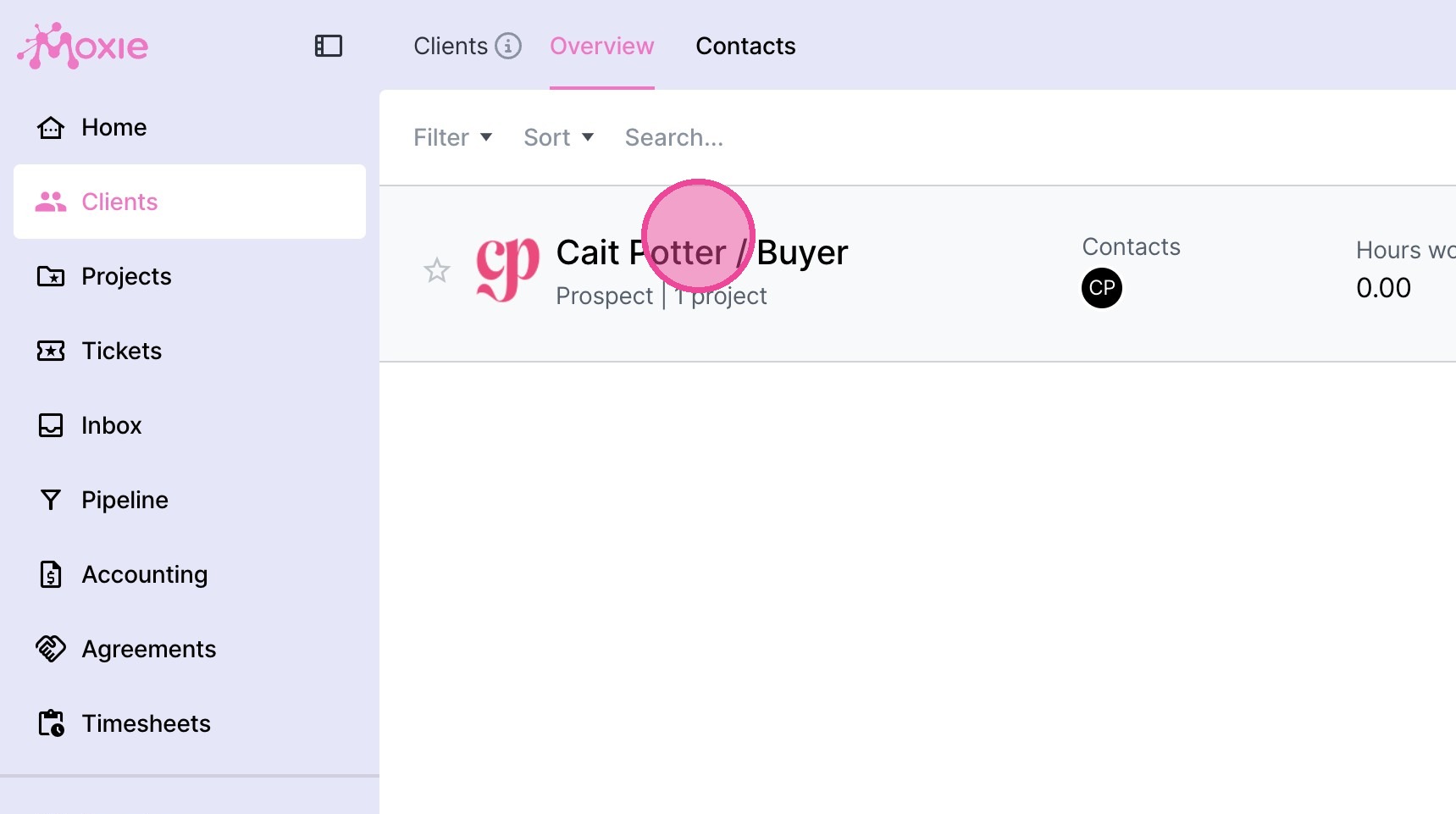
3. Select the relevant client.
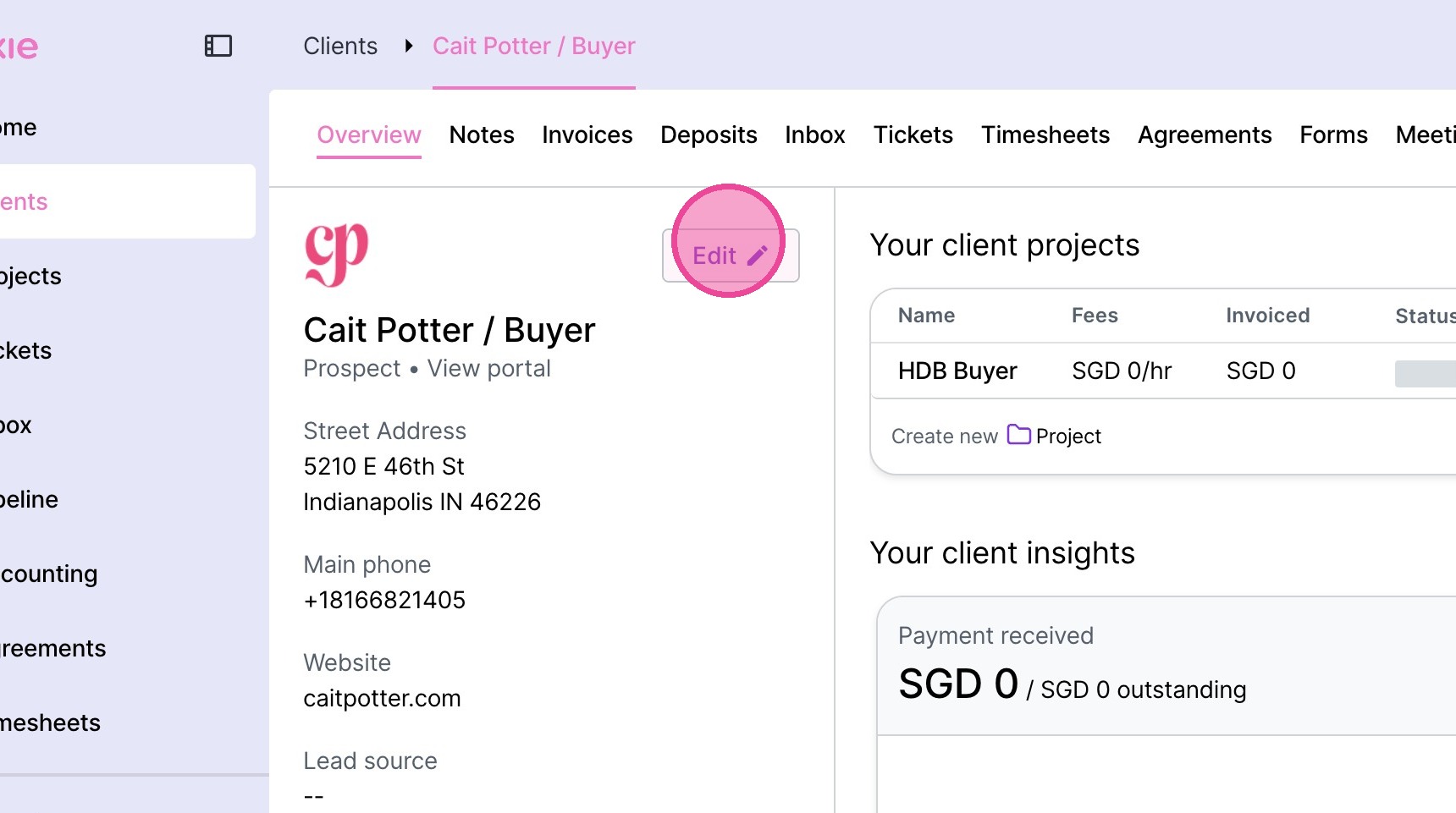
4. Click "Edit" on the client profile.
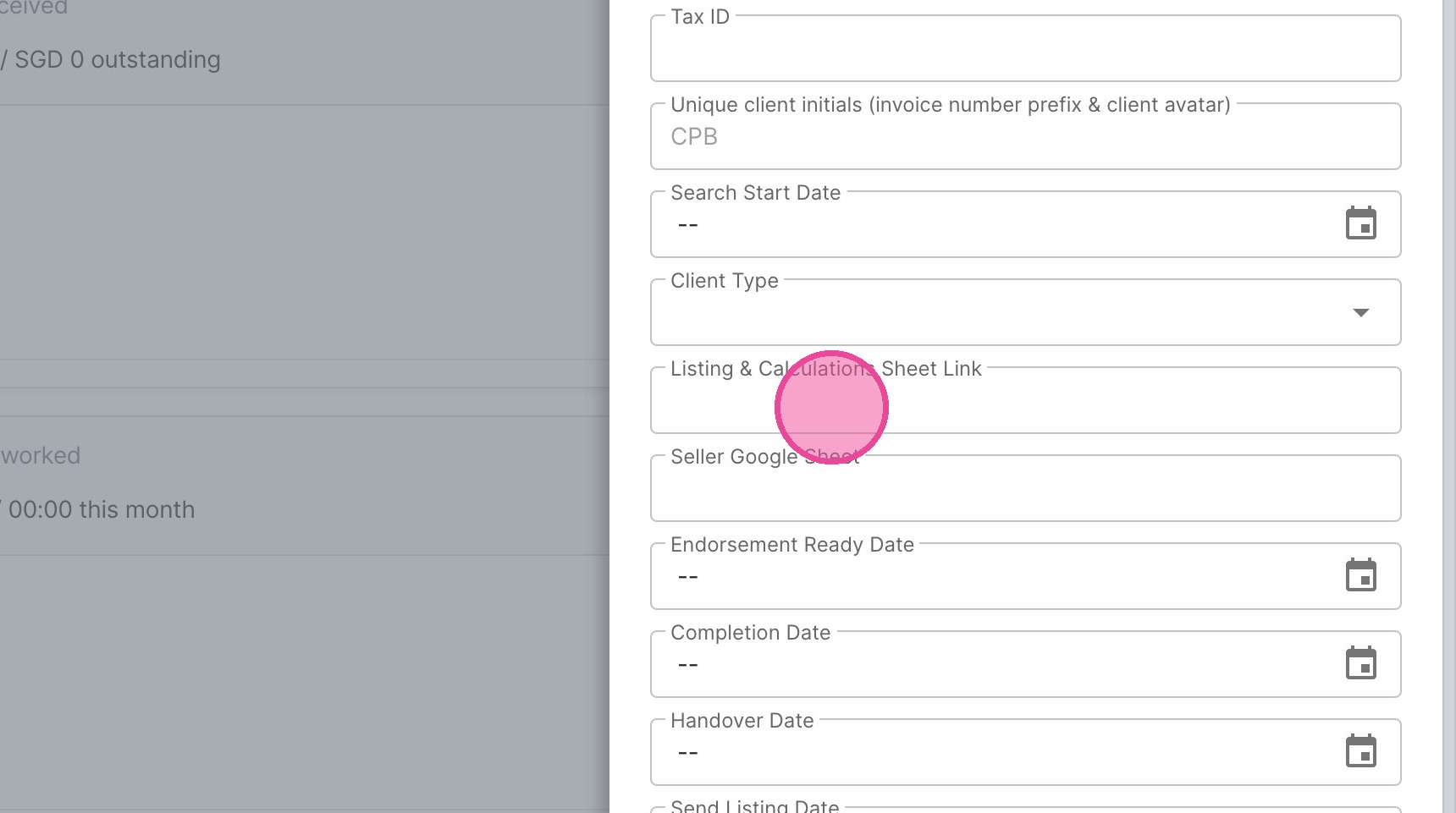
5. Locate the field you need to fill in & input the information.
6. Click "Save"