
Install Email Signature
1. Copy the code provided in your Google Doc.
2. Click "Communicator" in the menu. THEN CLICK SETTIGNS.
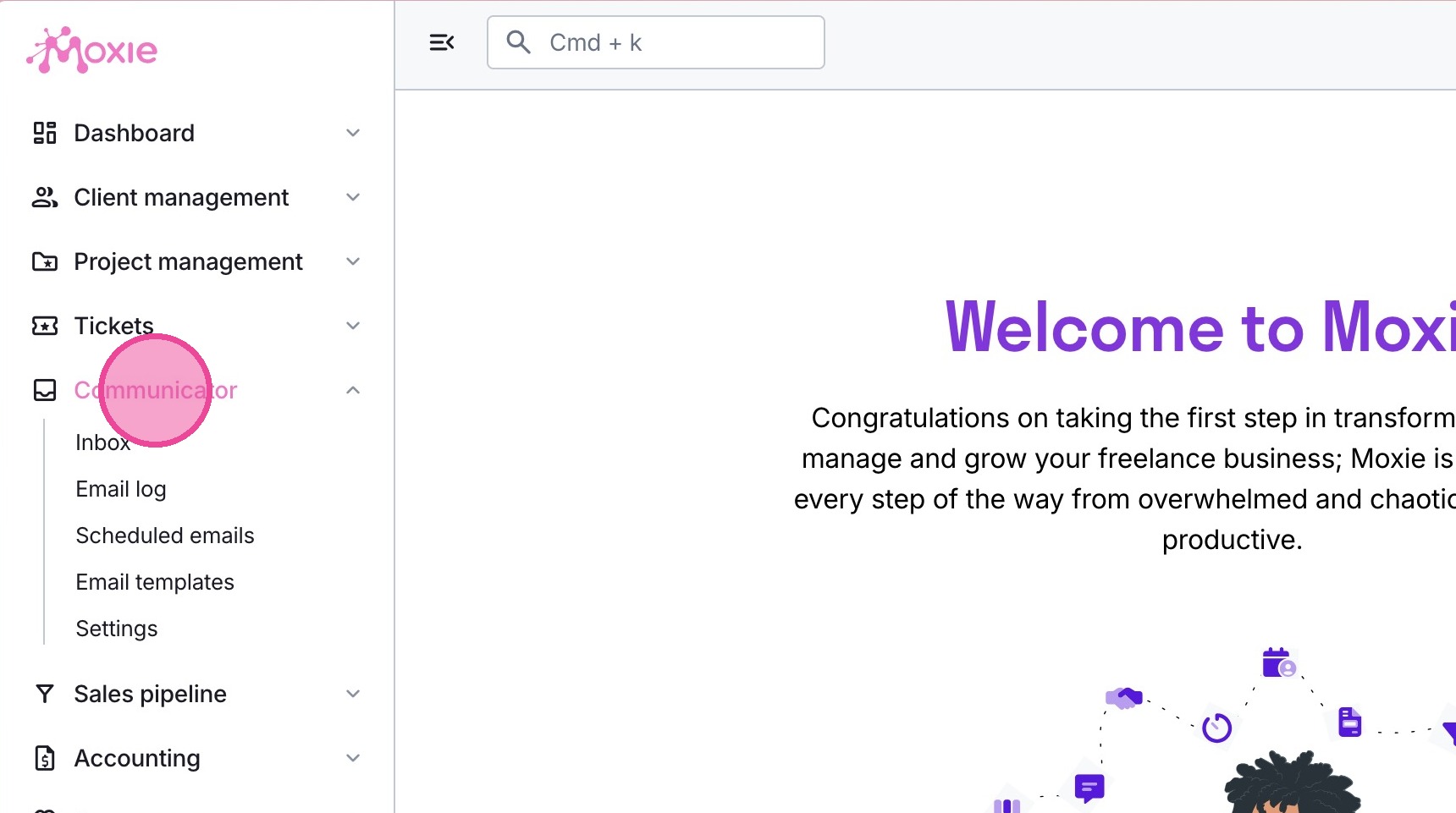
Spot 1: Mailboxes
3. Select the appropriate email.
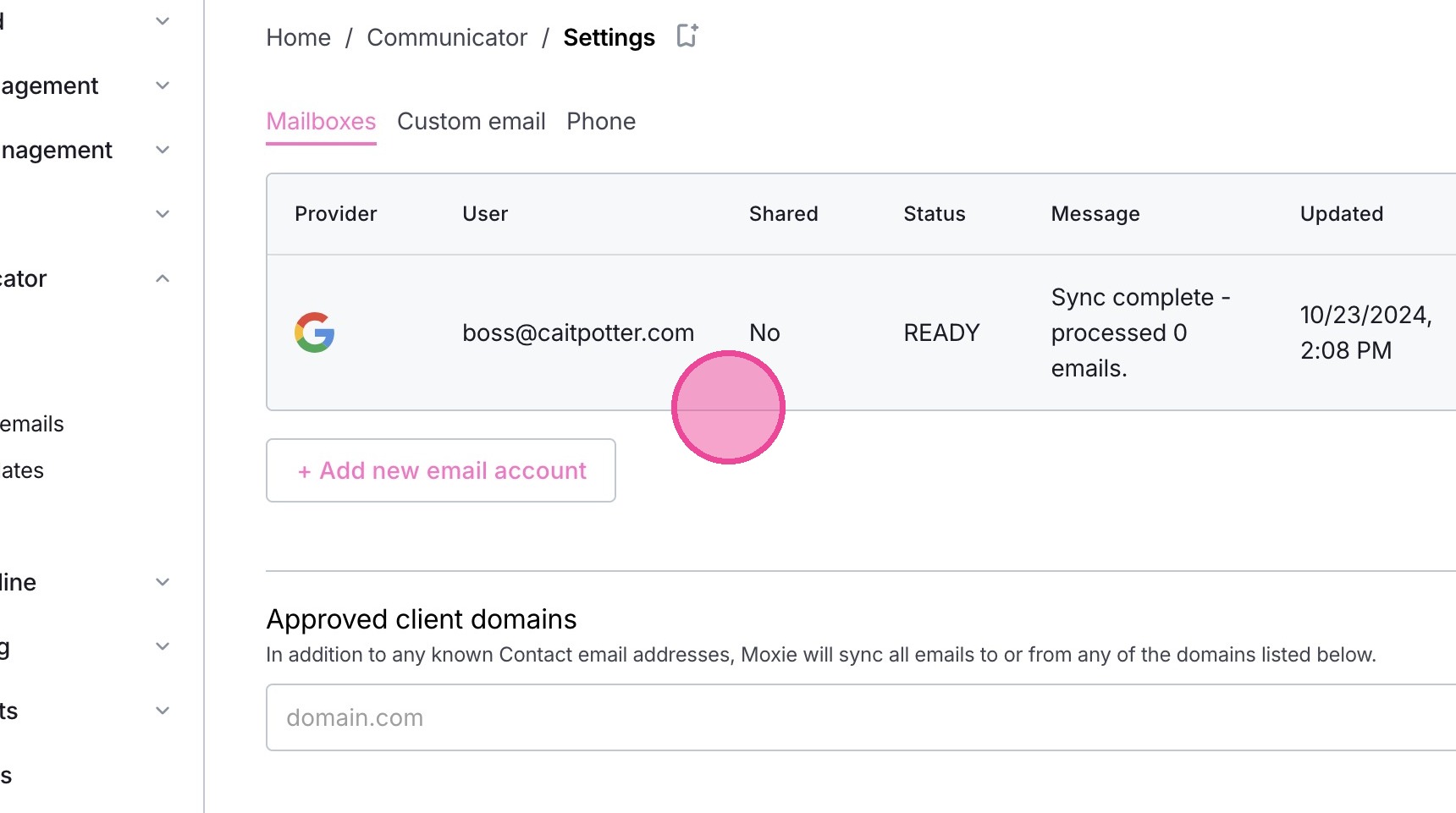
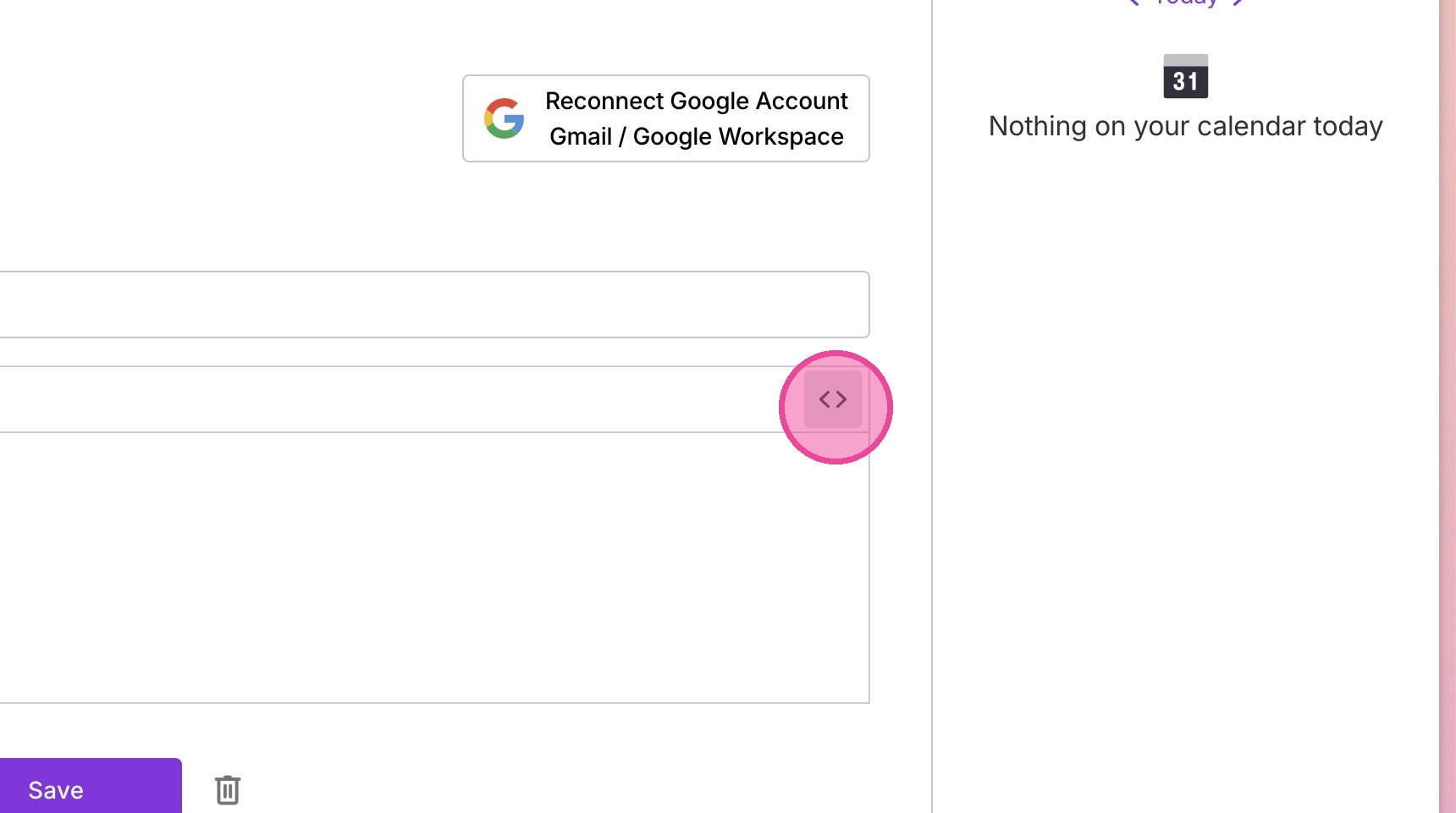
4. Click the little code button.
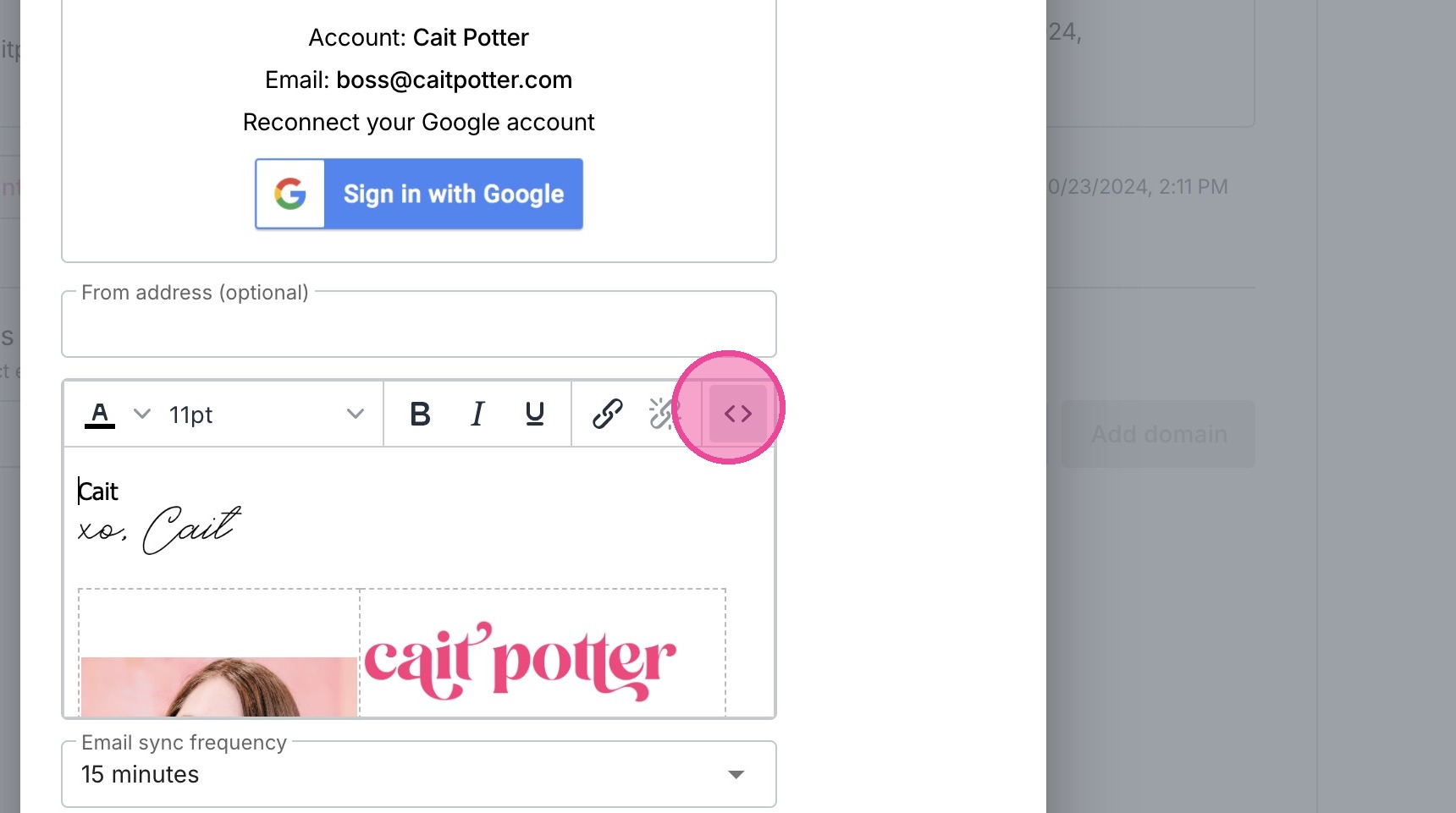
5. Paste in your code.\
IF any code is already there, delete it before pasting.
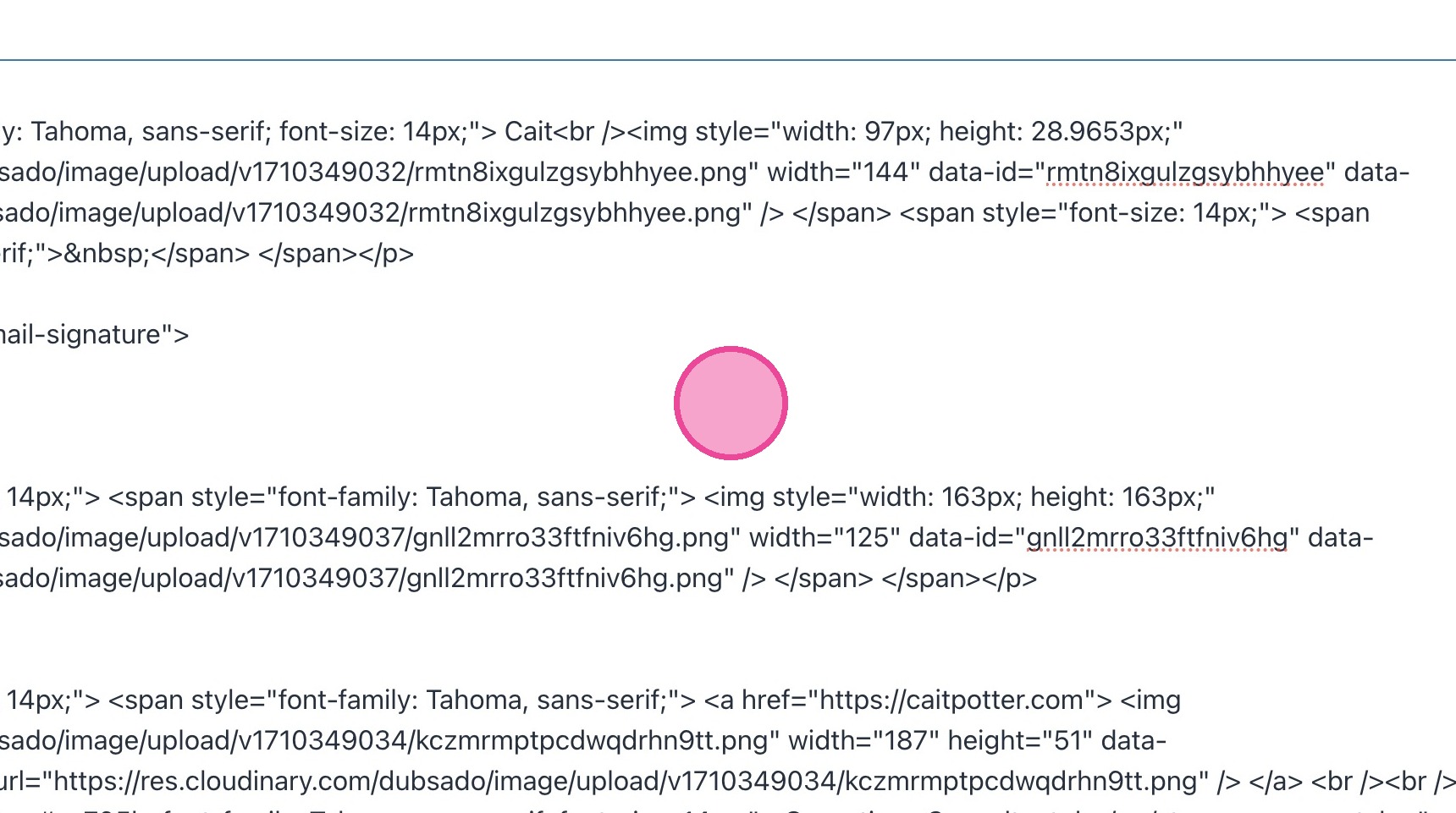
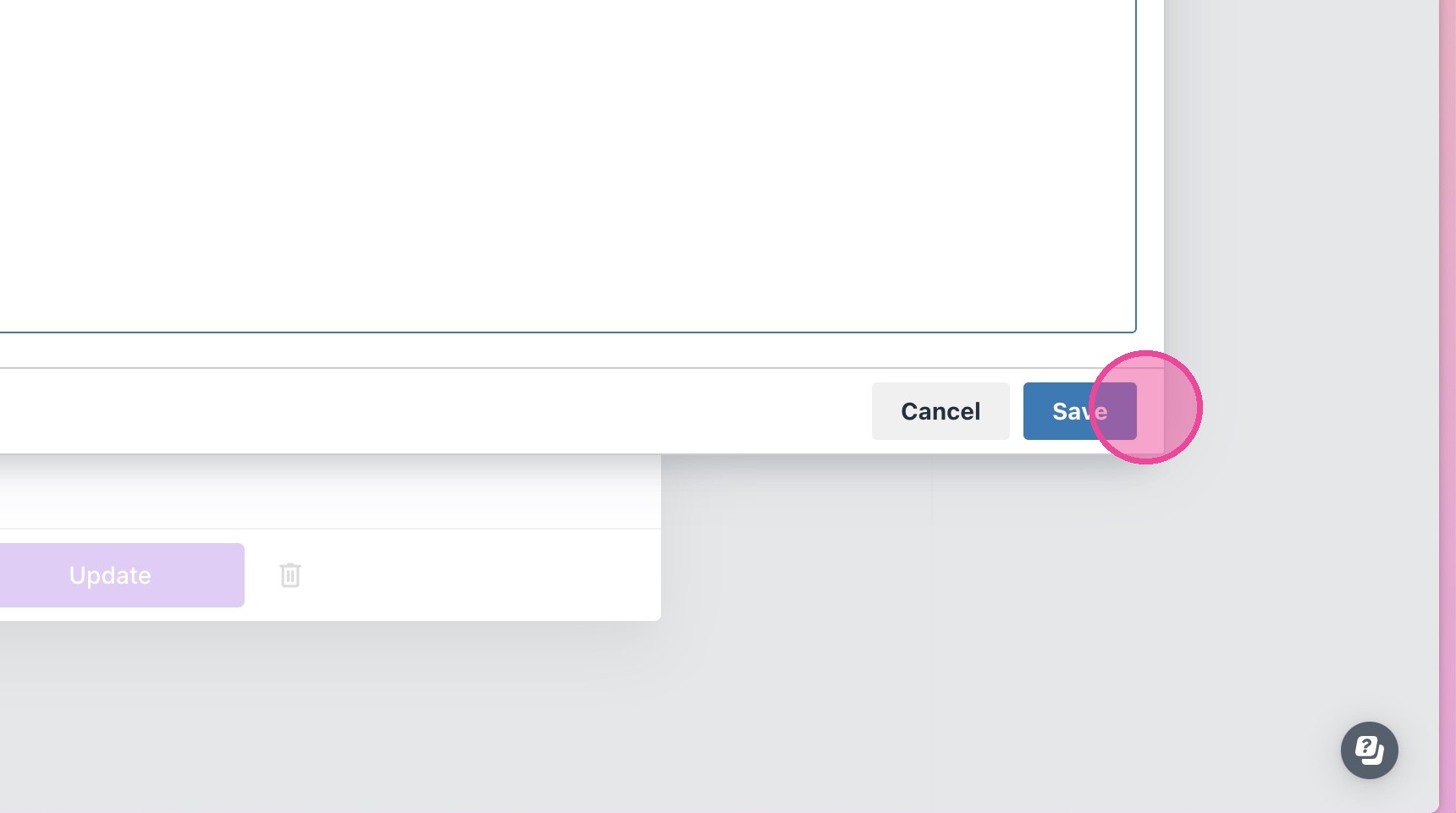
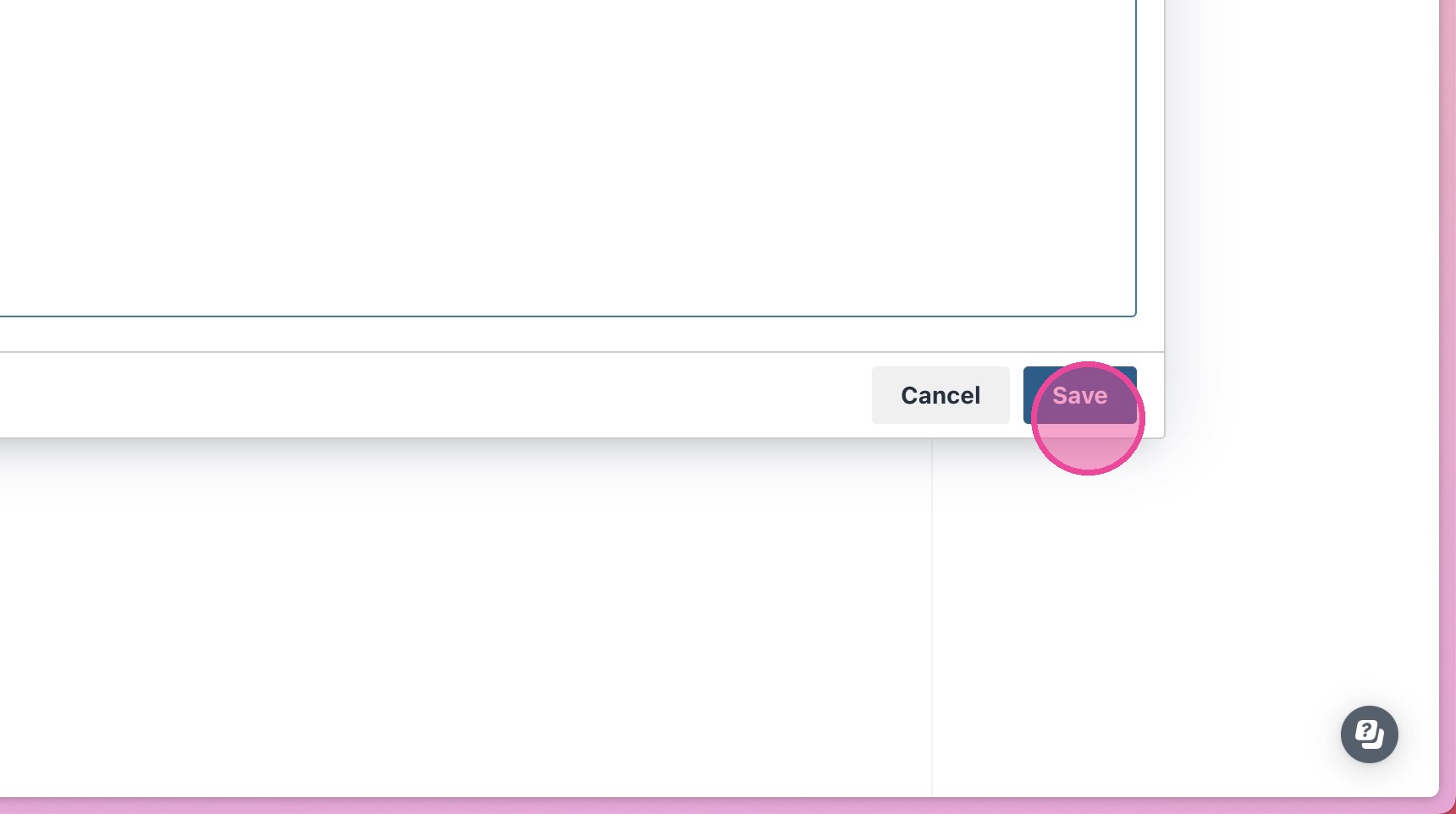
6. Click "Save"
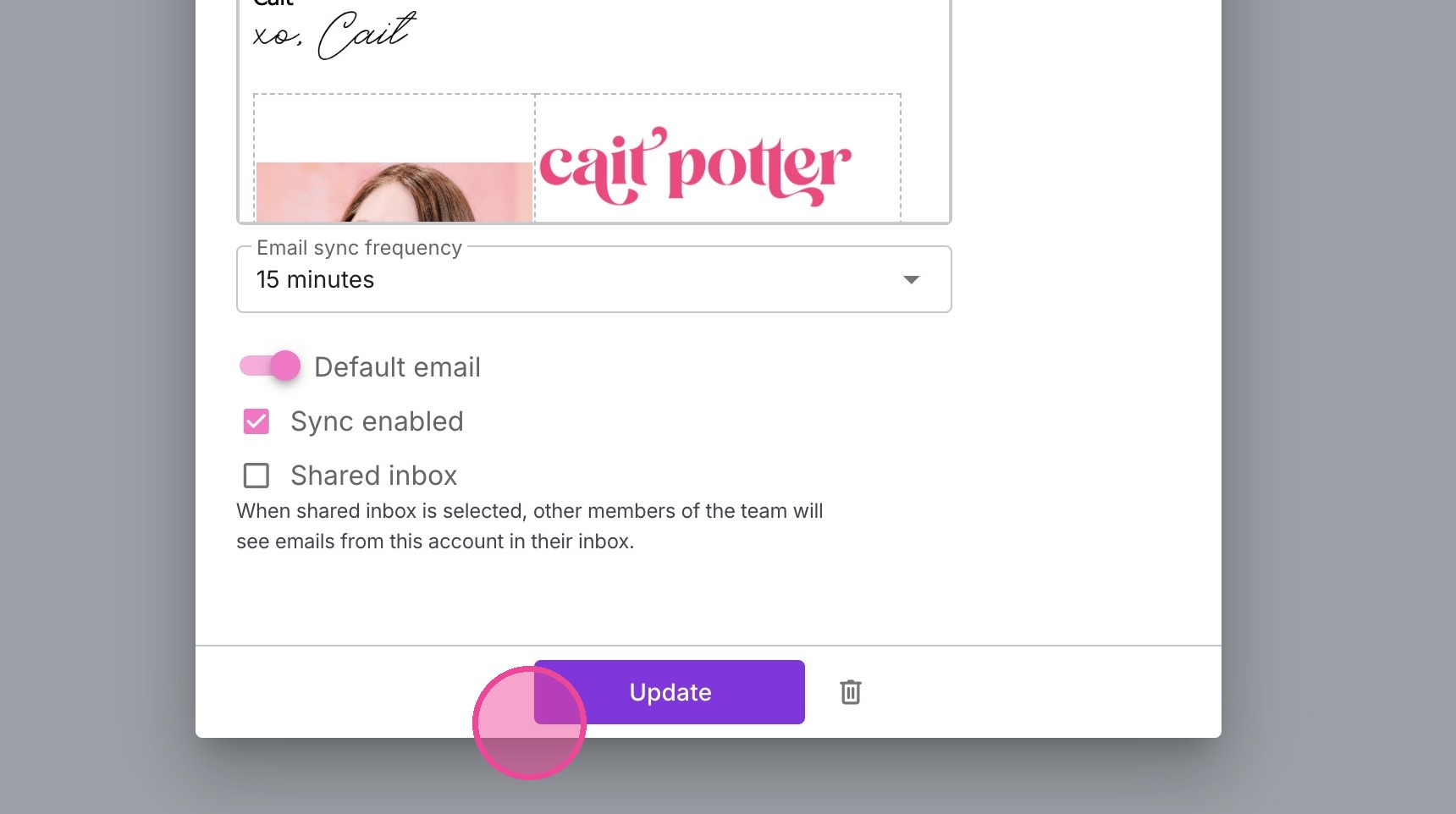
7. Click "Update"
Spot 2: Custom Email
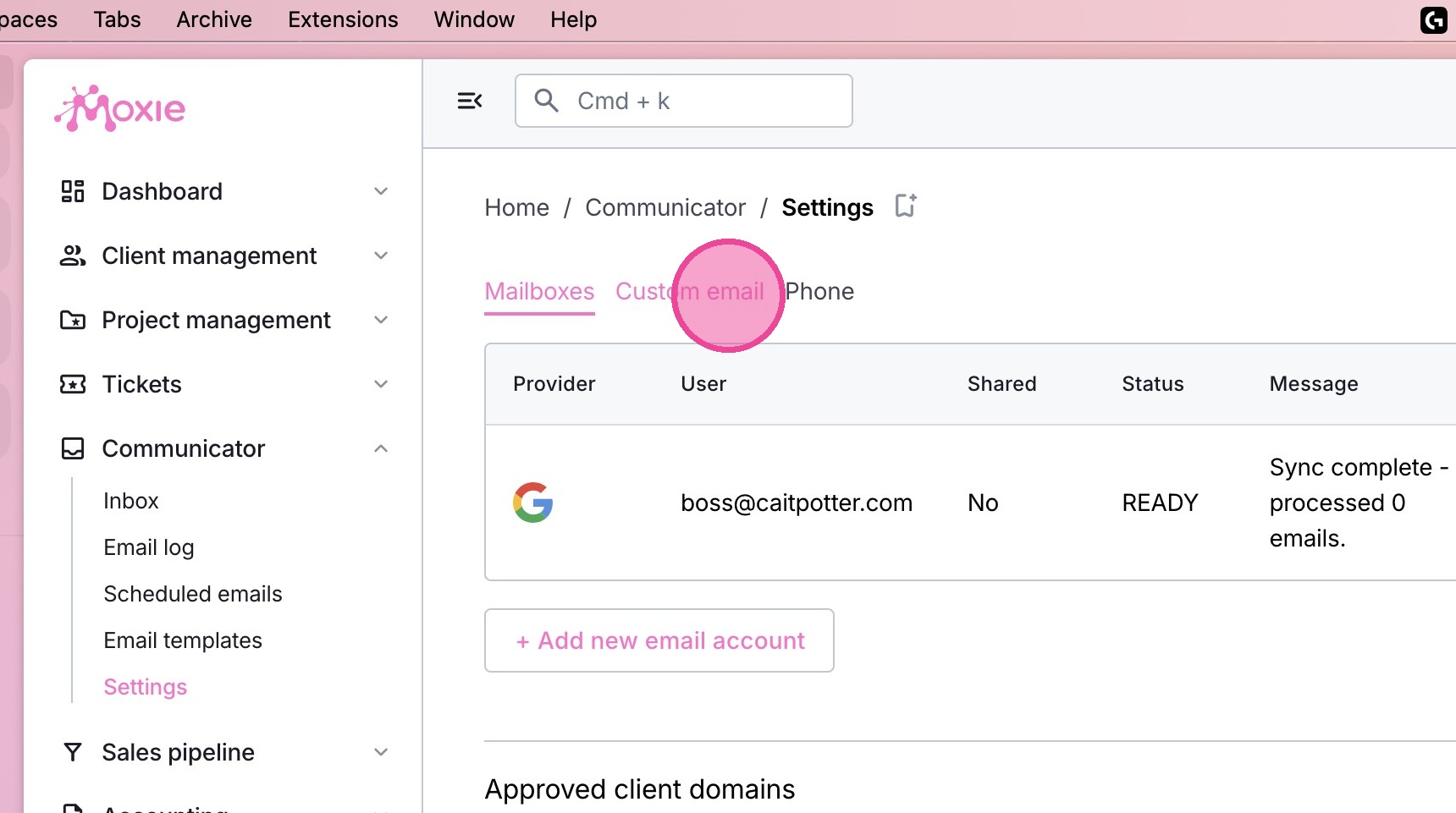
8. Click the "Custom email" tab
9. Click the code button & paste in the same code again.
10. Click "Save"
Tip: ALL DONE!