(Re)Connect your email account (& remove an old one)
Connect Account
1. Navigate to https://create.withmoxie.com/home?v=Focus
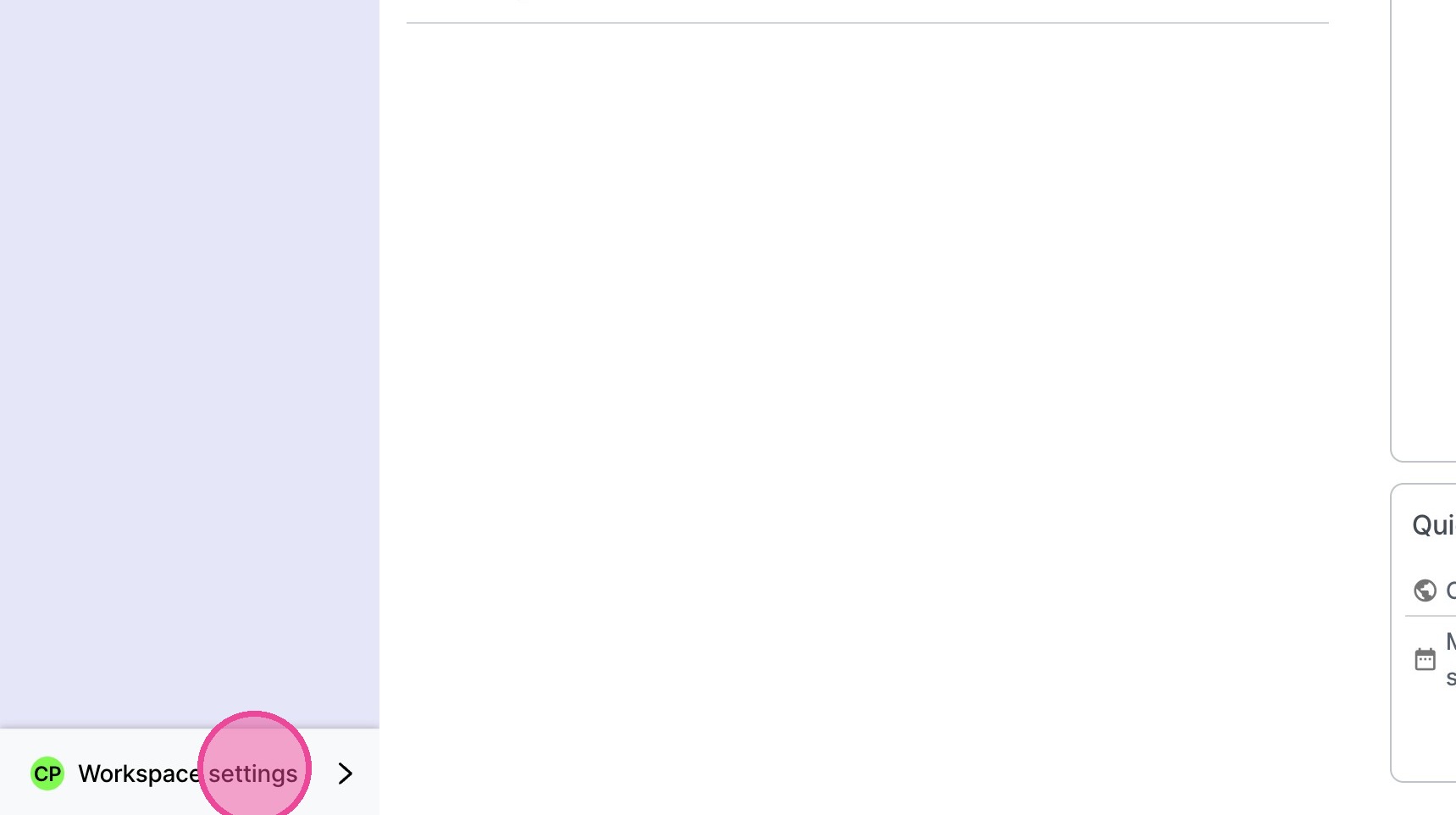
2. Click "Workspace settings"
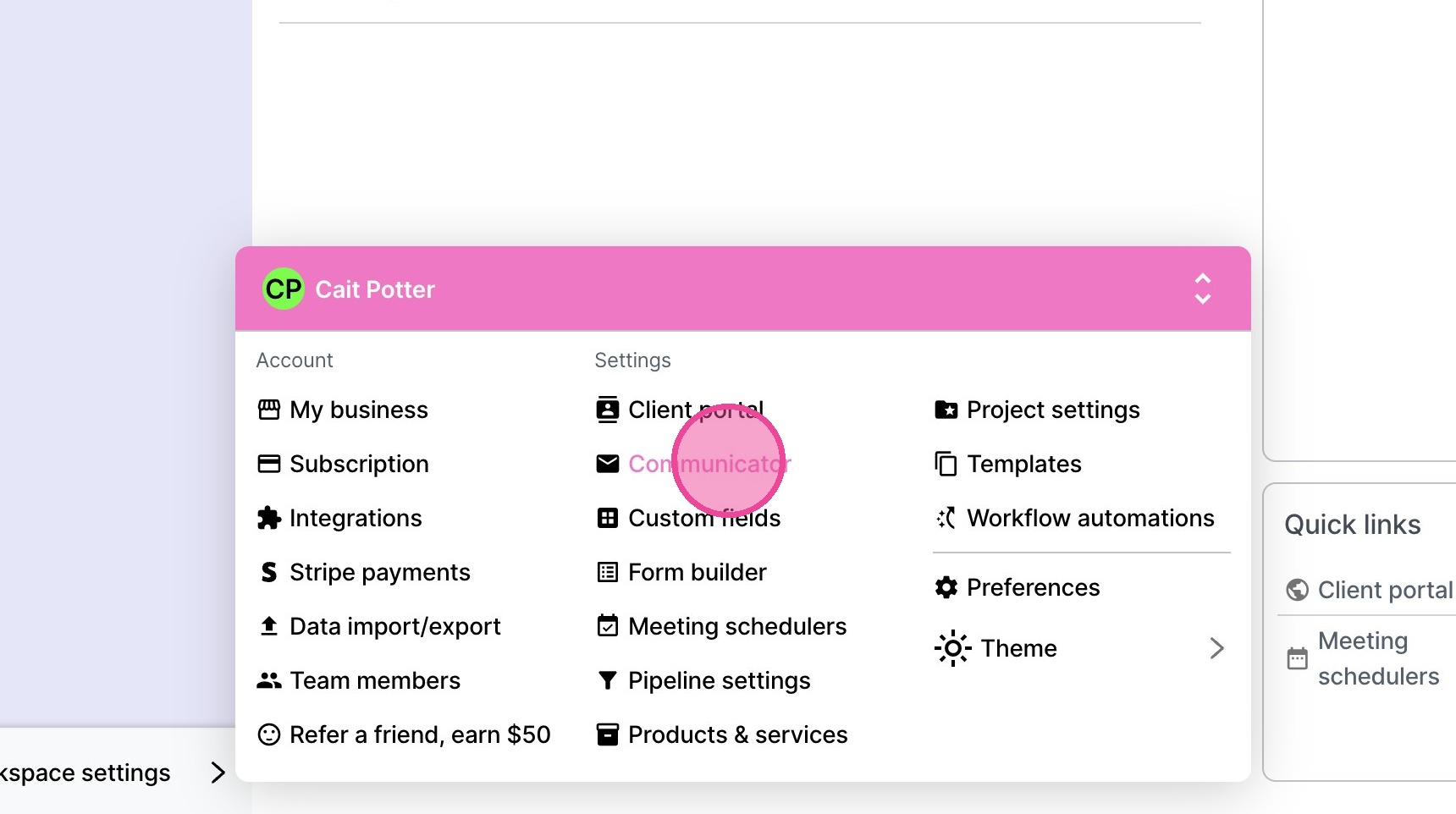
3. Click "Communicator"
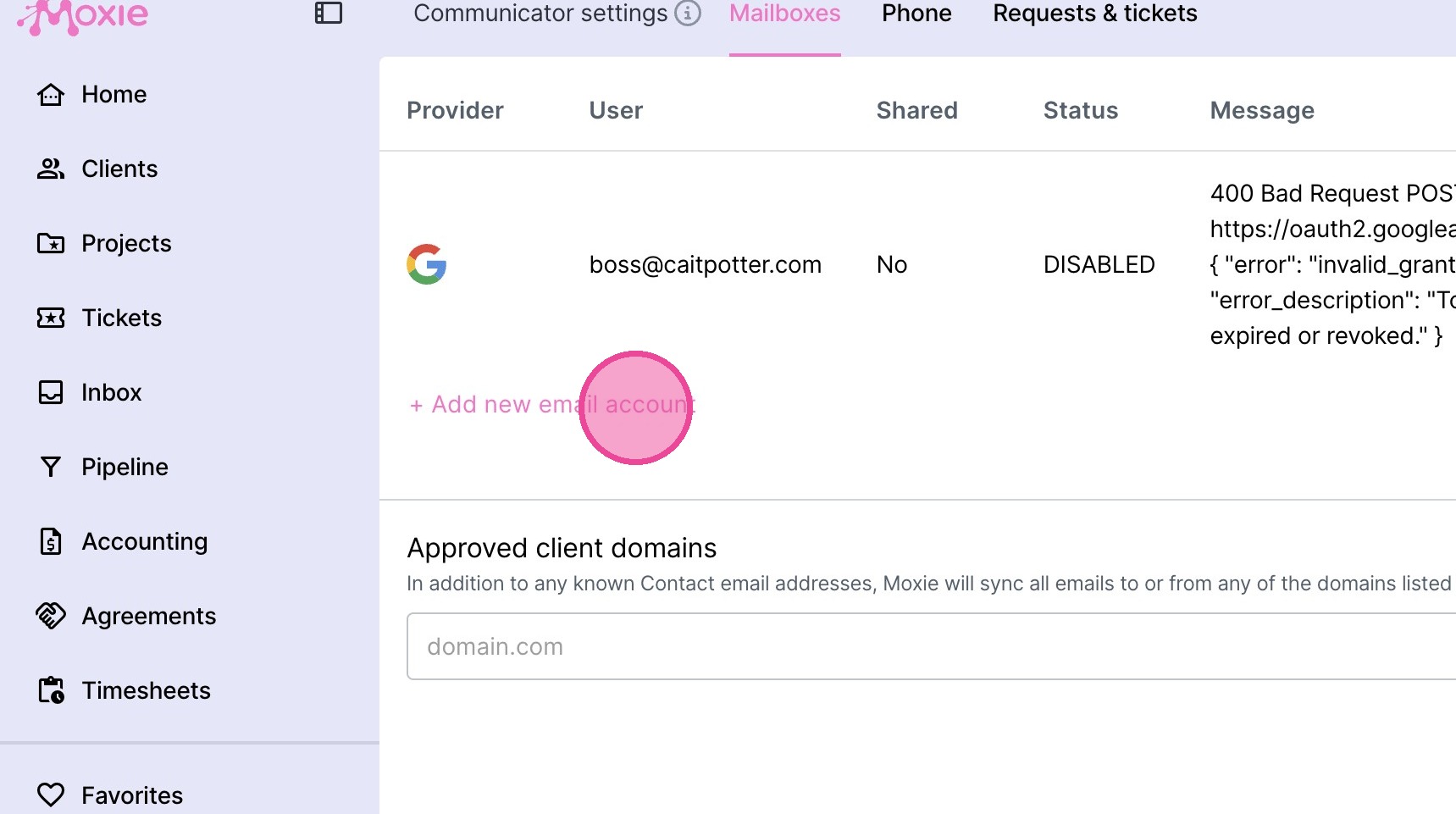
4. Click "+ Add new email account"
5. Select your email provider.
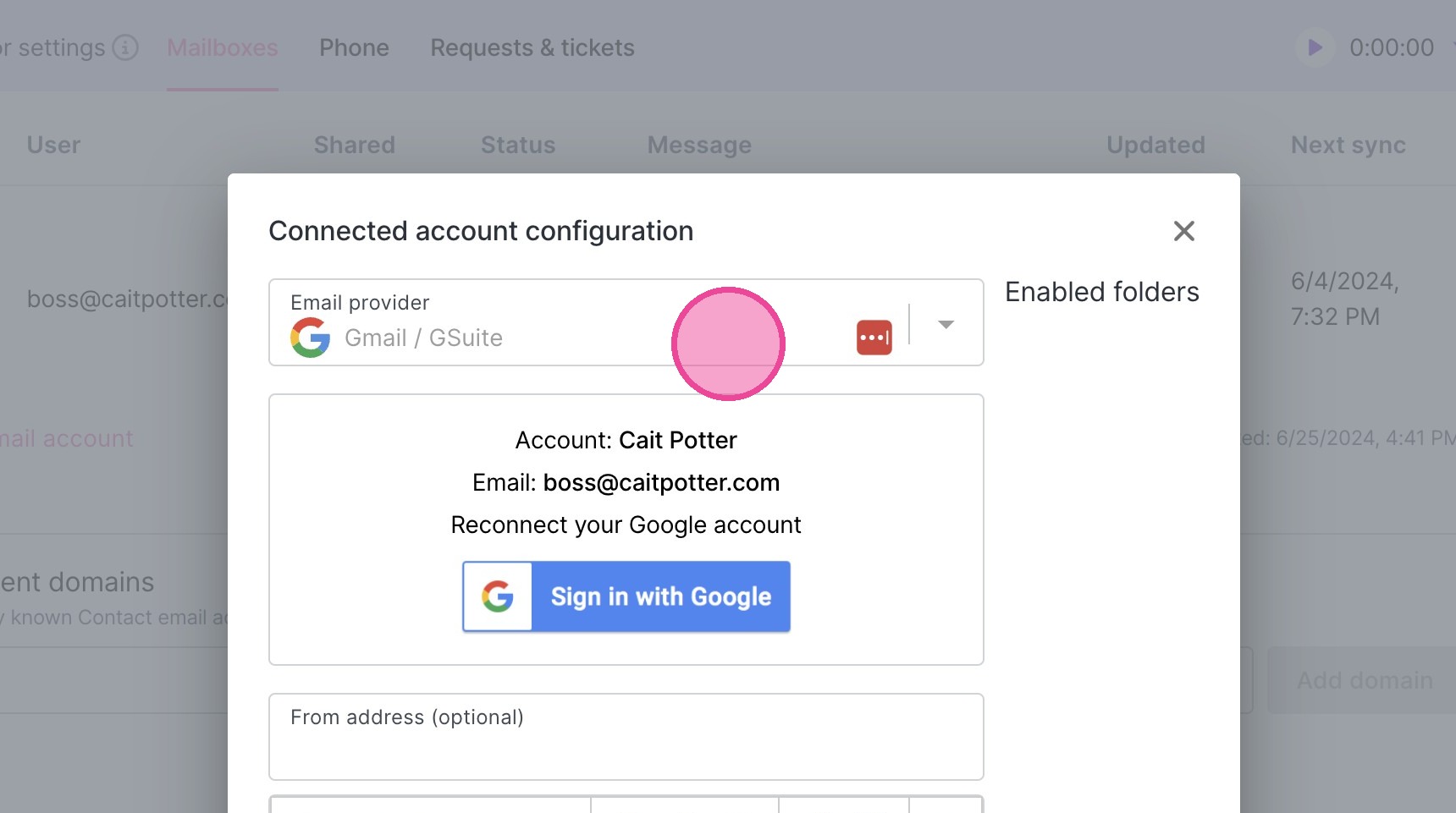
6. Click "Sign In" and follow the prompts.
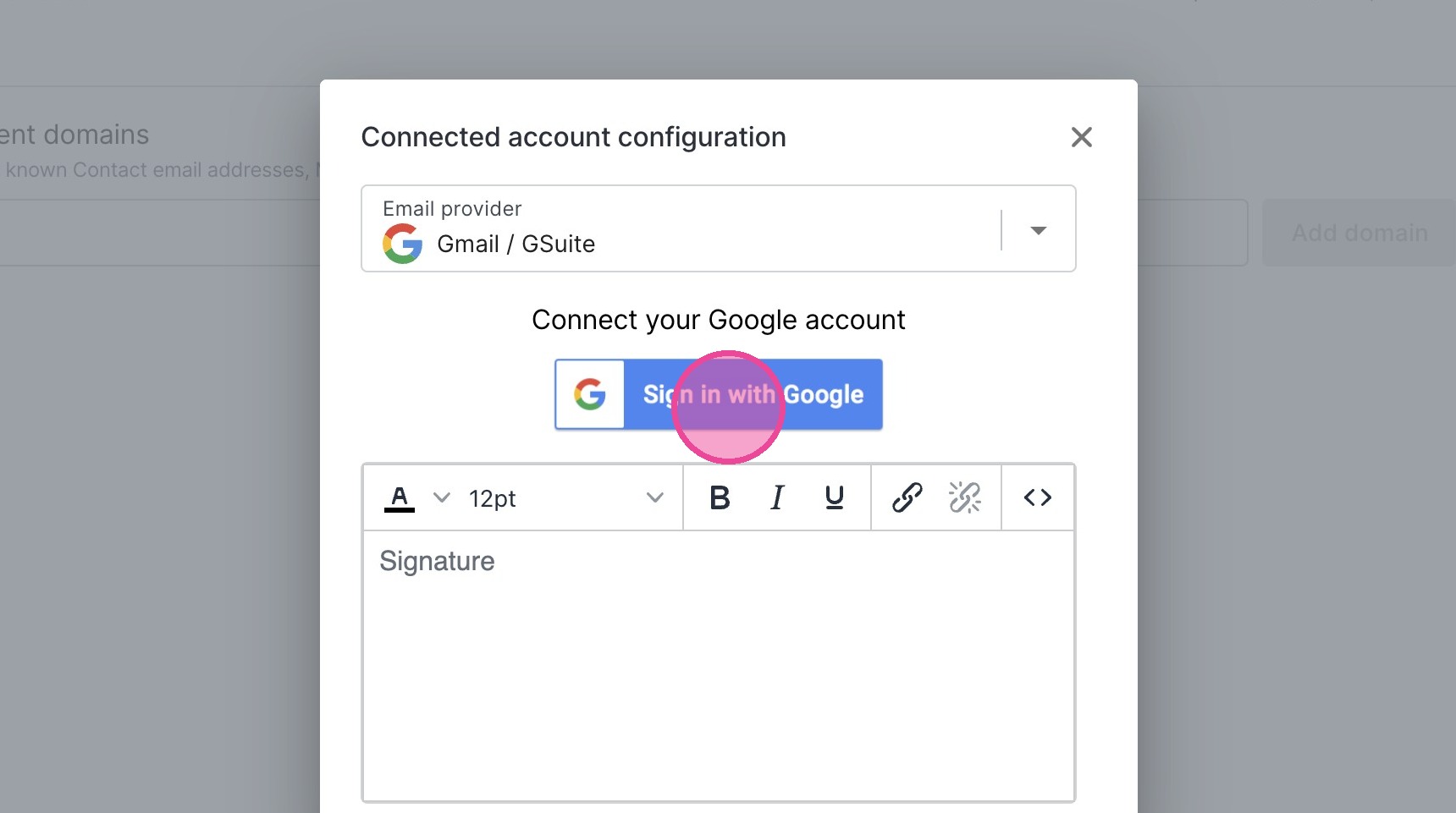
7. Select the appropriate account.
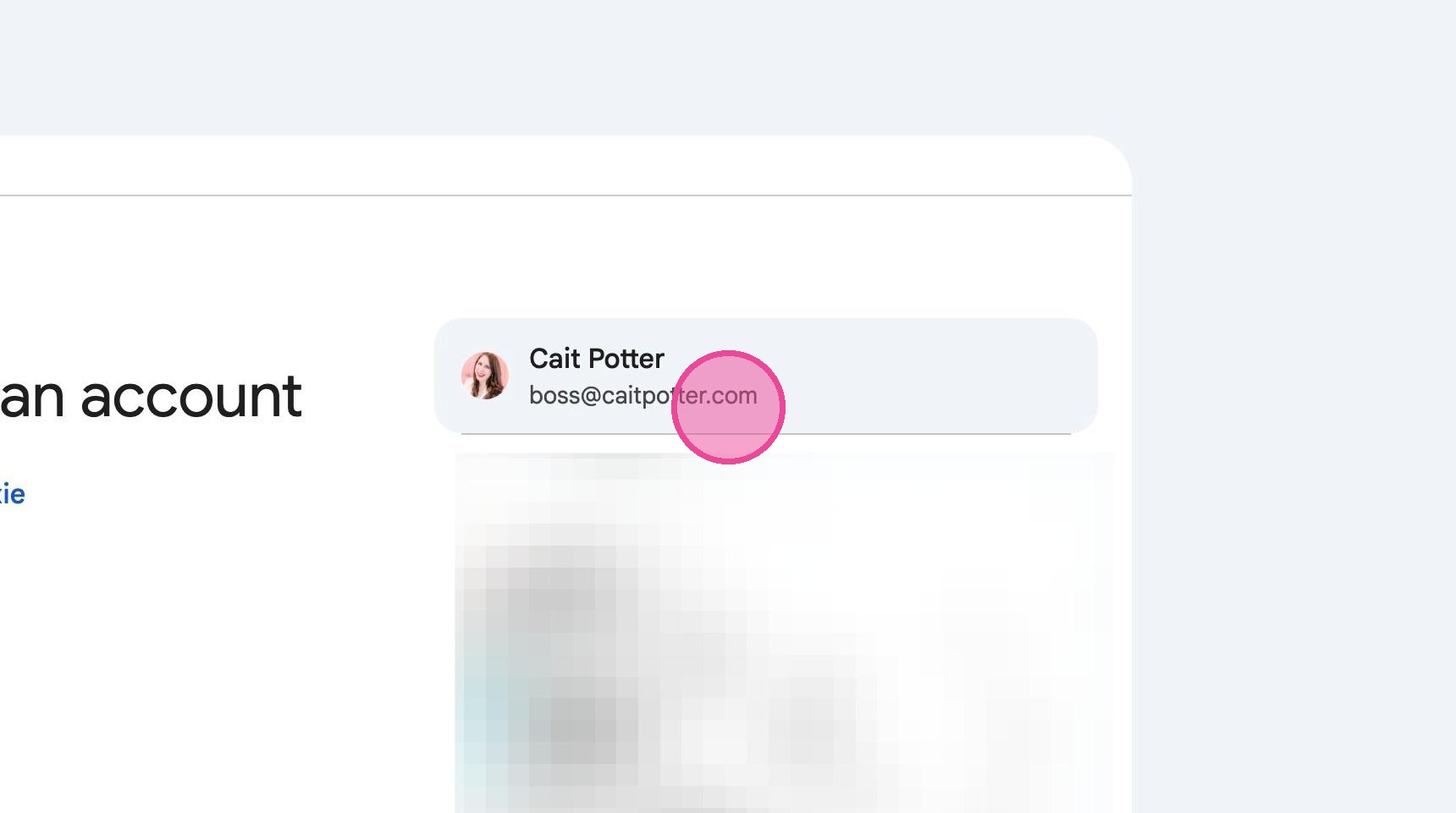
8. Click Continue.
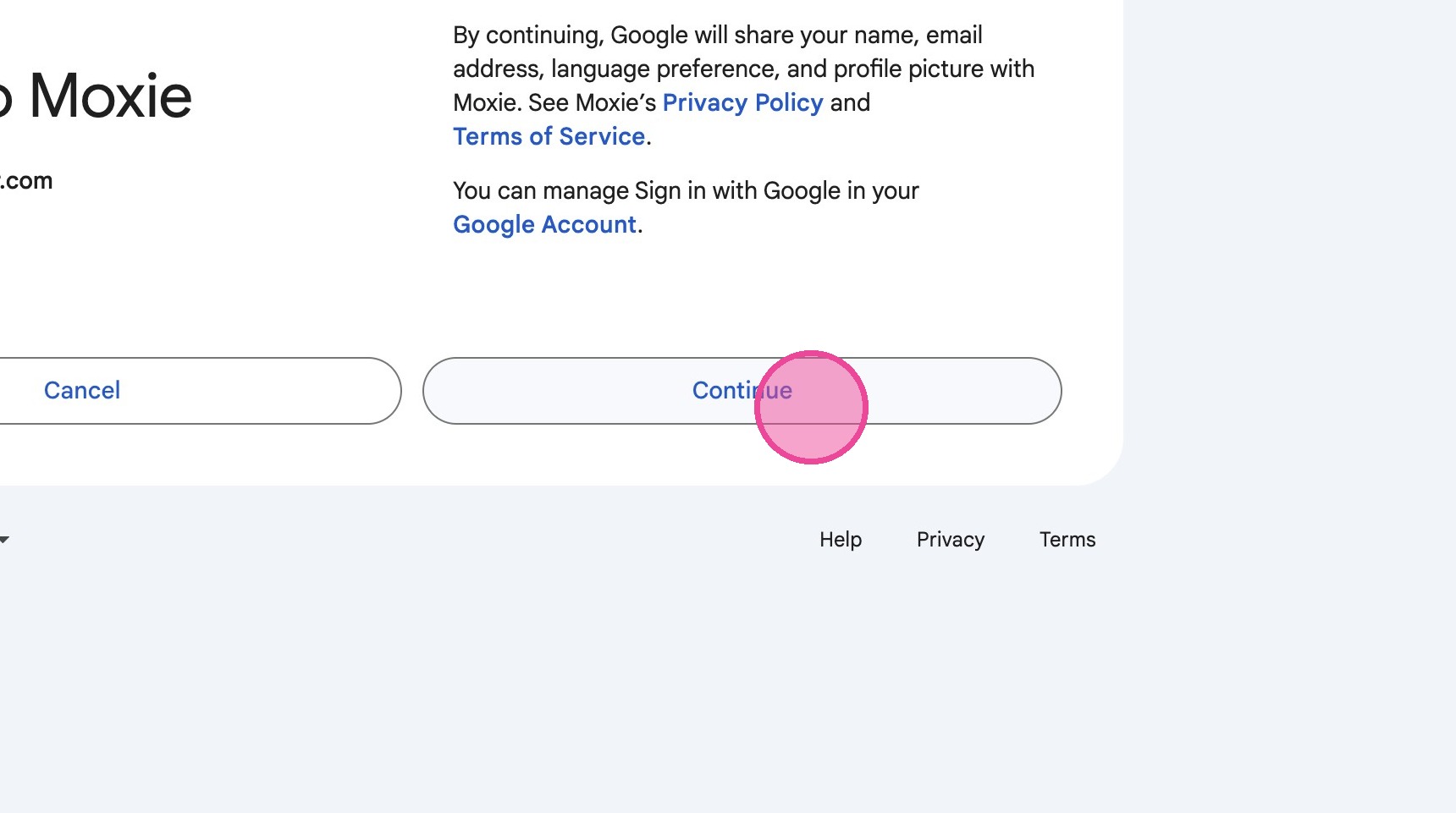
9. Create or copy/paste in your email signature!
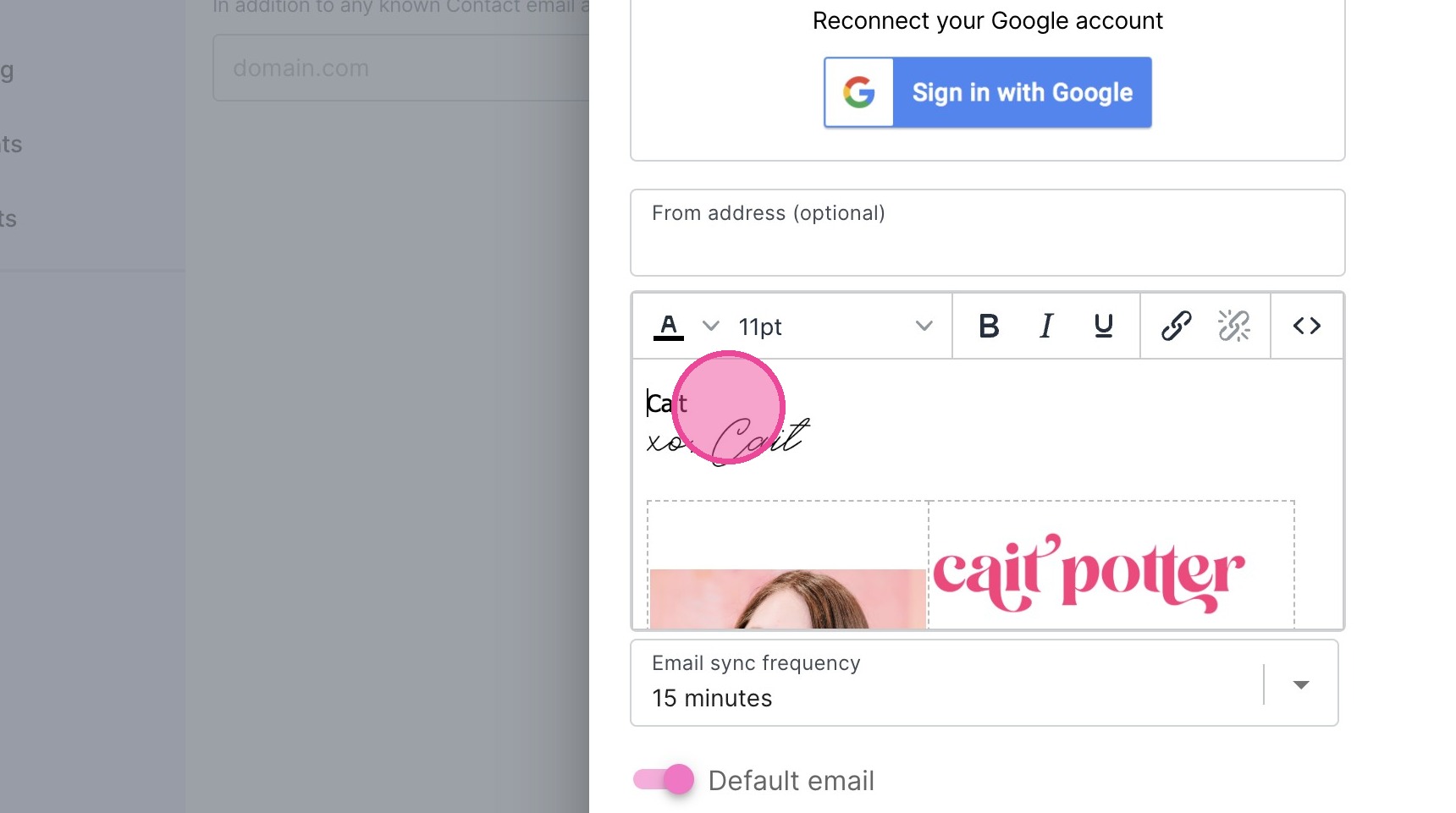
10. Toggle on "Default email"
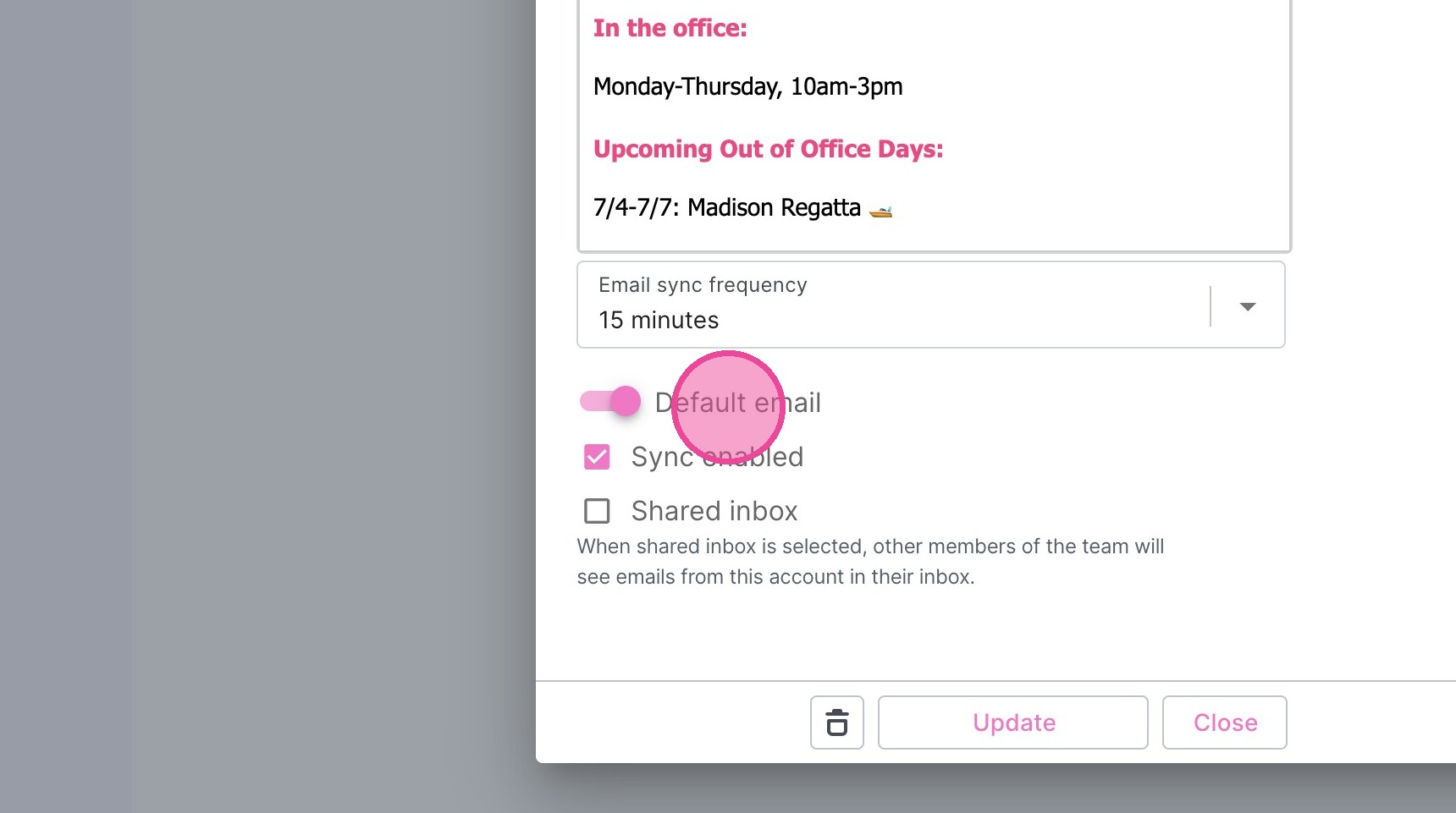
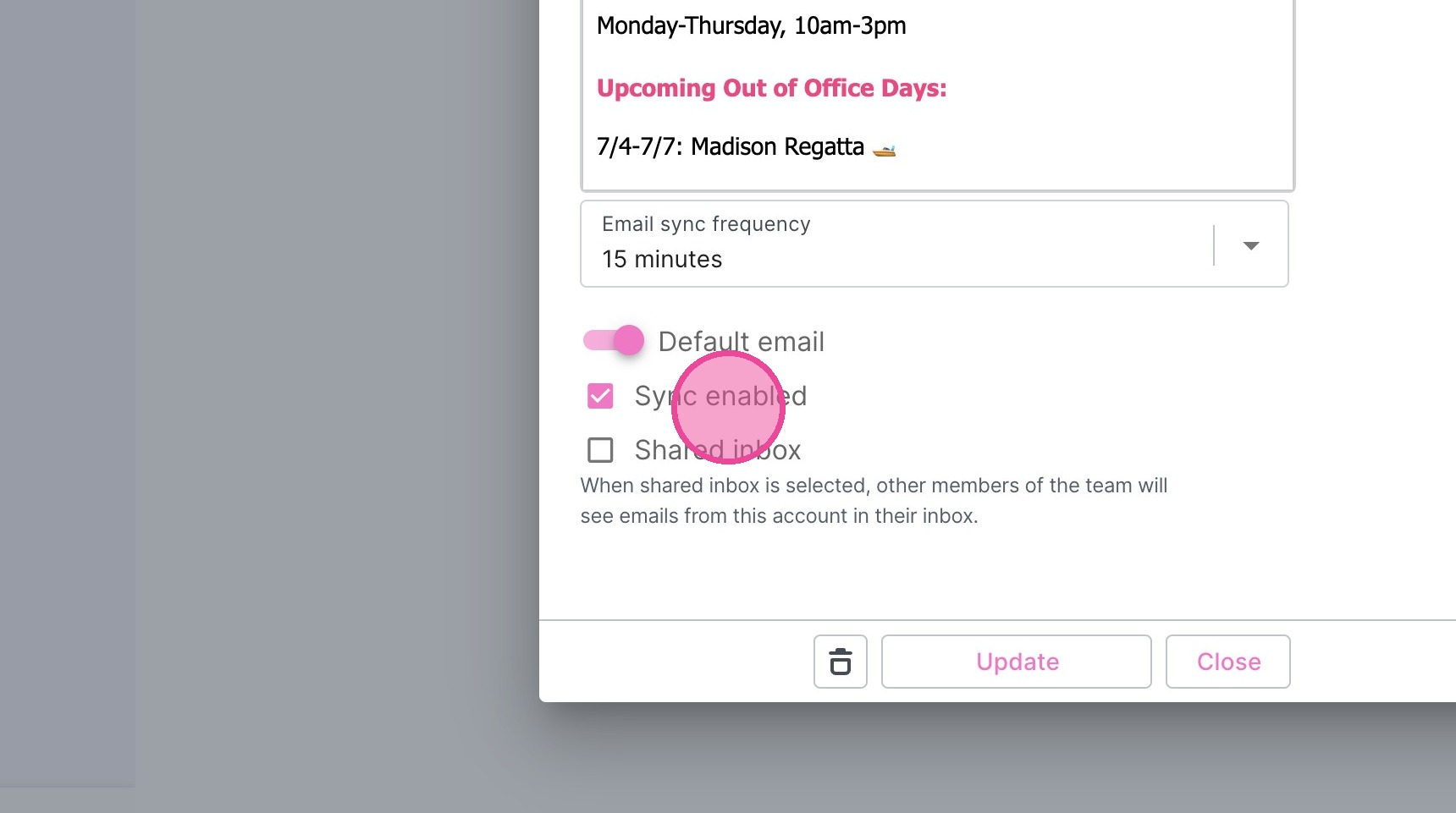
11. Toggle on "Sync enabled". You may also toggle on "Shared Inbox" if appropriate.
12. Click "Save" or "Update"
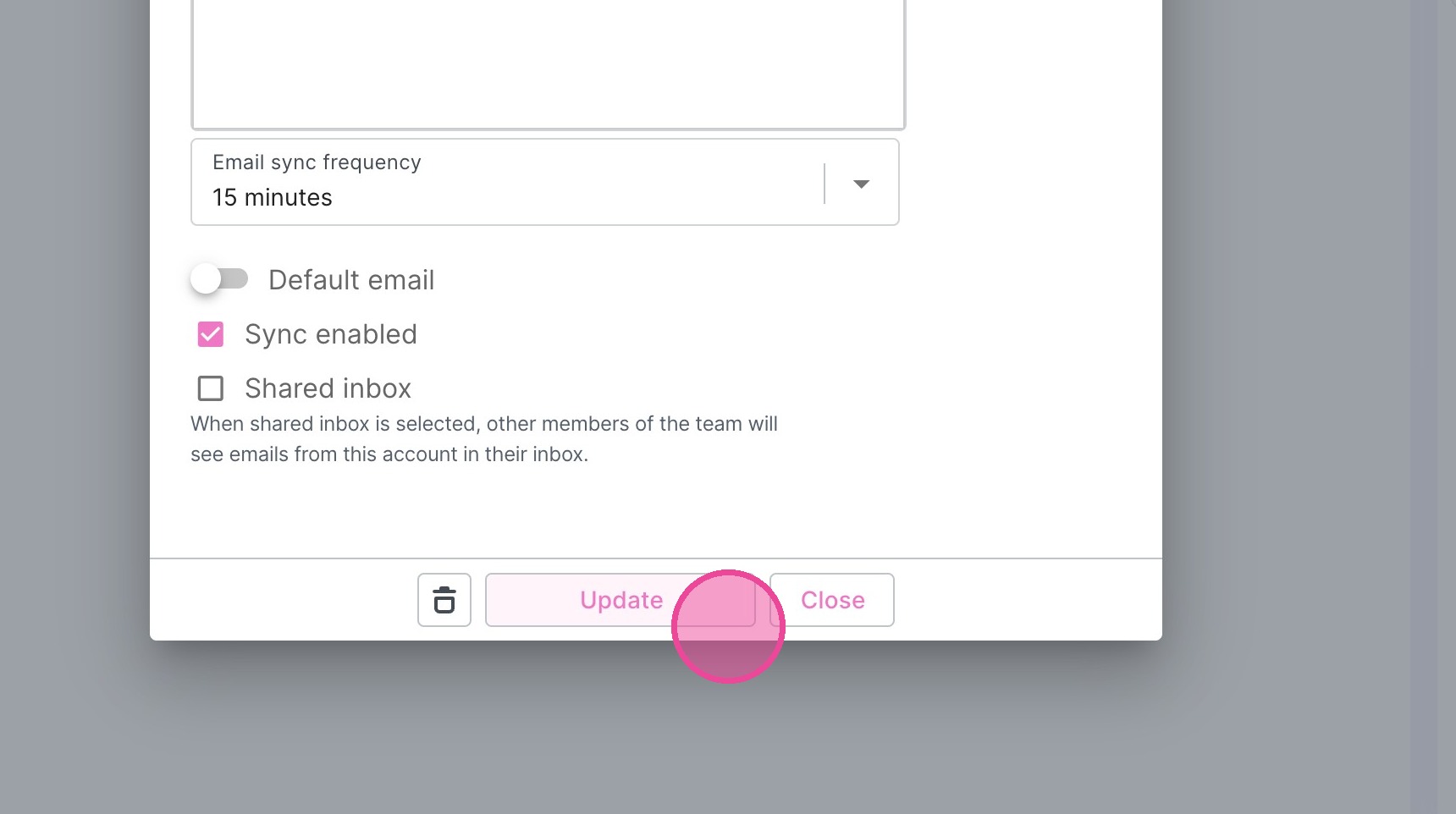
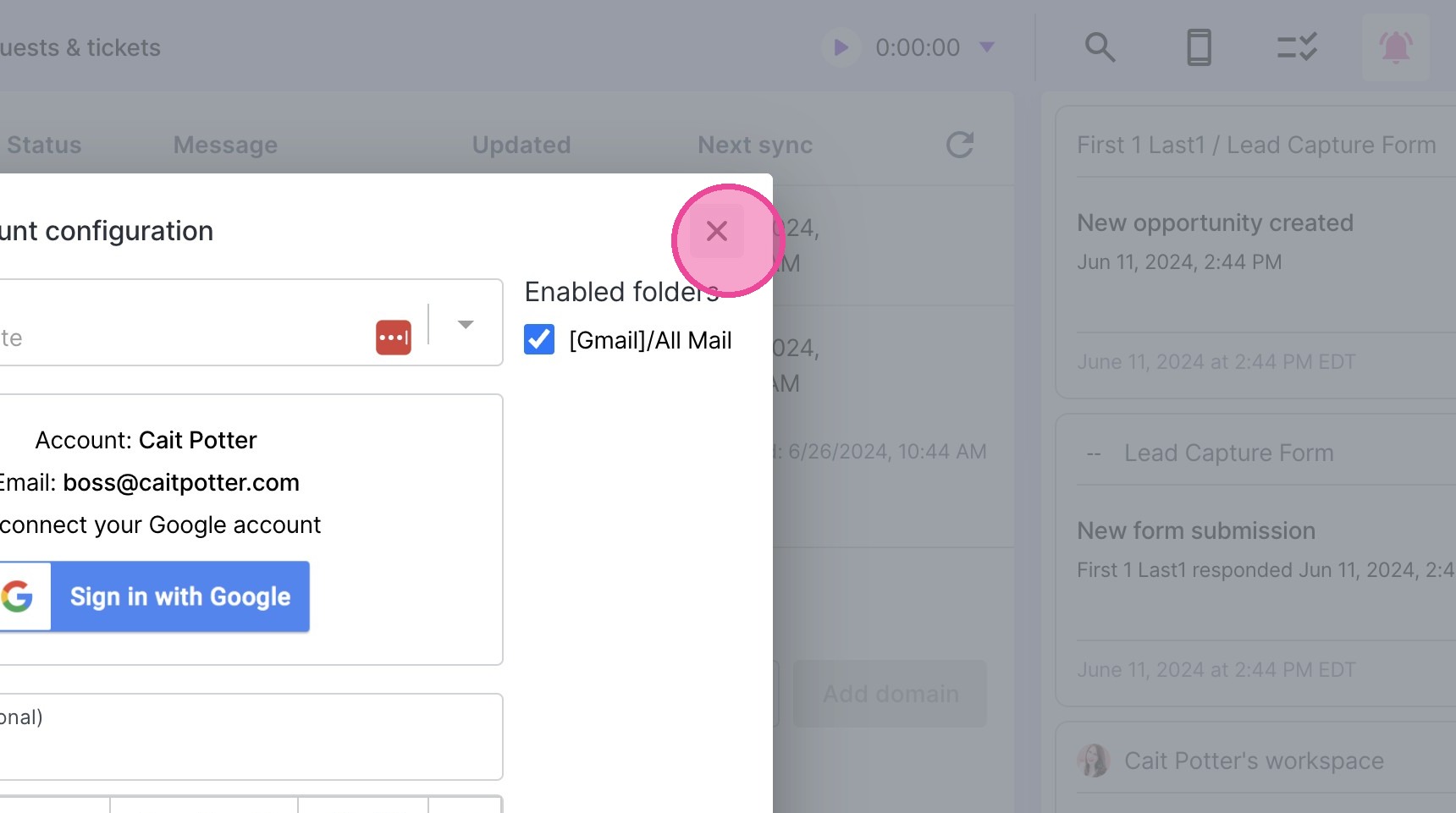
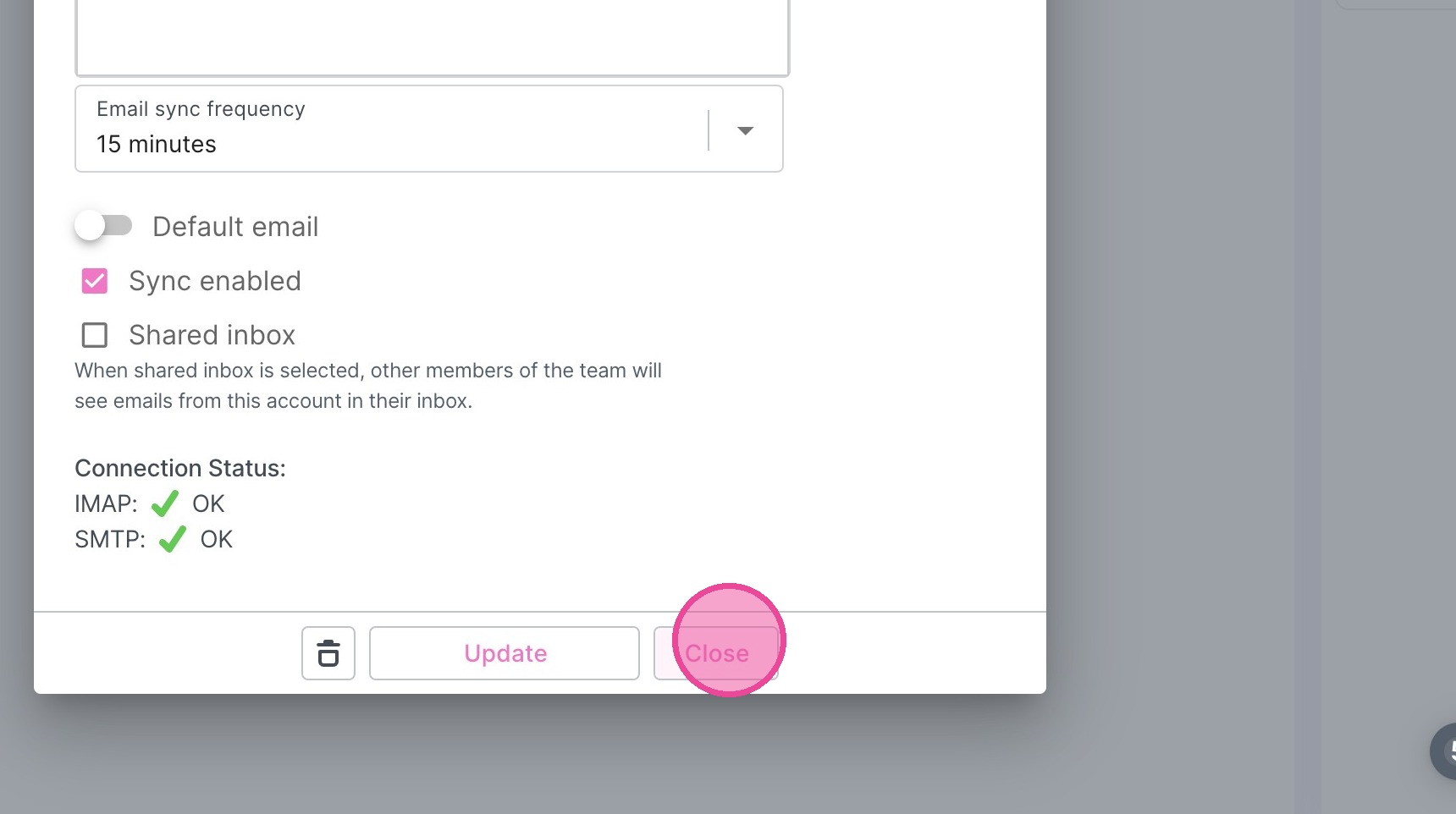
13. Click "Close"
Remove Old Connection (If Applicable)
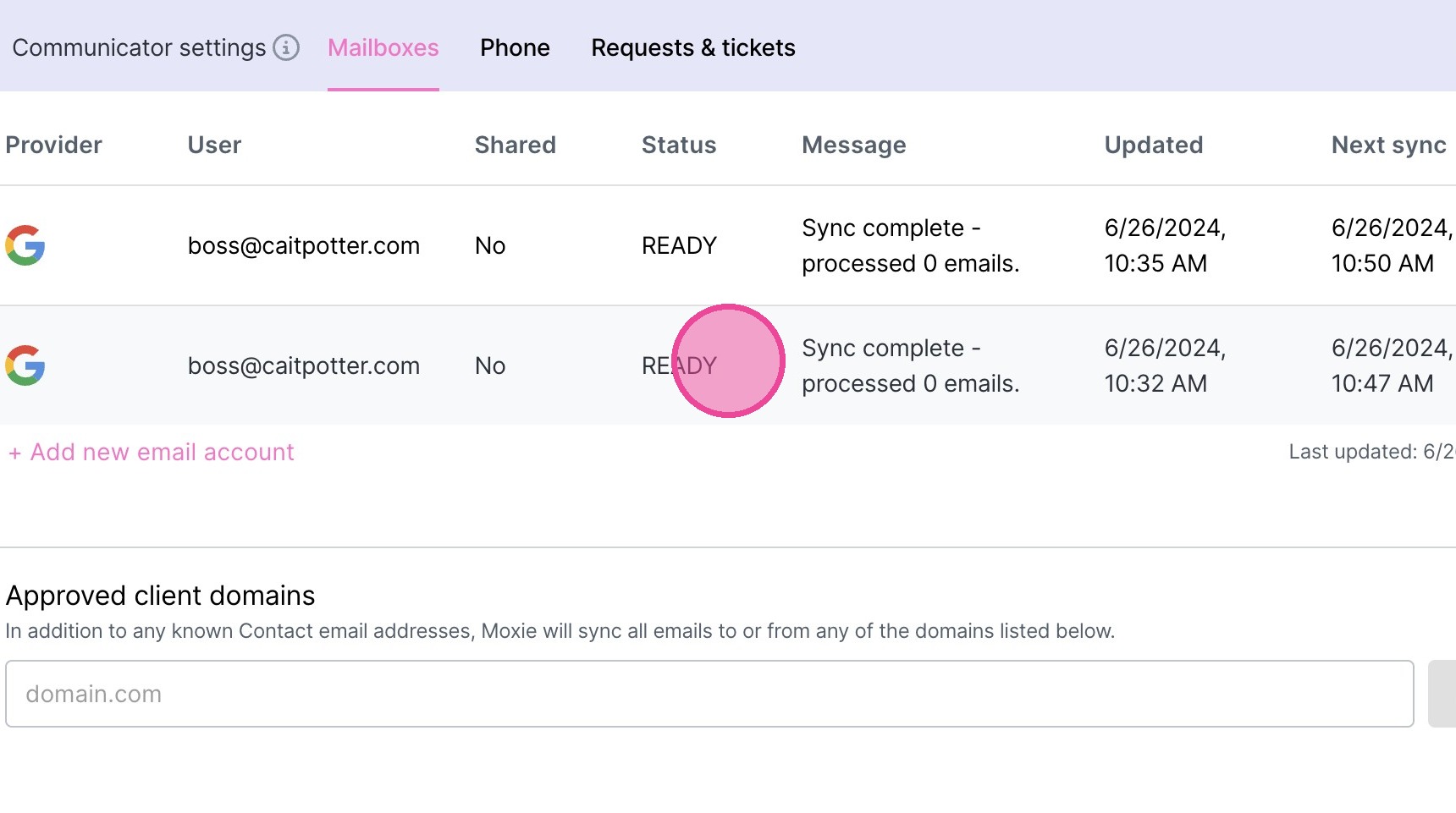
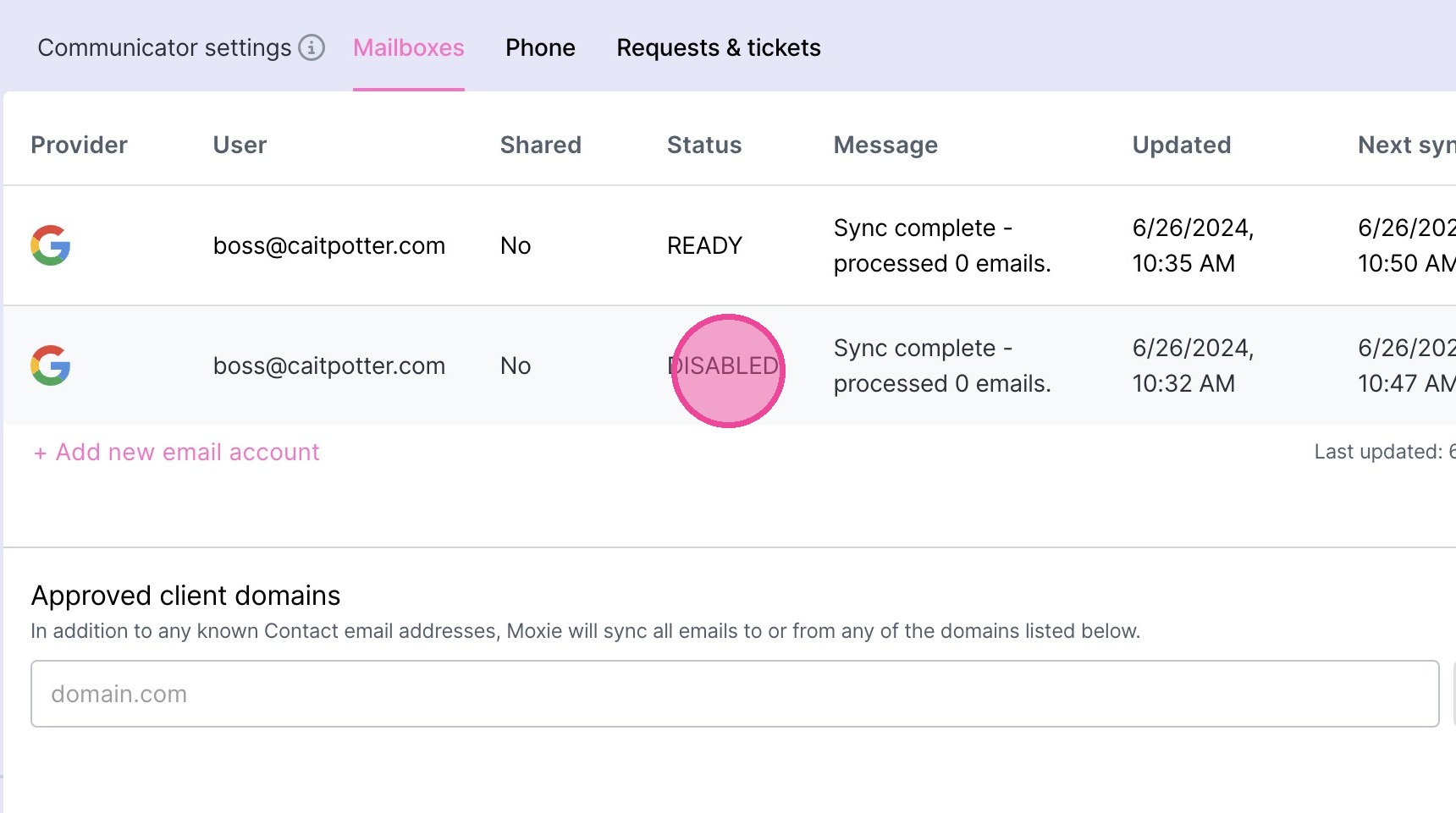
14. Click on the account to be removed. It will likely indicate there is an error (as opposed to saying "Ready" as it does in the screenshot below).
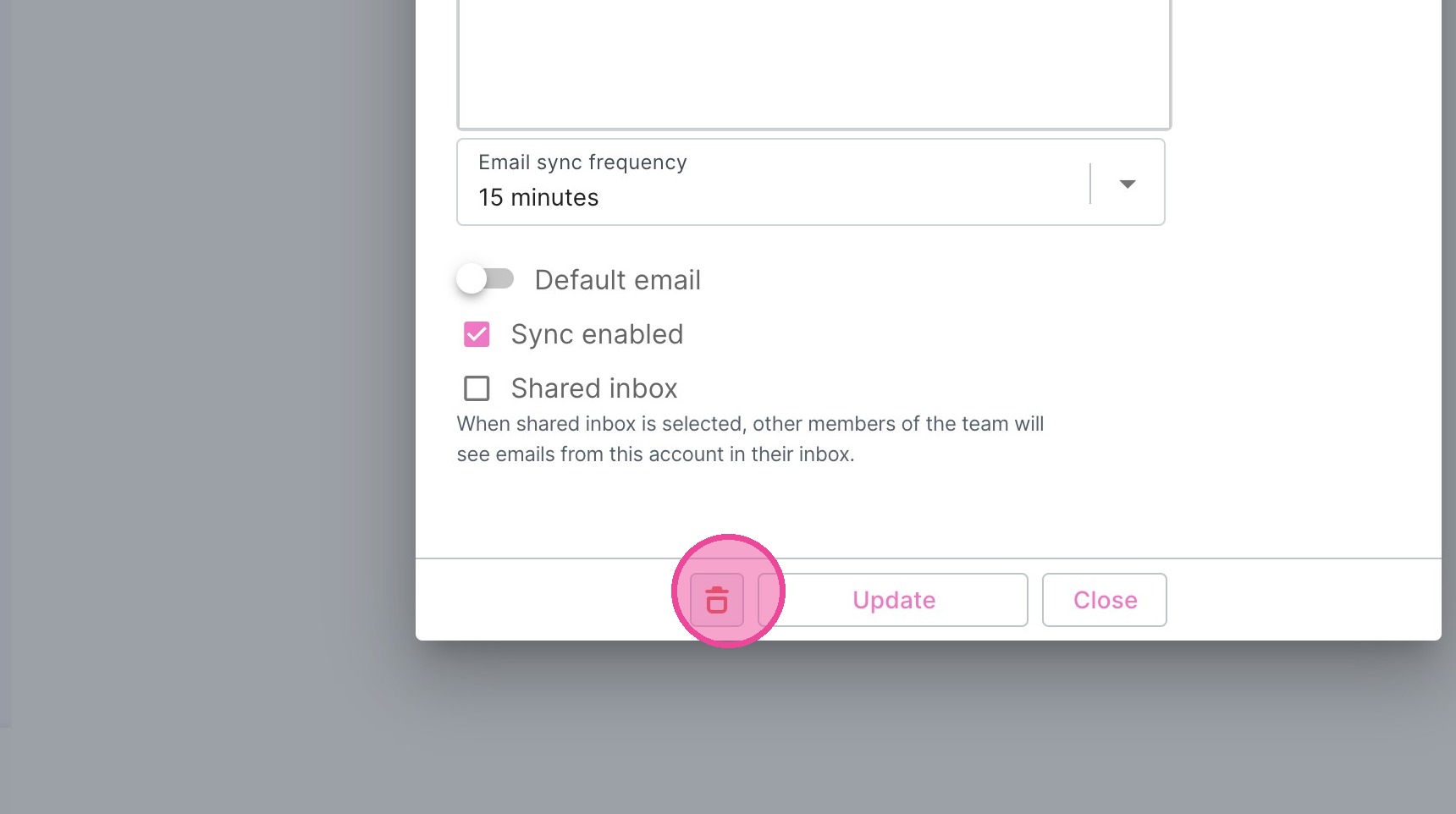
15. Click this icon.
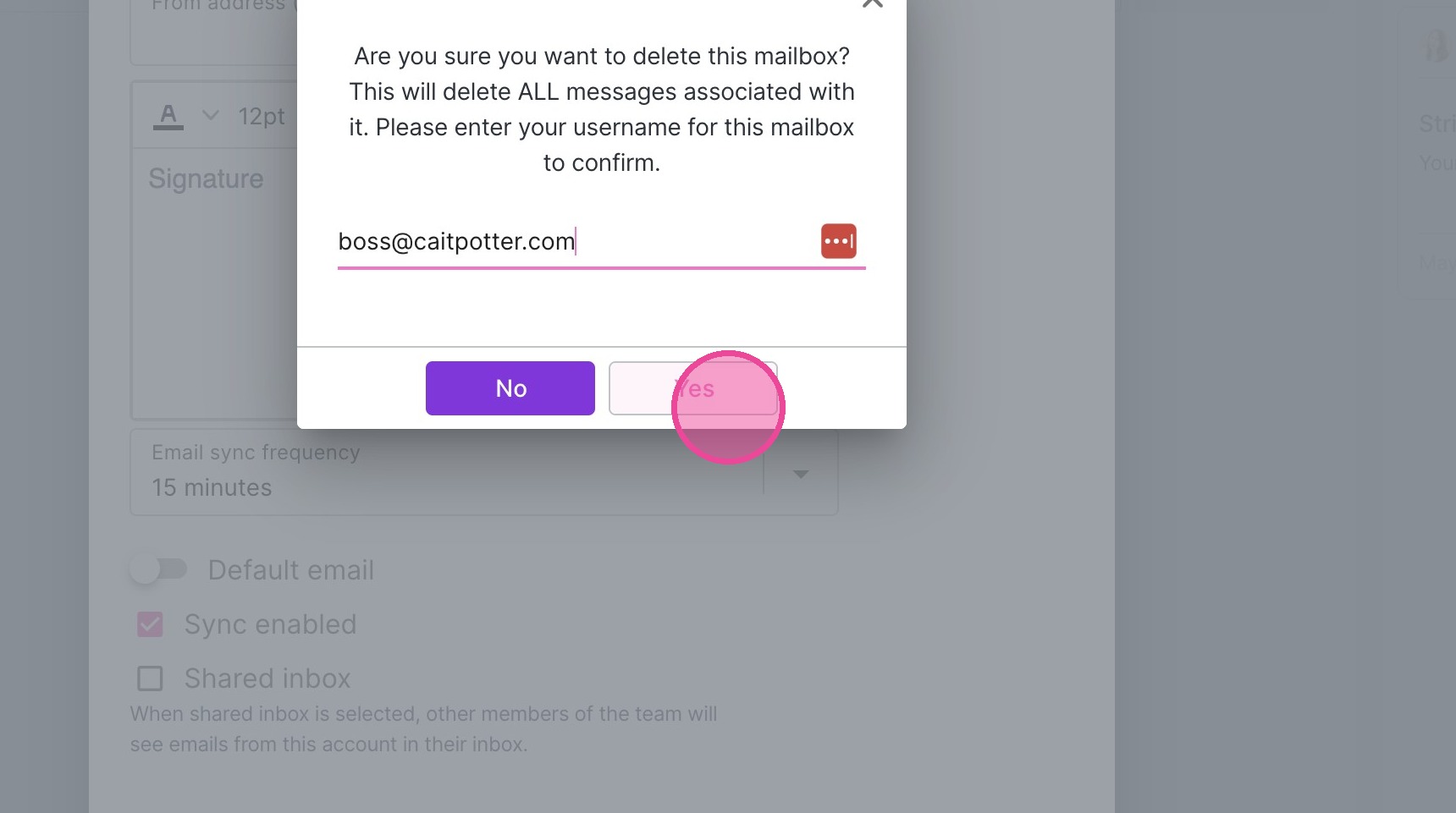
16. Type the account you are deleting.
17. Click "Yes"
18. You will then see that the connection is now "DISABLED". The process is complete.
19. Click this icon.