Uploading Company Logo and Address Information
1. Navigate to https://create.withmoxie.com/home?v=Focus
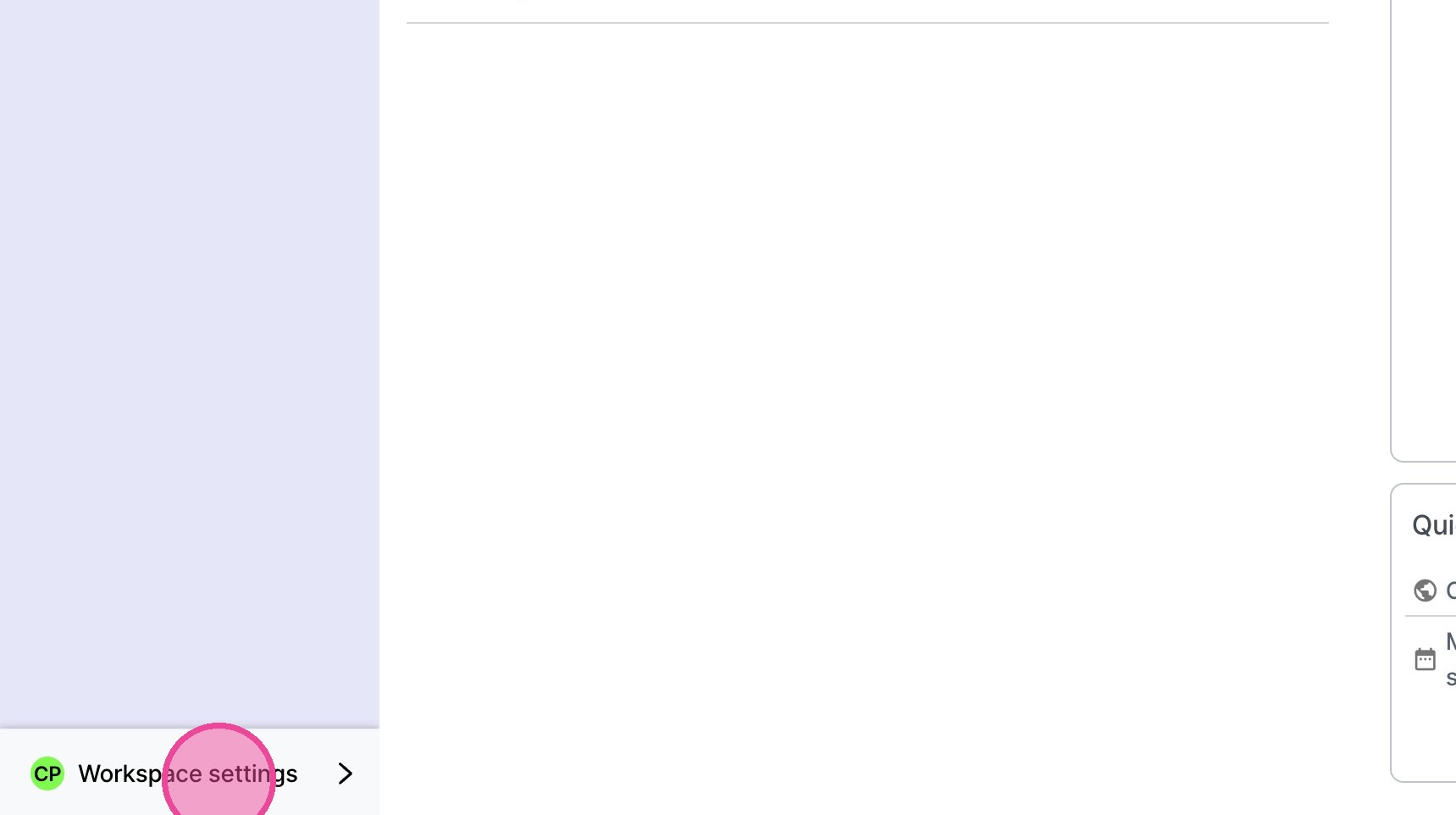
2. Click "Workspace settings"
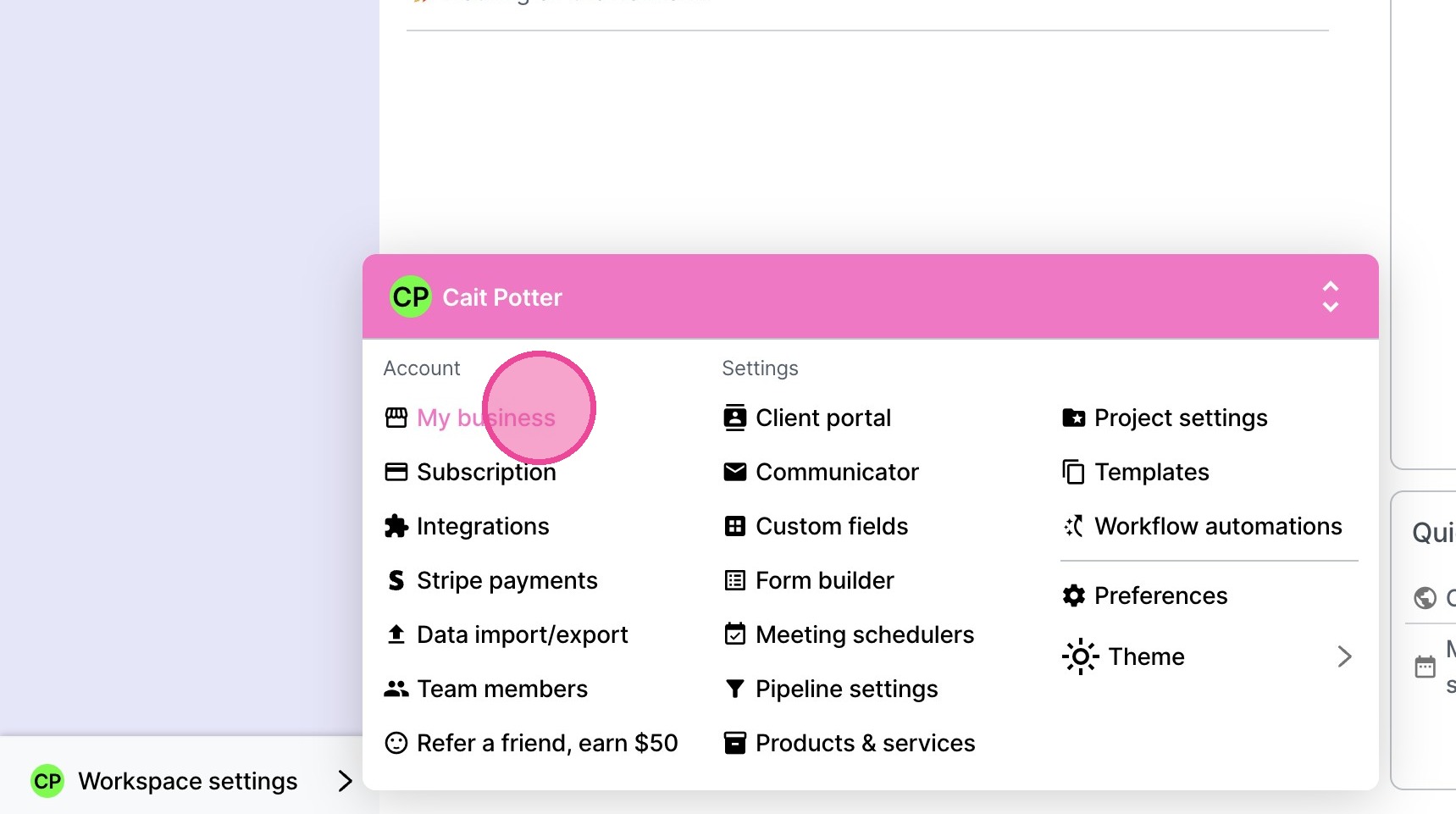
3. Click "My business"
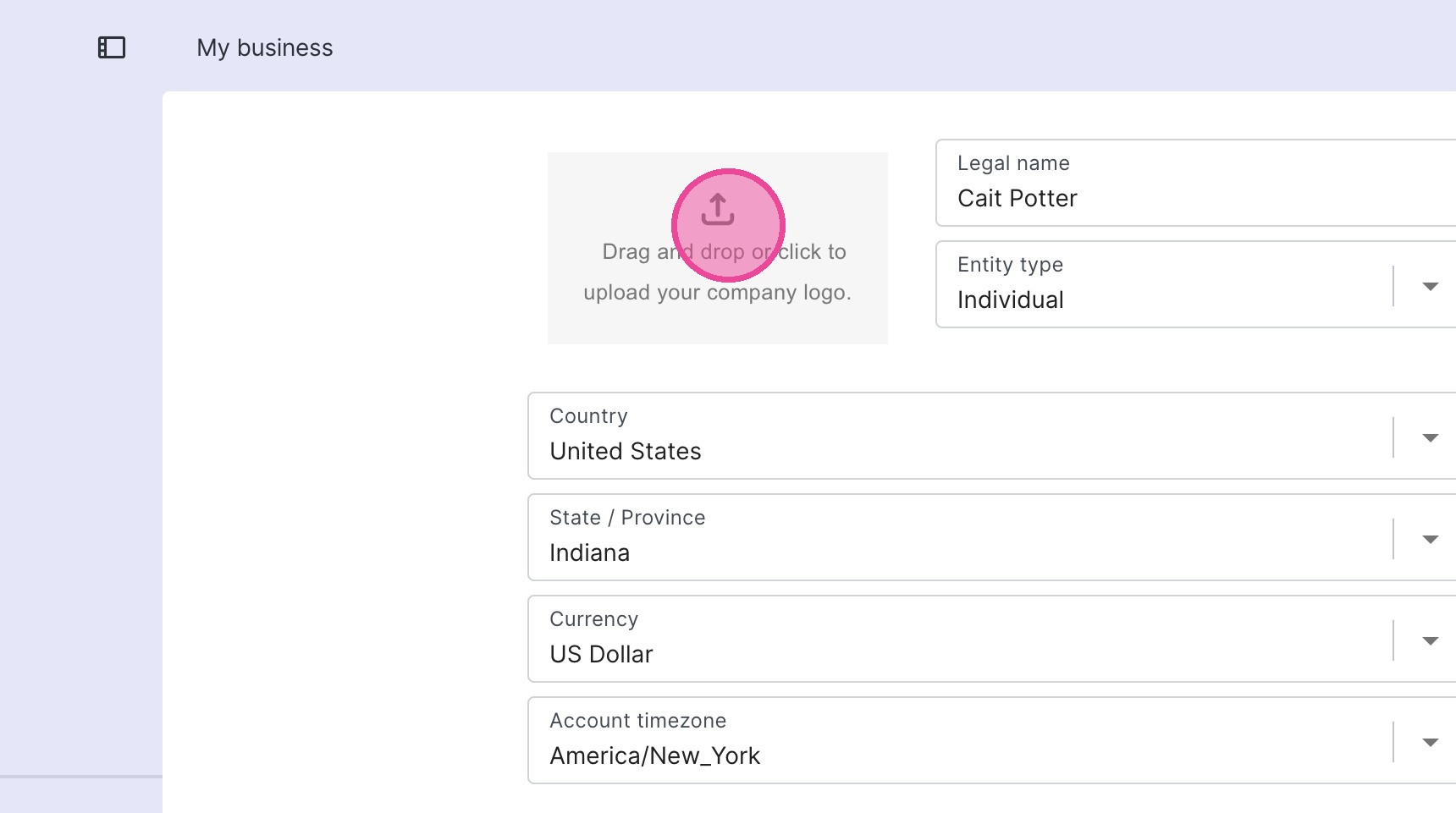
4. Upload your Logo
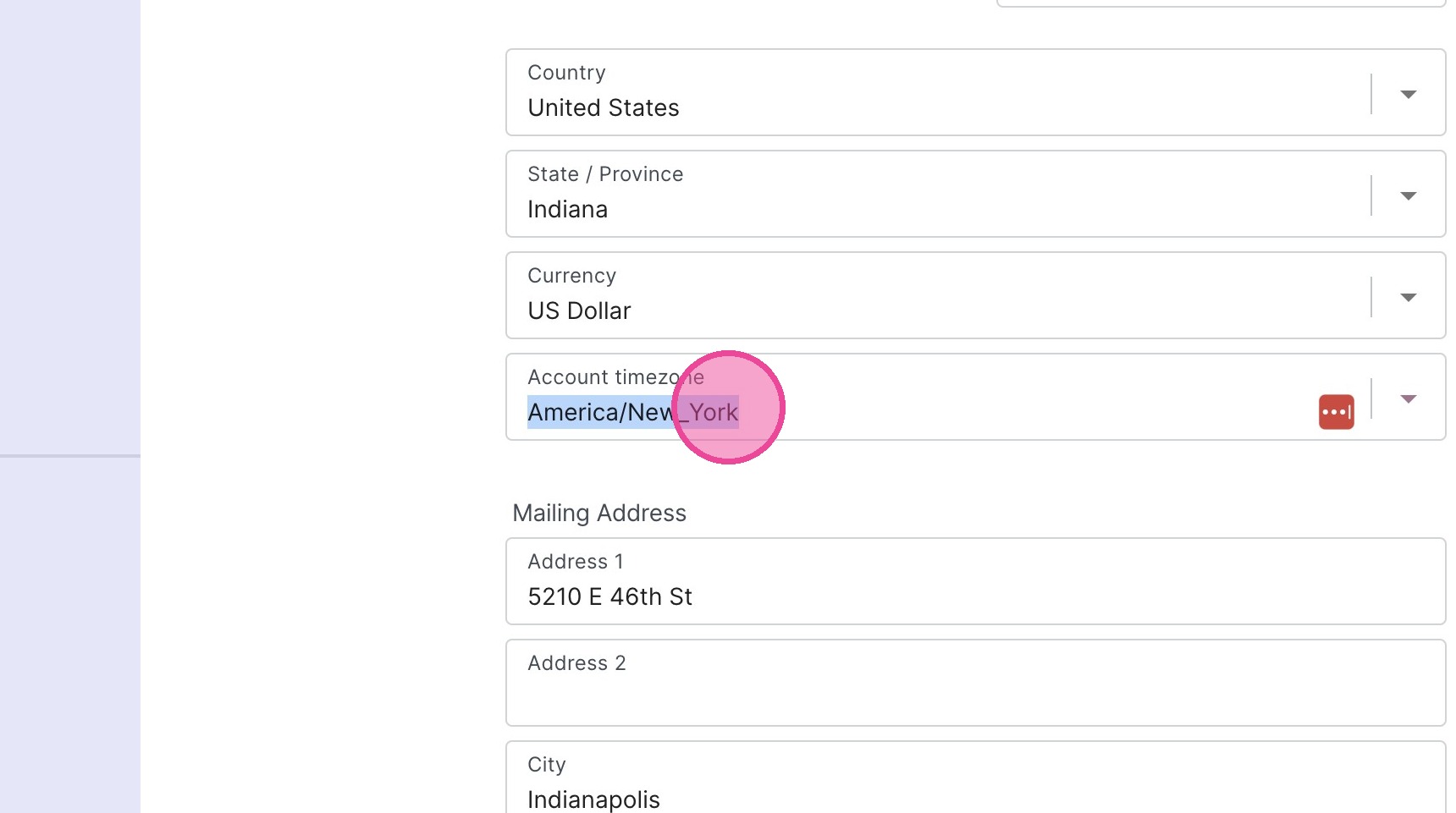
5. Customize all of your other company information.
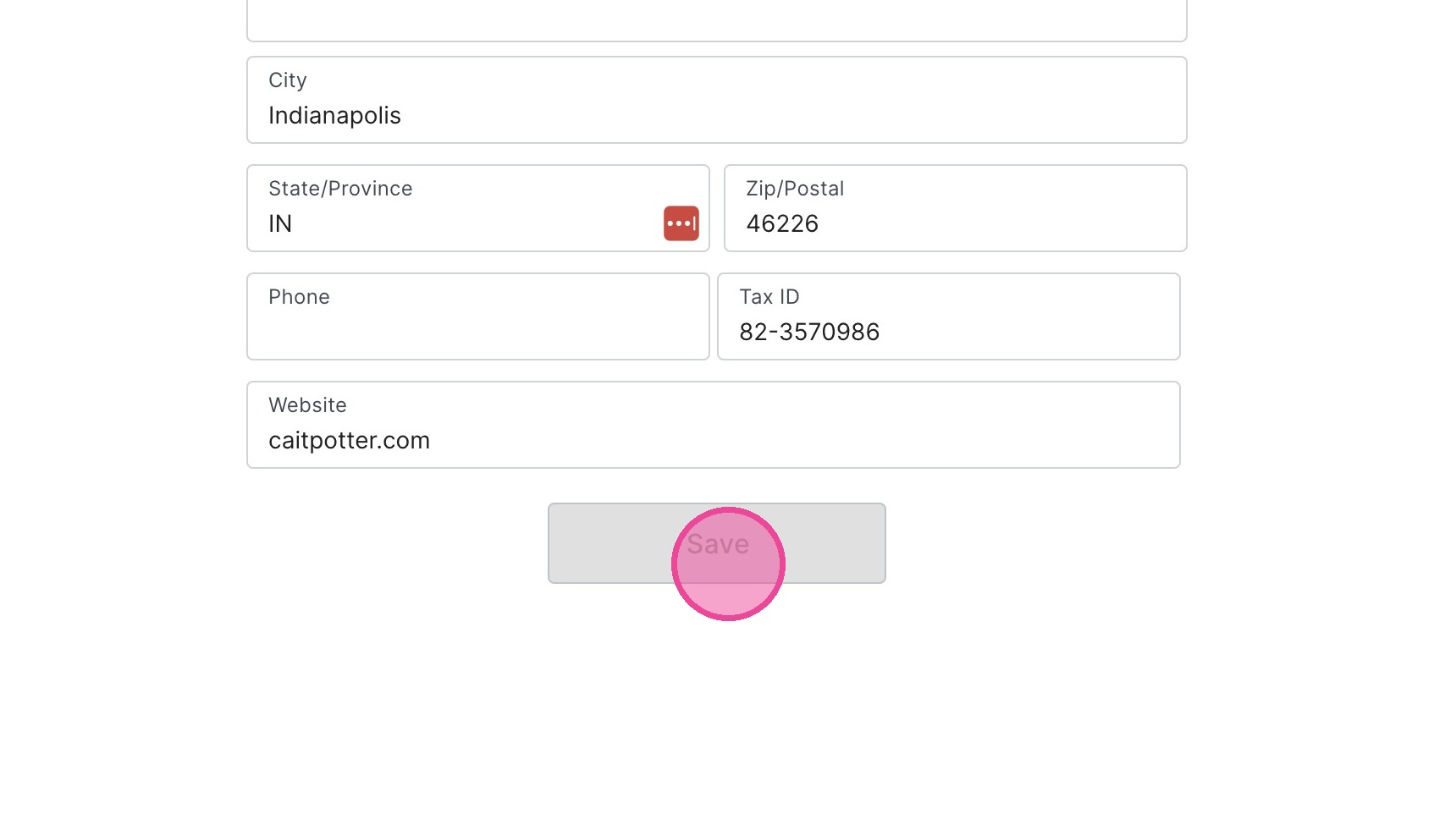
6. Click Save.

1. Navigate to https://create.withmoxie.com/home?v=Focus
2. Click "Workspace settings"
3. Click "My business"
4. Upload your Logo
5. Customize all of your other company information.
6. Click Save.