End Recurring Invoice
1. Navigate to relevant Project.
2. Click "Invoices"

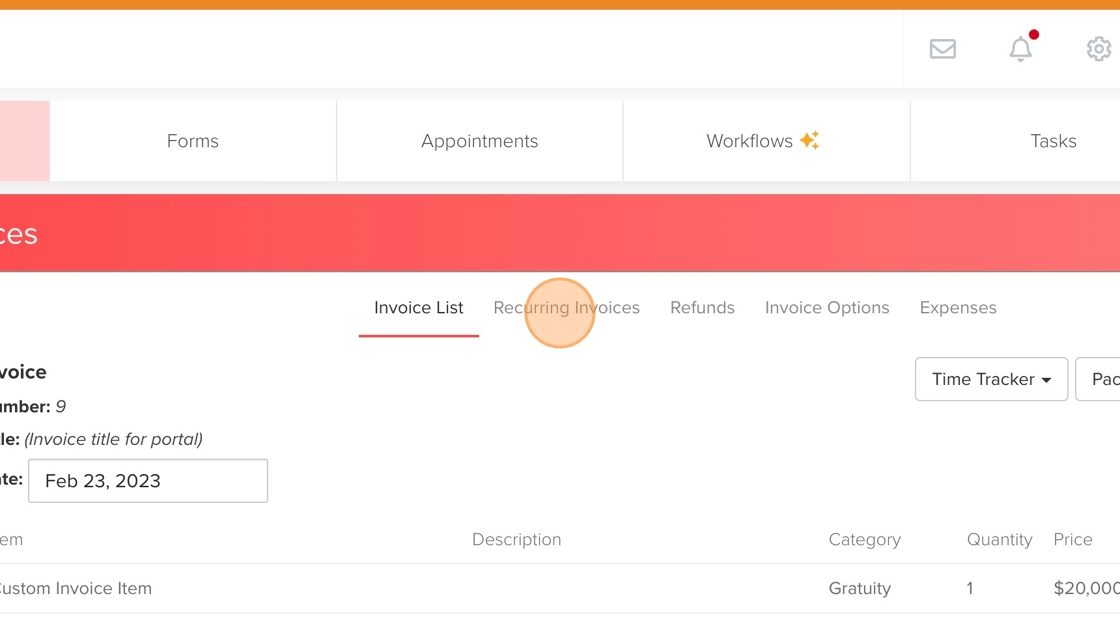
3. Click "Recurring Invoices" tab.
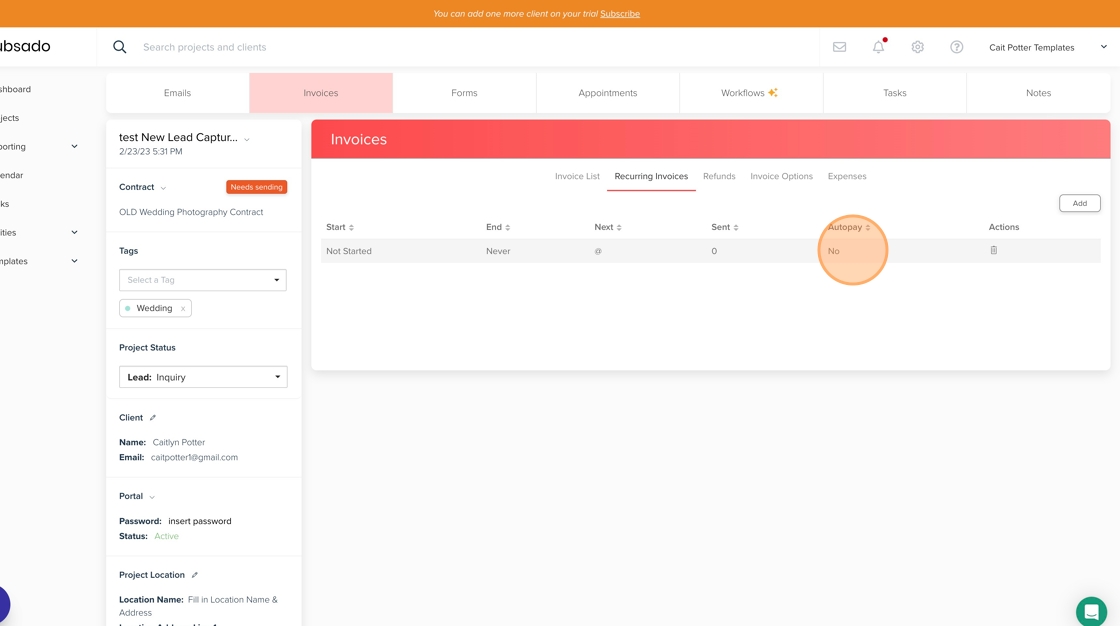
4. Click anywhere on the line of the recurring invoice that you are ending.
5. Click "End Recurrence" in the top right.


1. Navigate to relevant Project.
2. Click "Invoices"
3. Click "Recurring Invoices" tab.
4. Click anywhere on the line of the recurring invoice that you are ending.
5. Click "End Recurrence" in the top right.