Customize Workflow Wins / ROI Report
You need to update the ROI Report Page for client presentability and functionality.
1. Navigate to Home Page.
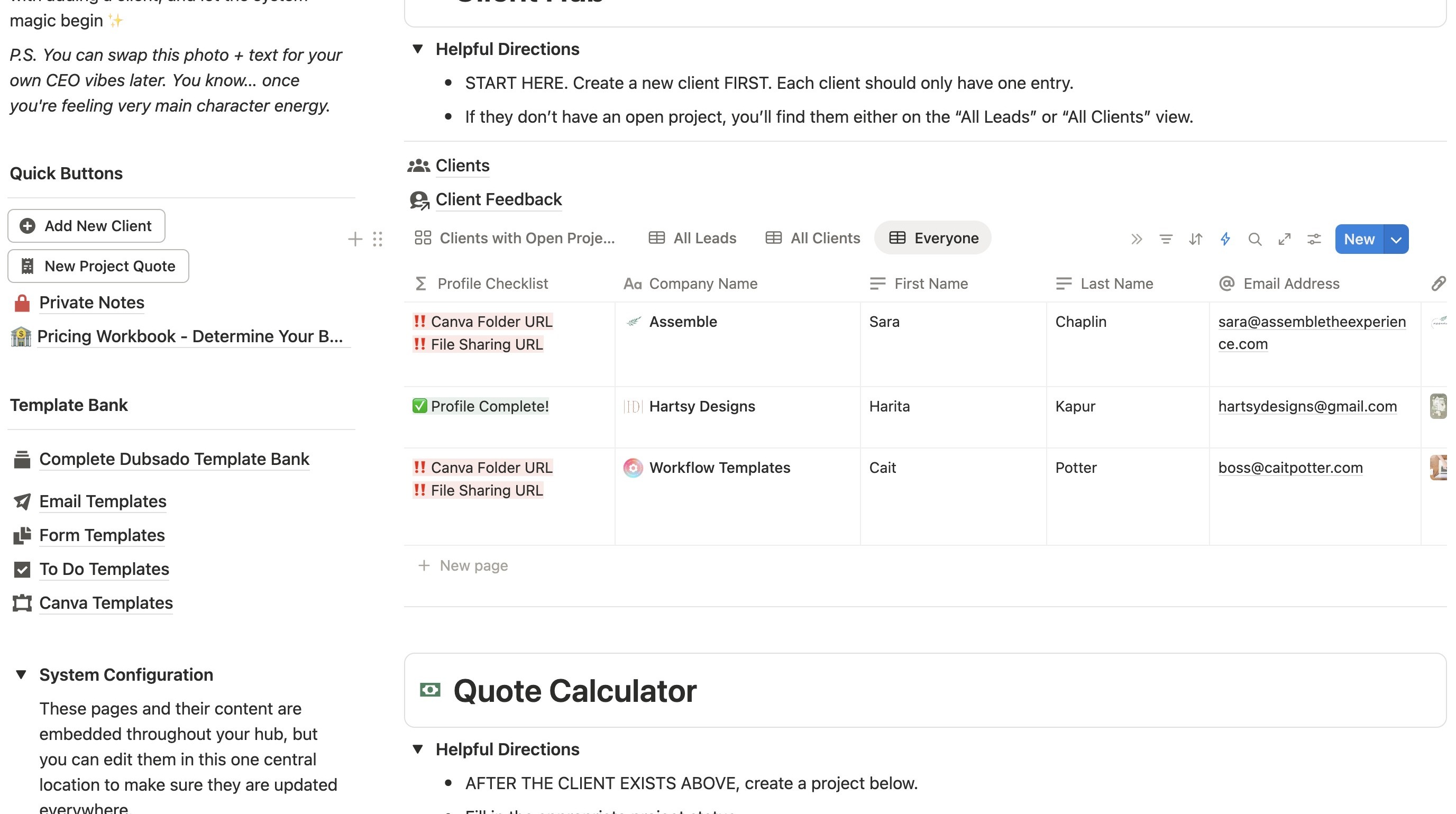
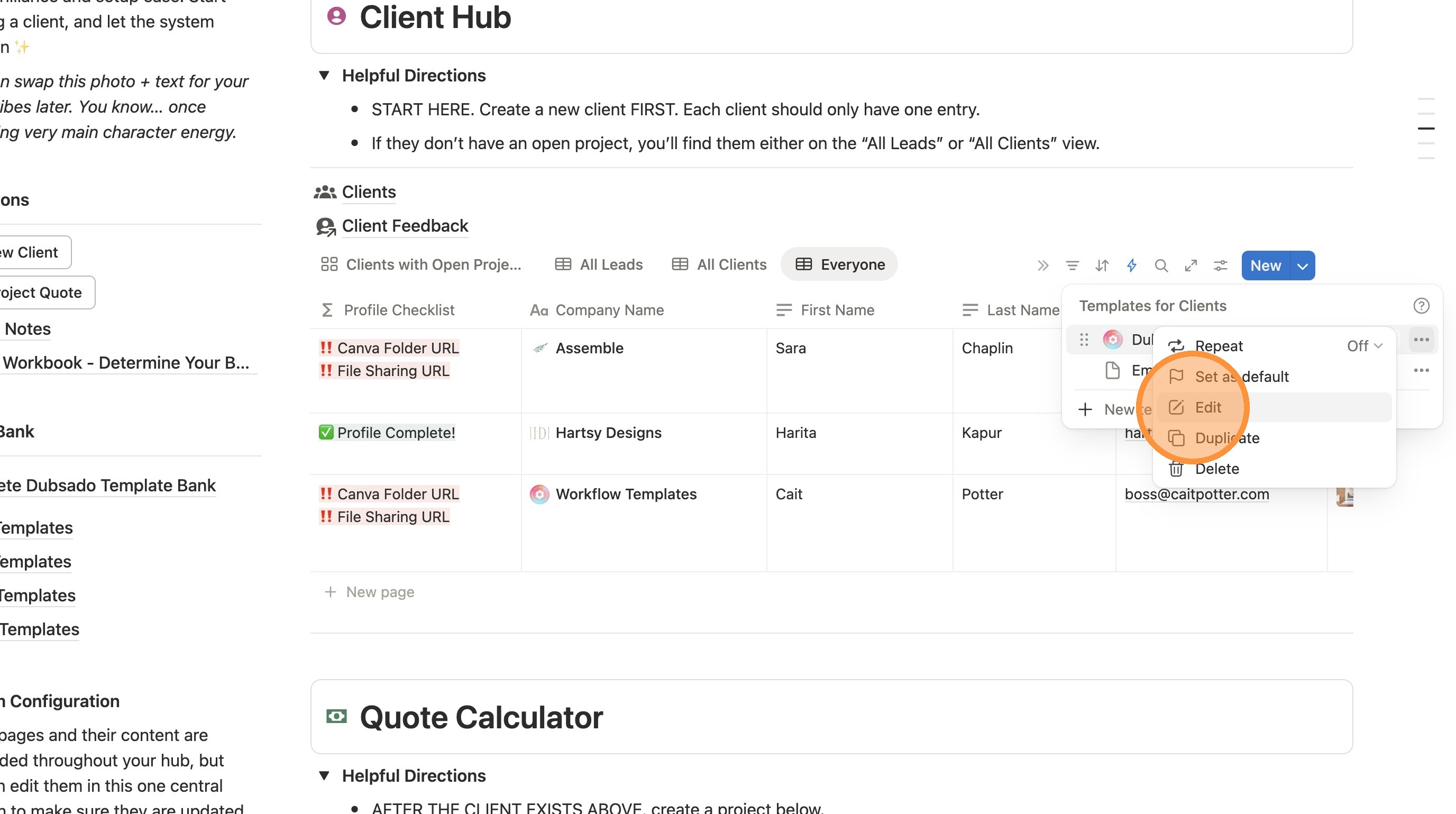
2. Under Client Hub, click the arrow next to "New"
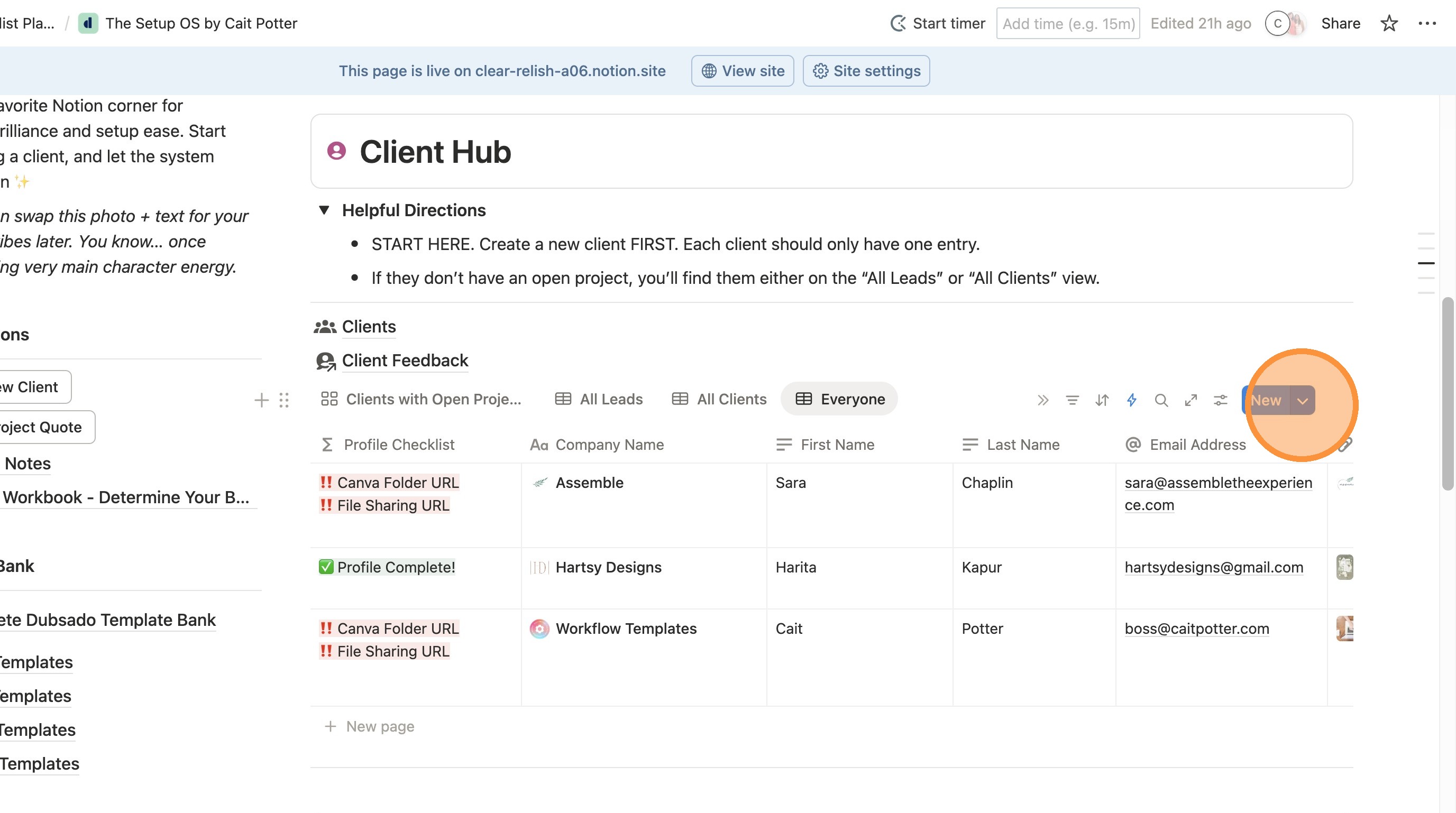
3. Click the three dots next to Dubsado Playbook Client Template
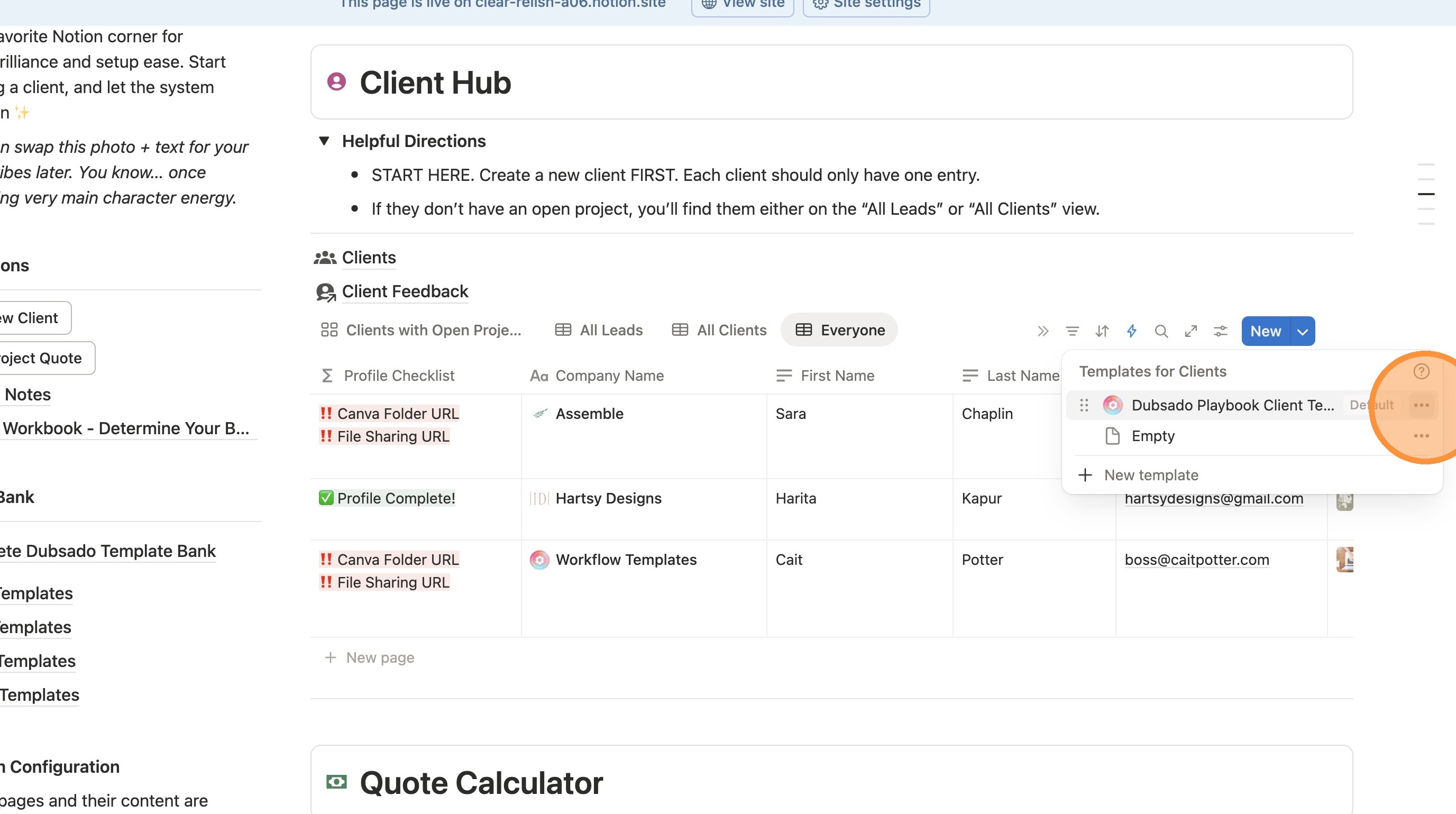
4. Click "Edit"
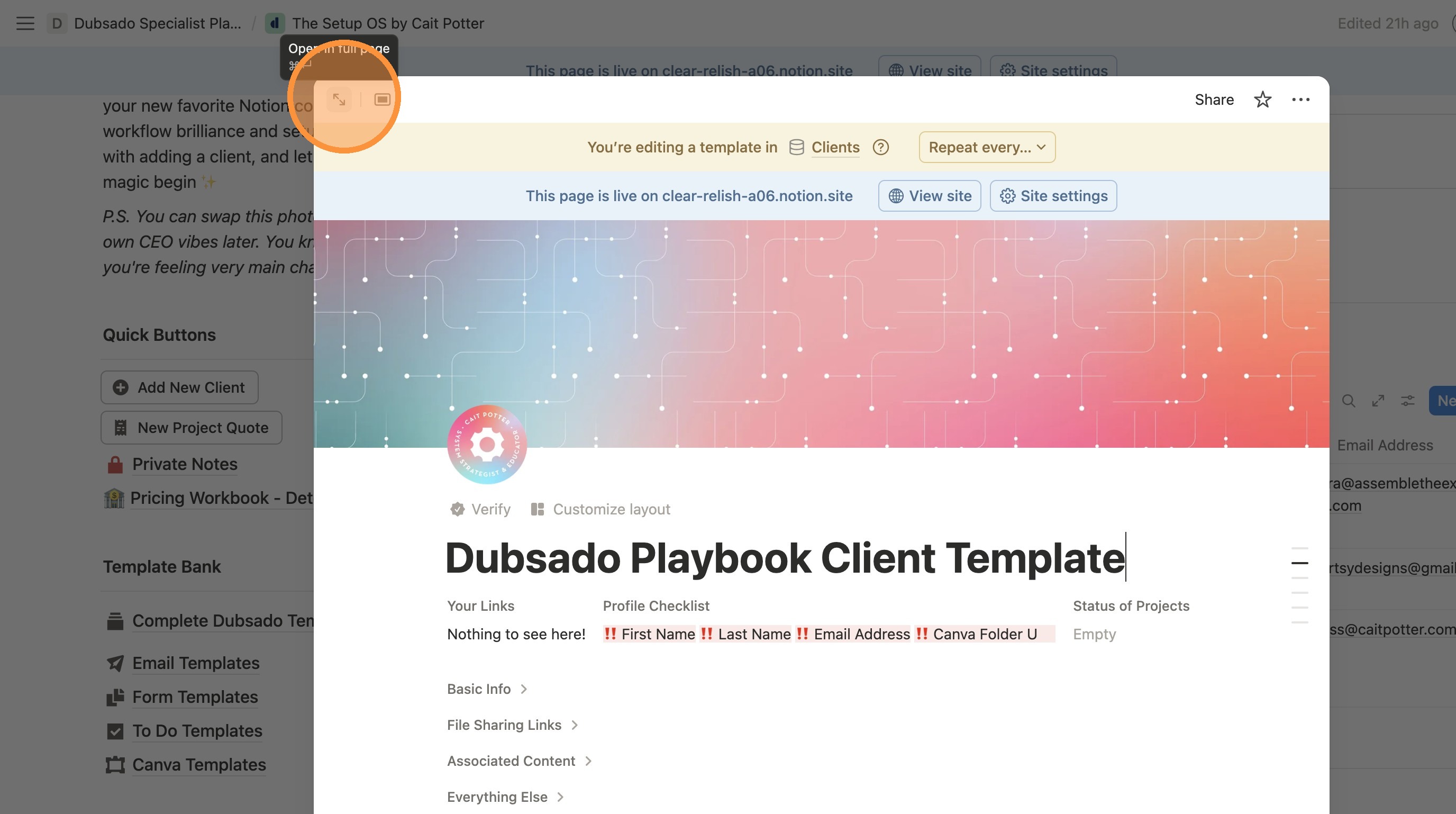
5. Click this icon to make the page full screen.
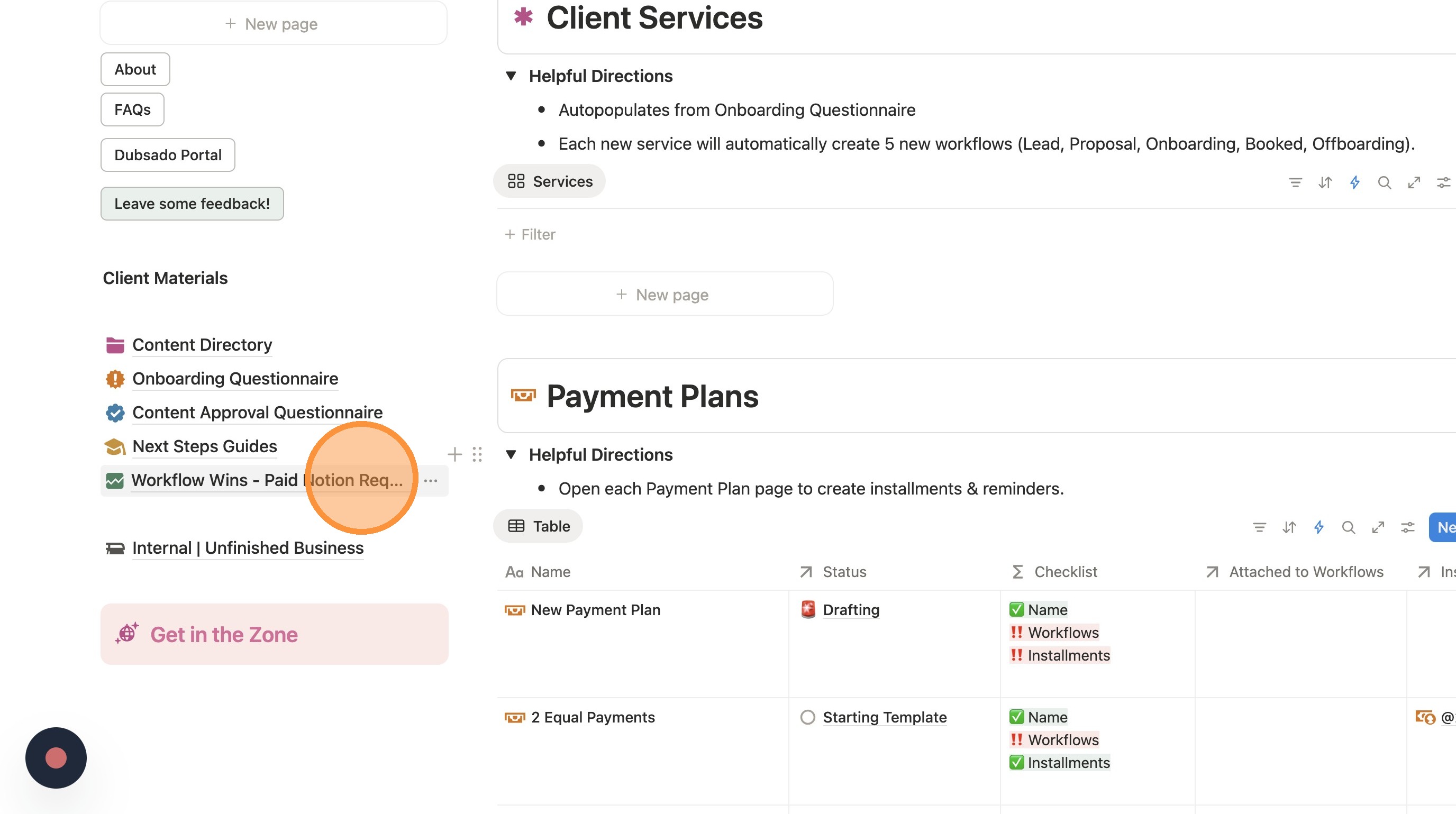
6. Click "Workflow Wins - Paid Notion Required"
7. Update the title to delete "- Paid Notion Required"
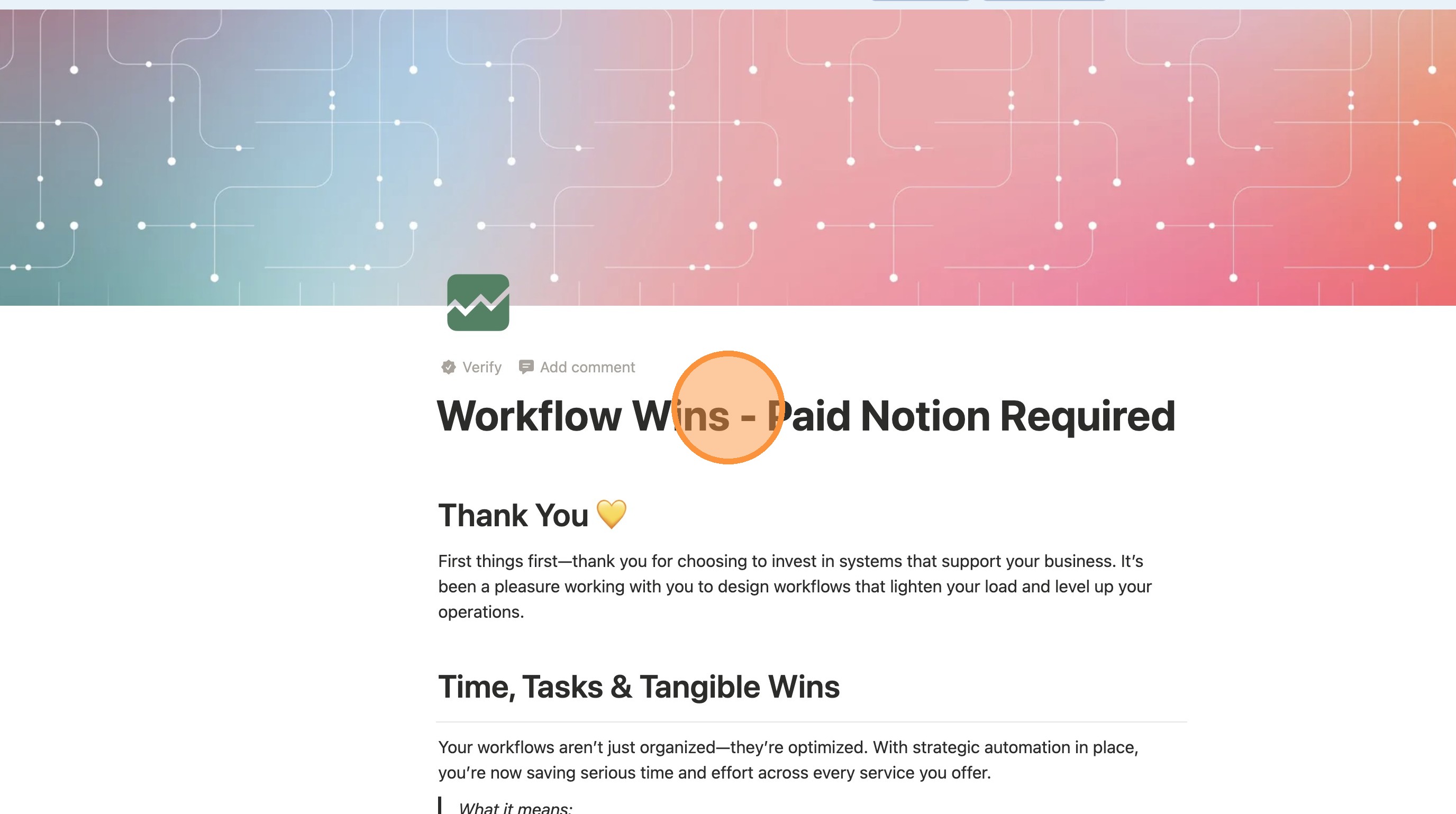
Tip: If you have paid notion, you can stop here! You get to keep all of the charts.
If you have free Notion, keep going - you only get to have 1 chart, so we need to remove some.
If you don't have Paid Notion
8. You can only keep one chart. I recommend Money Saved, but it's up to you. Click the title of each chart you want to delete...
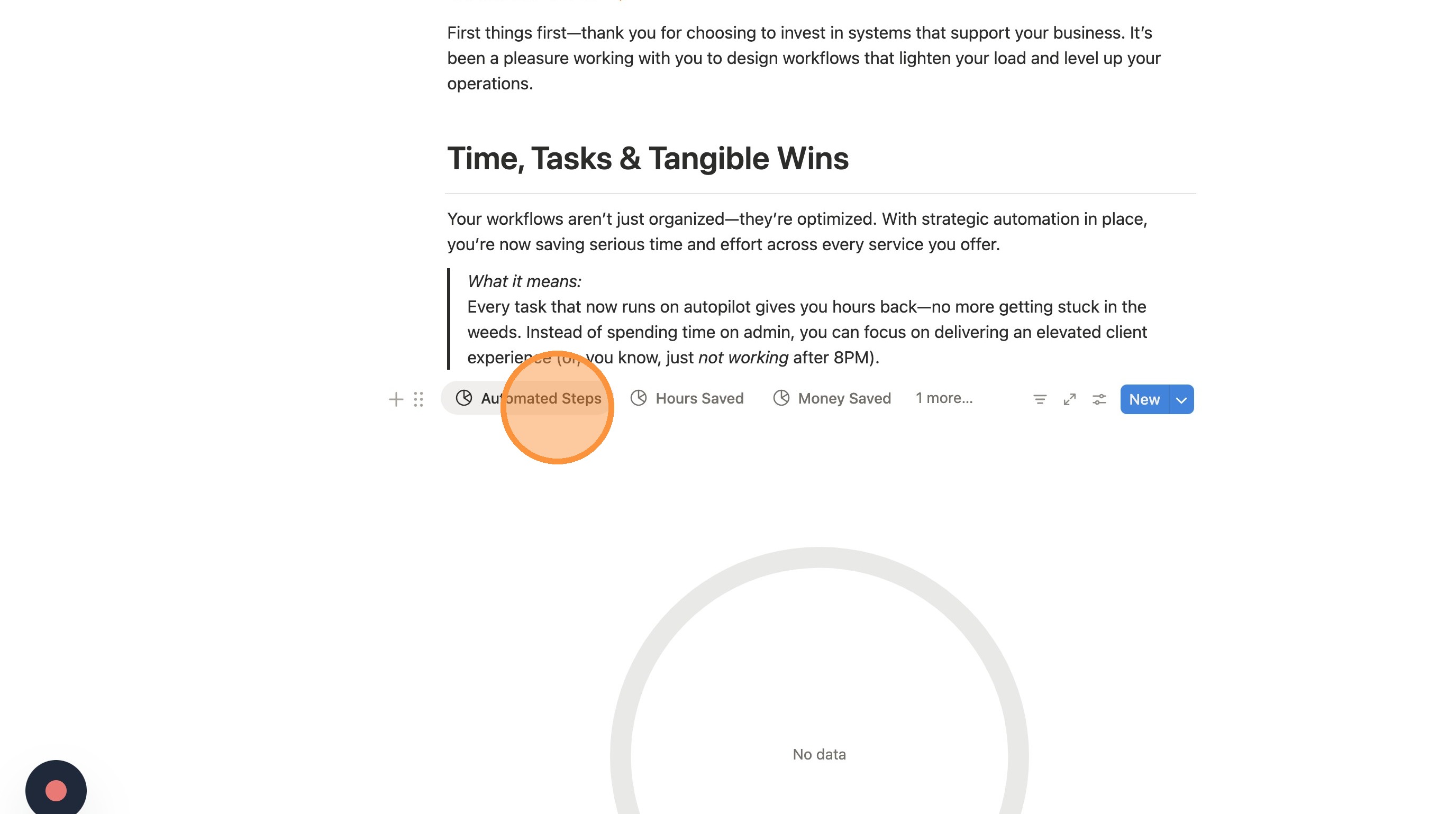
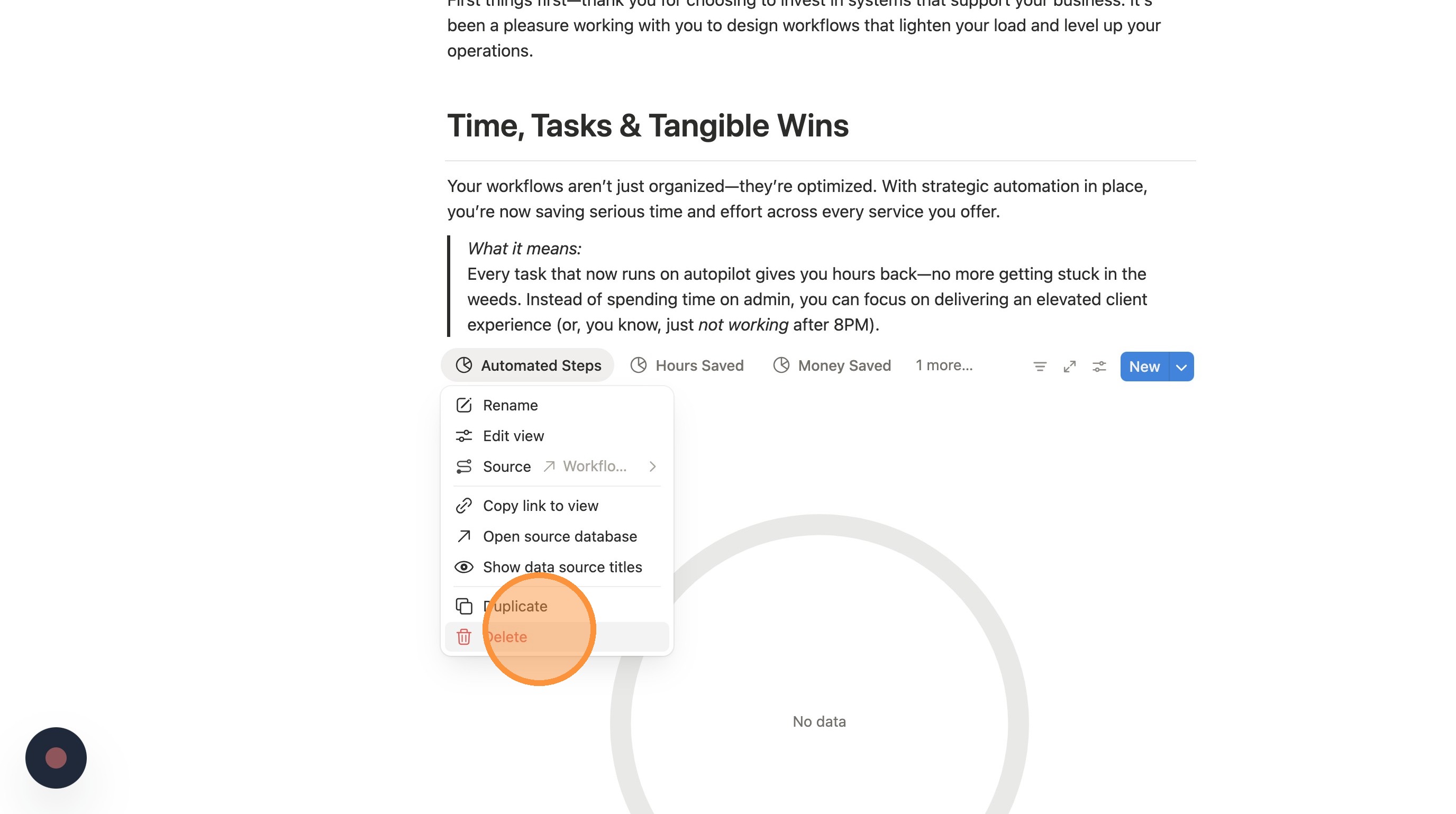
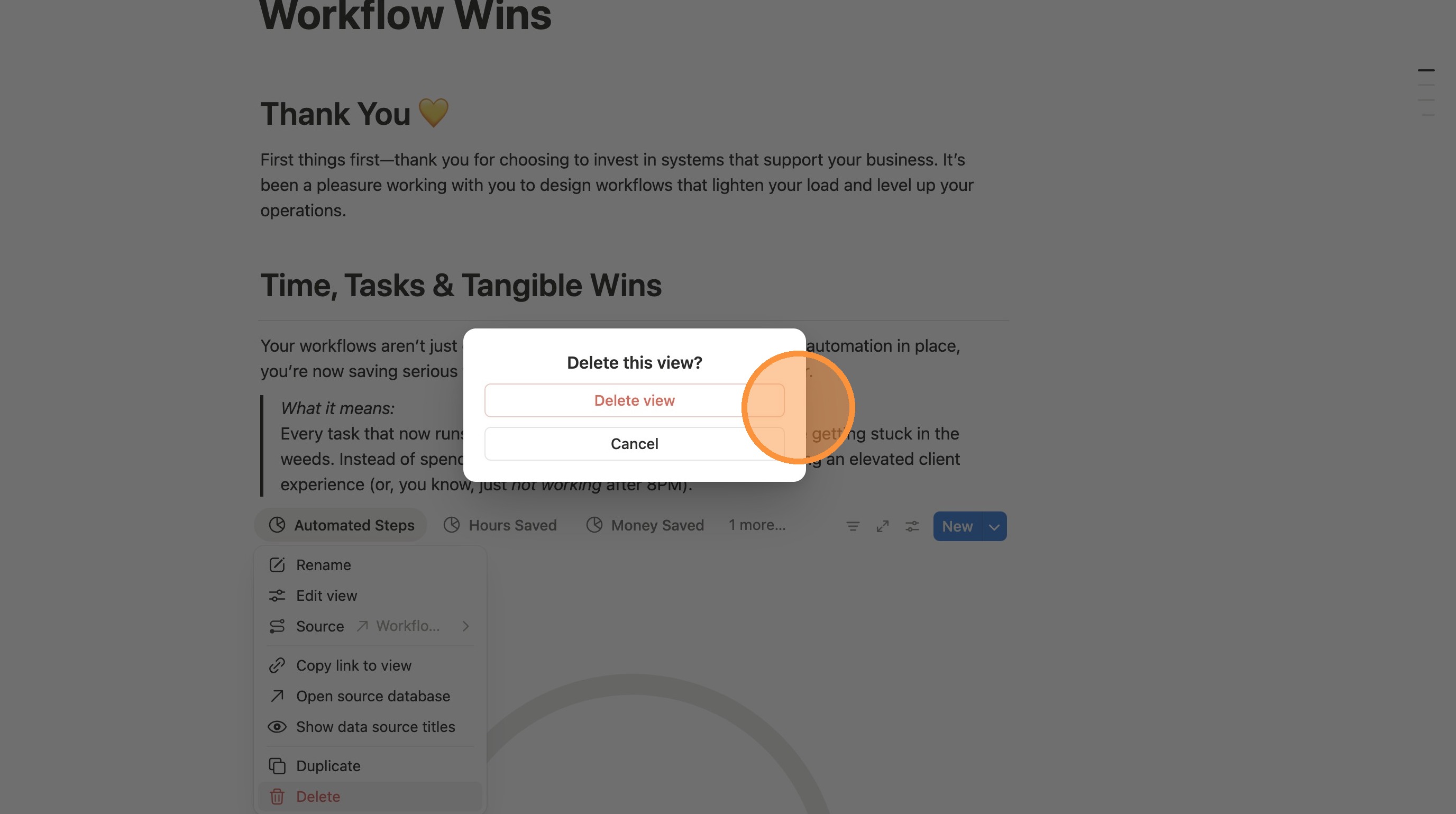
9. Click "Delete"
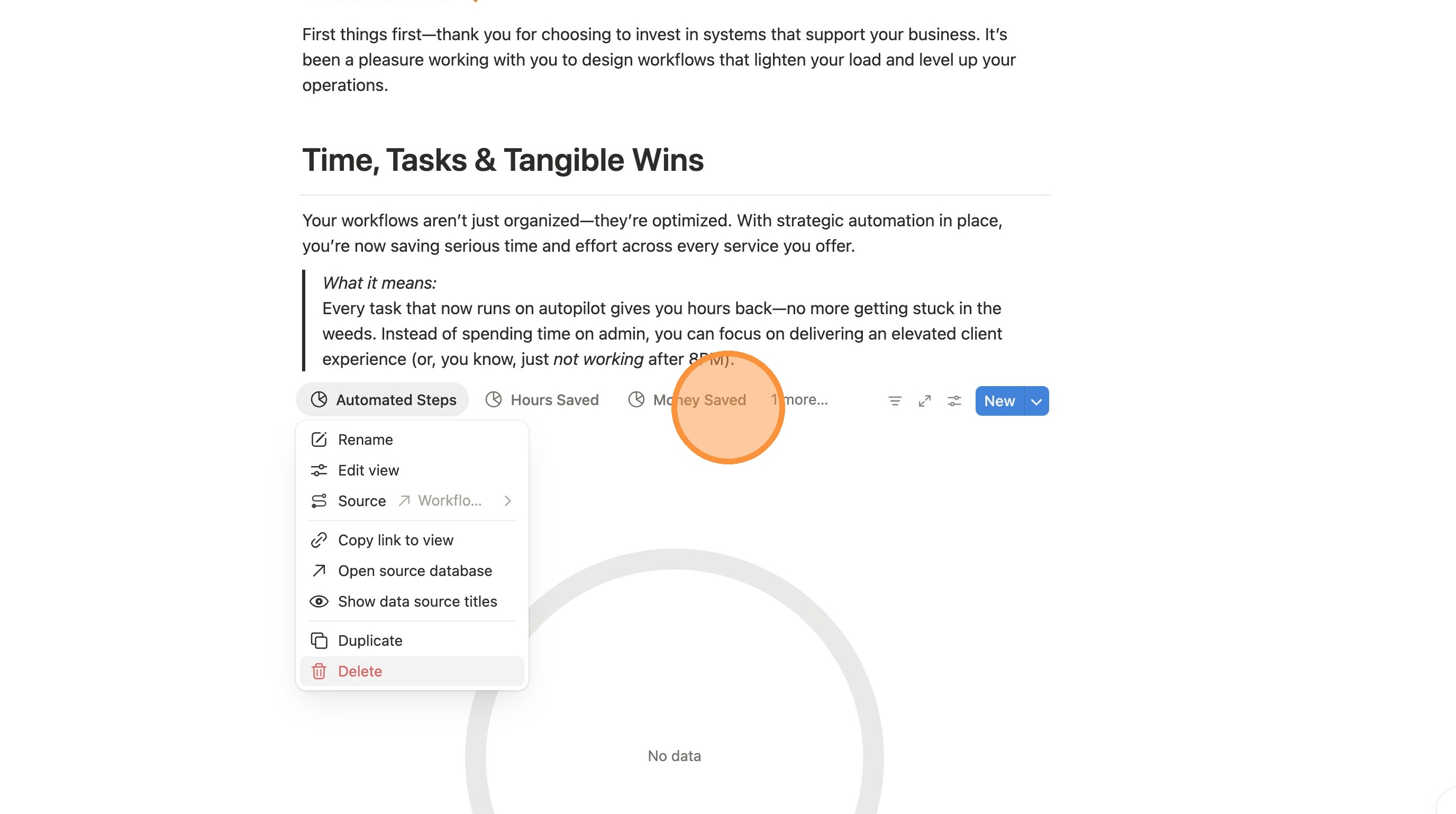
10. Repeat for each view.
11. Scroll down to the Time, Tasks, & Tangible Wins section.
12. Click this icon.
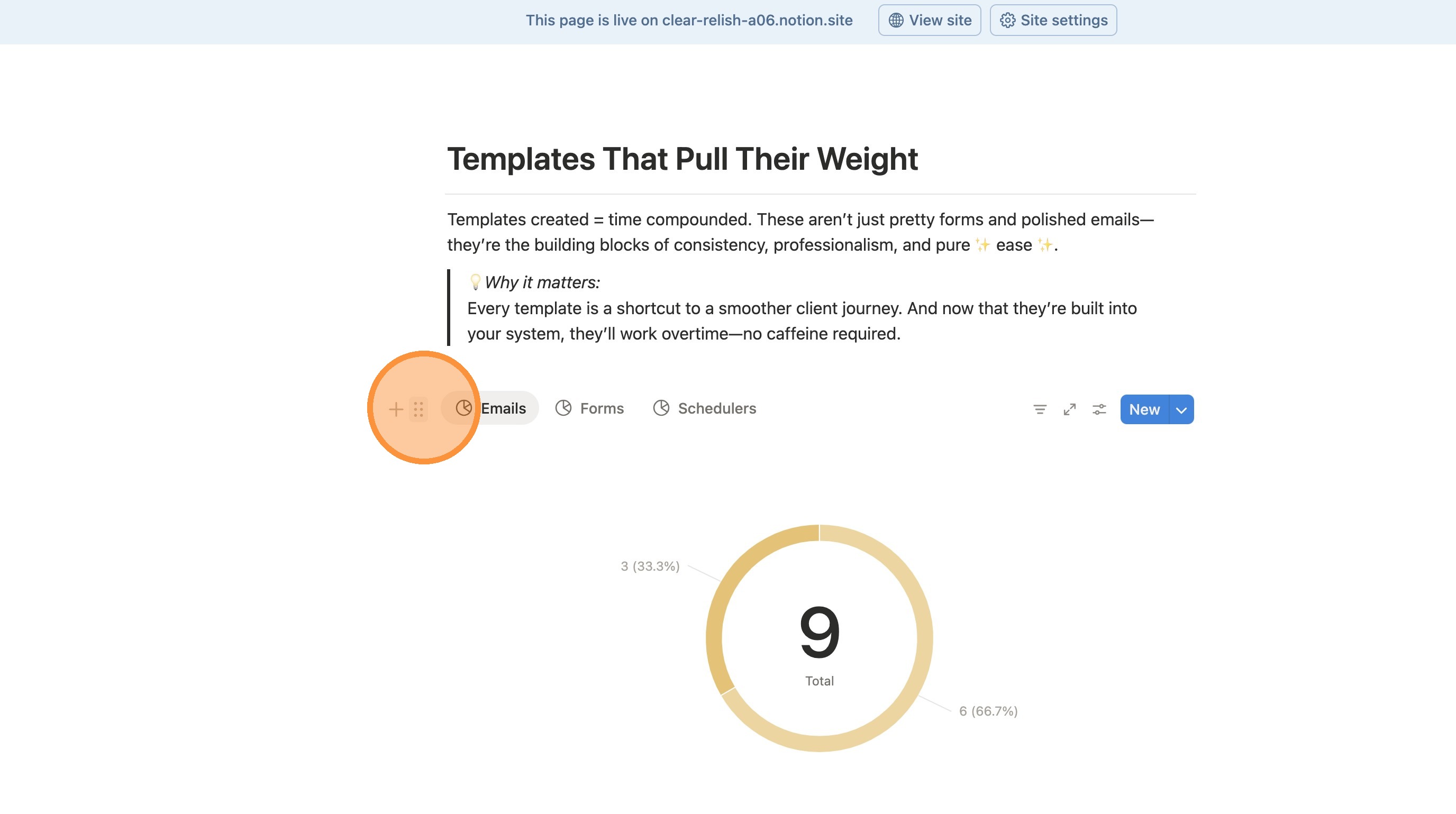
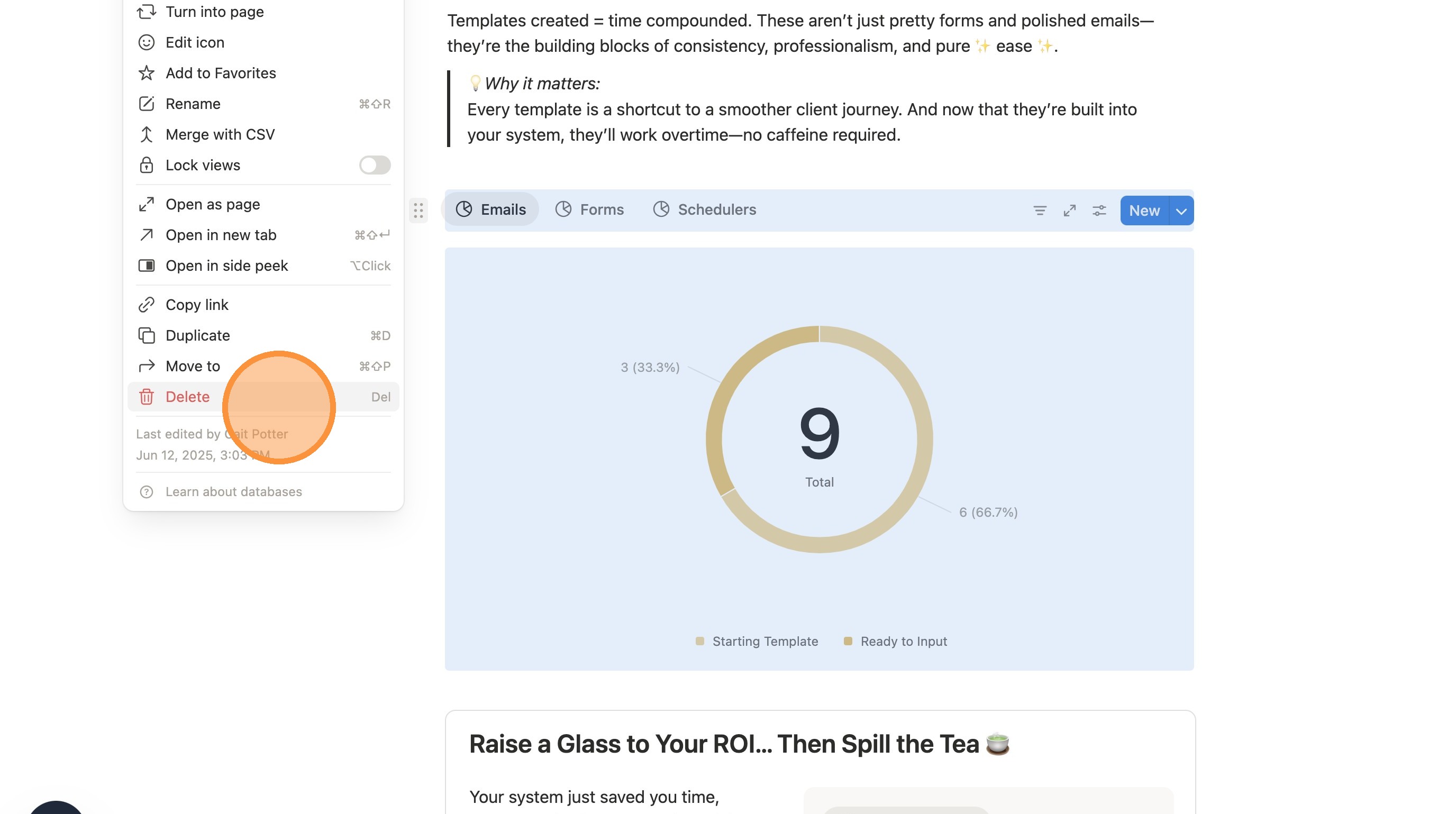
13. Click "Delete" to get rid of all the charts. Highlight and delete the text above it as well.
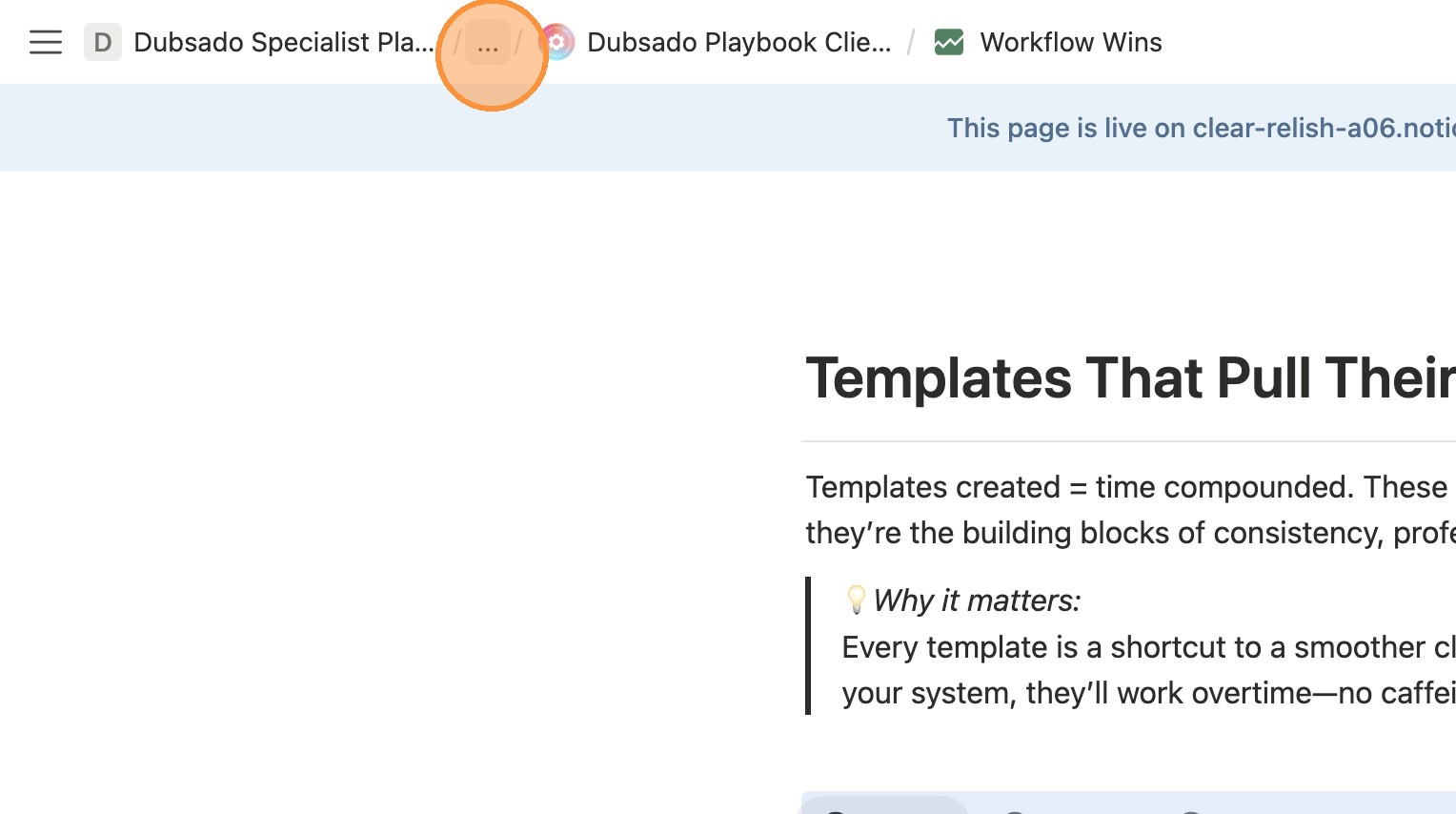
14. Exit the template. Click "..." in the breadcrumbs.
15. Go back to your home page.