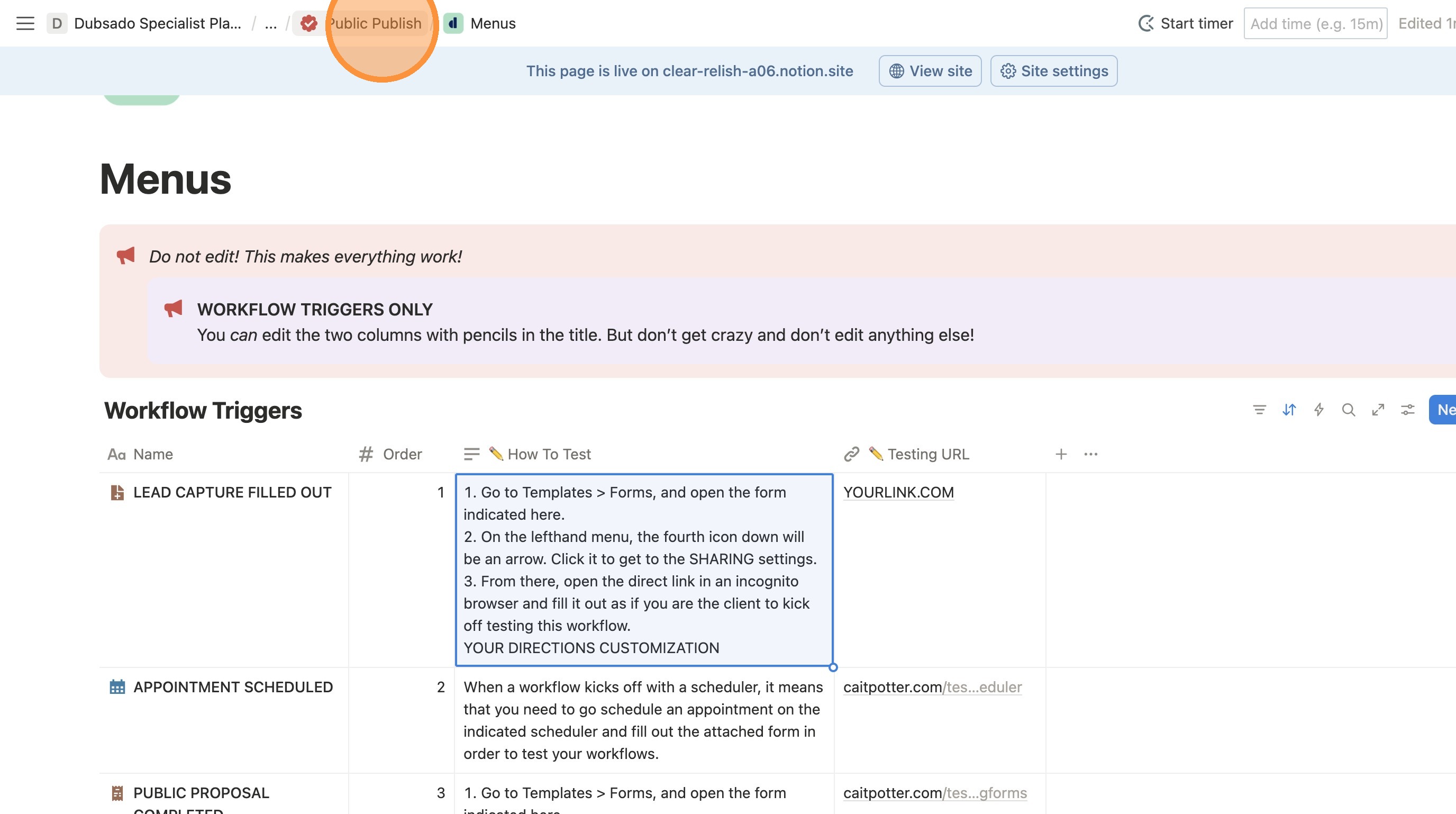
Customize Workflow Testing Directions in Next Steps Guide
The Next Steps Guide includes auto-generated custom instructions for how your client should test their workflows, based on how that workflow starts. This is where you customize those directions.
If you don't update these directions, your clients will see a video of ME (Cait Potter) doing the testing.
The Next Steps Guide includes auto-generated custom instructions for how your client should test their workflows, based on how that workflow starts. This is where you customize those directions.
1. Navigate to your home page.
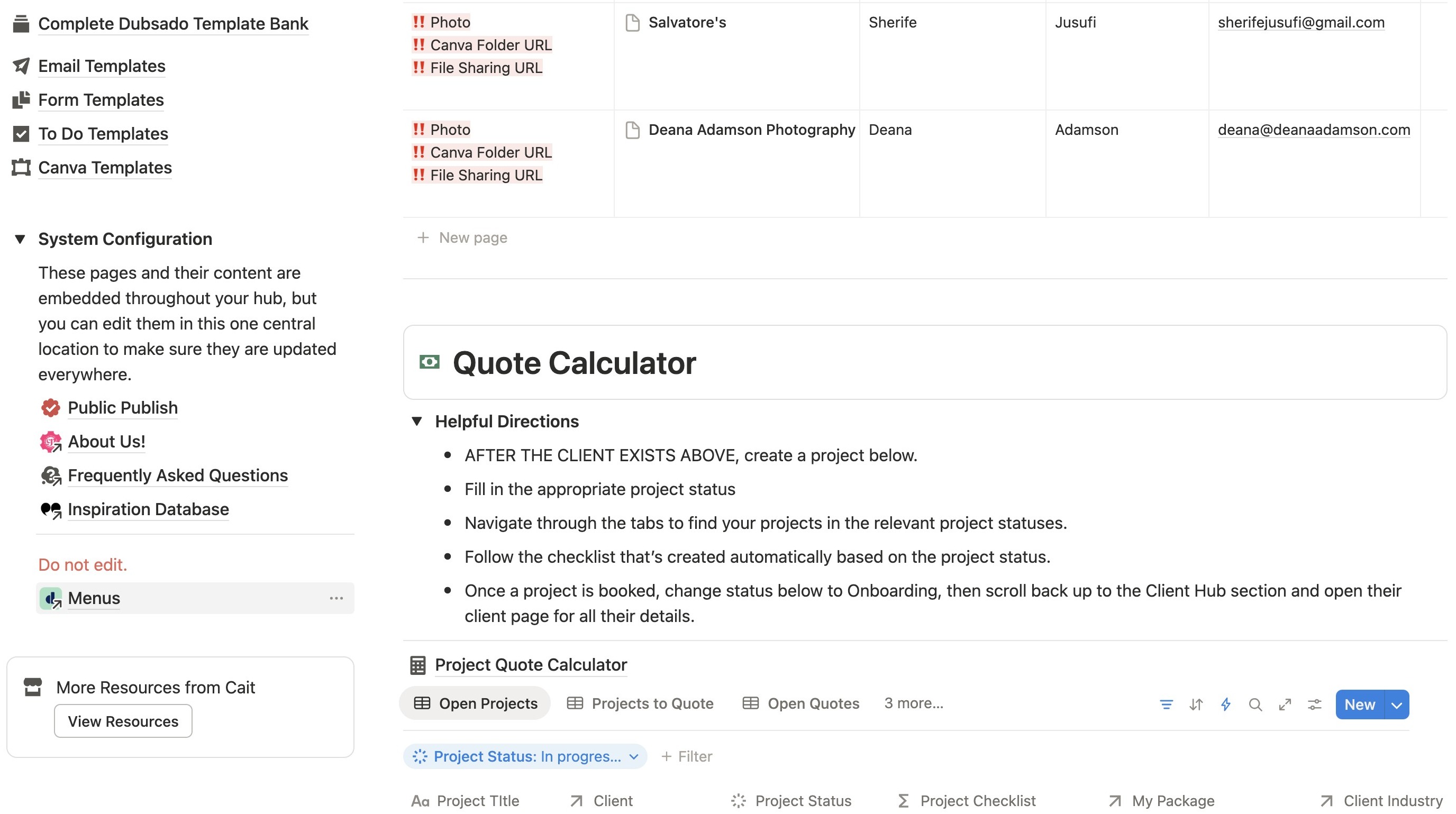
2. Click "Menus". Don't get used to doing this. This is the ONLY time you'll edit this area!
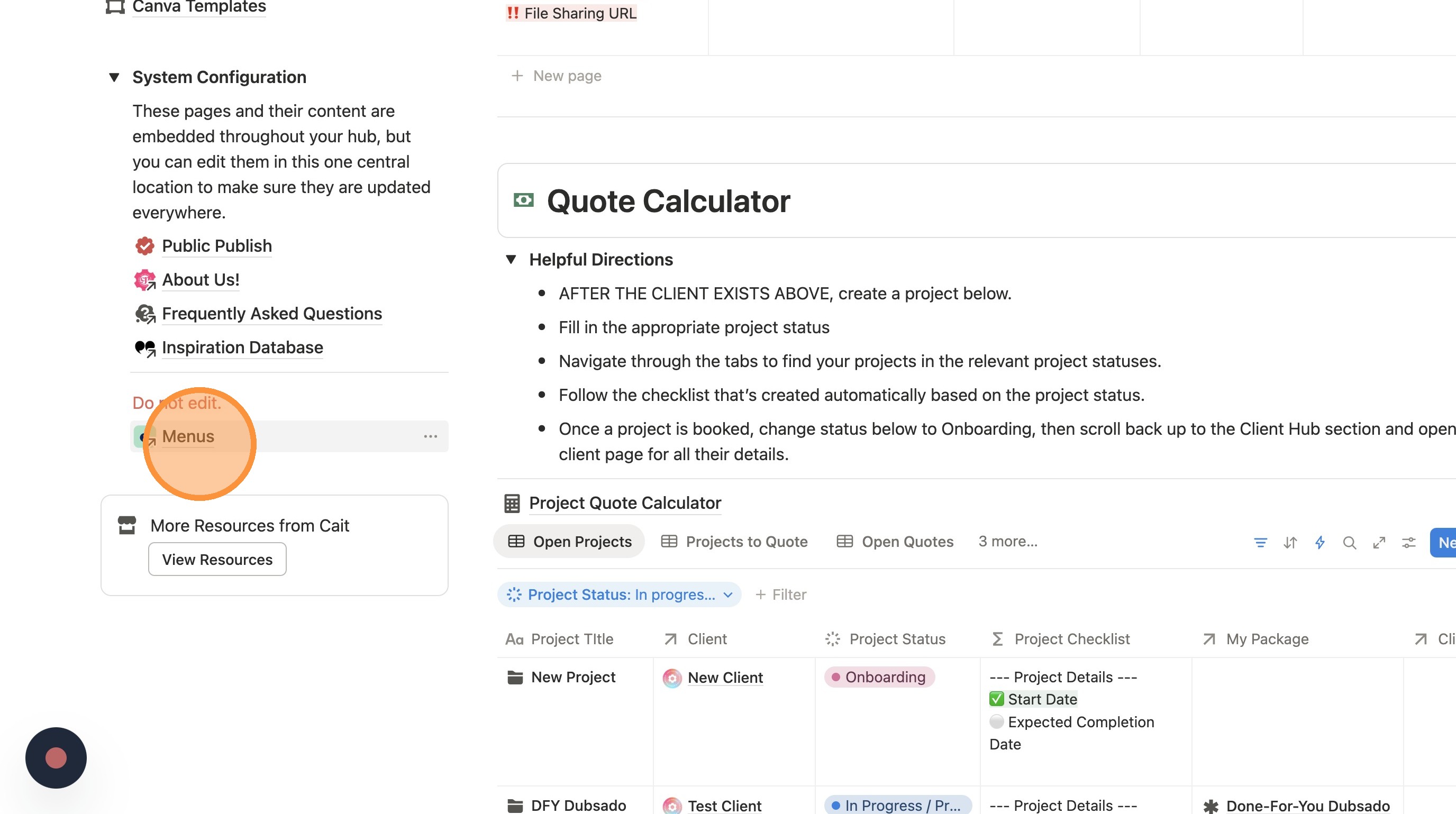
Update Testing URL
3. Review the examples I have for testing videos and record your own version.
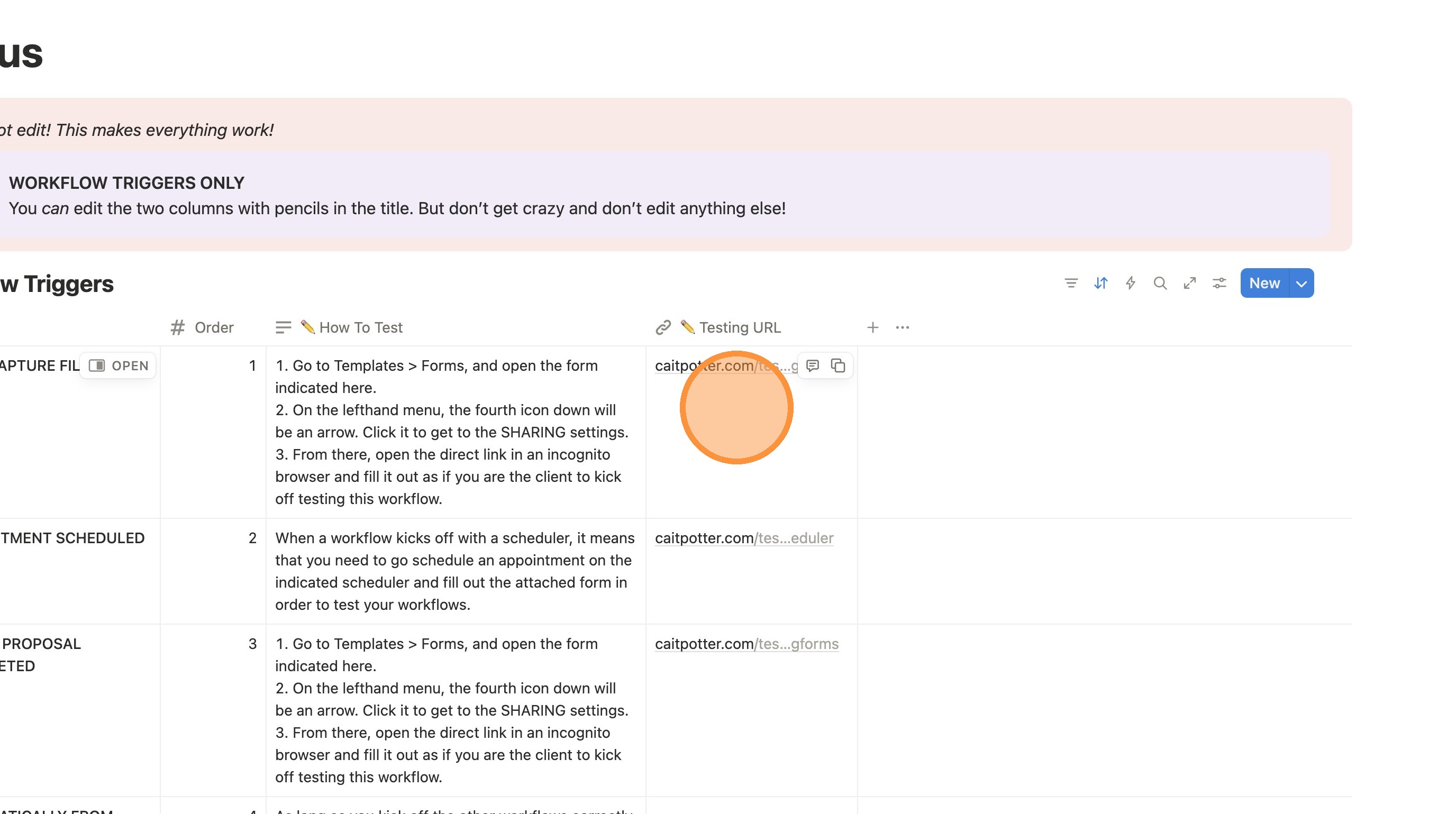
4. Replace my link with yours.
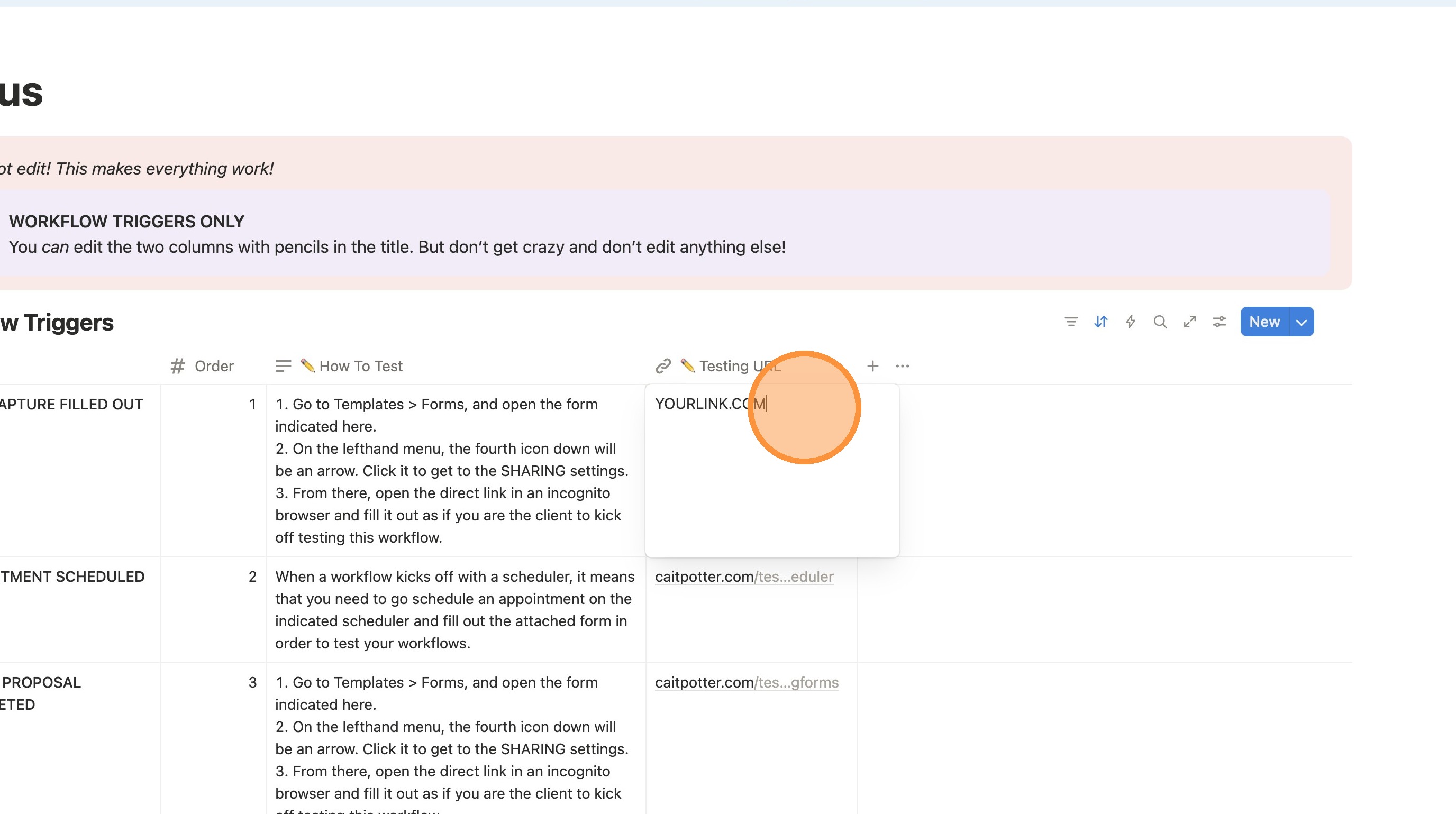
5. Type " [[Enter]]"
Update Testing Directions
6. Update the directions in the How to Test column. You're welcome to use the language already there, or update for your own preferences.
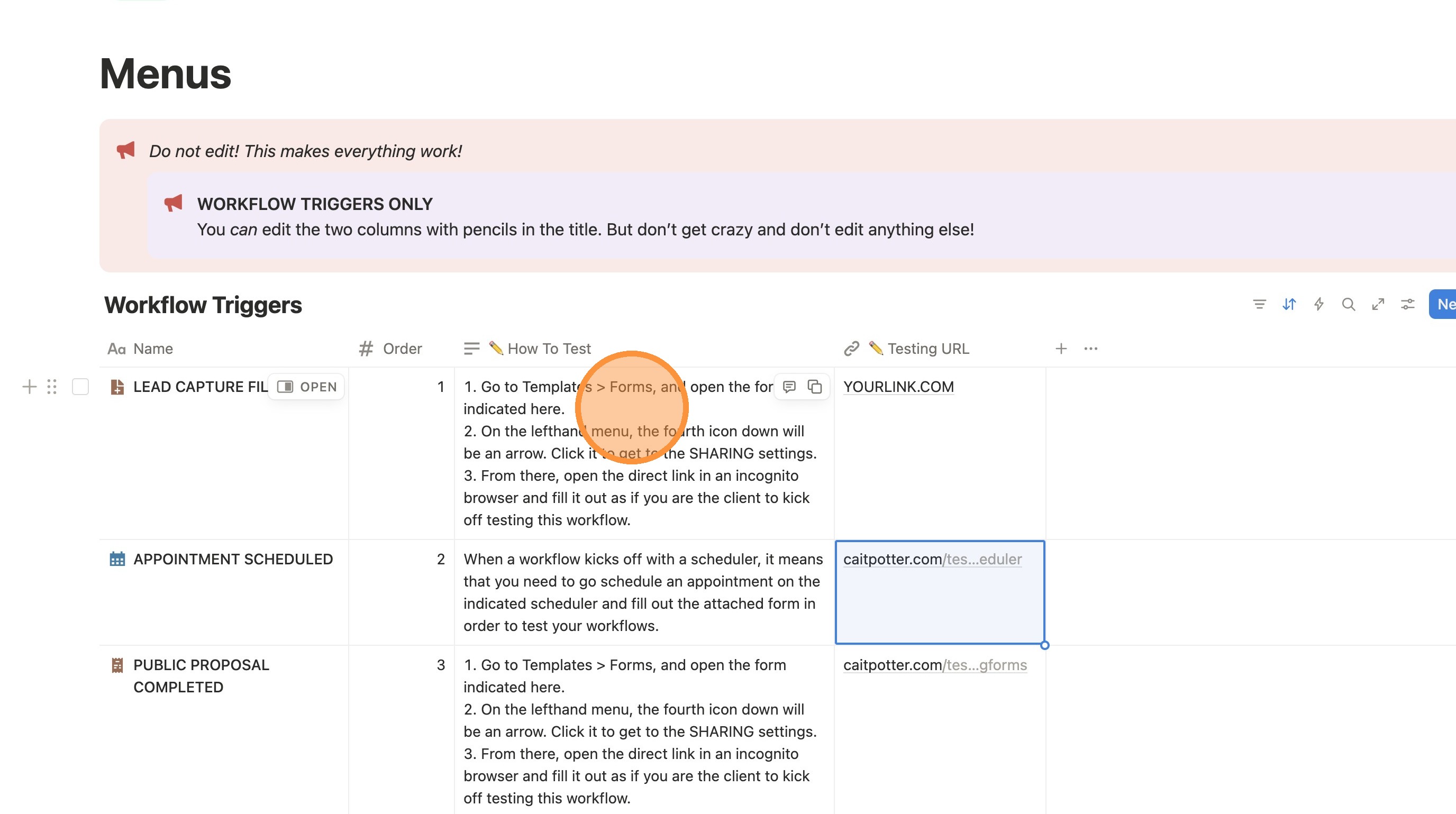
Exit Menus
7. Once you're done with all your changes, click off the cells to make sure your changes saved.
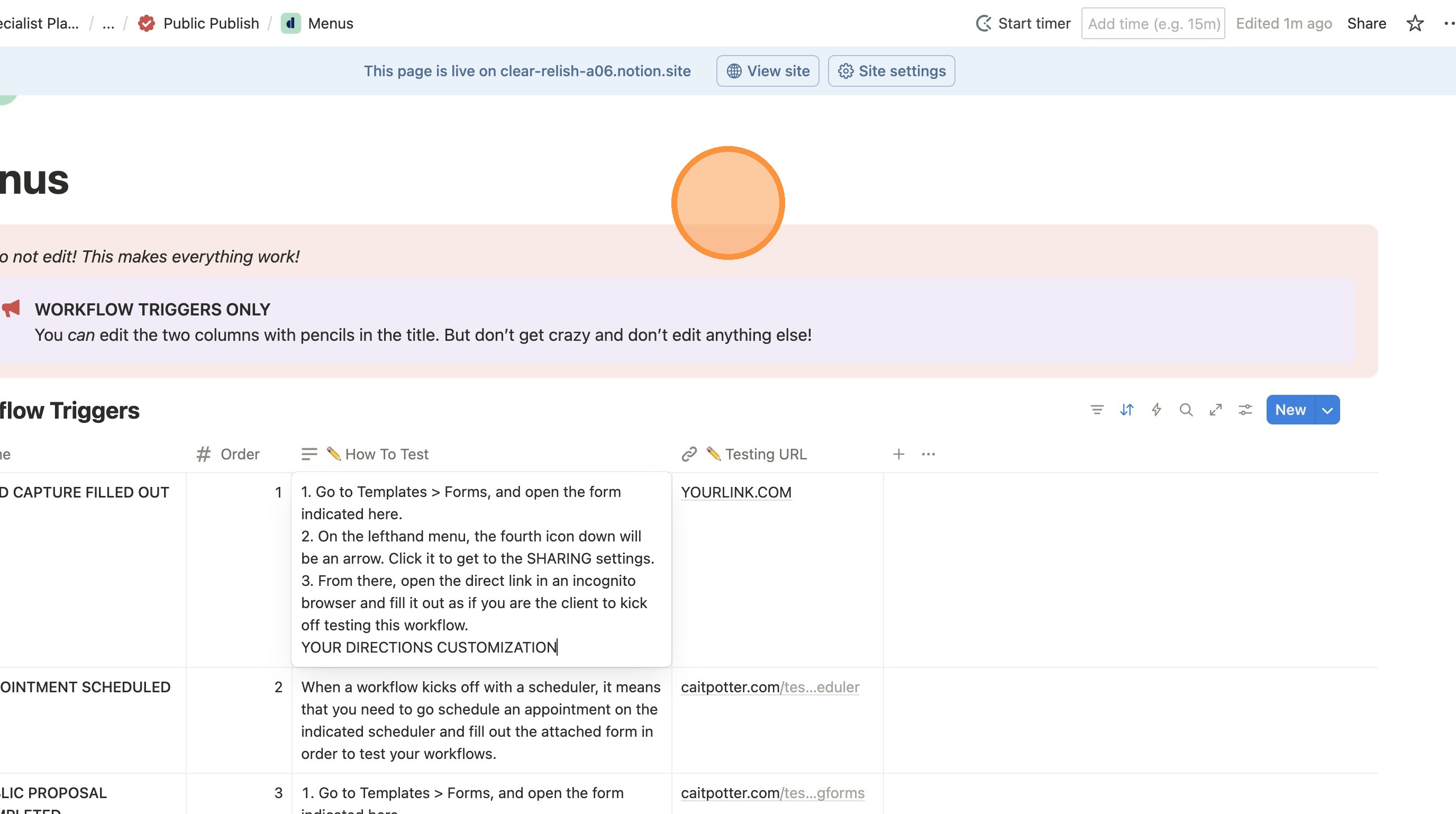
8. Use the breadcrumbs to leave the menus page and NEVER RETURN HERE!